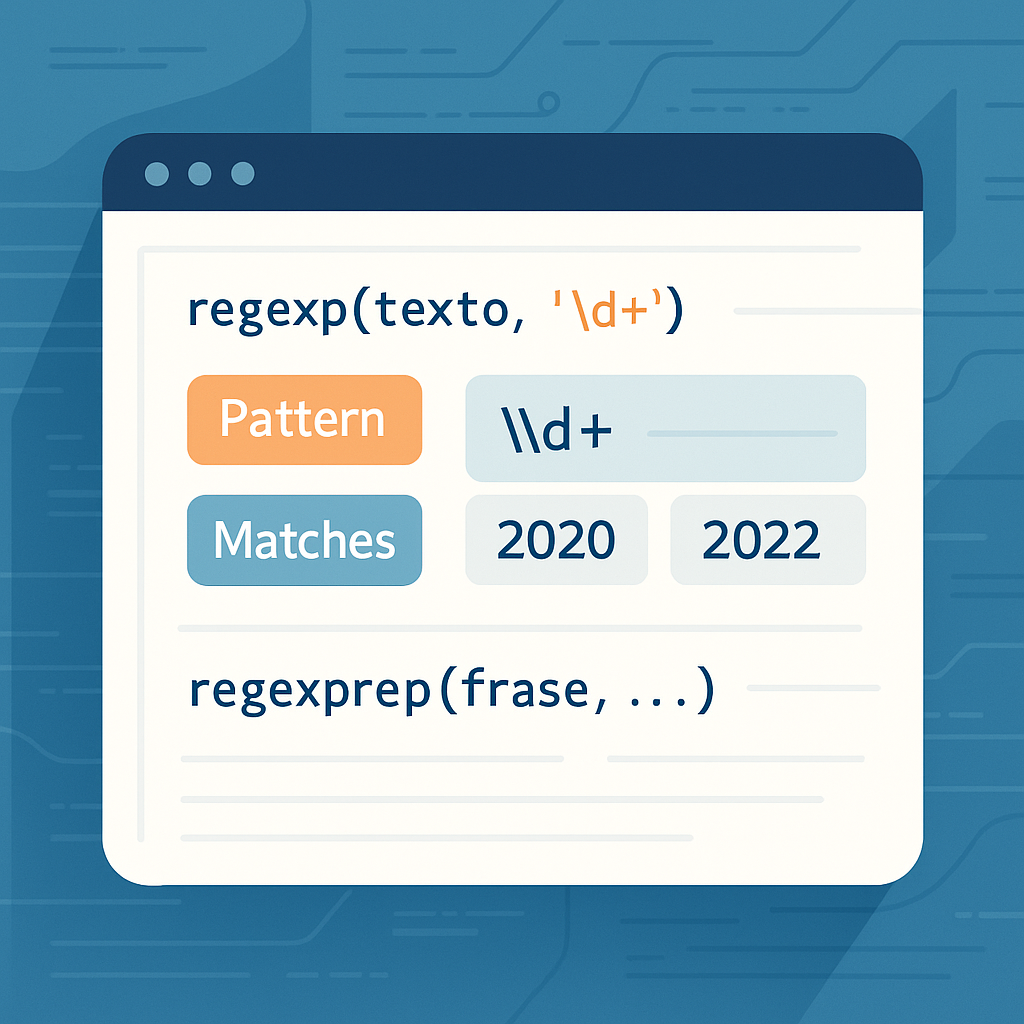
Syntax Highlighting: Code Should Feel at Home on the Web
Why I published codehl.js for creators in Engineering, Computer Science, and Information Systems
Syntax Highlighting: Code Should Feel at Home on the Web
Why I published codehl.js for creators in Engineering, Computer Science, and Information Systems
Writing about computer science or information systems almost always means writing with code. Not around code, not after code, but with it. A programming tutorial, a systems explanation, a research note, a classroom handout, or a technical blog post often depends on whether the code feels readable the moment it appears on the screen. That is the reason I published codehl.js: a lightweight API that turns language-specific <script type="text/..."> blocks into rendered HTML code blocks with syntax highlighting and an optional copy button. It currently supports MATLAB, Python, LaTeX, C, C++, C#, R, Java, JavaScript, Shell, XML, JSON, and PHP, which makes it especially useful for creators who move across multiple technical domains instead of staying inside a single language.
What I wanted was not just another way to show code, but a way to make code feel naturally integrated into a page. When someone writes about algorithms, data processing, operating systems, web development, information systems, or scientific computing, the code is often the clearest part of the explanation. A student reading a Python example should be able to understand its structure instantly. A reader following a JavaScript tutorial should be able to copy the snippet and test it immediately. A professor sharing a MATLAB fragment should not have to spend more time styling the block than writing the lesson itself. codehl.js helps with exactly that kind of work because the API is built around a very direct publishing flow: load the script for the language you want, write the code inside a matching script block, and let the page render it cleanly.
The basic idea is intentionally simple. Suppose an author is writing a short tutorial on Python and wants to include a small example without relying on a complex toolchain. The page can load the Python renderer and place the source code inside a text/python block like this:
<script src="https://codehl.vercel.app/python.js"></script>
<script type="text/python">
def fib(n):
    a, b = 0, 1
    out = []
    while len(out) < n:
        out.append(a)
        a, b = b, a + b
    print(out)
</script>
When the page loads, that block is converted into a rendered <pre><code> section with syntax highlighting and, by default, a copy button. That matters because it changes the experience for both sides: the writer does not have to handcraft the final code markup, and the reader gets a block that is easier to scan, easier to trust, and easier to reuse. The same structure shown above is the core usage pattern described on the project page.
This becomes even more valuable when the content is more specialized. Imagine a technical article for engineering students where a MATLAB example is used to illustrate an eigenvalue computation, or a note for information systems students where JSON and XML need to appear in the same document. In that case, the author can load the corresponding language file and write the example in the same way. A MATLAB section could look like this:
<script src="https://codehl.vercel.app/matlab.js"></script>
<script type="text/matlab">
A = [1 2; 3 4];
b = eig(A);
disp(b)
</script>
What I like about this approach is that it keeps the author focused on meaning instead of presentation. The creator writes the code almost as raw source, but the final reader sees something much closer to polished documentation. That is especially important in fields such as computer science and information systems, where explanation often happens through comparison, experimentation, and direct reuse of examples. The project page explicitly shows this language-by-language rendering model and includes MATLAB among the supported integrations.
Another reason I felt this API was worth publishing is that real technical content is rarely only about syntax highlighting. Sometimes the code block must visually blend into a custom site, a course page, or a branded documentation portal. For that reason, the API allows control over things such as background transparency, copy-button behavior, and default block styling through data- attributes on the script tag or on individual code blocks. So if someone wants the rendered block to use a custom background instead of the default transparent one, the integration can look like this:
<script src="https://codehl.vercel.app/python.js"
        data-transparent-background="false"></script>
<style>
pre {
  background: #eef6ff;
}
</style>
<script type="text/python">
for i in range(3):
    print(i)
</script>
That small amount of flexibility makes a big difference in practice, because not every technical page should look the same. Sometimes the best code block is the one that quietly matches the visual identity of the rest of the article. The project documentation also shows that the copy button can be disabled globally or per block, and that default block margins, borders, and padding can be turned off to give the author full CSS control.
There is also something broader behind this project. We already have many excellent tools for writing code, testing code, compiling code, and deploying code, but publishing code on the web is still more awkward than it should be in many everyday contexts. That awkwardness becomes very visible when someone is building educational material, quick demos, course notes, or explanatory pages for technical audiences. A block of code that is hard to read increases cognitive load before the real learning even begins. A block of code that is clean, highlighted, and easy to copy lowers that barrier immediately. In that sense, codehl.js is not just about aesthetics. It is about clarity, reuse, and communication. Its utility comes from treating code not as decoration, but as part of the explanation itself.
That is why I believe tools like this matter for creators in computer science and information systems. A Python example in a data-processing article, a shell snippet in a systems tutorial, a LaTeX fragment in a technical note, a JSON response in an API walkthrough, or a MATLAB routine in an engineering lesson all become more useful when they are easier to read and easier to copy. codehl.js was built to make that transition from raw source to web-ready explanation feel almost effortless. For technical creators, that means less friction while publishing. For readers, it means a better path from reading to understanding, and from understanding to actually trying the code.
Link to API demo: https://codehl.vercel.app

메타데이터
- post_id
- 261b9d705647
- slug
- code-should-feel-at-home-on-the-web-261b9d705647
- url
- https://medium.com/@idelossantosruiz/code-should-feel-at-home-on-the-web-261b9d705647
- canonical_url
- https://medium.com/@idelossantosruiz/code-should-feel-at-home-on-the-web-261b9d705647
- author_url
- https://medium.com/@idelossantosruiz
- status
- ok
- fetched_at
- 2026-06-09 14:34:10