How I Insert Millions of Database Records Without for Loops
Bulk insertion is not a clever trick. It is what happens when you stop treating a database like a JavaScript array.
How I Insert Millions of Database Records Without for Loops
Bulk insertion is not a clever trick. It is what happens when you stop treating a database like a JavaScript array.
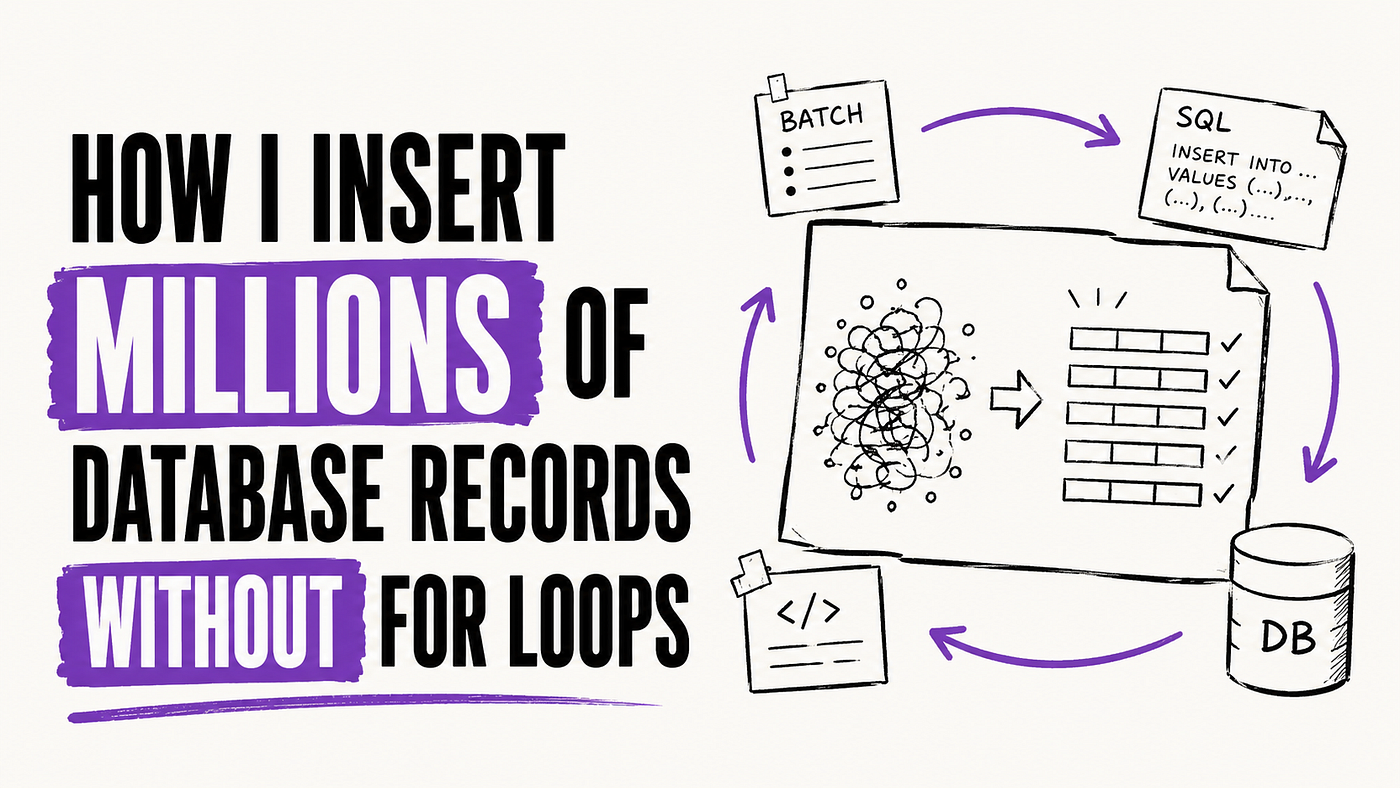
Most database performance problems do not start in the database.
They start in the developer’s head.
Someone writes a loop.
It works for 50 rows.
It works for 500 rows.
Then one day, production has to insert 5 million records, and suddenly the same code becomes a small denial-of-service attack against your own system.
I have seen import jobs that should have finished in minutes run for hours. The database was not broken. The server was not weak. The cloud provider was not the villain. The problem was simple: the application was talking to the database one row at a time, then acting surprised when the database answered slowly.
This is one of those engineering mistakes that looks harmless until scale exposes it.
The Bad Version Looks Innocent
The most dangerous slow code is not ugly.
It often looks clean.
A junior developer writes something like this:
for (const user of users) {
  await prisma.user.create({
    data: user,
  });
}
At first glance, this feels reasonable. It is readable. It is easy to understand. It is also painfully slow when the data grows.
The problem is not the loop itself. The problem is that every iteration becomes a separate database round trip. One insert. One network call. One query parse. One transaction cost. One response. Then repeat that pain thousands or millions of times.
For a small admin panel, this may be fine. For a production import, migration, analytics pipeline, notification system, CSV upload, or background sync job, this becomes a bottleneck fast.
The takeaway is simple: code that looks clean locally can still be expensive at runtime.
You Are Not Inserting Records. You Are Creating Round Trips
Developers often think the database is slow because the insert operation is slow.
That is usually not the full story.
What kills performance is the repeated conversation between your app and the database. Your server says, “Insert this row.” The database says, “Done.” Your server says, “Insert this row.” The database says, “Done.” Now imagine that conversation happening 1 million times.
That is not engineering.
That is harassment.
A better approach is to send records in groups:
await prisma.user.createMany({
  data: users,
});
This does not make the database magically faster. It reduces unnecessary communication. The database is good at handling sets of data. Application code is good at business logic. The mistake is forcing the application to micromanage every row.
In real systems, this difference matters. A job that takes 90 minutes with row-by-row inserts may finish in a few minutes with proper bulk operations.
The practical takeaway: when your data is already available as a collection, do not treat the database like a row-by-row API unless you have a strong reason.
Bulk Insert Is Not Optimization. It Is Basic Respect for the Database
Many developers treat bulk insert as an advanced performance trick.
It is not.
It is often the normal way to insert large data.
In SQL, the better version looks like this:
INSERT INTO users (name, email, created_at)
VALUES
  ('Ali', 'ali@example.com', NOW()),
  ('Sara', 'sara@example.com', NOW()),
  ('John', 'john@example.com', NOW());
The database receives one statement with multiple rows. That means fewer round trips, less transaction overhead, and better use of the database engine.
The same idea exists in ORMs. Prisma has createMany. Sequelize has bulkCreate. TypeORM has insert builders. Raw SQL has multi-row inserts and database-specific tools.
The exact tool is not the religion here. PostgreSQL, MySQL, SQL Server, MongoDB, and other systems all have their own bulk patterns. The mature decision is not memorizing one syntax. The mature decision is understanding that large writes should be grouped intentionally.
The takeaway: use the database as a database, not as a remote push() function.
The Real Enemy Is Not the Loop. It Is await Inside the Loop
There are cases where a loop is fine.
Transforming data in memory? Fine.
Validating records before insert? Fine.
Splitting a file into chunks? Fine.
The dangerous part is usually this:
for (const item of items) {
  await saveToDatabase(item);
}
That await forces the system to wait for every insert before starting the next one. It turns your import job into a single-file line at a government office.
Developers sometimes try to fix this with Promise.all():
await Promise.all(
  users.map((user) => prisma.user.create({ data: user }))
);
This may look faster, but it can create a new problem. Now you may be firing thousands of database queries at once. That can overload your connection pool, lock tables, increase memory pressure, and make production unstable.
The better approach is controlled batching:
const batchSize = 1000;for (let i = 0; i < users.length; i += batchSize) {
const batch = users.slice(i, i + batchSize);
await prisma.user.createMany({
data: batch,
});
}This still uses a loop, but not to insert one row at a time. The loop controls batches. The database still receives grouped writes.
That difference matters.
The takeaway: loops are not evil. Uncontrolled database calls inside loops are.
Millions of Rows Need Batches, Not Ego
Some developers hear “bulk insert” and immediately try to insert everything in one massive query.
That is not senior engineering either.
If you have 5 million records, sending all of them in one request may create memory problems, query size issues, timeout failures, or transaction pain. The goal is not to prove you can write one giant insert. The goal is to move data safely.
A better pattern is chunked bulk insertion:
async function insertUsersInBatches(users: UserInput[]) {
  const batchSize = 5000;
for (let i = 0; i < users.length; i += batchSize) {
const batch = users.slice(i, i + batchSize);
await prisma.user.createMany({
data: batch,
skipDuplicates: true,
});
}
}This is boring code.
That is why it works.
In production, boring is often what survives. You can monitor it. You can retry a failed batch. You can log progress. You can resume the job without starting from zero. You can control memory usage instead of pretending RAM is infinite.
The batch size is not universal. Sometimes 500 is safer. Sometimes 10,000 is fine. It depends on row size, indexes, constraints, database configuration, network latency, and connection pool limits.
The takeaway: millions of records need flow control, not confidence.
Indexes Make Inserts More Expensive Than Developers Expect
A common surprise during large inserts is that the database gets slower as the table grows.
Developers blame the insert query.
Sometimes the real cost is index maintenance.
Every time you insert a row, the database may also need to update indexes. If you have indexes on email, status, created_at, tenant_id, and foreign keys, each insert is doing more work than it looks like.
That does not mean indexes are bad. Indexes are necessary. But during massive imports, they become part of the write cost.
Imagine importing product data into a table with multiple unique constraints and search indexes. The insert is not just “put this row somewhere.” The database must protect uniqueness, update lookup structures, and maintain consistency.
For large one-time imports, teams sometimes temporarily reduce non-critical indexes, load the data, then rebuild indexes afterward. In many production systems, you cannot do that casually because live reads depend on those indexes. That is where judgment matters.
A safer approach is to test the import on realistic data before production. Not 100 rows. Not 1,000 rows. A real sample that exposes index cost, locking behavior, and query duration.
The takeaway: insert performance is not only about the insert statement. It is also about everything the database must maintain because of that insert.
Validation Should Not Become a Hidden Performance Trap
Many slow import systems are not slow because of the final insert.
They are slow because every record triggers extra work before the insert.
For example:
for (const row of rows) {
  const existingUser = await prisma.user.findUnique({
    where: { email: row.email },
  });
if (!existingUser) {
await prisma.user.create({ data: row });
}
}This is worse than one query per row. It may be two queries per row.
For 1 million records, that can become 2 million database operations. Then someone opens Slack and says, “Database is slow today.”
No. The database is being abused.
A better approach is to let the database handle conflicts where possible:
await prisma.user.createMany({
  data: rows,
  skipDuplicates: true,
});
Or with SQL:
INSERT INTO users (email, name)
VALUES
  ('a@example.com', 'Ali'),
  ('s@example.com', 'Sara')
ON CONFLICT (email) DO NOTHING;
This is not just cleaner. It moves responsibility to the layer that can enforce it reliably.
Application-level checks are still useful for business rules. But if you are checking uniqueness row by row before inserting, you are probably duplicating work the database already knows how to do better.
The takeaway: validate business meaning in the application, but let the database enforce database truth.
COPY Is What You Use When the Job Gets Serious
At some point, normal bulk inserts may still not be enough.
If you are importing very large datasets into PostgreSQL, COPY is often the tool that changes the game. Instead of sending many insert statements, you stream data into the table in a format the database can load efficiently.
The idea looks like this:
COPY users(name, email, created_at)
FROM '/path/to/users.csv'
DELIMITER ','
CSV HEADER;
In many real systems, you do not copy directly from a local file path in production. You may stream from your application, object storage, or a controlled import service. The exact setup depends on your infrastructure.
But the principle is important: when the job is truly large, stop pretending ordinary application inserts are the only option.
This is where developer ego often gets in the way. Someone wants everything to go through the ORM because it feels clean. But the cleanest production solution may be a dedicated import path that uses database-native tooling.
That does not mean you abandon your application architecture. It means you stop forcing every workload through the same narrow door.
The takeaway: ORMs are great for application workflows. Large imports sometimes need database-native pipelines.
Transactions Are Safety Tools, Not Decoration
Bulk inserts raise an important question: what happens if the job fails halfway?
Weak systems ignore this question until production answers it badly.
You import 2 million records. The job crashes after 1.2 million. Now nobody knows what was inserted, what failed, what should retry, or whether duplicates will appear if the job runs again.
This is where transactions, idempotency, batch logs, and conflict handling matter.
For small batches, a transaction can keep each batch atomic:
await prisma.$transaction(async (tx) => {
  await tx.user.createMany({
    data: batch,
    skipDuplicates: true,
  });
await tx.importLog.create({
data: {
batchId,
recordsCount: batch.length,
status: "completed",
},
});
});This is not fancy architecture. It is basic survival.
But nuance matters. Wrapping millions of records in one giant transaction can create locks, huge rollback cost, and operational pain. In many systems, batch-level transactions are safer than one massive transaction.
You also need clear logs. Not random console noise. Useful logs:
{
  "jobId": "import_2026_07_08",
  "batch": 12,
  "inserted": 5000,
  "failed": 0,
  "durationMs": 840
}
That kind of log helps you continue under pressure. It tells you what happened without forcing the whole team into guesswork.
The takeaway: large inserts are not only a performance problem. They are a recovery problem.
The Frontend Should Not Wait for Your Import Job
Another mistake is making large inserts part of a normal request-response flow.
A user uploads a CSV. The backend starts inserting 500,000 records. The browser waits. The request times out. The user clicks again. Now the system may start the same import twice.
This is how simple features become production incidents.
A better approach is to accept the file, create an import job, return a job ID, and process the data in the background.
{
  "success": true,
  "data": {
    "jobId": "job_9f21",
    "status": "queued"
  }
}
Now the frontend can show progress. The backend can process safely. The user does not need to keep a tab alive like it is life support.
This also makes retries easier. If the job fails, you can mark it failed. If one batch fails, you can retry that batch. If the same file is uploaded again, you can detect it.
In real systems, this is where queues become useful. BullMQ, RabbitMQ, SQS, Sidekiq, Celery, or any similar worker system can help separate the user action from the heavy database work.
The takeaway: large imports should be jobs, not fragile HTTP requests.
The Best Insert Code Is Designed for Failure
Anyone can write insert code that works once.
Production needs code that behaves when data is messy, networks fail, rows conflict, memory runs hot, and someone uploads a file twice.
That means your import system should answer boring but important questions:
What happens if a batch fails?
Can the job resume?
Are duplicates safe?
Can we see progress?
Can we cancel it?
Can we trace which rows failed?
Can we run it again without corrupting data?
This is where strong engineers separate themselves from developers who only test the happy path.
A practical import flow often looks like this:
Upload file
Create import job
Parse records in stream
Validate basic shape
Insert in batches
Use conflict handling
Log each batch
Store failed rows
Expose job progress
Allow safe retry
None of this sounds exciting. But this is the difference between a feature that demos well and a feature that survives real users.
The exact design depends on the system. A small internal admin tool does not need the same pipeline as a fintech reconciliation engine. But the direction is the same: reduce surprises, reduce manual cleanup, and make failure visible.
The takeaway: fast inserts are useful. Safe inserts are valuable.
Conclusion: Stop Making the Database Suffer for Your Code Style
The lesson is not “never use loops.”
That is too simple.
The real lesson is that large data operations need a different way of thinking. A loop that feels harmless in application code can become thousands of network calls, millions of repeated checks, overloaded connection pools, slow imports, timeout errors, duplicate records, and late-night cleanup.
Good engineering is not writing clever code.
It is understanding where the work should happen.
Sometimes the work belongs in the application. Sometimes it belongs in the database. Sometimes it belongs in a queue. Sometimes it belongs in a dedicated import pipeline.
The senior move is knowing the difference.
A database is not slow because it refuses to cooperate. Many times, it is slow because we ask it bad questions, one row at a time.
Follow me for more developer stories and code breakdowns.
메타데이터
- post_id
- 26657ccf8a2e
- slug
- how-i-insert-millions-of-database-records-without-for-loops-26657ccf8a2e
- url
- https://medium.com/skillstuff/how-i-insert-millions-of-database-records-without-for-loops-26657ccf8a2e
- canonical_url
- https://medium.com/skillstuff/how-i-insert-millions-of-database-records-without-for-loops-26657ccf8a2e
- author_url
- https://medium.com/@muhammadshakir4152
- status
- ok
- fetched_at
- 2026-07-08 16:01:05