How to Use Claude AI with Premiere Pro: The Future of Video Editing
Video editing has always been a time-consuming process. From cutting clips to syncing audio and adding captions, creators often spend hours…
How to Use Claude AI with Premiere Pro: The Future of Video Editing
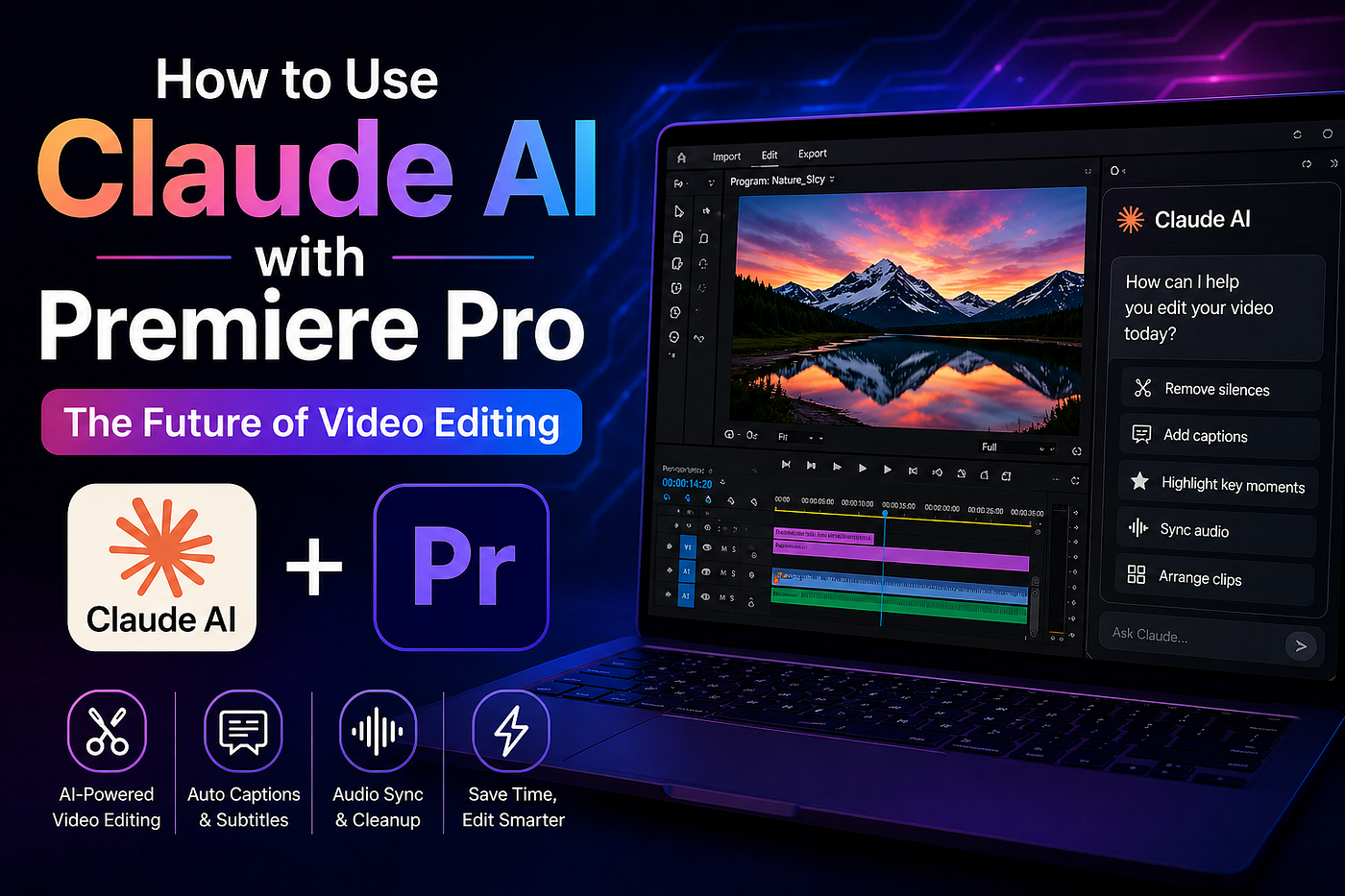
Video editing has always been a time-consuming process. From cutting clips to syncing audio and adding captions, creators often spend hours refining their content. But what if AI could handle a large part of that workload?
With the rise of tools like Claude AI and Adobe Premiere Pro, we are now entering a new era of AI-assisted video editing.
What Is Claude AI?
Claude AI is an advanced AI assistant developed by Anthropic. It is designed to help with tasks like writing, coding, analysis, and increasingly — creative workflows.
While Claude is not a video editor itself, it can interact with creative tools and automate repetitive tasks through integrations and plugins.
Can Claude AI Work with Premiere Pro?
The short answer: Yes, but not fully natively (yet).
Recent developments from Adobe have introduced experimental integrations that allow AI tools to interact with creative apps. This means Claude can assist Premiere Pro workflows through connectors, APIs, or third-party plugins.
How the Integration Works
Instead of directly editing your video like a human, Claude works as a smart assistant:
- You give instructions in natural language
- Claude interprets your request
- A plugin or connector applies those changes inside Premiere Pro
For example:
“Remove silences, add captions, and arrange clips in order.”
Claude processes this request and automates parts of the editing workflow.
What You Can Do with Claude + Premiere Pro
Here are some practical use cases:
1. Automated Cutting
Claude can help remove pauses, filler words, and unnecessary clips — saving hours of manual editing.
2. Caption Generation
Generate subtitles quickly and accurately, especially useful for social media content.
3. Script-Based Editing
Upload a script and let AI align your video clips accordingly.
4. Workflow Automation
Repetitive tasks like renaming files, organizing clips, or basic sequencing can be automated.
Limitations You Should Know
Despite its power, this setup has limitations:
- It cannot fully replace manual editing
- Complex timelines still require human control
- Integration setup can be technical
- Some features are still in beta
In short, Claude enhances creativity — it doesn’t replace editors.
Alternative Approach: Plugins
If direct integration is not available, you can still use AI through plugins and tools that connect to Premiere Pro. These act as a bridge between Claude and your editing software.
Why This Matters
AI is transforming creative work. Instead of spending hours on repetitive tasks, creators can now focus on storytelling, creativity, and strategy.
The combination of Claude AI and Premiere Pro is just the beginning of a much bigger shift in how content is created.
Final Thoughts
We are moving toward a future where editing a video could be as simple as describing what you want.
Claude AI won’t replace video editors — but editors who use AI will definitely replace those who don’t.
메타데이터
- post_id
- 2718fca99be9
- slug
- how-to-use-claude-ai-with-premiere-pro-the-future-of-video-editing-2718fca99be9
- url
- https://medium.com/@chavdajay8813/how-to-use-claude-ai-with-premiere-pro-the-future-of-video-editing-2718fca99be9
- canonical_url
- https://medium.com/@chavdajay8813/how-to-use-claude-ai-with-premiere-pro-the-future-of-video-editing-2718fca99be9
- author_url
- https://medium.com/@chavdajay8813
- status
- ok
- fetched_at
- 2026-07-09 17:36:58




