The AI Second Brain System That Gets Smarter Every Time You Use It And Costs Nothing to Build
On April 3, 2026, Andrej Karpathy shared a personal knowledge system that hit 16 million views in 48 hours. Here’s the exact setup.
The AI Second Brain System That Gets Smarter Every Time You Use It And Costs Nothing to Build
On April 3, 2026, Andrej Karpathy shared a personal knowledge system that hit 16 million views in 48 hours. Here’s the exact setup.
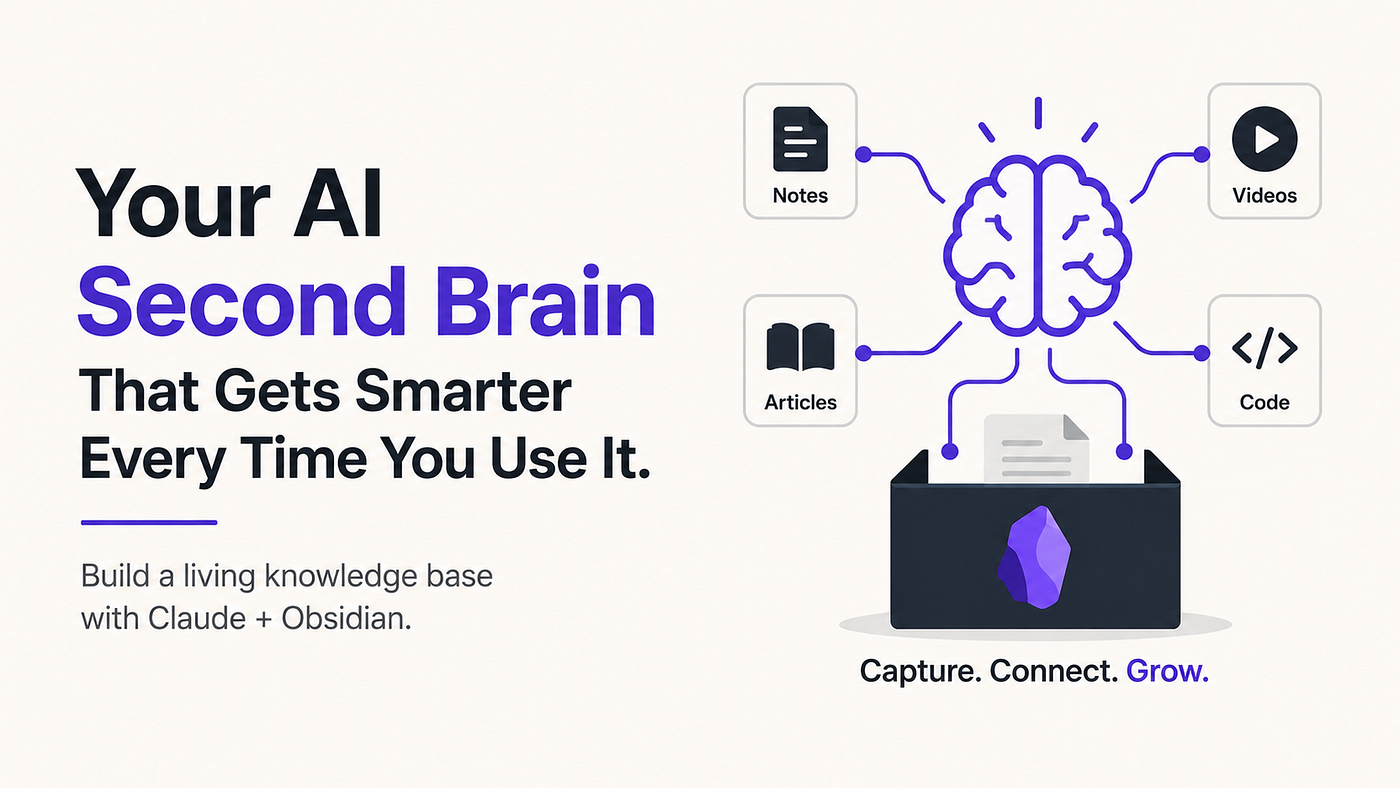
Build a self-improving AI second brain with Claude and Obsidian that automatically organizes, connects, and grows your knowledge. Image generated with ChatGPT.
Most people use Claude the same way they use a search engine.
Ask a question. Get an answer. Close the tab. Tomorrow, Claude remembers nothing.
There’s a completely different way to use it one where Claude doesn’t just answer your questions, but actively builds and maintains a personal knowledge base that gets smarter every time you add something new.
<cite index=”13–1">On April 3, 2026, Andrej Karpathy published a gist describing how to maintain a living wiki with an LLM and a folder of markdown. Within 48 hours, the X thread about it hit 16 million views.</cite>
Karpathy is one of the most respected AI researchers in the world, a founding member of OpenAI, the former director of AI at Tesla, and the person who coined the term “vibe coding.” When he shares a system he actually uses personally, it’s worth understanding.
What This System Actually Is
<cite index=”14–1">Karpathy’s LLM knowledge base is a self-maintaining personal wiki: an LLM ingests his notes, conversations, and reading, then writes structured, interlinked markdown files he edits and re-feeds. The result is a second brain that grows itself, not generating code, but generating knowledge structure.</cite>
The key insight is what separates this from every note-taking system most people have tried.
<cite index=”16–1">Most second brain systems fail not because they lack content, but because they lack structure that an LLM can navigate. You can have ten thousand notes and still get worse answers than someone with fifty well-organized ones.</cite>
Traditional knowledge bases, including most Notion setups, Roam Research vaults, and Obsidian systems, fail at the same point: maintenance. You save things. You don’t link them. Six months later you can’t find anything, and the system becomes a digital graveyard of good intentions.
<cite index=”15–1">Karpathy’s insight is that the LLM doesn’t just search your notes; it writes and maintains them. The LLM is the librarian. You give it rules via a config file, and it maintains your entire wiki. You never manually organize a single page.</cite>
The Two Tools You Need (Both Free)
Obsidian is a free note-taking app that stores everything as plain markdown files on your own device. <cite index=”5–1">Obsidian has over 1.5 million active users with 22% year-over-year growth, and over 2,700 community plugins, more than 100 of which are AI-related.</cite> Your notes are private, portable, and owned by you permanently no subscription, no vendor lock-in.
Claude Code is what connects Obsidian to active AI intelligence. Rather than passively storing notes, Claude Code can read your vault, process new material you add, and write back organized, interlinked knowledge pages automatically.
The connection between them is free to set up. The entire system costs nothing to build beyond your existing Claude subscription.
<cite index=”5–1">When Steph Ango (Obsidian’s CEO) published obsidian-skills in January 2026, it hit 14,900 GitHub stars in under three months. It’s a set of agent skills that teach Claude Code how to work fluently with Obsidian’s native features: wikilinks, callouts, frontmatter, database views, and visual canvases.</cite>
This is the “official Claude skills” released by the Obsidian CEO that the original post references.
How the System Actually Works
<cite index=”18–1">The idea is simple and strong: instead of asking an LLM to rediscover your knowledge from raw files every time, you let it maintain a persistent wiki that keeps improving as new sources come in.</cite>
<cite index=”14–1">The entire system rests on three directories. Raw source material goes directly into a folder called raw/. This includes research papers, GitHub repositories, web articles clipped via the Obsidian Web Clipper, datasets, meeting notes, and screenshots. The raw folder is append-only. Nothing is edited here. It is the single source of truth for everything the LLM has ever read.</cite>
<cite index=”14–1">The wiki/ directory is where the LLM outputs structured knowledge. It writes encyclopedia-style articles for each concept it identifies across the raw material, creates backlinks between related articles, and maintains an index file that summarizes the entire wiki at a glance.</cite>
That’s the fundamental shift: instead of you reading a book and trying to remember it, the LLM reads it and writes a permanent, cross-linked wiki page about every concept it contains, connecting it to everything else already in your vault.
The Three Commands That Run Everything
The original post’s three-command framework maps closely to how Karpathy actually describes the system:
Ingest: You drop any article, PDF, YouTube transcript, or meeting note into your raw/ folder. Claude reads it, extracts key concepts, and writes structured wiki pages with cross-references to existing material.
Process: Any quick thought or messy capture gets organized, tagged, and connected to relevant existing pages automatically.
Review (Lint): <cite index=”14–1">Karpathy includes a linting process LLM-based health checks to identify incorrect and missing information, flag contradictions, and add additional connections.</cite> This is the command that surfaces broken links, outdated ideas, and gaps in what you’ve read.
Why the 50th Thing You Add Is More Valuable Than the First
<cite index=”16–1">What you end up with, after a few weeks of clipping and journaling, is something that behaves less like a search engine and more like a research assistant who’s been reading your notes. It knows what you’ve been interested in. It knows what you’ve been struggling with. It can connect a journal entry about a current problem to a video you saved three weeks ago that’s directly relevant. That connection doesn’t happen because of clever retrieval; it happens because the wiki was built to surface it.</cite>
This compounding effect is real. The connections Claude can draw between your 50th piece of added material and your existing vault are richer than anything it could do with your first five notes because there’s more to connect to.
How to Build This Tonight
Here’s the accurate setup path based on the actual tools involved:
Step 1: Download Obsidian from obsidian.md. Free for personal use. Create a new vault and name it anything.
Step 2: Install Claude Code (the terminal tool). If you use VS Code or Cursor, the Claude Code extension works directly inside your editor without a separate terminal.
Step 3: Install obsidian-skills by Steph Ango (Obsidian’s CEO) into your vault’s .claude/ folder. From your vault root: npx skills add github.com:kepano/obsidian-skills.git. This teaches Claude how to write proper Obsidian syntax wikilinks, frontmatter, and cross-references.
Step 4: Set up your folder structure: raw/ for source material, wiki/ for Claude’s output, outputs/ for query responses.
Step 5: Drop in your first source: an article, a PDF, a book summary. Ask Claude Code to “read new files in raw/ and update wiki/ following the Karpathy LLM wiki pattern.” Watch it create your first connected wiki page.
Important accuracy note: The original post says this takes 10 minutes with “one click” to install. The realistic timeline is 30–60 minutes for a first-time setup, particularly the Claude Code + MCP configuration step. It’s not difficult, but calling it instant would mislead you.
Honest Limitations
A few things worth knowing before you build this tonight:
- <cite index=”5–1">Obsidian’s CEO is actually skeptical of MCP for vault access and has pointed out that a developer found searching via CLI uses about 100 tokens versus 7 million tokens for MCP file reads a 70,000x efficiency difference. The MCP approach gives you more structured tooling, but the raw cost difference is real.</cite> For heavy users, token costs on large vaults can add up
- <cite index=”18–1">The first few ingests need supervision. Naming conventions will evolve. Some pages will be messy early on. That’s normal. Karpathy is explicit that the gist describes a pattern, not a rigid implementation.</cite> Don’t import your entire digital life in one weekend
- This system requires Claude Code, not just the Claude chat interface. You need to be comfortable running a terminal or use the VS Code extension as a less technical alternative
- The “86 connected concept pages from four books in one session” figure in some versions of this post circulating online isn’t from Karpathy’s own documentation; treat specific result claims skeptically until you test on your own material
What To Do Right Now
<cite index=”18–1">Start with ten sources. Make sure ingest, query, and lint feel natural. Then expand.</cite>
Don’t start by importing everything. Pick one topic you’re actively learning right now: ten articles, one book summary, a few meeting notes from the past month. Run ingest on all of them. Then ask Claude a question that would have required you to remember something from three of those sources simultaneously.
That single test will show you whether this system is worth building further better than any description can.
Note on sourcing: This article is based on Andrej Karpathy’s original LLM wiki gist (published April 3–4, 2026) and reporting from Techstrong AI, Codersera, MindStudio, TheToolNerd, and AI Maker Lab, all published April–May 2026. Two corrections from common social posts: first, Karpathy is a co-founder of OpenAI, not the co-founder (OpenAI had multiple co-founders including Sam Altman and others). Second, the Obsidian CEO’s GitHub repo hit 14,900 stars, not 12,000; the number in some posts appears to reflect an earlier count.
메타데이터
- post_id
- 272f5dac82b3
- slug
- the-ai-second-brain-system-that-gets-smarter-every-time-you-use-it-and-costs-nothing-to-build-272f5dac82b3
- url
- https://medium.com/ai-tomorrow/the-ai-second-brain-system-that-gets-smarter-every-time-you-use-it-and-costs-nothing-to-build-272f5dac82b3
- canonical_url
- https://medium.com/ai-tomorrow/the-ai-second-brain-system-that-gets-smarter-every-time-you-use-it-and-costs-nothing-to-build-272f5dac82b3
- author_url
- https://medium.com/@milandanushka
- status
- ok
- fetched_at
- 2026-06-26 12:24:55