The CI/CD Workflow Every Swift Developer Should Know
Stop manually archiving builds and uploading them to TestFlight. Here’s how modern iOS teams automate everything.
The CI/CD Workflow Every Swift Developer Should Know
Stop manually archiving builds and uploading them to TestFlight. Here’s how modern iOS teams automate everything.
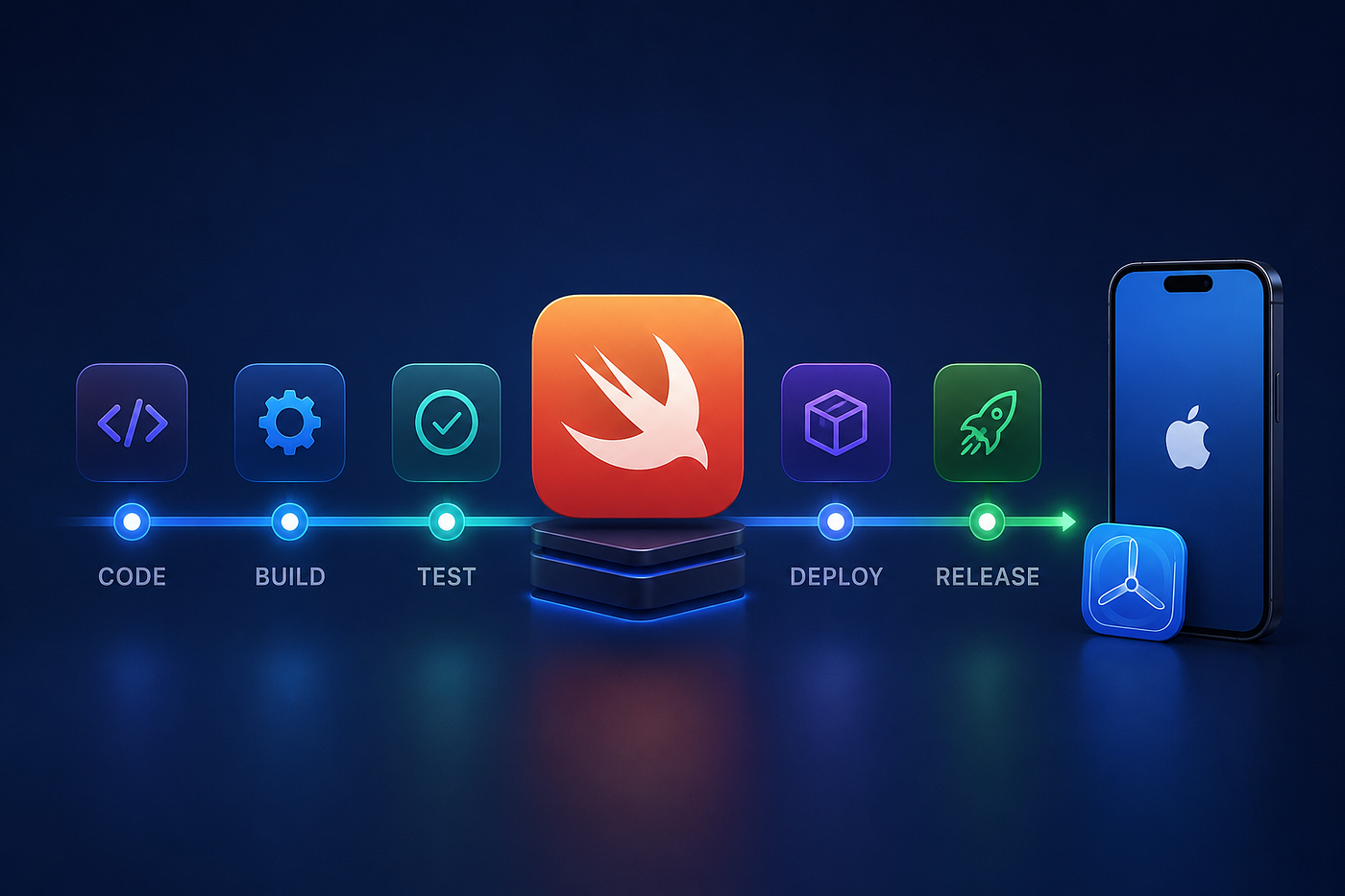
Introduction
Many iOS developers spend years mastering Swift, SwiftUI, UIKit, and Apple’s frameworks, but when it comes to releasing apps, the workflow often looks like this:
- Build locally
- Fix build errors
- Archive the app
- Upload to TestFlight
- Wait
- Repeat
It works… until you’re on a team, shipping multiple releases every week.
That’s where Continuous Integration (CI) and Continuous Delivery (CD) become game changers.
In this article, we’ll build a practical CI/CD workflow for a Swift project and explore the tools professional iOS teams use every day.
What is CI/CD?
CI/CD is simply the automation of repetitive development tasks.
Instead of manually building and testing your app, every code change automatically triggers a pipeline.
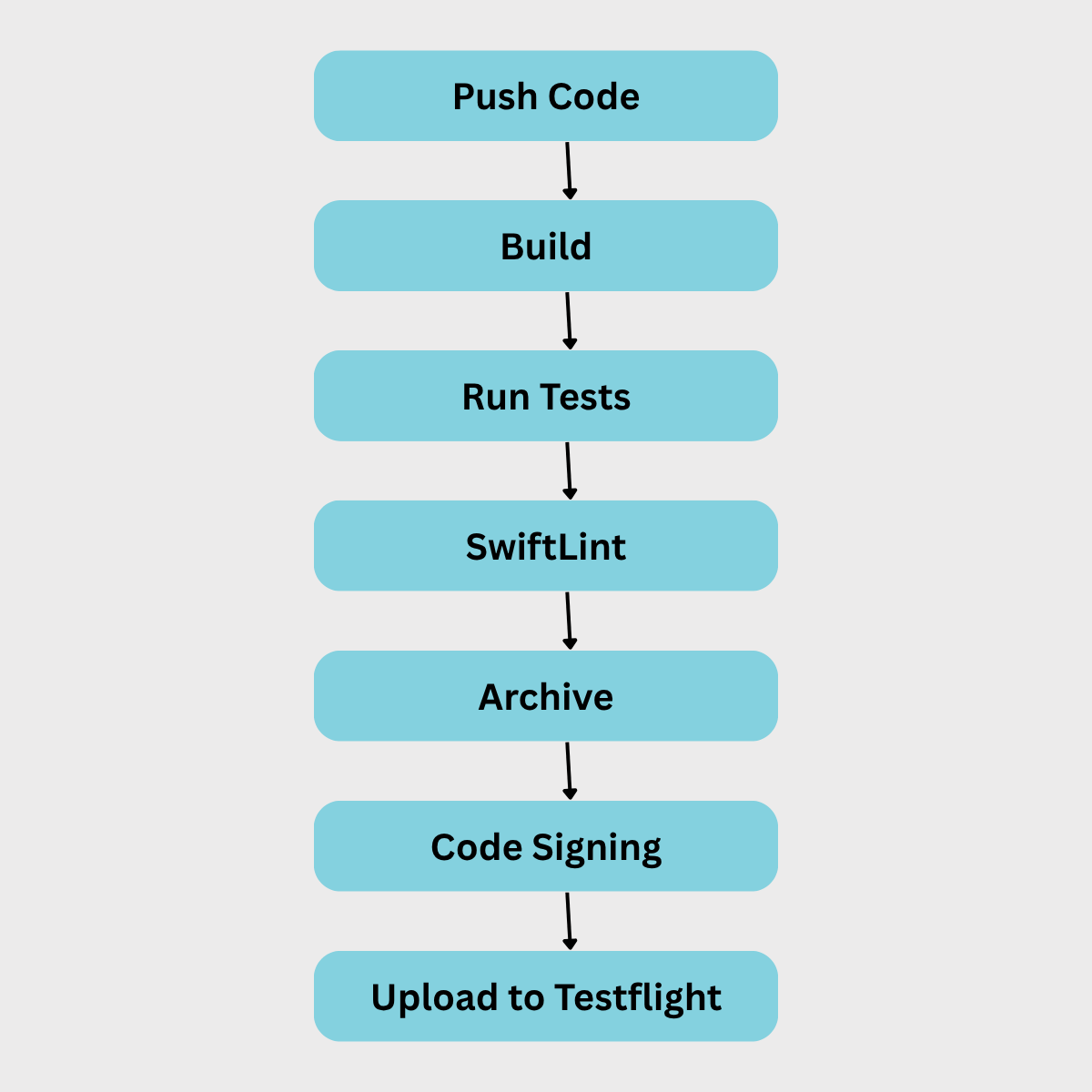
If anything fails, the pipeline stops immediately.
Step 1 — Continuous Integration
Every Pull Request should automatically:
- Build the project
- Resolve Swift Packages
- Run unit tests
- Run UI tests (optional)
- Check code style with SwiftLint
- Generate code coverage
This gives developers confidence before merging.
Step 2 — Continuous Delivery
Once the code reaches the main branch, the release pipeline begins.
A typical workflow looks like this:
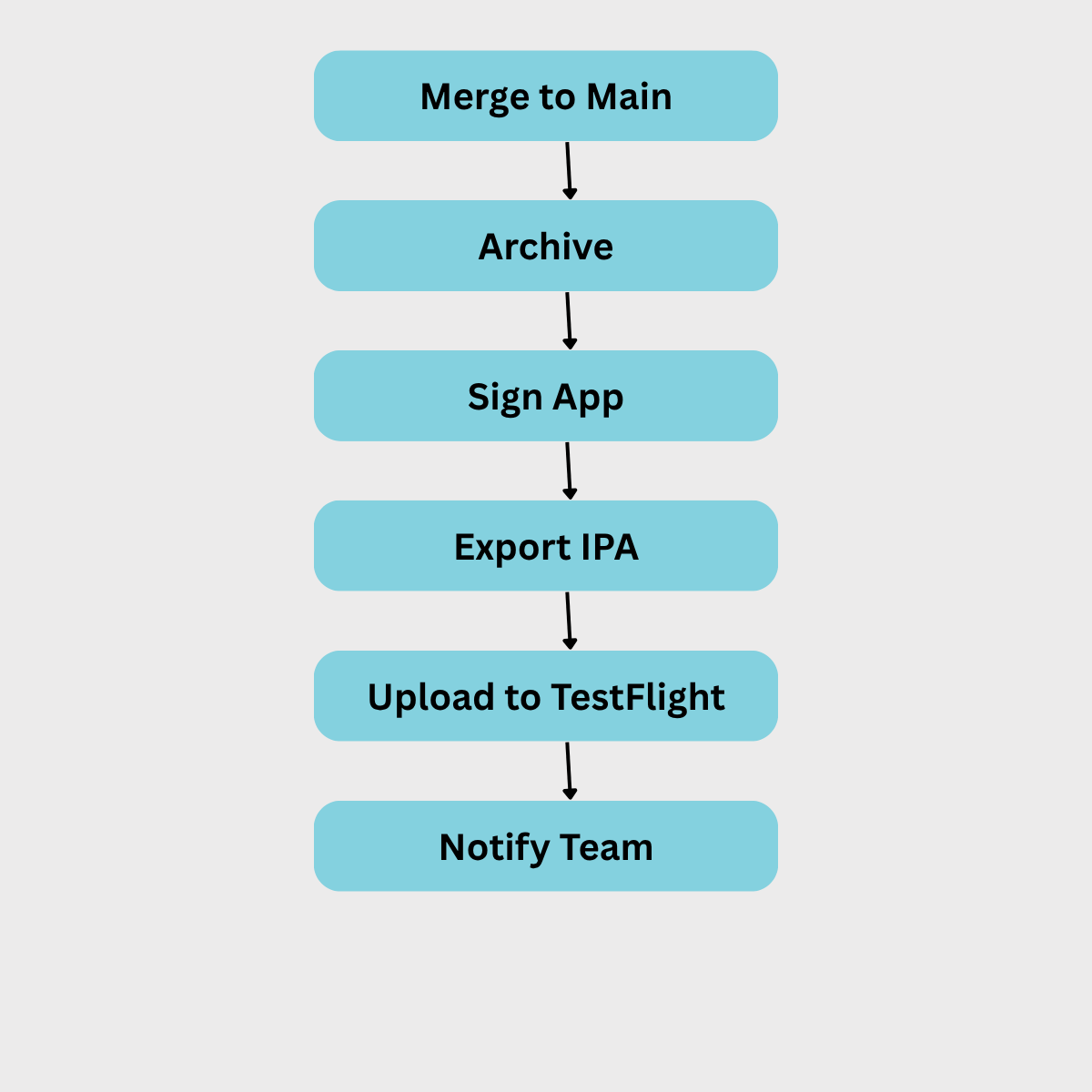
No one should need to open Xcode just to distribute a beta build.
Essential Tools
A modern Swift CI/CD pipeline often includes:
- GitHub Actions
- Xcode Cloud
- Bitrise
- Fastlane
- SwiftLint
- SwiftFormat
- XCTest
You don’t need all of them. Start simple and automate incrementally.
Example GitHub Actions Workflow
Include a complete YAML workflow that:
- Builds the project
- Runs tests
- Caches Swift Package Manager dependencies
- Fails on lint issues
This provides a strong starting point for readers.
Automating Releases with Fastlane
Fastlane can:
- Increment build numbers
- Create archives
- Upload to TestFlight
- Upload to the App Store
- Manage screenshots
- Generate release notes
A release can become as simple as:
Fastlane beta
Best Practices
- Never merge code that doesn’t build.
- Run tests on every Pull Request.
- Keep secrets out of the repository.
- Cache dependencies to speed up builds.
- Use semantic versioning.
- Automate as much of the release process as possible.
Final Thoughts
CI/CD isn’t just about automation.
It’s about making releases predictable, reducing human error, and giving developers fast feedback so they can focus on building features instead of clicking through release steps.
Whether you’re working solo or on a large team, investing a few hours in a CI/CD pipeline can save countless hours over the lifetime of your project.
Happy coding! 🚀
메타데이터
- post_id
- 281a37b53c06
- slug
- the-ci-cd-workflow-every-swift-developer-should-know-281a37b53c06
- url
- https://medium.com/@sachindrafernando3/the-ci-cd-workflow-every-swift-developer-should-know-281a37b53c06
- canonical_url
- https://medium.com/@sachindrafernando3/the-ci-cd-workflow-every-swift-developer-should-know-281a37b53c06
- author_url
- https://medium.com/@sachindrafernando3
- status
- ok
- fetched_at
- 2026-06-25 12:15:08