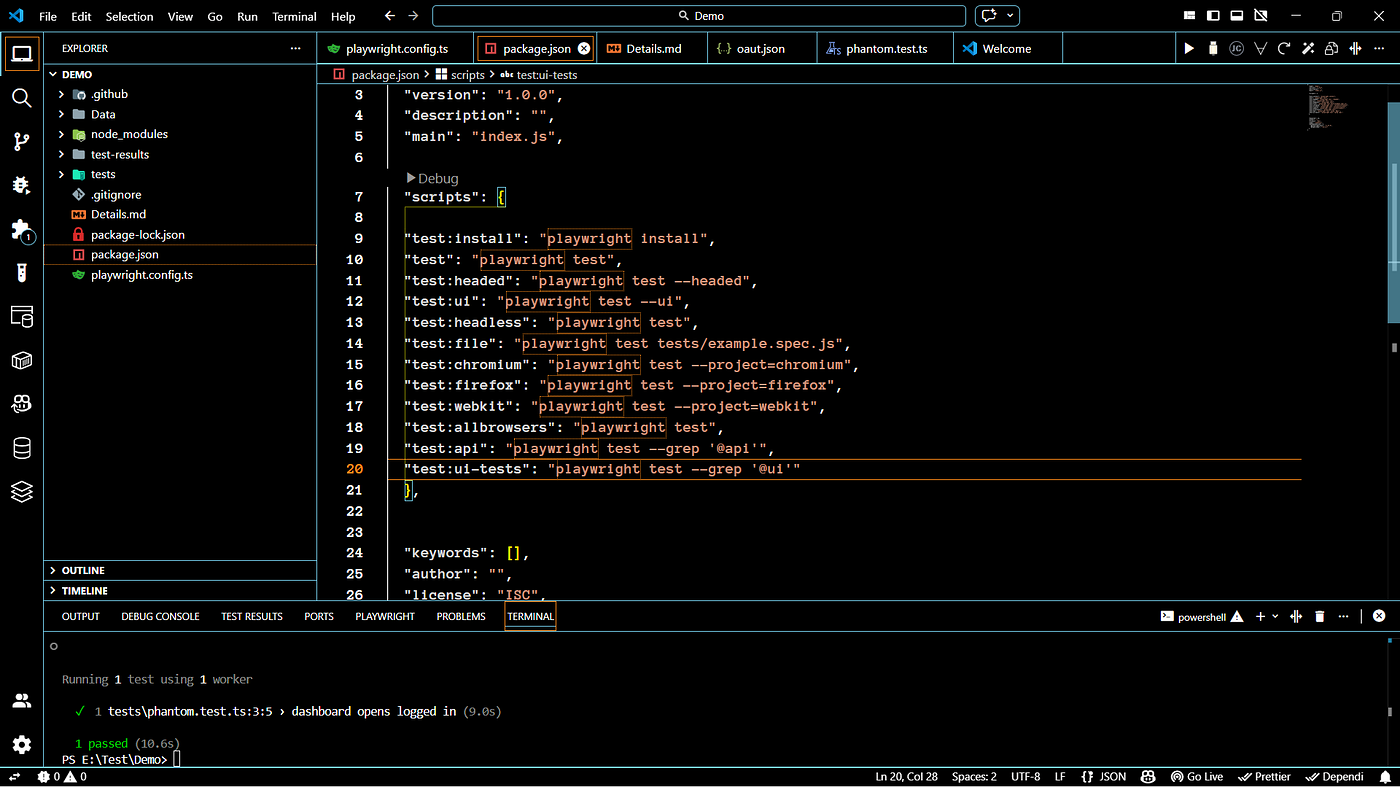
let’s Test this login page
automate login this page
let’s Test this login page
automate login this page
First mission
Our Goal is simple: just login This page throught the given credintials

let us write code in playwright.
import { test, expect, chromium } from '@playwright/test';

test('dashboard opens logged in', async () => {

});
This is the initial set-up.
Mission one is an only we—we need to navigate in to the url and
before we just make all the data
WEbsite Url = https://www.saucedemo.com/
make it as a global callable format, as so we can assign this an
let or var or const —
let - means only we can use inside the scope -{}- we cant call this globaley
var—is a global scope we can call anywhere.
const—once assigned a value, we can't change. So I choose this.
1—So now we go to The website using This command
const WebsiteUrl = "https://www.saucedemo.com/";

await page.goto(WebsiteUrl);

-----------  Example Code  -----------------

Const -> This an Keyword.
WebsiteUrl --> data/variable Name access Anywhare In This Place.

await - {

⚠️ Is await mandatory?
For Playwright: YES — almost always

Because Playwright returns Promises.

🧠 Why do we use await?

Playwright functions like:

page.goto()
page.click()
page.fill()

}

page.goto() -> [ page.goto(Websiteurl) x page.goto("websiteURL");]

Example:

const Websiteurl = "https://example.com";

await page.goto(Websiteurl);

Meaning:

👉 Websiteurl is a variable that contains the URL
👉 JavaScript replaces it with its value
👉 Browser goes to https://example.com

Use this when:

URL changes between environments

You reuse the same URL many times

You read URL from config or env file

Example:

const Websiteurl = process.env.BASE_URL;
await page.goto(Websiteurl);

Meaning:

👉 Browser literally goes to "https://example.com"

But if you do:

await page.goto("websiteURL");

Playwright tries to open:

http://websiteURL

Which is invalid ❌

Because:

"websiteURL" is just text.
Error-1
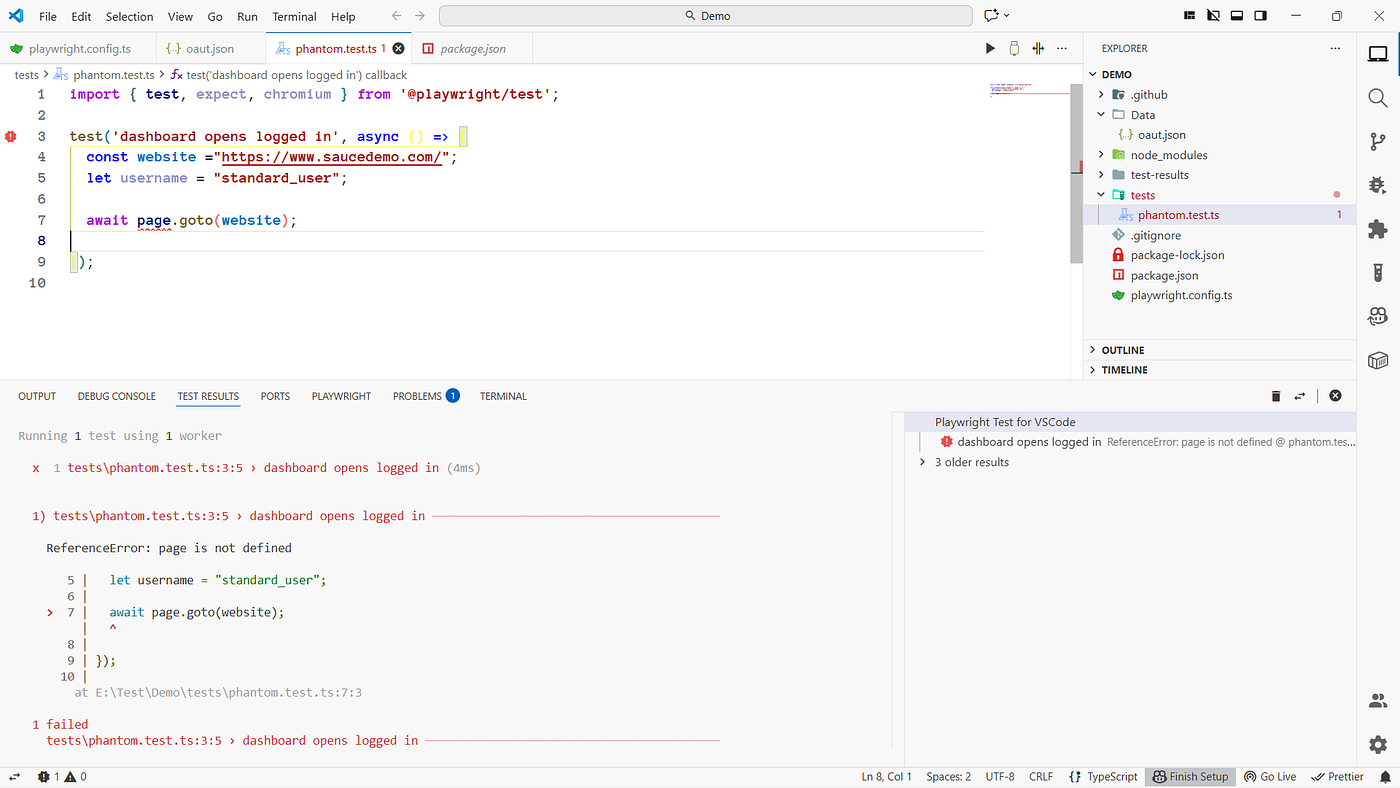
this is my first error —
explain The code after we see The error fix
import { test, expect, chromium } from '@playwright/test';

test('dashboard opens logged in', async () => {
  const website ="https://www.saucedemo.com/";
  let username = "standard_user";

  await page.goto(website);

});
The fix is to add page inside the parameters
test("new test ", async({page}) => {

})

This is an Arrow function [=> This is The mention]
Yes—we did it
import { test, expect, chromium } from '@playwright/test';

test('dashboard opens logged in', async ({page}) => {
  const website ="https://www.saucedemo.com/";
  let username = "standard_user";

  await page.goto(website);

  await page.waitForTimeout(3000); // waits 3 seconds

});

This is The final code .

await page.waitForTimeout(3000); // waits 3 seconds = Add This for make screen
shot also This Is Holad You Page for seconds'

you don't need to write a quite function onec the test will complte
automaticaly page closed-
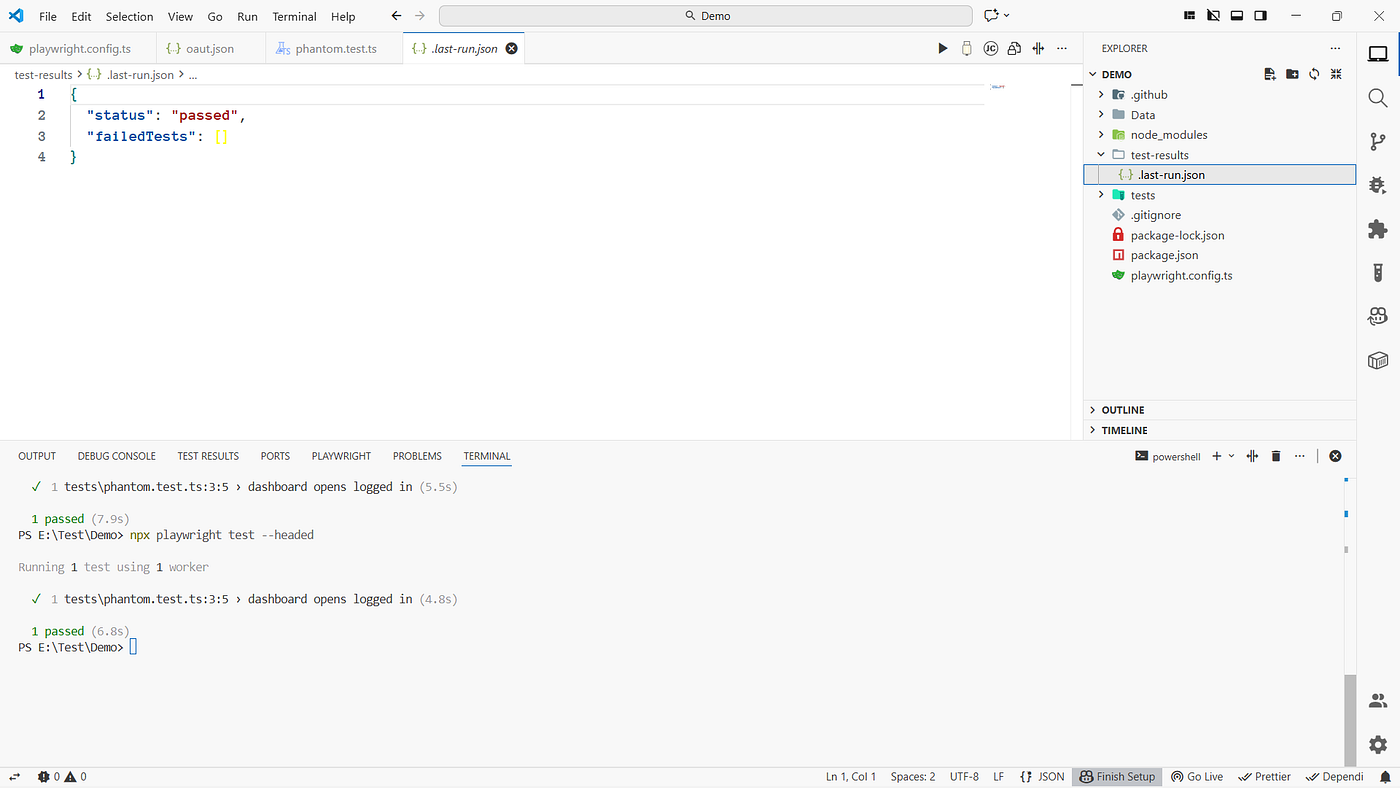
This is the test result. will get new reports each and every Test
메타데이터
- post_id
- 2836e3c8f69e
- slug
- lets-test-this-login-page-2836e3c8f69e
- url
- https://medium.com/devmap/lets-test-this-login-page-2836e3c8f69e
- canonical_url
- https://medium.com/devmap/lets-test-this-login-page-2836e3c8f69e
- author_url
- https://medium.com/@guru-dgs
- status
- ok
- fetched_at
- 2026-07-13 06:23:13