QuickBooks US to Canada Conversion: The Most Common Questions
Converting QuickBooks US to Canada is a common need for businesses that expand, relocate, or realize they started with the wrong edition…
QuickBooks US to Canada Conversion: The Most Common Questions
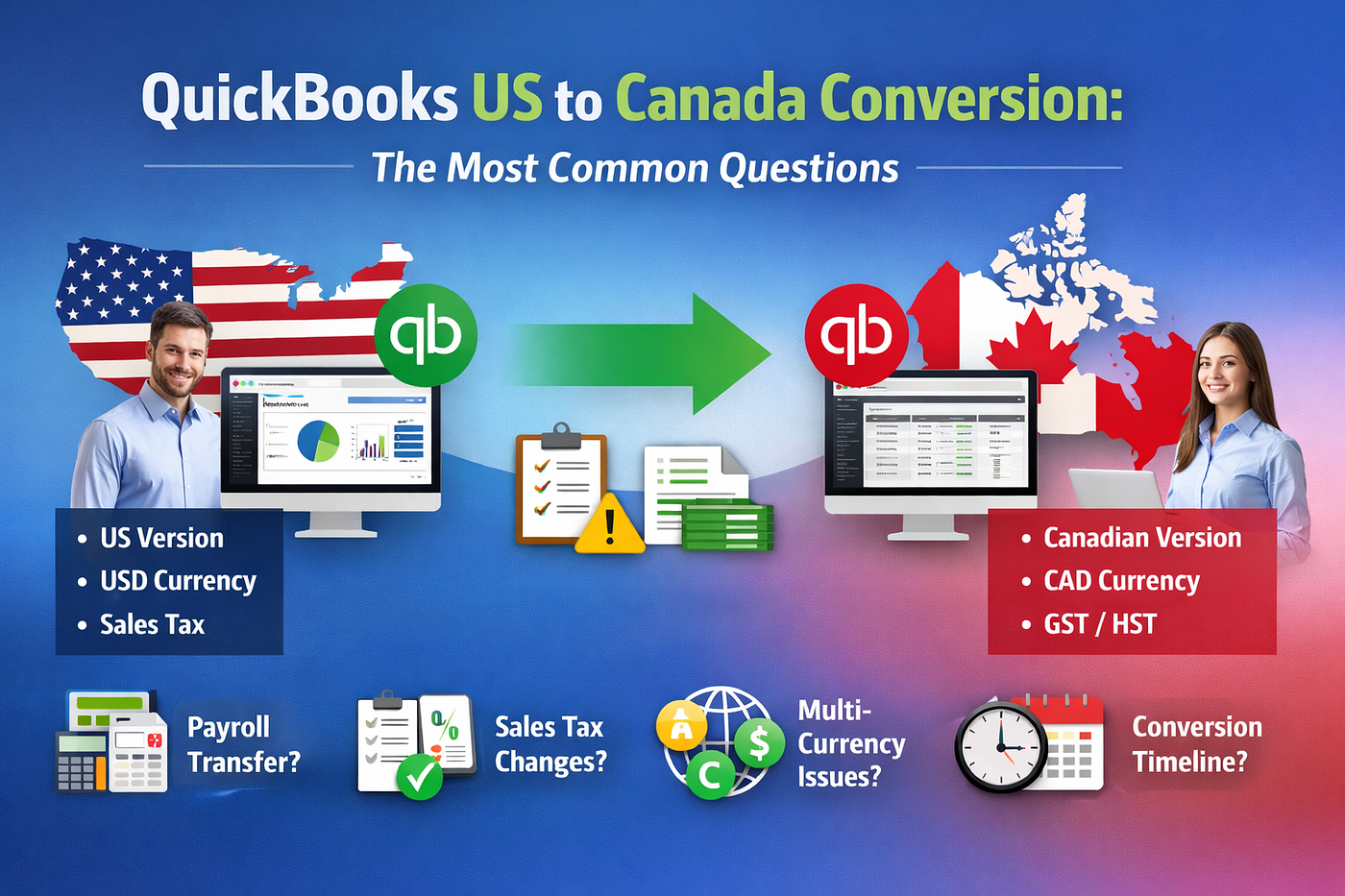
Converting QuickBooks US to Canada is a common need for businesses that expand, relocate, or realize they started with the wrong edition. The QuickBooks US to Canada conversion is possible, but it requires planning. QuickBooks does not offer an automatic conversion tool, and some data elements do not transfer. Here are the most common questions, answered in a clear, numbered format.
QuickBooks US to Canada Conversion: The Most Common Questions
1. Can QuickBooks US to Canadian version be converted?
Yes. QuickBooks US to Canadian version conversion is possible. The conversion is typically needed when a business needs Canadian tax compliance or started with the wrong version. This process is not automatic and often requires professional support to ensure data accuracy. Many businesses use QuickBooks international conversion services for this purpose.
2. What data will transfer during the conversion?
Most core data transfers smoothly, including:
- Customer and vendor lists
- Chart of accounts
- Item lists
- Open invoices and bills
- Inventory (with some limitations)
However, certain data does not transfer or may require manual adjustments. These include payroll details, templates, attachments, and memorized reports. If you need a QuickBooks US to Canada file conversion, it is important to understand what will not move.
3. Will payroll data transfer?
Payroll data does not transfer in a way that preserves payroll reporting. Payroll checks may transfer as regular checks, but they will not appear in payroll reports or W2 calculations. QuickBooks does not support moving payroll transactions between files. If payroll is important for your business, consult your accountant before converting.
4. How does sales tax work after conversion?
Sales tax in the US version differs from VAT and GST used in Canada. QuickBooks does not always store historical tax rate changes in a transferable format. After conversion, you should expect to review tax settings and make adjusting entries to ensure accurate tax reporting.
If your file includes sales tax groups or modified tax items, you may need to recheck these settings. Many businesses find that QuickBooks US to Canada conversion tax requires some cleanup after the process.
5. Will bank reconciliations transfer?
No. Bank reconciliations cannot be transferred between files. After conversion, each bank account must be reconciled again. This is often one of the most time-consuming parts of the process, especially for businesses with multiple accounts.
6. What happens with multi-currency data?
Multi-currency files can create conversion challenges. Exchange rates, gains and losses, and currency transfers may not match exactly after conversion. If your file uses multiple currencies, plan for reconciliation and adjustments after the conversion. This is a common issue with QuickBooks US to Canada multi-currency conversions.
7. How long does the conversion take?
The time required depends on file size and complexity. A simple file may take a few days, while larger files may take longer. An initial evaluation is recommended to determine scope, cost, and timeline. Many businesses ask about **QuickBooks US to Canada conversion** cost and QuickBooks US to Canada conversion time before starting.
8. What should you do before starting the conversion?
Before you begin, consult your accountant. Review your QuickBooks file for issues such as negative inventory, multi-currency transactions, and modified tax items. Create a portable file for submission rather than a full backup. Portable files are smaller and easier to upload.
Converting QuickBooks US to Canada is achievable with the right preparation. Understanding what transfers and what does not will help you avoid surprises and keep your accounting accurate. If you want, I can also provide a detailed checklist or step-by-step plan based on your specific setup.
메타데이터
- post_id
- 283d67fbbdfb
- slug
- quickbooks-us-to-canada-conversion-the-most-common-questions-283d67fbbdfb
- url
- https://medium.com/@quickbooksrepair00/quickbooks-us-to-canada-conversion-the-most-common-questions-283d67fbbdfb
- canonical_url
- https://medium.com/@quickbooksrepair00/quickbooks-us-to-canada-conversion-the-most-common-questions-283d67fbbdfb
- author_url
- https://medium.com/@quickbooksrepair00
- status
- ok
- fetched_at
- 2026-07-29 17:51:18