Redirecting Users in Next.js Is Much Simpler Than It Used to Be
One of the things I really like about the Next.js App Router is how simple server-side redirects have become.
Redirecting Users in Next.js Is Much Simpler Than It Used to Be
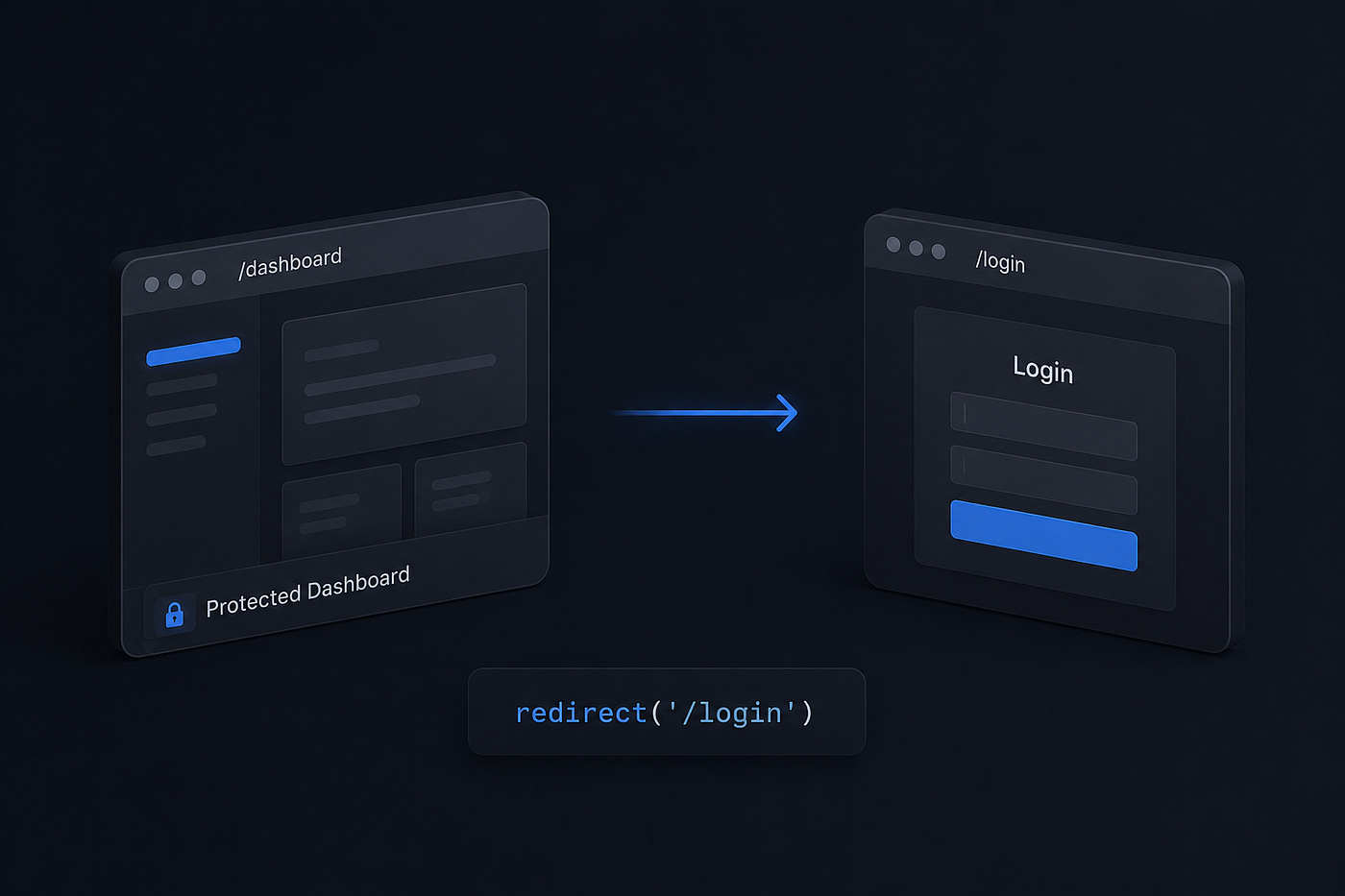
One of the things I really like about the Next.js App Router is how simple server-side redirects have become.
If you’ve worked with the old Pages Router, you probably remember using getServerSideProps() just to redirect a user.
A typical example looked something like this:
export async function getServerSideProps() {
  const session = await getSession();

  if (!session) {
    return {
      redirect: {
        destination: "/login",
        permanent: false,
      },
    };
  }
  return {
    props: {},
  };
}
It worked, but it felt like a lot of boilerplate for a very common task.
With the App Router, things are much cleaner.
You can use the built-in redirect() function from next/navigation:
import { redirect } from "next/navigation";

 if (!isLoggedIn) {
  redirect("/login");
}
That’s it.
No getServerSideProps(). No extra configuration. No workarounds.
A Real Example
Let’s say you have a protected dashboard page:
import { redirect } from "next/navigation";

export default async function DashboardPage() {
  const session = await getSession();
  if (!session) {
    redirect("/login");
  }
  return <Dashboard />;
}
If the user is not authenticated, Next.js immediately redirects them to the login page.
If the session exists, the page continues rendering normally.
How Does It Work?
One interesting detail is that redirect() doesn't return a value.
When it’s called, Next.js stops rendering and performs the redirect immediately.
For example:
redirect("/login");

console.log("This will never run");
The code after redirect() is never executed.
This is similar to how notFound() works in the App Router.
Where Can You Use redirect()?
The redirect() function is designed for server-side environments such as:
- Server Components
- Server Actions
- Route Handlers
This makes it a great fit for authentication checks, permission checks, onboarding flows, and other server-side navigation logic.
For client-side navigation, you should still use the router:
"use client";

import { useRouter } from "next/navigation";
const router = useRouter();
router.push("/login");
Why I Like This Approach
What I appreciate most is the simplicity.
Redirecting users is one of the most common tasks in web applications, and the App Router makes it feel like a natural part of the framework rather than a special case.
Less boilerplate means cleaner code and fewer places for bugs to hide.
It’s a small feature, but one that makes building modern Next.js applications much more enjoyable.
메타데이터
- post_id
- 28640919476a
- slug
- redirecting-users-in-next-js-is-much-simpler-than-it-used-to-be-28640919476a
- url
- https://medium.com/@joodi/redirecting-users-in-next-js-is-much-simpler-than-it-used-to-be-28640919476a
- canonical_url
- https://medium.com/@joodi/redirecting-users-in-next-js-is-much-simpler-than-it-used-to-be-28640919476a
- author_url
- https://medium.com/@joodi
- status
- ok
- fetched_at
- 2026-06-10 08:17:25