I Tested 5 AI Video Translators So You Don’t Have To
I spent two weeks running the same 10-minute product demo through every AI video translator I could find. Some came back with subtitles so…
I Tested 5 AI Video Translators So You Don’t Have To
I spent two weeks running the same 10-minute product demo through every AI video translator I could find. Some came back with subtitles so clean I barely touched them. Others gave me dubbed audio that sounded like a GPS reciting a recipe. One tool charged me $14 before I could even preview the result.
The gap between the best and the worst is wider than you’d think. And the marketing pages all sound the same. They all claim 100+ languages, 99% accuracy, “natural-sounding” voices. Half of them are telling the truth.
Here’s what I actually found after testing five tools on the same video: a product demo with two speakers, some background music, and a mix of fast and slow dialogue. The kind of video a content creator actually publishes.
1. Video Transcriber AI: The One I Keep Coming Back To
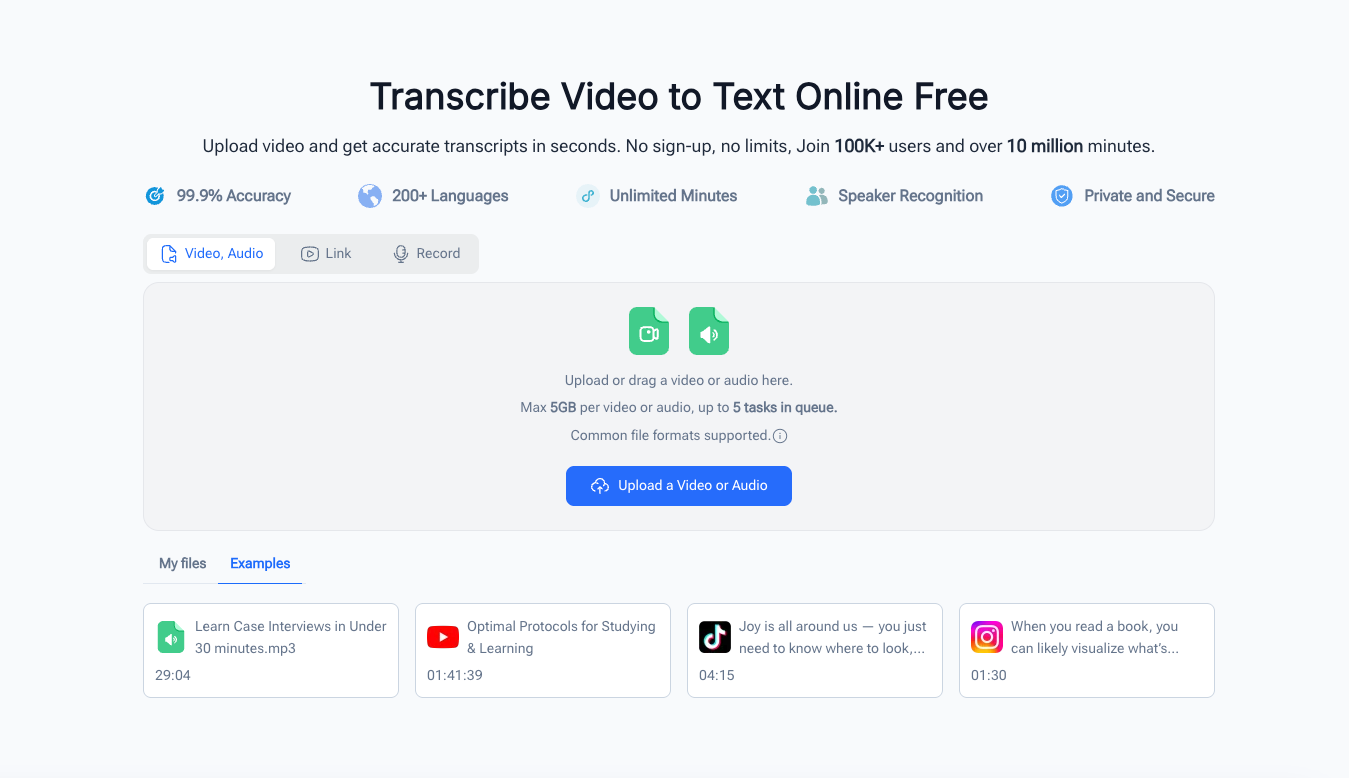
I’ll be honest. I wasn’t expecting much from a free tool with no sign-up wall. Most free AI video translator tools I’ve tried either cap you at 30 seconds or watermark the output so heavily it’s unusable. VideoTranscriber.ai does neither.
The workflow is simple. Paste a link from YouTube, TikTok, or Instagram. Or upload a file. The tool transcribes the audio, translates it, and hands you back editable subtitles in over 200 languages. You can switch between single-language and bilingual subtitles with one toggle. Speaker recognition tags each person automatically. No manual labeling.
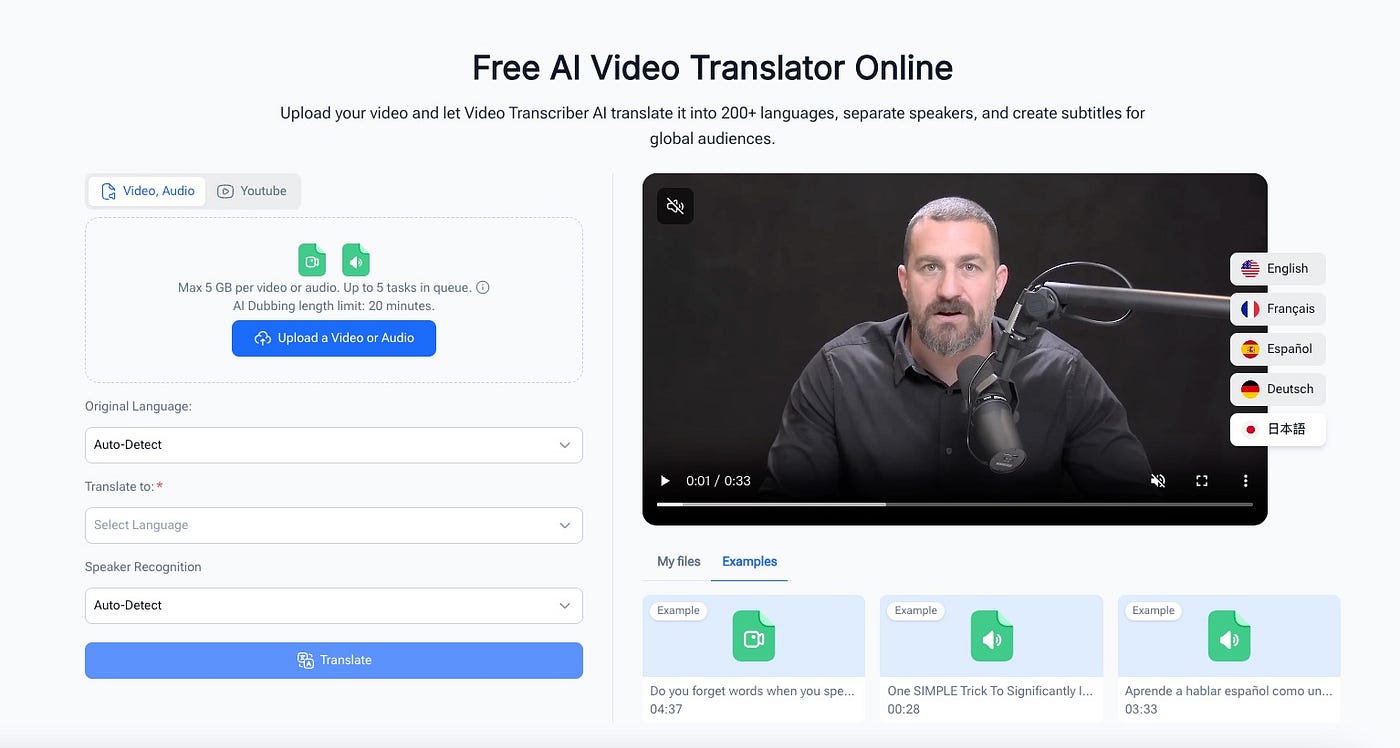
Free AI Video Translator Online
What sold me was the editing layer. Most AI video translator platforms give you a transcript and call it a day. This one lets you fix timing, tweak phrasing, and preview the subtitle overlay before you export. You get TXT, SRT, DOCX, VTT, and CSV. I dropped an SRT file straight into Premiere and it synced perfectly. No manual adjustment needed.
The voice translation offers multiple styles, so you’re not stuck with one robotic tone. I tested it with a Spanish translation of an English demo and the cadence felt natural enough for a social media post. Not broadcast quality. But good enough that I’d publish it without apologizing.
There’s a catch. The free tier gives you 10 credits per day, which translates to roughly 20 minutes of audio. For most creators posting short-form content, that’s plenty. If you’re processing hour-long podcasts daily, you’ll want the paid upgrade. But for the person who needs to translate a few videos a week? This is where I’d start.

Free AI Video Translator Online
2. Maestra AI: When You Need Dubbing, Not Just Subtitles
Maestra is the tool I’d reach for if I were dubbing a documentary.
It does subtitles fine, but as an AI video translator its real strength is voice cloning with lip sync. You upload a video, pick a target language, and Maestra generates a dubbed voiceover that matches the original speaker’s voice. The lip sync adjusts mouth movements to fit the new audio track. I tested this on a talking-head segment and the cloned voice retained the speaker’s general tone and pace. The lip sync wasn’t perfect. But it was close enough that you’d have to be looking for flaws to notice.
For front-facing camera content where the speaker is visible, this is a meaningful step up from subtitle-only translation. It’s the kind of output that works for course content, marketing videos, and branded material where you want the viewer to forget the video was translated.
The trade-off is cost and complexity. Maestra is a paid platform with enterprise pricing. You’re not casually translating a TikTok clip here. The editor is built for teams who need to review, refine, and approve translations across multiple languages simultaneously. It integrates with YouTube, TikTok, Zoom, and Slack. That tells you who it’s for: organizations managing localization at scale.
If your translation workflow involves approval chains and multiple stakeholders, Maestra handles that better than anything else I tested. If you just need subtitles for a YouTube Short, it’s overkill.
3. Kapwing: The Editor That Happens to Translate
Imagine you’ve just finished editing a tutorial in Kapwing. The cuts are right, the b-roll is placed, the captions are styled. Now you need a Spanish version. Instead of exporting, opening a separate translation tool, and re-importing the file, you click Translate right there in the editor. Kapwing transcribes, translates, and generates dubbed audio or subtitles within the same timeline. You can adjust timing, swap voice styles, and apply lip sync without leaving the page.
That is the workflow Kapwing is built around. It doesn’t position itself as an AI video translator. It’s a browser-based video editor that added translation to its toolkit. And for creators who already edit in Kapwing, that integration saves a real step.
The translation rules feature is genuinely useful. You can save brand names, product terms, and abbreviations so they always translate the way you want. No more manually fixing “VideoTranscriber” to “VideoTranscriber” in every language. The search-and-replace tool handles bulk corrections across the full transcript.
What you lose is depth. Kapwing supports 100+ languages for subtitles but only 40+ for AI dubbing. Voice cloning requires a Pro account. Free exports carry a watermark. And the translation accuracy, while solid, isn’t as refined as a dedicated translation platform. It’s the jack-of-all-trades problem: good at everything, best at nothing.
Choose Kapwing if your editing and translation happen in the same workflow. Skip it if you only need translation and already have an editor you like.
4. Pictory: For Script-First Translation
What you gain: a workflow that translates your script before the video exists. Pictory flips the usual approach. Instead of uploading a finished video and getting subtitles back, you start with text. You write or paste a script, Pictory generates a video from it, and then you translate that script into multiple languages. This makes it a different kind of AI video translator entirely. Each language gets its own AI voiceover and subtitle track. The Ask AI feature handles idioms, industry jargon, and tone adjustments better than a straight machine translation paste. For tutorial creators, explainer producers, and course instructors who work script-first, this is more efficient than translating a finished video after the fact.
What you lose: flexibility with existing content. If you have a recorded video with organic dialogue, a podcast interview, or a live stream, Pictory’s workflow doesn’t help. It’s built for planned, scripted content. And the pricing is subscription-based, which adds up if you’re not producing content regularly.
Choose Pictory if your content is script-driven and you want to publish in multiple languages from day one. Skip it if you’re translating videos you already recorded.
5. Fliki: Quick Turnaround for Social Clips
Fliki lives at the fast-and-scrappy end of the spectrum. It’s a text-to-video tool with built-in multilingual support. You paste text or a script, pick a language, and Fliki generates a video with AI voiceover and subtitles in minutes.
I tested it with a 200-word product description. Fliki produced a 60-second video with a Spanish voiceover in under three minutes. The voice was decent. Not amazing, but the kind of thing you’d post on Instagram without second-guessing. The free tier gives you 5 minutes of content per month. Enough to test the waters before committing to a paid plan.
The limitation is structural. Fliki creates new videos from text. It doesn’t translate existing video files. If you have a recorded video that needs an AI video translator, Fliki won’t help. But if your workflow starts with text and you want to spin up quick multilingual clips for social media, it’s the fastest path from script to published post.
Voice cloning and premium AI voices require a paid plan. The free tier’s voices are functional but not memorable. For a creator testing multilingual content before investing, the free tier is a fair starting point.
Which One Should You Pick?
Ask yourself three things:
- Do you need to translate existing videos, or create new ones in multiple languages?
- Is your priority subtitles, dubbed audio, or both?
- Are you willing to pay, and if so, how much?
If you’re translating existing videos and want subtitles plus transcript translation without paying, AI video translator is where to start. If you need studio-quality dubbing with voice cloning, Maestra is the heavy hitter. If you edit and translate in the same browser tab, Kapwing saves you a tool switch. If you work script-first, Pictory streamlines multilingual publishing. And if you just need quick social clips in another language, Fliki gets you there fast. The right AI video translator depends on what you’re making and who’s watching.
Wrapping Up
After two weeks and the same video run through five tools, the pattern was clear. The tools that charge the most aren’t always the best for your use case. The free ones aren’t always limited in the ways you’d expect. And the difference between a usable translation and a polished one often comes down to the editing layer, not the AI model underneath.
For most creators, the bottleneck isn’t finding an AI video translator. It’s finding one that doesn’t add friction to a workflow that’s already complex enough. AI video translator removes that friction. No sign-up, no subscription, no watermark. Paste a link, get your translation, move on.
메타데이터
- post_id
- 2af1c72778bf
- slug
- i-tested-5-ai-video-translators-so-you-dont-have-to-2af1c72778bf
- url
- https://medium.com/@eaglenlemarie376/i-tested-5-ai-video-translators-so-you-dont-have-to-2af1c72778bf
- canonical_url
- https://medium.com/@eaglenlemarie376/i-tested-5-ai-video-translators-so-you-dont-have-to-2af1c72778bf
- author_url
- https://medium.com/@eaglenlemarie376
- status
- ok
- fetched_at
- 2026-07-23 23:32:10