TryHackMe: Defending Azure — My Review
TL;DR
My Review of TryHackMe’s Defending Azure Course
TL;DR
Recently completed TryHackMe’s Defending Azure path. I stood up detections in Sentinel, hunted with KQL, triaged alerts in Defender XDR, reviewed Azure security challenges, and mapped identities with Microsoft Entra ID. Below are my thoughts on each section and my favorite parts about it.
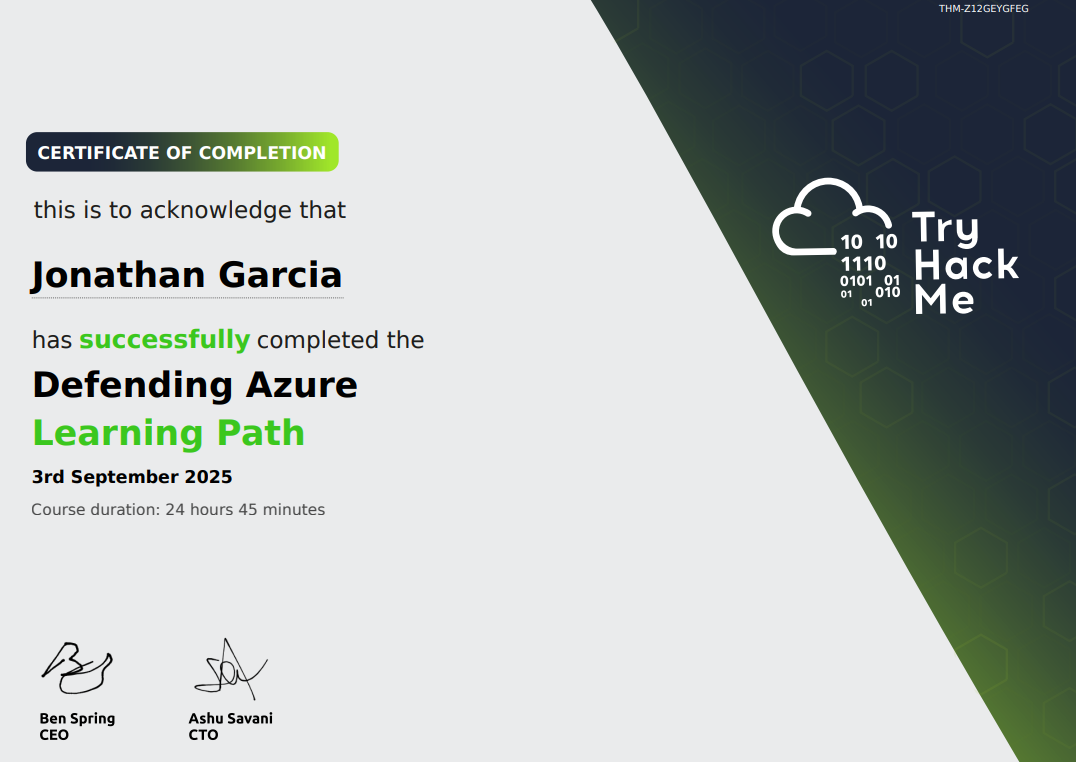
Defending Azure Certificate
Why did I choose this path?
I interned with the Las Vegas Water District over the summer as a Corporate Security Intern — not cyber related at all — but I was given the opportunity to shadow the Information Security & Compliance team for a day in which I saw heavy Azure usage. To be clear, I had little cloud knowledge when I shadowed them that day so I was trying to pick up what I could. THOUGH that motivated me to seek hands-on experience with the product they use on their day-to-day basis.
Module 1: Microsoft Sentinel
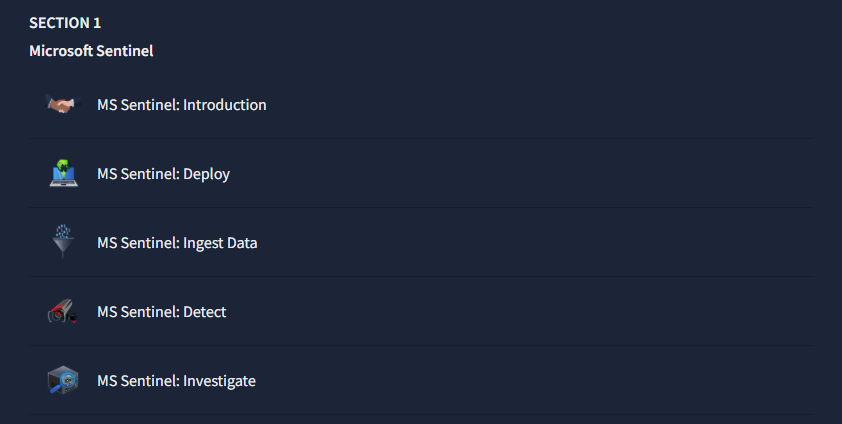
hands-on rooms in section 1
If you’re not aware of already, Microsoft Sentinel is Microsoft’s cloud-native SIEM/SOAR for centralized log ingestion, analytics, and automation.
To start, I learned how to set up my Log Analytics Workspace (LAW) and the importance of setting up the correct region as costs are driven mainly by ingestion and retention in Log analytics; outbound egress can add cost if you move data across regions — choose the right workspace region!
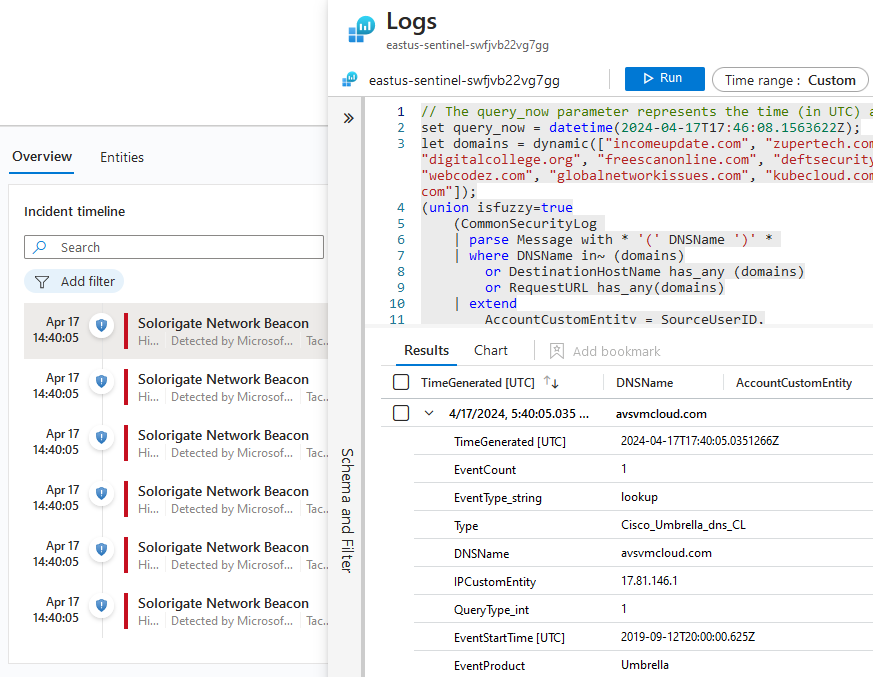
MS Sentinel: Investigate
Above is the room I found to be my favorite as I was tasked to investigate an incident as a SOC 1 Analyst. In the end, I escalated to Tier 2 after inital triage and that the alerts were coming from Asia. In that instance, I left an incident task for the SOC 2 Analyst of what needs to be done:
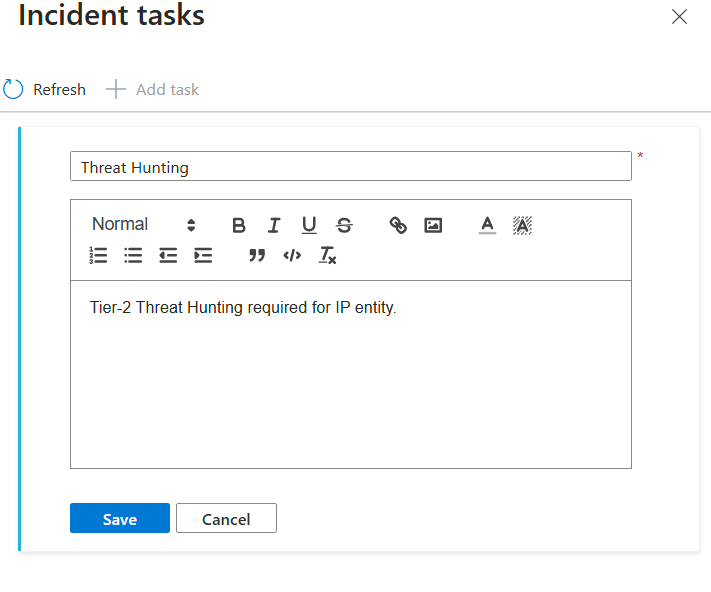
Pretty fun!
Section 2: KQL
hands-on rooms in section 2
Kusto Query Language (KQL) powers hunting across Sentinel/Log Analytics/Defender; the syntax is approachable and fast for pivots. This was the section that I found to be easy and fun to pick up as I have done some log analysis in National Cyber League, a seasonal Capture the Flag competition.
Though, this had some similarities which I had to put my coding skills to use — the language wasn’t hard to read and query.
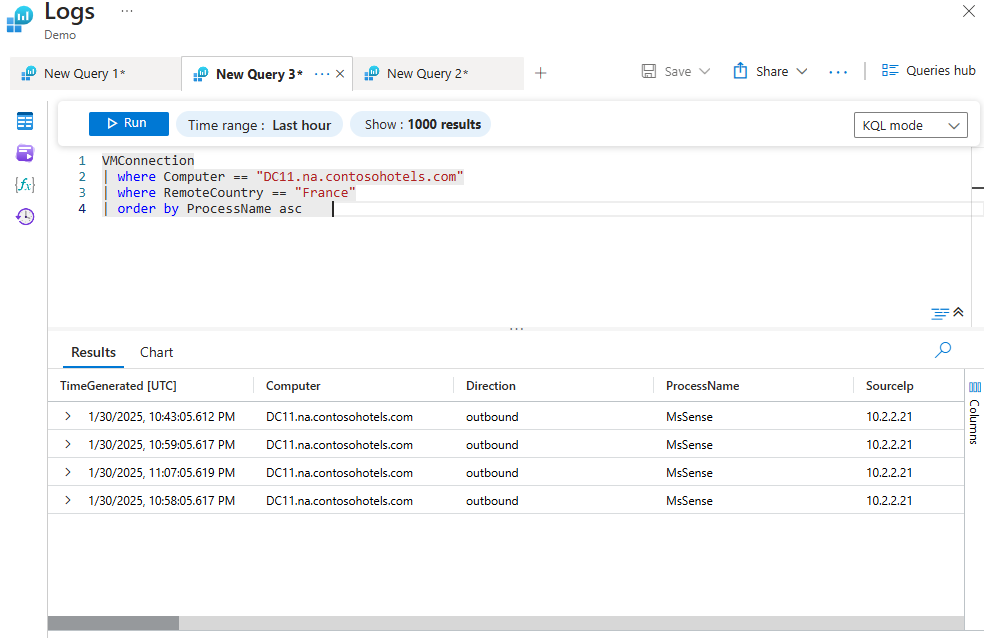
example of KQL in action
Micro-tip: save good hunts into Analytics rules so they run continuously.
Above is a query listing all France-based remote connections to DC11, ordered by process name in ascending order — pretty straight forward!
Section 3: Microsoft Defender XDR
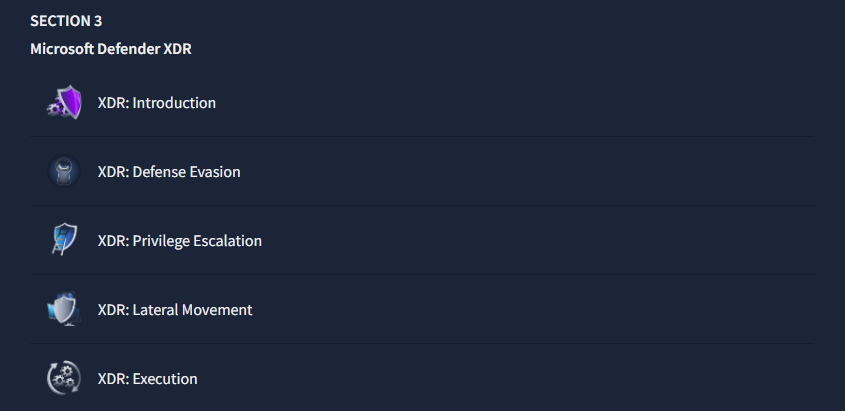
hands-on rooms in section 3
I was looking most forward to this section as the first analyst I shadowed had this screen up on his dual monitors.
Microsoft XDR is the extended endpoint police! it combines data on cyberattacks across identities, endpoints, email, and cloud apps into a single platform — leveraging artificial intelligence (AI) and automation which I found to be interesting.
The labs covered in this taught me how to spot defense evasion tactics that attackers use like file renames EXAMPLE:
coolcats.exe.jpgThe story feature of Defender and how to spot privilege escalation:
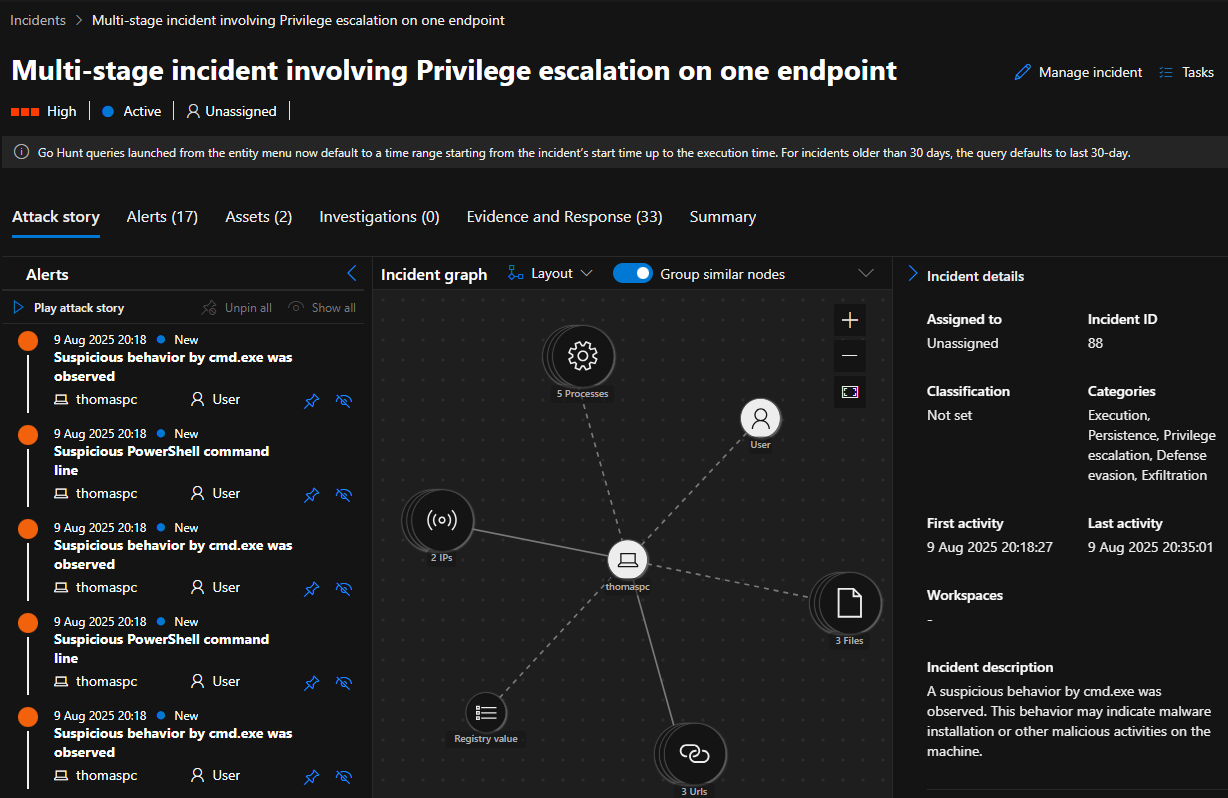
^ The map above reminds me of Maltego lol.
And lastly, I learned about Living-off-the-land (LotL) techniques which in this lab was PowerShell. Since It’s a legitimate administrative tool, adversaries use it to execute code directly in memory, reducing the chances of detection.
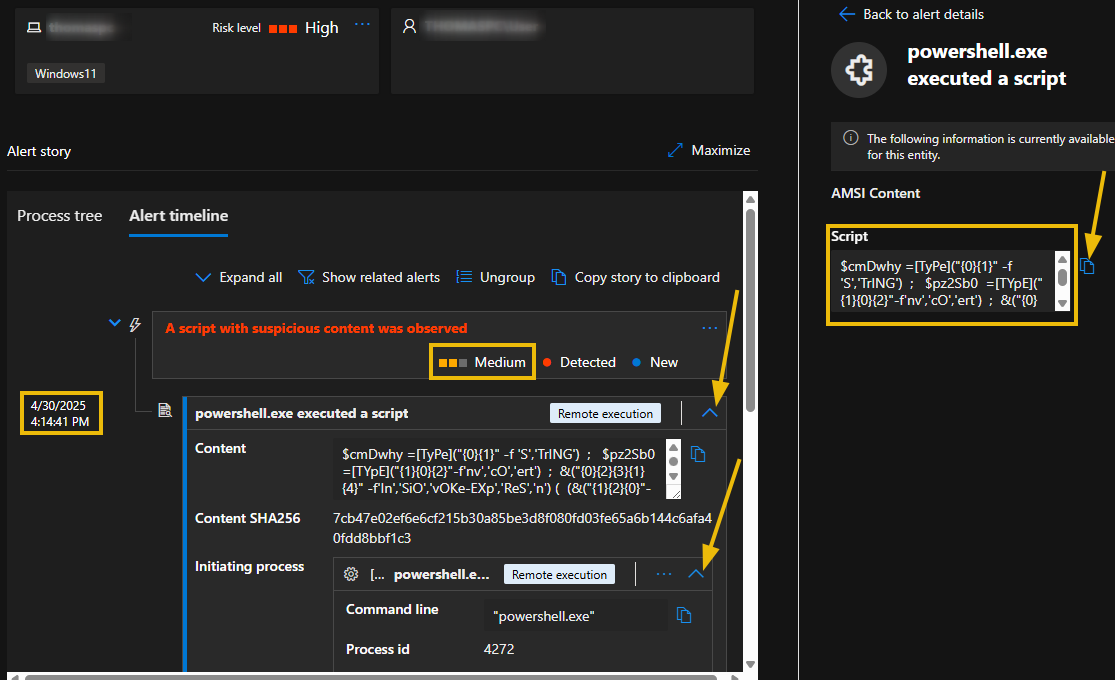
This was really cool! My favorite section by far :)
Section 4: Azure Security Challenges
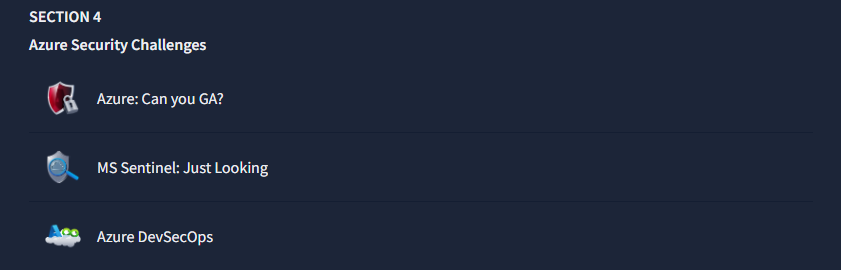
hands-on rooms in section 4
There isn’t much to say about this room… it was pretty random for the most part as it shifted from learning the Azure services to attacking it? The reconnaissance part of it was cool as there was a way to gain Global Administrator via someone leaving their password in their bio?
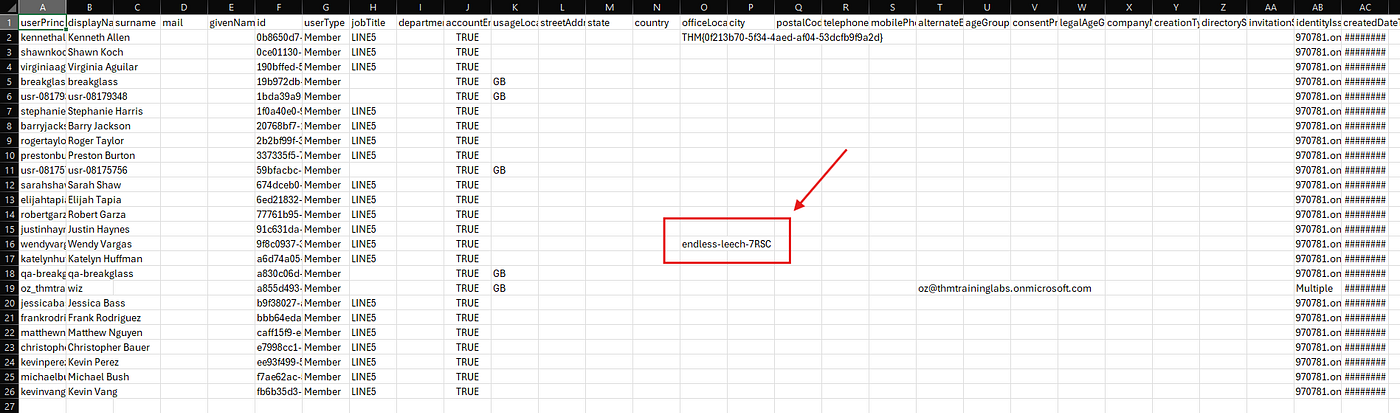
lab leaked password from exporting all user data
Section 5: Microsoft Entra ID
hands-on rooms in section 5
I honestly kept mixing this up with Microsoft Intune for some reason. One of the analyst told me the team didn’t work with a specific Microsoft service but I forgot what it was — now I know it was Intune and not Entra lol!
Last and final section of the path was somewhat of a bad experience for me as I waited a week or two for my tenant access to be accepted but they never got back to me :(
Aside from that, I learned about the cluster of administrator roles there are in Microsoft Entra ID and to name a few:
- Global Administrator (I refer to this role as the “top dog”)
- User Administrator — manages user accounts and password resets
- Security Administrator — manages security-related configurations and settings in Azure Active Directory (AD).
- Conditional Access Administrator — configures policies to control access to Azure AD resources based on conditions like location, device, and user risk
To add, I practiced reviewing assignments and Identity Protection risky sign-ins. (Capitalizing Zero Trust.)
And to name the most interesting part of the section: Identity Protection!
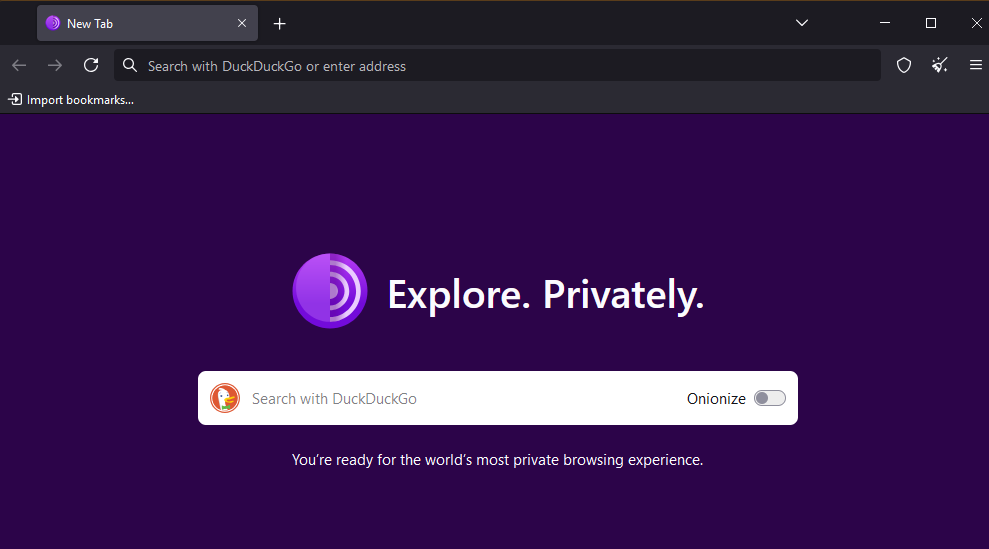
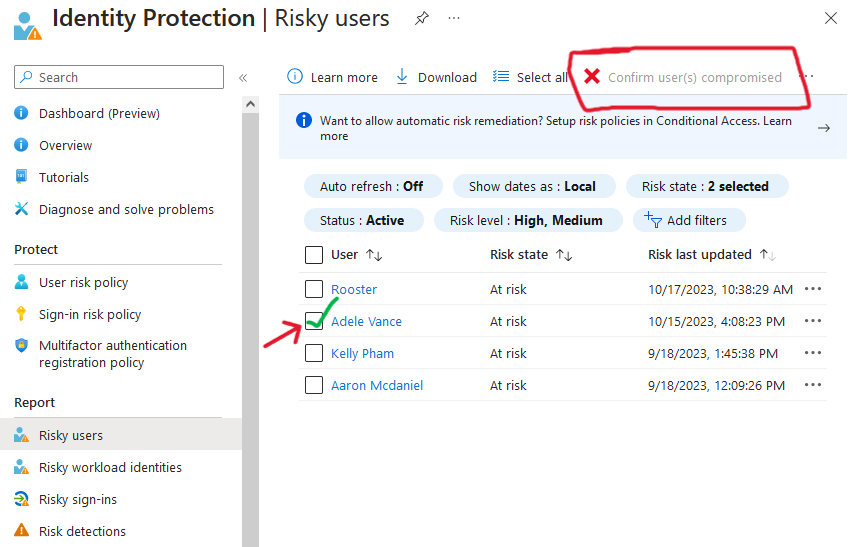
Tor was used in this lab to simulate an external entity connecting to a privileged account “Adele Vance”

And in this scenario, it would’ve been flagged as a sign-in compromise which could be remediated like this:
Final Thoughts
In the end, I gained a good amount of hands-on experience and I’m now comfortable navigating Azure security tooling — Sentinel, KQL, Defender XDR, and Entra ID — and I’m continuing daily reps on TryHackMe with a streak of 67 so far.

메타데이터
- post_id
- 2b60372cfbb2
- slug
- tryhackme-defending-azure-my-review-2b60372cfbb2
- url
- https://medium.com/@J8NN/tryhackme-defending-azure-my-review-2b60372cfbb2
- canonical_url
- https://medium.com/@J8NN/tryhackme-defending-azure-my-review-2b60372cfbb2
- author_url
- https://medium.com/@J8NN
- status
- ok
- fetched_at
- 2026-07-17 18:11:52