Setting Up Jena Fuseki with Update in Windows 10
A documentation, just let me know if something is missing from the following steps.
Setting Up Jena Fuseki with Update in Windows 10
A documentation, just let me know if something is missing from the following steps.
First thing to do is, download Apache Jena Fuseki from: https://jena.apache.org/download/index.cgi
I am using Fuseki 2 from apache-jena-fuseki-3.9.0.zip.
Now, unzip your downloaded file.
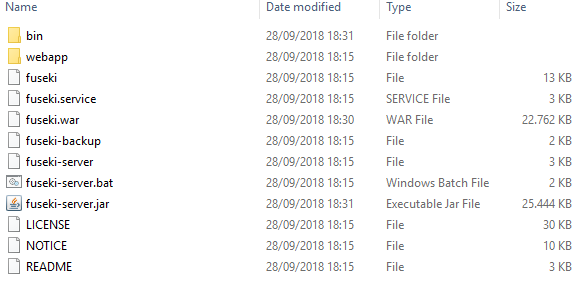
Unzipped Fuseki
Create a folder named data.
Open a command prompt and check out Fuseki help, by typing the following command:
fuseki-server --help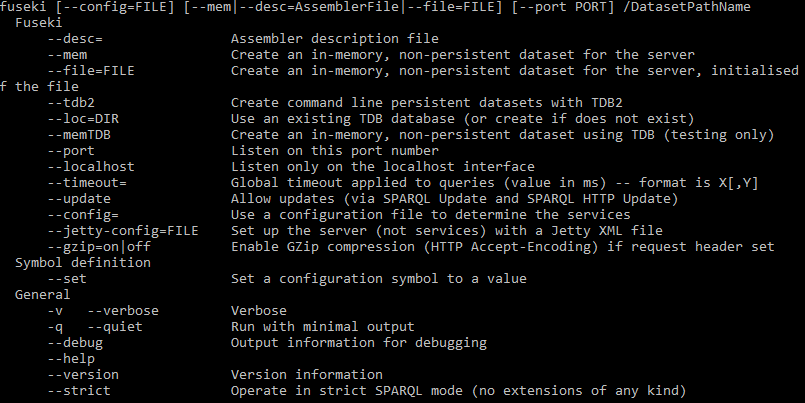
Fuseki help
Get familiarize with all the commands. Then, run the following command to start the Fuseki server.
fuseki-server --loc=data --update /your-datasetThe location (loc) is to store your RDF data and can be set up to any other path. The /your-dataset part is the dataset name, and you can rename it to whatever suits you. By default, port 3030 will be used by the Fuseki server.
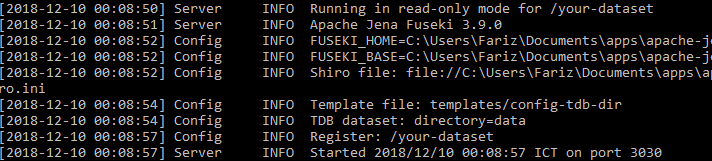
Running Fuseki
This is how Fuseki UI looks like.
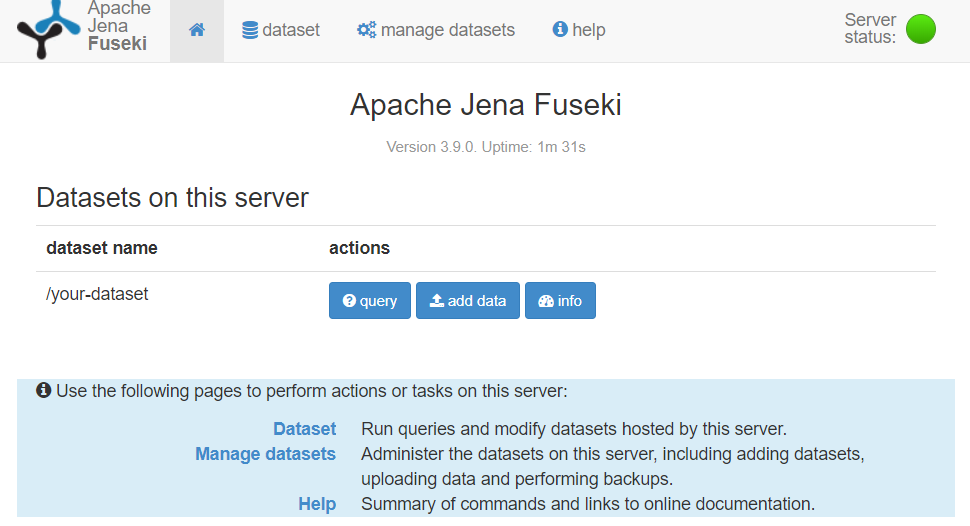
Fuseki UI
Try to query your data (obviously, the result will be empty though since no data has been uploaded). Go to the following address: http://localhost:3030/dataset.html?tab=info&ds=/your-dataset
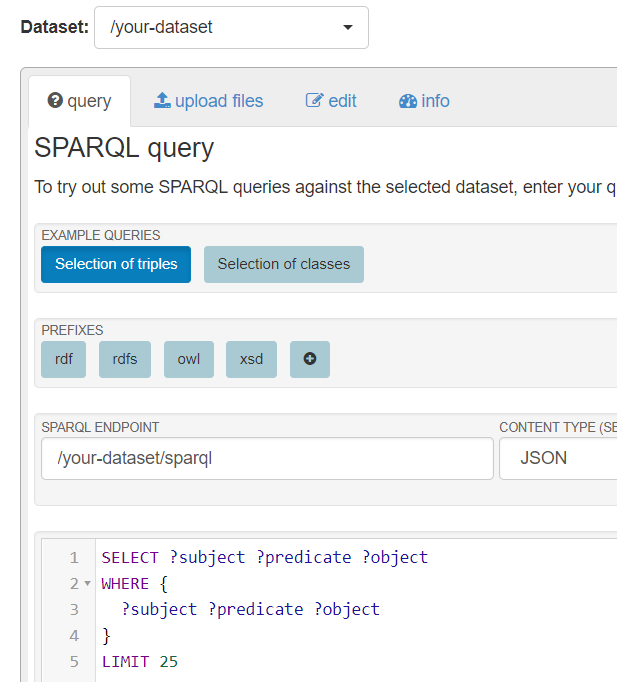
Get at most 25 triples of whatever S-P-O
The next step is to upload your data, using HTTP SPARQL Update. This can be done from the following HTML form (save it as fuseki-post.html).
<form action="http://localhost:3030/your-dataset/update" method="post">
  <fieldset>
    <legend>Fuseki SPARQL Update</legend>
    <textarea name="update" rows="10" cols="30">Put your SPARQL update query here...</textarea><br>
    <input type="submit" value="Submit">
  </fieldset>
</form>
Then, open your fuseki-post.html using any Web browser. Edit the text area with the following SPARQL Update query.
PREFIX dc: <http://purl.org/dc/elements/1.1/>
INSERT DATA
{
  <http://example/book1> dc:title "A new book" ;
                         dc:creator "A.N.Other" .
}
Click Submit, and you should see the success message.
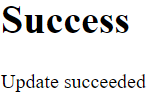
If you see this, this means your SPARQL update updates :)
Run the SPARQL query as shown above (the one with LIMIT 25).
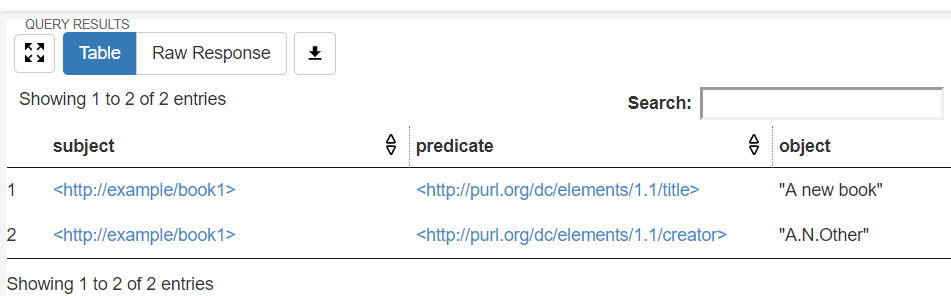
Query results containing the SPARQL updates
Great, you have now successfully set up Jena Fuseki for SPARQL Update.
enjoy
References:
메타데이터
- post_id
- 2c8a2802ee8f
- slug
- setting-up-jena-fuseki-with-update-in-windows-10-2c8a2802ee8f
- url
- https://medium.com/@fadirra/setting-up-jena-fuseki-with-update-in-windows-10-2c8a2802ee8f
- canonical_url
- https://medium.com/@fadirra/setting-up-jena-fuseki-with-update-in-windows-10-2c8a2802ee8f
- author_url
- https://medium.com/@fadirra
- status
- ok
- fetched_at
- 2026-07-29 21:31:15