Next JS | #1 |Project Setup
Automatic installation
Next JS | #1 |Project Setup
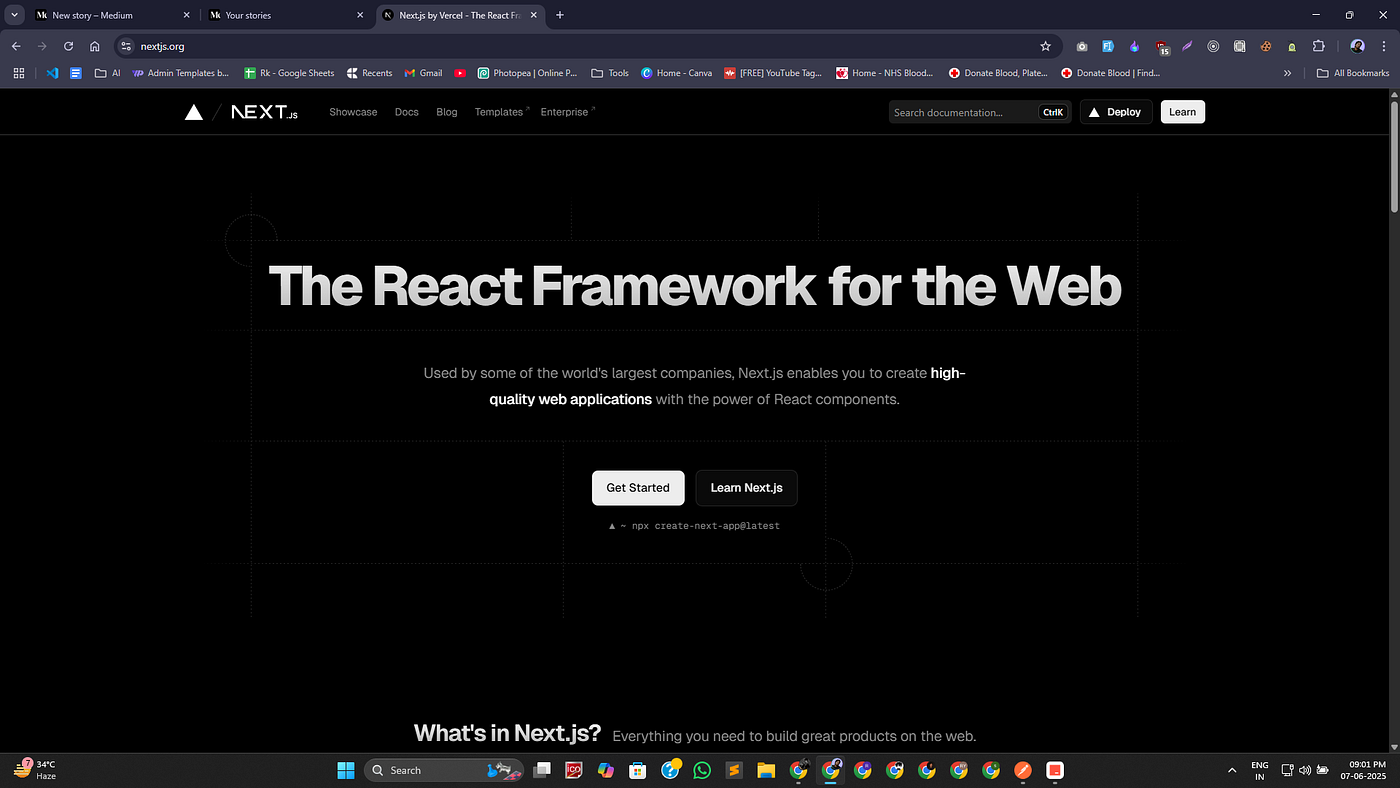
Automatic installation
Step 1 : Open your VS Code editor and run this command.
npx create-next-app@latestStep 2 : Choose your preference
What is your project named? my-app
Would you like to use TypeScript? No / Yes
Would you like to use ESLint? No / Yes
Would you like to use Tailwind CSS? No / Yes
Would you like your code inside a `src/` directory? No / Yes
Would you like to use App Router? (recommended) No / Yes
Would you like to use Turbopack for `next dev`?  No / Yes
Would you like to customize the import alias (`@/*` by default)? No / Yes
What import alias would you like configured? @/*
After the prompts, [create-next-app](https://nextjs.org/docs/app/api-reference/cli/create-next-app) will create a folder with your project name and install the required dependencies.
Manual installation :
Step 1 : To manually create a new Next.js app, install the required packages:
npm install next@latest react@latest react-dom@latestStep 2 : Then, add the following scripts to your package.json file:
{
  "scripts": {
    "dev": "next dev",
    "build": "next build",
    "start": "next start",
    "lint": "next lint"
  }
}
These scripts refer to the different stages of developing an application:
next dev: Starts the development server.next build: Builds the application for production.next start: Starts the production server.next lint: Runs ESLint.
Create the app directory
Next.js uses file-system routing, which means the routes in your application are determined by how you structure your files.
Create an app folder. Then, inside app, create a layout.tsx file. This file is the root layout. It's required and must contain the <html> and <body> tags.
// for javascript
export default function RootLayout({ children }) {
  return (
    <html lang="en">
      <body>{children}</body>
    </html>
  )
}

// for typescript
Create a home page app/page.tsx with some initial content:
// for javascript
export default function Page() {
  return <h1>Hello, Next.js!</h1>
}

// for typescript
Reference :
메타데이터
- post_id
- 2d2c7bc2a6cc
- slug
- next-js-1-project-setup-2d2c7bc2a6cc
- url
- https://medium.com/@rk85783/next-js-1-project-setup-2d2c7bc2a6cc
- canonical_url
- https://medium.com/@rk85783/next-js-1-project-setup-2d2c7bc2a6cc
- author_url
- https://medium.com/@rk85783
- status
- ok
- fetched_at
- 2026-06-25 16:53:31