Day 21 — The JavaScript Event Loop (The Engine Behind Asynchronous JavaScript)
“If JavaScript can only do one thing at a time, how can it handle timers, API requests, user clicks, animations, and network responses…
Day 21 — The JavaScript Event Loop (The Engine Behind Asynchronous JavaScript)

“If JavaScript can only do one thing at a time, how can it handle timers, API requests, user clicks, animations, and network responses without freezing the browser?”
This question sits at the heart of modern JavaScript.
By now you’ve worked with setTimeout, event listeners, promises, async/await, and API calls. You've seen JavaScript perform tasks that appear to happen simultaneously. A timer waits in the background while other code runs. An API request loads data while the page remains interactive. Multiple user interactions happen without blocking the interface.
At first glance, it almost feels like JavaScript is multitasking.
But there is a problem.
JavaScript is single-threaded.
That means JavaScript can execute only one piece of code at a time.
Not two.
Not ten.
One.
This creates an interesting mystery. If JavaScript can only do one thing at a time, why doesn’t the browser freeze every time it waits for an API request or a timer?
The answer is the Event Loop.
Understanding the Event Loop is one of the biggest milestones in learning JavaScript because it explains how asynchronous code actually works behind the scenes.
The Call Stack
Everything starts with something called the Call Stack.
Think of the Call Stack as JavaScript’s workspace.
Whenever a function executes, it gets placed onto the stack.
Example:
function first() {
  console.log("First");
}

first();
JavaScript pushes the function onto the stack, executes it, and removes it when execution finishes.
Now consider:
function first() {
  second();
}

function second() {
  third();
}

function third() {
  console.log("Hello");
}
first();
The stack grows like this:
first()
second()
third()
Once third() finishes, it gets removed.
Then second() finishes.
Then first() finishes.
The stack always follows a Last In, First Out pattern.
The most recently added function executes first.
For normal synchronous code, this system works perfectly.
But asynchronous operations introduce a challenge.
The Problem with Waiting
Imagine this code:
console.log("Start");

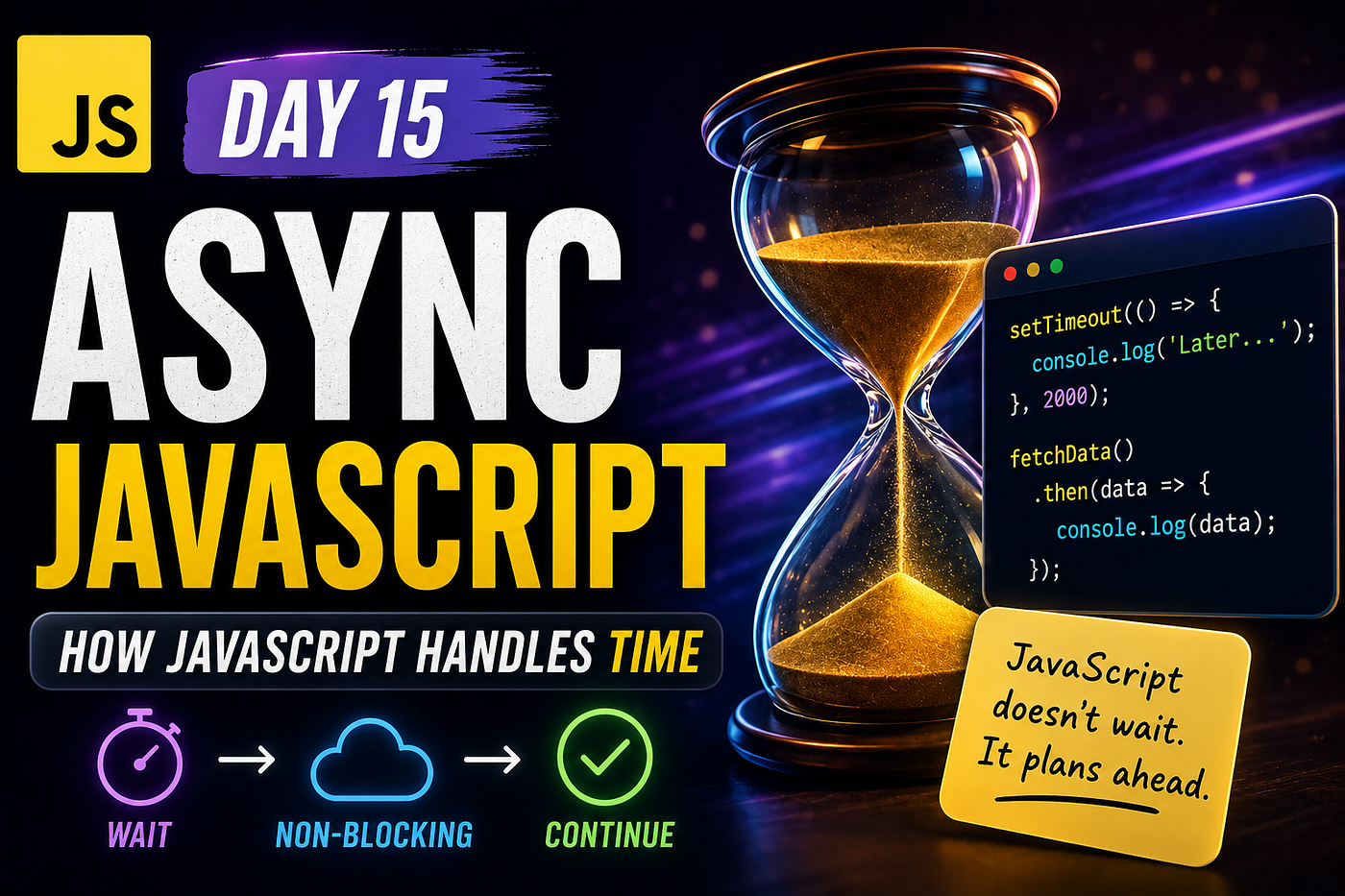
setTimeout(function () {
  console.log("Inside Timeout");
}, 2000);
console.log("End");
The output becomes:
Start
End
Inside Timeout
Many beginners initially expect JavaScript to pause for two seconds before continuing.
But that doesn’t happen.
If JavaScript waited for every timer, network request, or user interaction to finish, applications would constantly become unresponsive.
The browser needs another strategy.
Enter the Browser
One of the biggest misconceptions about JavaScript is that it handles everything itself.
It doesn’t.
The browser provides additional capabilities.
When JavaScript encounters:
setTimeout(...)it doesn’t actually manage the timer itself.
Instead, it hands the task to a browser feature called a Web API.
The browser starts tracking the timer independently while JavaScript continues executing other code.
This distinction is incredibly important.
JavaScript stays focused on executing code.
The browser handles waiting.
Once the timer completes, the browser notifies JavaScript that the callback is ready to run.
But even then, the callback doesn’t execute immediately.
Something else happens first.
The Callback Queue
When an asynchronous task finishes, its callback enters a waiting area called the Callback Queue.
Think of this as a queue outside JavaScript’s workspace.
Example:
setTimeout(function () {
  console.log("Hello");
}, 1000);
After one second, the callback enters the queue.
But entering the queue does not mean executing immediately.
The callback must wait for the Call Stack to become completely empty.
Only then can execution continue.
This behavior prevents JavaScript from interrupting currently running code.
The Event Loop Arrives
This is where the Event Loop finally enters the picture.
The Event Loop has one simple job:
Continuously check whether the Call Stack is empty.
If the stack is empty and callbacks are waiting in a queue, the Event Loop moves them into the stack for execution.
That’s it.
The Event Loop itself is actually a surprisingly simple concept.
The complexity comes from understanding all the systems interacting around it.
A useful way to think about it is:
- The Call Stack executes code.
- Browser APIs handle waiting.
- Queues hold completed callbacks.
- The Event Loop coordinates everything.
Together they create the illusion of concurrency.
Promises Change the Story
So far we’ve discussed timers.
Promises introduce another layer.
Consider:
console.log("Start");

Promise.resolve()
  .then(function () {
    console.log("Promise");
  });
console.log("End");
Most beginners expect:
Start
End
Promise
And that’s exactly what happens.
But here’s the interesting part.
Promise callbacks do not enter the normal Callback Queue.
They enter a special queue called the Microtask Queue.
The Microtask Queue has higher priority than the regular Callback Queue.
This means promise callbacks execute before timer callbacks whenever possible.
Example:
console.log("Start");

setTimeout(function () {
  console.log("Timeout");
}, 0);
Promise.resolve()
  .then(function () {
    console.log("Promise");
  });
console.log("End");
Output:
Start
End
Promise
Timeout
Even though the timeout delay is zero.
This behavior surprises almost everyone the first time they see it.
Why setTimeout(..., 0) Isn't Instant
One of the most common interview questions revolves around this exact topic.
Many developers assume:
setTimeout(fn, 0);means execute immediately.
It doesn’t.
It means:
Execute as soon as possible after the current execution finishes.
The callback still enters the queue.
The Event Loop still waits for the Call Stack to become empty.
The callback still waits behind higher-priority microtasks.
This is why understanding the Event Loop matters more than memorizing individual behaviors.
Async/Await and the Event Loop
When developers first learn async/await, it often feels like JavaScript has become synchronous again.
Example:
async function getData() {
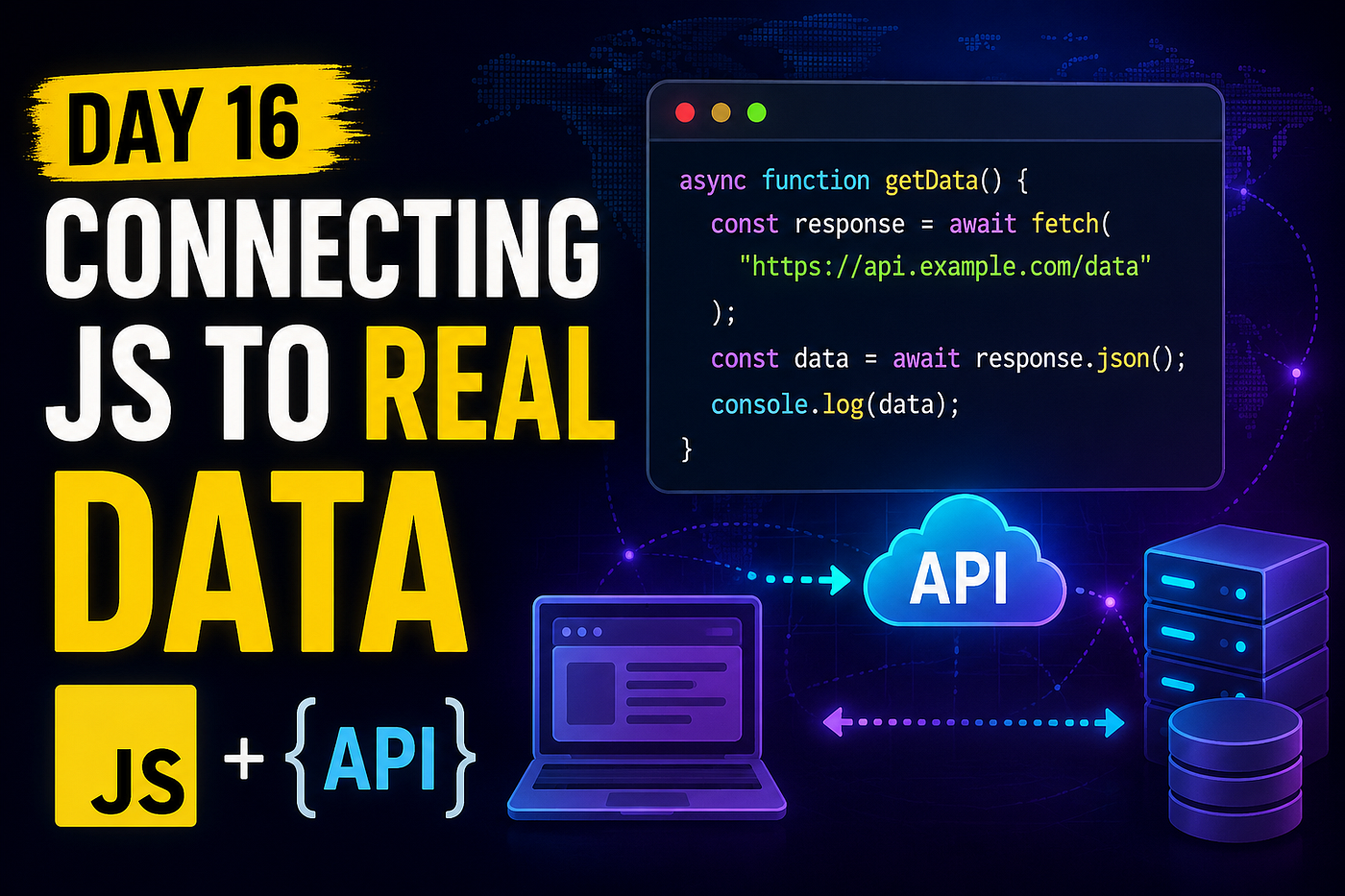
  const response = await fetch(url);
  console.log(response);
}
The syntax looks straightforward.
But underneath the surface, promises and the Event Loop are still doing all the work.
Async/await doesn’t replace promises.
It simply provides cleaner syntax for working with them.
The Event Loop remains responsible for coordinating execution.
Why This Matters for Real Applications
The Event Loop isn’t just a theoretical concept.
Every modern JavaScript application depends on it.
When users click buttons, the Event Loop helps process events.
When APIs return responses, the Event Loop schedules callbacks.
When animations update frames, the Event Loop participates in coordinating execution.
When promises resolve, the Event Loop determines execution order.
Without the Event Loop, asynchronous JavaScript would not exist.
Understanding it helps explain many of the “weird” behaviors developers encounter as applications become more complex.
A Small but Important Note
Note: Many developers spend years using async JavaScript successfully without fully understanding the Event Loop. However, once applications become larger and debugging asynchronous behavior becomes more difficult, a solid understanding of the Event Loop often becomes one of the most valuable skills a JavaScript developer can have.
Why This Is One of JavaScript’s Most Important Concepts
Earlier in the series, you learned syntax.
Then functions.
Then closures.
Then promises.
The Event Loop is different.
It explains why all those features behave the way they do.
Instead of learning another API or language feature, you’re learning part of the engine itself.
That deeper understanding often changes how developers think about JavaScript forever.
Try This Yourself
Experiment with combinations of:
- synchronous code
setTimeout- promises
- async/await
Predict the output before running the code.
Then compare your prediction to reality.
Nothing builds Event Loop intuition faster than observing execution order firsthand.
What’s Next?
In the next article, we’ll explore Execution Context and Hoisting, another topic that explains behavior developers often see but don’t fully understand.
“Because before JavaScript executes your code, it actually prepares your code first.”
See you in Day 22.
메타데이터
- post_id
- 2d9dfb7200ad
- slug
- day-21-the-javascript-event-loop-the-engine-behind-asynchronous-javascript-2d9dfb7200ad
- url
- https://medium.com/@techmuse007/day-21-the-javascript-event-loop-the-engine-behind-asynchronous-javascript-2d9dfb7200ad
- canonical_url
- https://medium.com/@techmuse007/day-21-the-javascript-event-loop-the-engine-behind-asynchronous-javascript-2d9dfb7200ad
- author_url
- https://medium.com/@techmuse007
- status
- ok
- fetched_at
- 2026-06-09 15:37:30