Salesforce Integration with Workato: A Complete Step-by-Step Guide
Modern businesses rely on multiple tools to manage operations — CRM systems, marketing platforms, finance tools, and customer support…
Salesforce Integration with Workato: A Complete Step-by-Step Guide
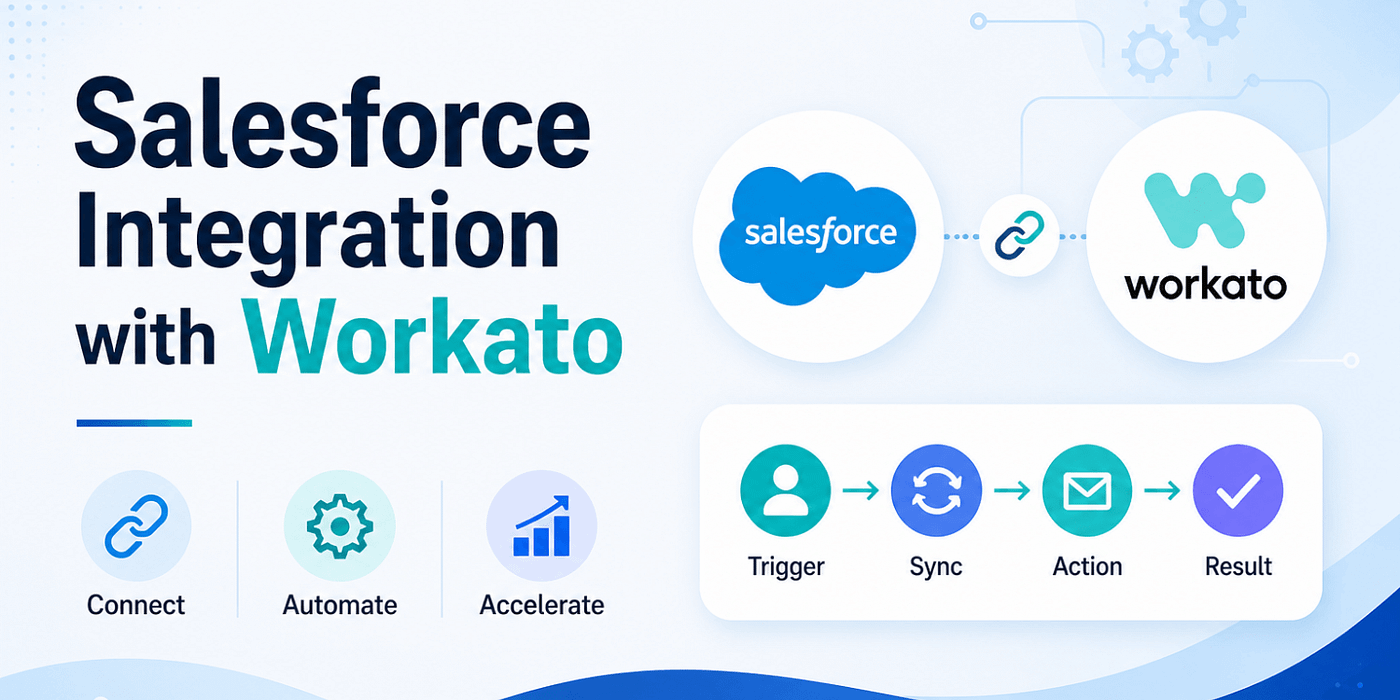
Modern businesses rely on multiple tools to manage operations — CRM systems, marketing platforms, finance tools, and customer support software. While each tool serves a specific purpose, the real challenge lies in ensuring they work together seamlessly. This is where integrating Salesforce with Workato becomes incredibly valuable.
Workato is a powerful integration and automation platform that enables organizations to connect Salesforce with hundreds of other applications. Instead of manually transferring data between systems or building complex custom integrations, businesses can automate workflows using Workato’s low-code environment. This not only saves time but also reduces errors and improves overall efficiency.
Why Integrate Salesforce with Workato?
The integration between Salesforce and Workato is not just about connectivity — it’s about transformation. When these platforms are connected, data flows automatically between systems, eliminating the need for manual updates. Sales teams can focus on closing deals instead of entering data, while marketing teams can run campaigns with accurate, real-time information.
For example, when a new lead is captured on your website, it can automatically be created in Salesforce, assigned to a sales representative, and added to a marketing campaign — all without human intervention. Similarly, when a deal is closed, invoices can be generated in accounting systems instantly. This level of automation improves productivity and ensures that your teams are always working with up-to-date information.
Read: Salesforce integration -connecting via an Integration User and Permission Set
What You Need Before Getting Started
Before beginning the integration process, it’s important to ensure that you have access to both platforms with the necessary permissions. You will need an active Salesforce account with API access enabled, along with a Workato account. Administrative privileges in both systems are recommended, as they allow you to configure connections, manage workflows, and troubleshoot any issues that may arise.
It is also a good practice to create a dedicated integration user within Salesforce. This helps maintain better control over permissions, improves security, and makes it easier to monitor activity related to integrations.
Also read: Common Challenges Salesforce Marketing Cloud Support Services Can Solve
Step-by-Step Process to Integrate Salesforce with Workato
Step 1: Create a Workato Account
- Go to Workato’s website
- Sign up or log in
- Access your dashboard
Step 2: Connect Salesforce to Workato
- In Workato dashboard → Click Connections
- Click Create Connection
- Search for “Salesforce”
- Select Salesforce connector
🔐 Authentication Process
- Choose OAuth authentication
- Log in to your Salesforce account
- Grant required permissions
💡 Tip: Use a dedicated integration user in Salesforce for better control.
Step 3: Test the Connection
Once connected:
- Verify connection status
- Test API access
- Ensure data is accessible
👉 If successful, you’re ready to build automation.
Step 4: Create Your First Recipe (Workflow)
In Workato, workflows are called Recipes.
📌 What is a Recipe?
A recipe consists of:
- Trigger (when something happens)
- Action (what should happen next)
🔧 Example Recipe
- Trigger: New Lead created in Salesforce
- Action: Send notification in Slack
🛠️ How to Create a Recipe
- Click Create Recipe
- Select Salesforce as the trigger app
- Choose trigger event (e.g., “New Record”)
- Select object (Lead, Account, Opportunity)
Step 5: Configure Triggers
Define when the automation should run.
Example:
- When a new Lead is created
- When Opportunity stage changes
- When Account is updated
💡 Workato supports both:
- Real-time triggers
- Scheduled triggers
Step 6: Add Actions
Now define what happens after the trigger.
Examples:
- Create contact in another system
- Update records in Salesforce
- Send email notifications
- Create tasks
Multi-Step Automation
You can chain multiple actions:
👉 Lead created → 👉 Add to email campaign → 👉 Notify sales team → 👉 Create follow-up task
Step 7: Map Data Fields
This is a critical step.
🔍 What You Do:
- Map Salesforce fields to target app fields
- Ensure correct data flow
Example:
- Salesforce “Email” → Marketing tool “Email”
- Salesforce “Company” → CRM “Account Name”
💡 Tip: Double-check field mapping to avoid data errors.
Step 8: Test Your Recipe
Before going live:
- Run test
- Check data flow
- Verify results
Check:
- Correct data transfer
- No missing fields
- Proper automation flow
Step 9: Activate the Recipe
Once everything works:
👉 Turn ON the recipe
Your automation is now live 🎉
Also read: Top 7 Signs Your Business Needs Salesforce Consulting Services
Real-World Use Cases of Salesforce and Workato Integration
- Lead Management Automation
- Capture leads from forms
- Auto-create Salesforce records
- Assign to sales reps
- Marketing Automation
- Sync leads with email tools
- Trigger campaigns automatically
- Sales Process Automation
- Update opportunity stages
- Notify teams on deal progress
- Finance Integration
- Create invoices in accounting tools
- Sync revenue data
- Customer Support
- Create tickets from Salesforce cases
- Sync support data
Check out: Salesforce Implementation Guide - From Planning to Deployment
Common Challenges & How to Avoid Them
While integrating Salesforce with Workato is relatively straightforward, there are a few challenges that businesses should be aware of.
- Data Duplication
One common issue is data duplication, which can occur if workflows are not properly configured. This can be avoided by using unique identifiers such as email addresses or record IDs.
- API Limits in Salesforce
Another challenge is managing Salesforce API limits. Since Salesforce imposes limits on API usage, it is important to design workflows efficiently and avoid unnecessary triggers. Proper planning and monitoring can help ensure that your integrations remain within acceptable limits.
- Poor Field Mapping and Over-Automation
Field mapping errors can also lead to incorrect data transfer. Taking the time to carefully map fields and validate data during testing can prevent such issues. Additionally, over-automation can make workflows complex and difficult to manage, so it’s best to start with simple processes and gradually expand.
Best Practices for Successful Integration
- Use Dedicated Integration User
Improves security and tracking
- Monitor Recipes Regularly
Check logs and performance
- Use Error Handling
Set alerts for failures
- Start Small
Build simple workflows first, then scale
- Document Your Workflows
Helps with maintenance and onboarding
Why Workato Is a Strong Choice for Salesforce Integration
Compared to other tools, Workato offers:
- Low-code automation
- Enterprise-grade security
- Real-time processing
- Scalable workflows
- Wide app ecosystem
Final Thoughts
Integrating Salesforce with Workato is more than just a technical implementation — it is a step toward building a more efficient, automated, and scalable business. By connecting your systems and automating workflows, you can eliminate manual tasks, improve data accuracy, and empower your teams to focus on strategic activities.
As businesses continue to adopt digital transformation strategies, tools like Workato play a crucial role in ensuring that systems work together seamlessly. With the right approach, this integration can deliver significant long-term value.
Key Takeaway
👉 Salesforce + Workato = Automation + Efficiency + Scalability
When Salesforce and Workato are combined effectively, they create a powerful ecosystem that enables automation, improves productivity, and supports business growth. The key is to start simple, build thoughtfully, and continuously optimize your workflows as your business evolves.
메타데이터
- post_id
- 2dd0fd78fc87
- slug
- salesforce-integration-with-workato-a-complete-step-by-step-guide-2dd0fd78fc87
- url
- https://medium.com/@abhaykhs/salesforce-integration-with-workato-a-complete-step-by-step-guide-2dd0fd78fc87
- canonical_url
- https://medium.com/@abhaykhs/salesforce-integration-with-workato-a-complete-step-by-step-guide-2dd0fd78fc87
- author_url
- https://medium.com/@abhaykhs
- status
- ok
- fetched_at
- 2026-06-16 19:09:56