Why SDKMAN! Is the Version Manager Every JVM Developer Needs
A few weeks ago, I dusted off my Java skills to dive into some open-source projects. The first step — setting up a JDK — should have been…
Why SDKMAN! Is the Version Manager Every JVM Developer Needs
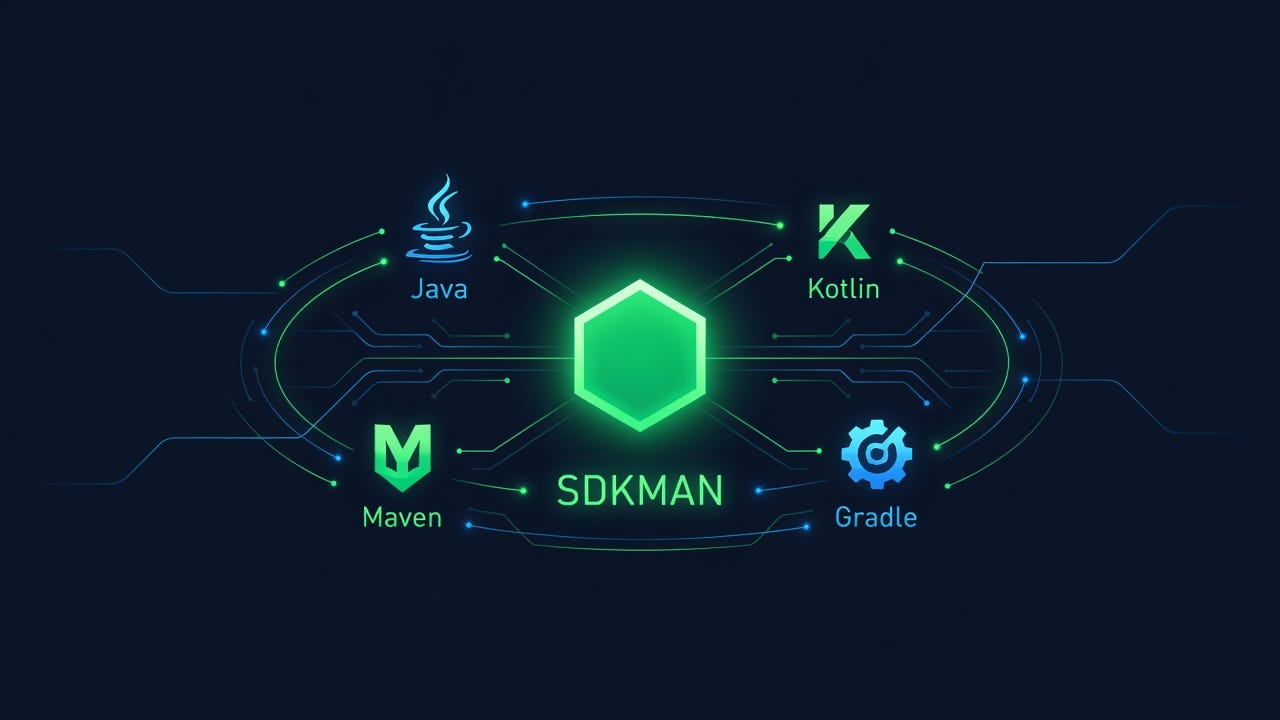
sdkman
A few weeks ago, I dusted off my Java skills to dive into some open-source projects. The first step — setting up a JDK — should have been trivial. It wasn’t.
One project targeted JDK 8. Another ran on JDK 17. A third was already experimenting with JDK 21 virtual threads. On top of that, Maven, Gradle, and Kotlin each had their own version requirements per project. I’d spent the last few years writing Go, where go install handles multiple versions natively. Coming back to the JVM ecosystem, I realized I'd forgotten how fragmented the tooling landscape could be.
So I did what any reasonable developer would do: I took a step back and asked, what’s the best way to manage all of this in 2026?
The Problem: Version Chaos in the JVM World
If you’ve done Linux development, you’ve probably wrestled with update-alternatives. It's the classic Debian/Ubuntu mechanism for switching between installed versions of a program. For Java, it looks something like this:
sudo update-alternatives --install /usr/bin/java java /opt/jdk-17/bin/java 1 \
  --slave /usr/bin/javac javac /opt/jdk-17/bin/javac \
  --slave /usr/bin/javadoc javadoc /opt/jdk-17/bin/javadoc \
  --slave /usr/bin/jar jar /opt/jdk-17/bin/jar
And that’s the short version. A real-world registration script for a single JDK can easily run 40+ lines, one per tool in the JDK bin directory. Every time you install a new JDK version, you repeat this ritual. Then you run sudo update-alternatives --config java to switch. It works — but it's the manual transmission of version management.
The pain points are obvious:
- Boilerplate overload. Registering master and slave symlinks for every JDK binary is tedious and error-prone.
- No cross-platform story. macOS uses Homebrew, Windows relies on manual PATH manipulation. Three platforms, three completely different approaches.
- One toolchain, one config. Java has
update-alternatives, Node hasnvm, Python haspyenv, Ruby hasrbenv, Go hasgoenv. Each with its own syntax, its own mental model, its own quirks.
And in the JVM ecosystem, managing the JDK is only half the battle. You also need to juggle Maven versions, Gradle versions, Kotlin, Scala, Groovy — sometimes all within the same project.
Enter SDKMAN!
SDKMAN! was built specifically to solve this. Its pitch is simple: one tool to manage every SDK in the JVM ecosystem. And after using it for a while, I can say it delivers.
What Can It Manage?
SDKMAN! calls each installable piece of software a “candidate.” The coverage is impressive:
- JDK distributions: Oracle JDK, OpenJDK, GraalVM, Liberica, Zulu, Adoptium, Amazon Corretto, Microsoft, IBM Semeru — 20+ distributions across dozens of versions
- Build tools: Maven, Gradle, Ant, sbt
- JVM languages: Kotlin, Scala, Groovy
- Frameworks: Spring Boot CLI, Micronaut, Quarkus CLI
- Utilities: JBang, VisualVM, Spark, Leiningen
That’s a lot of ground covered by a single tool.
Design Philosophy
SDKMAN! borrows the best ideas from other version managers and combines them:
- From nvm: The
.nvmrcpattern becomes.sdkmanrc— drop a file in your project root, and SDKMAN! auto-switches to the right versions when youcdin. - From pyenv/rbenv: All candidate versions live isolated under
~/.sdkman/candidates/. No system-wide pollution, nosudorequired. - From update-alternatives:
sdk usefor temporary switching within a shell session,sdk defaultfor setting persistent defaults.
Getting Started
Installation is a one-liner that works on macOS, Linux, and WSL:
curl -s "https://get.sdkman.io" | bashThe installer adds initialization to your shell config (~/.bash_profile or ~/.zshrc):
export SDKMAN_DIR="$HOME/.sdkman"
[[ -s "$HOME/.sdkman/bin/sdkman-init.sh" ]] && source "$HOME/.sdkman/bin/sdkman-init.sh"
Open a new terminal or source the file, and you're ready. One quirk: sdk is a shell function, not a binary, so which sdk won't find it. Use type sdk instead to verify.
Everyday Commands
# Browse available candidates
sdk list
# See all Java versions available
sdk list java# Install specific versions
sdk install java 17.0.9-tem
sdk install maven 3.9.6
sdk install gradle 8.5# Temporarily switch for the current shell
sdk use java 21.0.1-graal# Set the global default
sdk default java 17.0.9-tem# Check what's currently active
sdk current java# See installed versions
sdk list java | grep installed# Uninstall a version
sdk uninstall java 8.0.392-tem# Upgrade to the latest
sdk upgrade java# Show everything that's installed and active
sdk currentProject-Level Version Locking
The real power move is .sdkmanrc. Initialize it in your project root:
sdk env initThis creates a file that locks versions for the project:
java=17.0.9-tem
maven=3.9.6
Enable auto-switching in ~/.sdkman/etc/config:
sdkman_auto_env=trueNow whenever you cd into the project directory, SDKMAN! automatically activates the right versions. Team members get the exact same environment with zero additional setup.
SDKMAN! vs. jenv
These two tools are frequently compared, but they serve fundamentally different purposes:
SDKMAN!jenvScopeJDK + Maven + Gradle + Kotlin + Scala + Groovy + …JDK onlyJDK installationBuilt-in — downloads and installs for youManual — you download JDKs yourself, jenv just registers themFootprintHeavier, feature-richLightweight, does one thingSetupOne-line curlHomebrew or git clone
The choice comes down to philosophy:
- SDKMAN! is for developers who want a complete JVM environment manager. Install, switch, and forget — everything handled in one place.
- jenv is for minimalists who just need a lightweight JDK router. You handle downloads, jenv handles
JAVA_HOMEandPATHswitching.
If you work across multiple JVM projects with different build tool and language requirements, SDKMAN! is the clear winner.
The Cross-Language Dream
Once you’ve tasted a unified version manager for one ecosystem, the natural question arises: is there a tool that handles every language?
asdf is the most prominent attempt. It uses a plugin architecture to support hundreds of tools across Ruby, Node.js, Python, Go, Java, and more. The idea is compelling, but the execution has rough edges:
- Shim overhead. Every command goes through a shim layer. For frequently executed tools like
goornode, the performance hit is noticeable. - Plugin quality varies wildly. Core plugins are well-maintained; niche ones may be abandoned.
- Abstract configuration.
.tool-versionsis more generic than.nvmrcor.sdkmanrc, but that generality comes at the cost of ergonomics.
mise (formerly rtx) is a Rust rewrite of asdf with better performance and asdf plugin compatibility. It’s promising, but the community and ecosystem still lag behind the purpose-built tools for each language.
From a pragmatic standpoint, here’s my recommendation:
- JVM ecosystem → SDKMAN! It’s the nvm + rbenv + Homebrew of the Java world, and the unified experience is worth it.
- Node.js → Stick with nvm or try fnm (a faster Rust alternative).
- Go → The official
go installmulti-version support is good enough. You probably don't need a third-party tool. - Python → pyenv, or just use venv/conda.
A single cross-language version manager that handles everything well is still a dream. Each language has its own packaging conventions, build systems, and version semantics. A unified abstraction inevitably loses the details that make each ecosystem’s tooling feel natural. Right now, using the best tool for each ecosystem is the most practical approach.
The Bottom Line
update-alternatives served its purpose, but the JVM tooling landscape has moved on. SDKMAN! replaces dozens of manual symlink registrations with a handful of memorable commands. It handles not just the JDK but every tool in the Java development chain — from build systems to companion languages — with a single, consistent interface.
If you’re setting up a Java development environment in 2026, SDKMAN! is the lowest-friction starting point I’ve found. One tool, one syntax, one config file per project. The way it should be.
메타데이터
- post_id
- 2ddad51b03bb
- slug
- why-sdkman-is-the-version-manager-every-jvm-developer-needs-2ddad51b03bb
- url
- https://medium.com/@hitzhangjie/why-sdkman-is-the-version-manager-every-jvm-developer-needs-2ddad51b03bb
- canonical_url
- https://medium.com/@hitzhangjie/why-sdkman-is-the-version-manager-every-jvm-developer-needs-2ddad51b03bb
- author_url
- https://medium.com/@hitzhangjie
- status
- ok
- fetched_at
- 2026-07-13 22:43:40




