Creating data with Google Deep Research.
Using deep research to find realistic data for python data based generation.
Creating data with Google Deep Research.
Using deep research to find realistic data for python data based generation.
In my prior article I did OCR with Google Gemini on Aldi receipts. But I wanted to do more with the data. Categorize, sort, save it to a database of sorts. But I wanted some test data. So, I though why not just use faker or some tool to generate data. But this is very specific. I wanted a realistic receipt generator. And I wanted AI to help.
Using Google research I did this prompt:
can you give me a current price list of all items at Aldi's in
September 2025 in North Caroina - Raleigh-Durham area
This produced some interesting results. I had it do more work on the staples:
can you also include an assortment of
stapes, such as milk, eggs, sugar, flour, and a selection of vegtables.
and then asked it to extract all prices and store locations:
can you extract all items and pricing into a table.
and store locations into a separate table
This gave me 2 sheets — which I could export to Google Sheets.
Item Current Price Projected Price (Sept 2025)
Milk (Friendly Farms Whole Milk, 1 Gallon) $3.35 $3.45 - $3.52
Eggs (Goldhen Grade A Large Eggs, 1 dozen) $2.99 $3.08 - $3.14
Flour (Baker's Corner All Purpose, 5 lb) $2.35 $2.42 - $2.47
Sugar (Baker's Corner Granulated, 4 lb) $3.65 $3.76 - $3.83
Carrots (2 lb bag) $1.65 $1.70 - $1.73
Cucumber (each) $0.79 $0.81 - $0.83
Russet Potatoes (10 lb bag) $5.19 $5.35 - $5.45
Yellow Onions (3 lb bag) $2.99 $3.08 - $3.14
Broccoli Crowns (per lb) $1.99 $2.05 - $2.09
Tomatoes on the Vine (24 oz) $3.19 $3.29 - $3.35
Celery (each) $2.19 $2.26 - $2.30
and the store locations
City Address
Raleigh 2900 Sunrise Valley Place, Raleigh, NC 27610
Raleigh 8101 Brier Creek Pkwy, Raleigh, NC 27617
Garner 1201 US-70, Garner, NC 27529
Durham 7815 Fayetteville Rd, Durham, NC 27713
Durham 2300 W Everitt Ave, Durham, NC 27705
Fuquay-Varina 2031 N Main St, Fuquay-Varina, NC 27526
Cary 10100 Green Level Church Rd, Cary, NC 27519
Apex 1101 E Williams St, Apex, NC 27539
Wake Forest 1721 N Main St, Wake Forest, NC 27587 [embed]Gemini - Aldi Prices Raleigh Durham Sept 2025 Created with Geminigemini.google.com
Deep research can give you data, current and useful data. All very interesting and could be quite powerful in unexpected ways.
Implementing a program with the data
Again, this is a proof of concept.
I attached the 2 sheets in a new Canvas prompt. Notice I did not need to say use the attached sheets…. interesting. I used a real OCR scan of the receipt for the template
Create a python cli program that will generate psuedo random reciepts from aldi.

--times is the number of receipts files.

--pattern would be the prefix of the files. default is 'aldi0001.txt'
where aldi is the prefix and txt is the suffix.

--date range - "01/01/2025 - 01/30/2025"

all times should be between 8:30am and 9:30pm

Here is the template

**ALDI**

Store #xxx

10 Park Avenue

Anytown VA USA

https://help.aldi.us

530807 2 Roll Paper Towel     1.85 NC

356502 Blackberries           2.39 FB

262747 Bananas LRW            1.01 FB

(G) 1.91lb (T) 0.01lb

(N) 1.90 lb x 0.53/lb

SUBTOTAL                  5.25

C:Taxable @6.000%          0.11

B:Taxable @1.000%          0.03

AMOUNT DUE                 5.39

TOTAL                      5.39

3 ITEMS

Debit Card                 $ 5.39

*0424 L387/008/805 09/09/25 12:10PM

Mastercard              5.39

***************1234 OTHER

09/07/25 12:10 Ref/Seq # 428153

Trace # 428243

Auth # 01729Z

AID A0000000041010

TVR 0000000001

IAD 0115A140030200000007000000000000

TSI A800 ARC 000 EntryMode 07

++APPROVED++
It embedded the data into the program as a list of dictionary items. However, the first pass worked quite well. And the numbers add up.
STORES = [
    {'number': '078', 'address': '155 Hillwood Avenue\nFalls Church, VA 22046'},
    {'number': '101', 'address': '2900 Sunrise Valley Place\nRaleigh, NC 27610'},
    {'number': '102', 'address': '8101 Brier Creek Pkwy\nRaleigh, NC 27617'},
    {'number': '115', 'address': '1201 US-70\nGarner, NC 27529'},
    {'number': '092', 'address': '7815 Fayetteville Rd\nDurham, NC 27713'},
    {'number': '045', 'address': '10100 Green Level Church Rd\nCary, NC 27519'},
]

# Item list with codes, descriptions, prices, tax codes, and whether they are sold by weight.
# Tax Codes: NC (Non-Taxable), FB (Food/B-Taxable), GC (General/C-Taxable)
ITEMS = [
    {'code': '530807', 'desc': '2 Roll Paper Towel', 'price': 1.85, 'tax_code': 'GC', 'by_weight': False},
    {'code': '356502', 'desc': 'Blackberries', 'price': 2.39, 'tax_code': 'FB', 'by_weight': False},
    {'code': '262747', 'desc': 'Bananas LRW', 'price': 0.53, 'tax_code': 'FB', 'by_weight': True},
    {'code': '412888', 'desc': 'Milk Whole 1gal', 'price': 3.45, 'tax_code': 'FB', 'by_weight': False},
    {'code': '789012', 'desc': 'Eggs Large Dozen', 'price': 3.08, 'tax_code': 'FB', 'by_weight': False},
    {'code': '345678', 'desc': 'AP Flour 5lb', 'price': 2.42, 'tax_code': 'FB', 'by_weight': False},
    {'code': '901234', 'desc': 'Gran Sugar 4lb', 'price': 3.76, 'tax_code': 'FB', 'by_weight': False},
    {'code': '567890', 'desc': 'Corn Flakes Cereal', 'price': 2.99, 'tax_code': 'FB', 'by_weight': False},
    {'code': '112233', 'desc': 'Laundry Detergent', 'price': 8.99, 'tax_code': 'GC', 'by_weight': False},
    {'code': '445566', 'desc': 'Dish Soap', 'price': 2.49, 'tax_code': 'GC', 'by_weight': False},
    {'code': '778899', 'desc': 'Gala Apples', 'price': 1.29, 'tax_code': 'FB', 'by_weight': True},
    {'code': '889900', 'desc': 'Avocado', 'price': 0.89, 'tax_code': 'FB', 'by_weight': False},
    {'code': '113355', 'desc': 'Sourdough Loaf', 'price': 3.99, 'tax_code': 'FB', 'by_weight': False},
    {'code': '224466', 'desc': 'Almond Milk', 'price': 2.75, 'tax_code': 'FB', 'by_weight': False},
    {'code': '776655', 'desc': 'Ground Beef 85/15', 'price': 4.79, 'tax_code': 'FB', 'by_weight': True},
    {'code': '998877', 'desc': 'Yogurt Greek Plain', 'price': 3.89, 'tax_code': 'FB', 'by_weight': False},
    {'code': '332211', 'desc': 'Winking Owl Wine', 'price': 3.45, 'tax_code': 'GC', 'by_weight': False},
Here are a couple of fake receipts that the program generated
file:  aldi2.txt

**ALDI**
Store #045
10100 Green Level Church Rd
Cary, NC 27519
https://help.aldi.us

654987 Cereal Bars 8ct       2.79 FB
357159 Canned Tuna 4pk       3.49 FB
654987 Cereal Bars 8ct       2.79 FB
445566 Dish Soap             2.49 GC
963741 Toilet Paper 12rl     7.49 GC
654321 Org Spring Mix 5oz    3.29 FB
332211 Winking Owl Wine      3.45 GC
345678 AP Flour 5lb          2.42 FB
901234 Gran Sugar 4lb        3.76 FB
356502 Blackberries          2.39 FB
901234 Gran Sugar 4lb        3.76 FB
987654 Cheddar Block 8oz     2.19 FB

SUBTOTAL                    40.31
C:Taxable @6.000%            0.81
B:Taxable @1.000%            0.27
AMOUNT DUE                  41.39

TOTAL                       41.39
12 ITEMS
Visa                 $ 41.39

*9976 L388/008/805 05/12/25 09:15PM

Visa                 41.39
***************6331 OTHER
05/12/25 21:15 Ref/Seq # 152483
Trace # 875486
Auth # 21460P
AID A0000000041010
TVR 0000000001
IAD 0114A140030200000007000000000000
TSI A800 ARC 000 EntryMode 07
++APPROVED++

file:  aldi1.txt
**ALDI**
Store #101
2900 Sunrise Valley Place
Raleigh, NC 27610
https://help.aldi.us

852741 Coffee Pods 12ct      4.19 GC
852741 Coffee Pods 12ct      4.19 GC
456789 Cream Cheese 8oz      1.99 FB
654321 Org Spring Mix 5oz    3.29 FB

SUBTOTAL                    13.66
C:Taxable @6.000%            0.50
B:Taxable @1.000%            0.05
AMOUNT DUE                  14.21

TOTAL                       14.21
4 ITEMS
Debit Card           $ 14.21

*0665 L388/008/805 05/01/25 06:22PM

Debit Card           14.21
***************3307 OTHER
05/01/25 18:22 Ref/Seq # 922827
Trace # 214513
Auth # 85882P
AID A0000000041010
TVR 0000000001
IAD 0114A140030200000007000000000000
TSI A800 ARC 000 EntryMode 07
++APPROVED++
This is just a starting point. Here is what I would do next as a craft this puppy up:
- Put the store and item data into JSON files. Load them up.
- Have a pattern for the output files.
- Have a limit on items or total value of the receipt. Or even a way to force absurd outcomes for testing.
- Maybe even an option to load in a database or some storage for further testing or learning.
Takeaways
Google Deep Research isn’t just for articles — you can derive real data from it. And use the real data to craft other software or inputs to other projects.
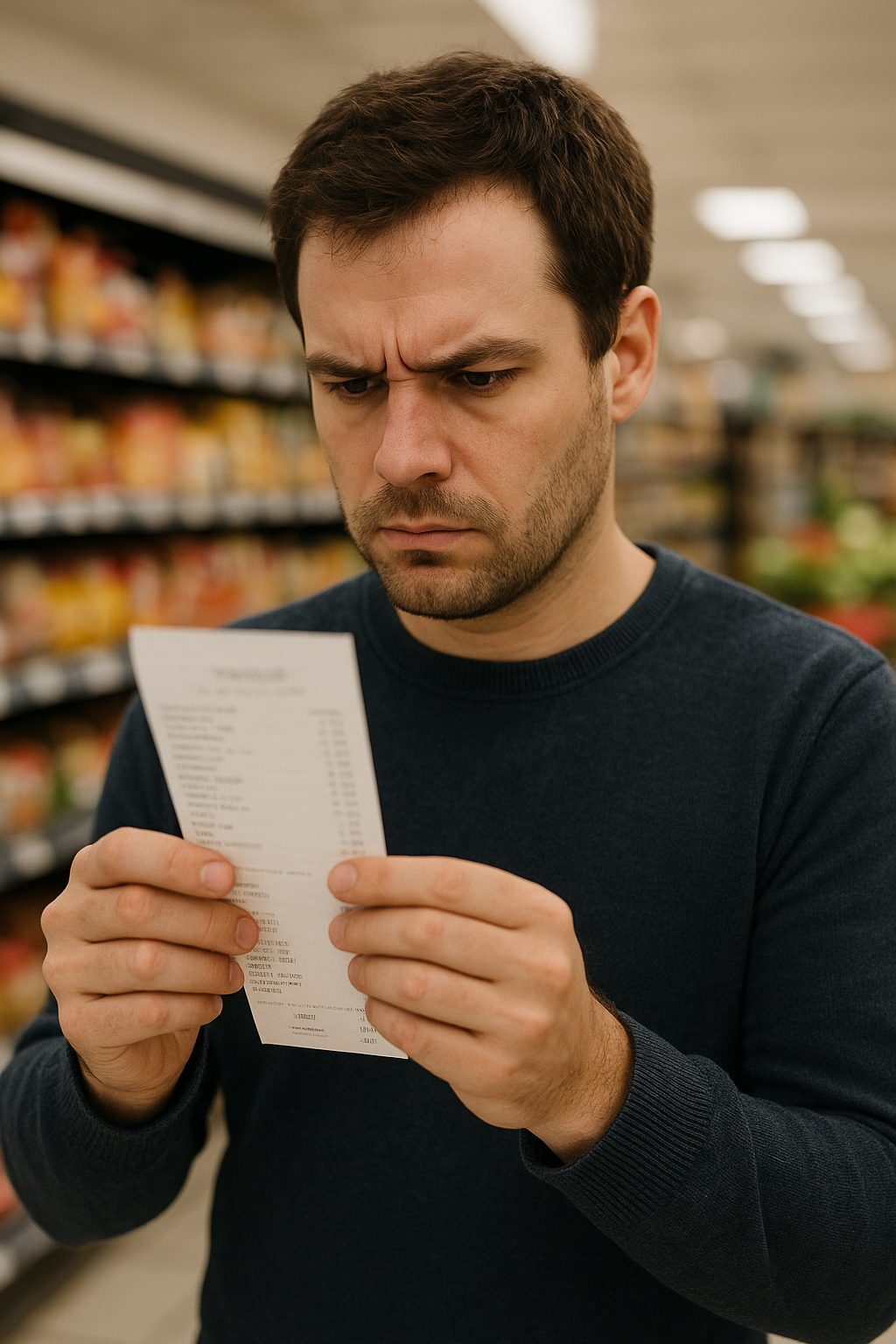
AI generated person scrutinizing a receipt
Here is the code
[embed]
A message from our Founder
Hey, Sunil here. I wanted to take a moment to thank you for reading until the end and for being a part of this community.
Did you know that our team run these publications as a volunteer effort to over 3.5m monthly readers? We don’t receive any funding, we do this to support the community. ❤️
If you want to show some love, please take a moment to follow me on LinkedIn, TikTok, **Instagram. You can also subscribe to our [weekly newsletter](https://newsletter.plainenglish.io/)**.
And before you go, don’t forget to clap and follow the writer️!
메타데이터
- post_id
- 2e2c0ba3eaf5
- slug
- creating-data-with-google-deep-research-2e2c0ba3eaf5
- url
- https://python.plainenglish.io/creating-data-with-google-deep-research-2e2c0ba3eaf5
- canonical_url
- https://python.plainenglish.io/creating-data-with-google-deep-research-2e2c0ba3eaf5
- author_url
- https://medium.com/@jallenswrx2016
- status
- ok
- fetched_at
- 2026-08-05 00:11:00








