Figma Config 2026 — swan song or the next leap forward?
Plus, why the designers need to bring back a more collaborative and iterative approach after a romance with AI coding tools.
Design Tools
Figma Config 2026 — swan song or the next leap forward?
Plus, why the designers need to bring back a more collaborative and iterative approach after a romance with AI coding tools.

For some time, a quiet assumption spread through designers: Figma’s best days are over. AI coding tools could turn a prompt into a working screen in seconds, so why keep nudging rectangles around a canvas? I know people who stopped opening Figma altogether and moved their whole exploration into Claude Code or Cursor.
Then, on June 24, during Config 2026, we saw that Figma was making bold moves to remain the top tool for creative pros.
Let me walk you through what Figma actually announced, then I will show you why I think it matters more for how we work than for which features ship.
What Figma announced
Six things came out of the keynote, and they all point the same way: Figma is becoming an all-in-one tool for various aspects of creation, from ideation and design to coding, all empowered by the latest AI achievements.
Let’s take a look at the features that are already available now (rolling out as I write this):
- Figma Motion — a real, advanced animation timeline inside Figma Design, with keyframes, presets, easing curves, and spring physics. You can build motion from scratch or ask the agent to generate a first pass, then export to multiple formats. For UI motion, this is actually the first credible reason to stop opening After Effects.
- Shader fills and effects — WebGPU-powered treatments like dithering, pixelation, frosted glass, chrome, and particles. You describe what you want or hand it a reference image, and you get adjustable controls on the canvas instead of a flat image you have to re-prompt.
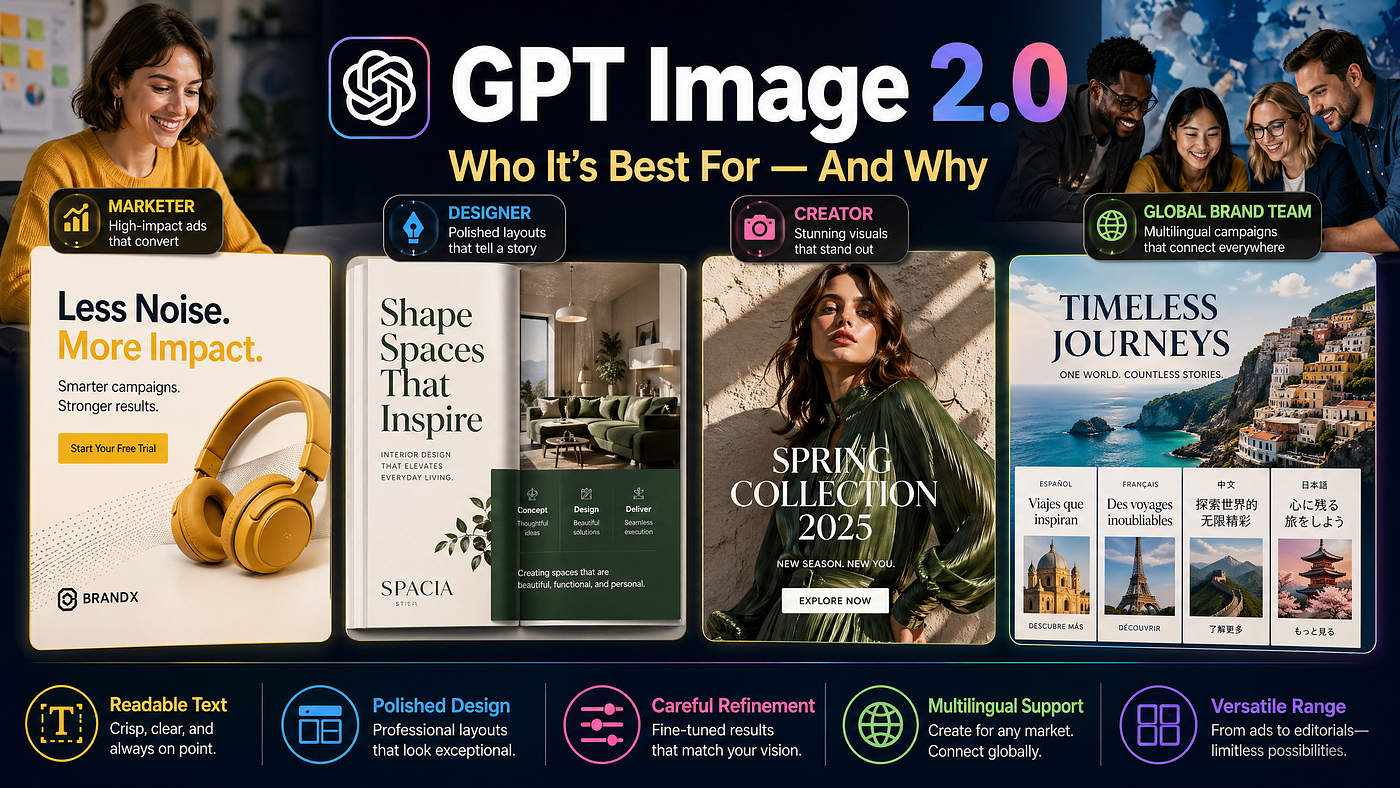
- Weave tools — Figma’s generative-image layer, built on Weavy (the startup it bought in late 2025). Background replacement, logo insertion, aspect-ratio changes, and style transfer from one image to another — more than 20 tools sitting next to your frames.
- Generative plugins — describe a tool, the agent writes it, no local dev setup or plugin API knowledge required. Right now they live in your file. Public publishing to Community is coming later.
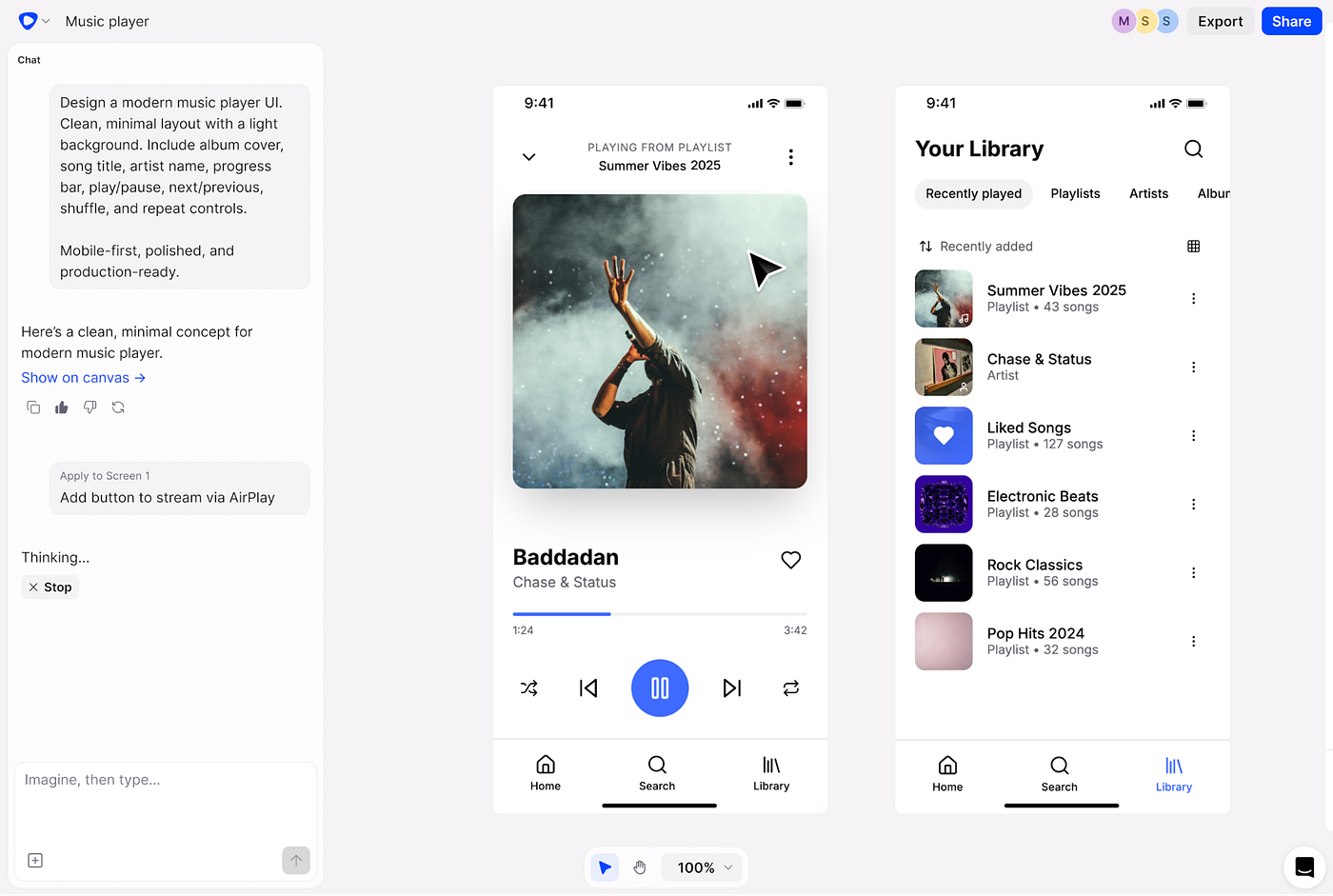
- A much stronger agent — first releases of Figma Make were not that impressive. Now that has changed. The agent understands the canvas and accepts skills (reusable instructions for your conventions). Teammates can now see agent chats by default, a small detail that turns out to matter.
Some great features are coming soon too:
- Code Layers is the headline, and it’s in closed beta with a waitlist, rolling out from July. You can bring a GitHub repo straight onto the canvas, generate directions with the agent, pull flows out into editable design layers, and sync changes back to code. The handoff step that has defined our work for over a decade starts to dissolve.
- The agent is heading to FigJam and Slides as well, also via waitlist.
Dylan Field, Figma’s CEO, closed the keynote with a line worth keeping: AI has lowered the floor, but it has not raised the ceiling. That job, he said, is ours.
The “next Figma” we were waiting for
A while back I wrote that the design tools we know today will not be the design tools we use tomorrow. Years ago I started designing in Photoshop. Then Sketch arrived and felt like fresh air. Finally Figma, and alongside it Framer and Webflow for the things Figma couldn’t do. Each shift felt obvious only in hindsight. And for the last couple of years I kept waiting for the next one, the tool built for the AI era.
Here is the part many people get wrong. The “next Figma” does not have to be a different company. It could be, but it doesn’t have to. The usual pattern is that a market leader slows down, defends its ground, and waits to get disrupted. Plenty of big tech companies are sitting in exactly that posture right now.
Figma chose the other path. Its first version of Figma Make felt like an experiment that hadn’t found its shape yet. With Config 2026 it’s clear Figma used that experiment to figure out the actual direction, and it’s a bold one: code, motion, generative imagery, and shaders all treated as design materials, the same way color and type always have been. That’s not a company protecting its lead, it’s one that keeps taking new ground with bold ideas.

Figma Motion, Source: figma.com
What actually moves things forward
Here are the things that make the bold change: You design with coded elements and there is no handoff, because the code is already there. An engineer gets a working artifact instead of a picture of one.
Motion lives where the design lives, so the animation a developer ships is the one you actually approved, not their best guess at your intent.
You build small tools for your own workflow by describing them, which means a team can encode its conventions once and stop re-explaining them in every file.
But the feature I keep coming back to is the most boring-sounding one: the canvas.
You can put versions side by side. You can copy something, refine it, compare it against the original, and have a colleague jump in and react in real time. None of the AI coding tools gave us that at any real level. It became so natural in Figma that we forgot it was a feature at all, and then we spent a year in tools that didn’t have it and wondered why exploration felt so flat.
Collaboration and iteration — design’s quiet superpower
When AI coding tools arrived, a lot of businesses started reading the collaborative parts of design as waste. Workshops, working sessions, and early sketches with various directions before committing to one all got reframed as redundant friction. “The team needs to move faster.” I understand the pressure. I just don’t think faster means better.
I mentioned that before, in my Note on Cal Newport’s “Slow Productivity”: many of the products and inventions we rely on would not exist if their makers had only optimized for speed. The goal is the right thing at the right time, giving ideas time to grow and gain perspective.
Vibe coding made this worse in a specific way. It’s a wonderful capability, but it quietly isolated us. The process is iterative but linear by default. You can fork versions in theory, but you have no single canvas to lay them out, compare them at a glance, or sit with another person and brainstorm across them. You prompt, you wait, you prompt again. Many times it felt like a casino loop I described in the vibe coding Note.
Steve Jobs obsessed over how Apple laid out its offices, because he wanted people to bump into each other. That instinct is right. Spontaneous interaction is where sparks come from, and innovation feeds on inspiration. Inspiration does not appear in a vacuum. A lot of large organizations are starved of it precisely because their teams are siloed and their processes are tuned for isolated waterfall workflow.
So watching Figma build the AI era around a shared canvas, rather than around a solitary prompt box, feels like the correct read of where this goes. Lower the floor with AI, yes — but keep the room where people raise the ceiling together.
Next steps
If you’re one of the designers who closed Figma months ago, open it again.
The motion timeline and shaders are live now. The agent is free while it’s in beta. Build something small and watch how it feels to iterate on a canvas instead of in a chat thread. For Code Layers, get on the waitlist at figma.com/config-betas so you’re ready when it opens in July.
I don’t think Config 2026 is a swan song. It’s the leap I had been waiting for, and, more importantly, a reminder that the parts of our craft worth protecting are the collaborative, exploratory ones, not the ones a prompt can already do.
Wonderful times to create!
메타데이터
- post_id
- 2e635562920a
- slug
- figma-config-2026-swan-song-or-the-next-leap-forward-2e635562920a
- url
- https://medium.com/design-bootcamp/figma-config-2026-swan-song-or-the-next-leap-forward-2e635562920a
- canonical_url
- https://medium.com/design-bootcamp/figma-config-2026-swan-song-or-the-next-leap-forward-2e635562920a
- author_url
- https://medium.com/@uxmisfit
- status
- ok
- fetched_at
- 2026-07-09 08:27:28