5 AI Tools That Feel Illegal to Know About
These tools exist. They are free. And most people have never heard of them.
5 AI Tools That Feel Illegal to Know About
These tools exist. They are free. And most people have never heard of them.

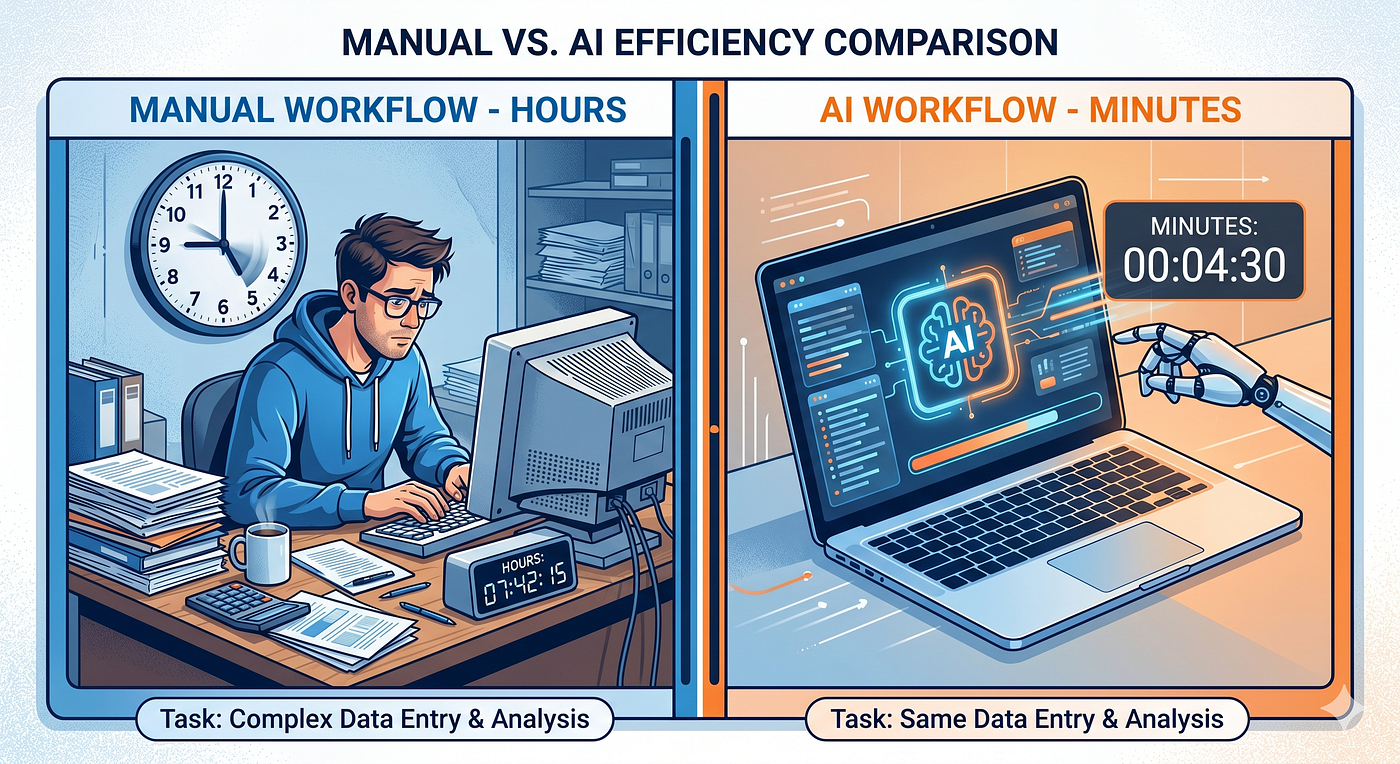
Six months ago, I spent three hours doing research for a single article.
Finding sources, reading through long pages, pulling out relevant points, organizing everything — three hours. Just for the research part.
Last week, I did the same task in eleven minutes.
Not because I got smarter. Because I found tools that most people do not know exist. And once you use them, going back to the old way feels genuinely painful.
Here are five AI tools I discovered that changed how I work — and that I wish someone had told me about much earlier.
1. Perplexity AI — The Research Tool That Replaces 10 Browser Tabs
Website: perplexity.ai Free plan: Yes
Most people use ChatGPT or Google for research. Both have a problem — ChatGPT makes things up sometimes, and Google gives you a hundred links to sort through yourself.
Perplexity is different. It searches the web in real time, pulls information from actual sources, and gives you a clean, cited answer — all in one place. Every fact comes with a reference you can check.
I used to spend 45 minutes researching a topic before writing. Now I spend 8 minutes. That difference, across every article I write, adds up to hours saved every single week.
Best for:
- Research before writing an article
- Finding recent statistics with sources
- Getting quick, reliable answers to specific questions
“Which AI tool do you currently use for research — Google, ChatGPT, or something else? Drop it in the comments.”
2. Gamma — Turn Any Idea Into a Presentation in 60 Seconds
Website: gamma.app Free plan: Yes
I used to spend two hours making presentations. Picking a template, adjusting colors, writing slide content, fixing layouts — it was the part of any project I dreaded most.
Gamma changed that completely.
You type a topic or paste your notes, and Gamma generates a full, professionally designed presentation automatically. Not a rough draft — an actual presentation you can use or present with minimal editing.
A friend of mine — a student in Pune — used Gamma to create a college project presentation in under 10 minutes. His professor asked him which design agency made it. He made it himself, with a free AI tool, in his hostel room.
Best for:
- College assignments and project presentations
- Business pitches and client proposals
- Teaching or explaining complex topics visually
3. ElevenLabs — Give Your Content a Professional Voice
Website: elevenlabs.io Free plan: Yes (limited)
If you have ever wanted to create YouTube videos, podcasts, or audio content — but felt uncomfortable recording your own voice — ElevenLabs solves that problem entirely.
It converts text into voice so realistic that most listeners cannot tell it’s AI-generated. You paste your script, choose a voice, and download a professional audio file in minutes.
Creators in India are using this to run faceless YouTube channels in Hindi, Tamil, and other regional languages — without ever sitting in front of a microphone.
Best for:
- Faceless YouTube channels
- Audiobooks and podcast content
- Adding voiceovers to Canva videos
4. Notion AI — The Smartest Notes App You Are Probably Underusing
Website: notion.so Free plan: Yes
Most people use Notion just as a notes app. That is like buying a smartphone and using it only as an alarm clock.
Notion AI turns your notes into something active. Paste a long document and it summarizes it in bullet points. Write a rough draft and it improves the writing automatically. Dump all your ideas in one place and it helps you organize them into a clear structure.
I keep everything in Notion — article drafts, research, content calendar, ideas, my best AI prompts. The AI layer on top makes it possible to actually use all of that information instead of just storing it.
Best for:
- Students managing notes across multiple subjects
- Content creators planning articles and videos
- Anyone who has too many ideas and not enough structure
5. Remove.bg — Delete Backgrounds From Any Photo in 3 Seconds
Website: remove.bg Free plan: Yes
This one sounds small. It is more useful than it sounds.
Removing a background from a photo used to require Photoshop skills and 20 minutes of careful editing. Remove.bg does it in 3 seconds — automatically, accurately, for free.
Freelancers use it to create professional product photos for e-commerce clients. Students use it to make clean profile pictures and ID photos. Designers use it as a first step before creating graphics in Canva.
A content creator I know in Delhi charges clients ₹500 per product photo — backgrounds removed, images cleaned up. Her entire workflow takes 4 minutes per photo. Remove.bg handles the hardest part.
Best for:
- Product photography for e-commerce
- Creating clean thumbnail images
- Professional profile pictures

The Bigger Point
Every tool on this list is free. Every one of them can save you hours every week. And most people using AI right now have no idea they exist.
This is what I find genuinely exciting about the current moment — we are still early. The gap between people who know these tools and people who don’t is enormous. And that gap is an opportunity.
The people building skills with these tools today — when most people are still figuring out basic ChatGPT — will have a head start that compounds for years.
Which of these five tools are you going to try first? Let me know in the comments — I read every single one.
If this introduced you to something useful — hit the clap button. It takes 2 seconds and helps more people find this. Follow Grow Up for more practical content on AI tools, productivity, and building your future — one useful discovery at a time.
메타데이터
- post_id
- 2e7d03441644
- slug
- 5-ai-tools-that-feel-illegal-to-know-about-2e7d03441644
- url
- https://medium.com/@nk271452/5-ai-tools-that-feel-illegal-to-know-about-2e7d03441644
- canonical_url
- https://medium.com/@nk271452/5-ai-tools-that-feel-illegal-to-know-about-2e7d03441644
- author_url
- https://medium.com/@nk271452
- status
- ok
- fetched_at
- 2026-06-24 04:09:36