寫 CRUD Delete 從刪掉資料到留下資料,Delete 功能的思考轉變
來看 CRUD 最後一個
Wiki topics:
🌐 · Web Development
寫 CRUD Delete 從刪掉資料到留下資料,Delete 功能的思考轉變
來看 CRUD 最後一個
- Delete 刪除
剛開始學程式時,
我以為刪除功能很簡單。
不就是把資料刪掉嗎?
後來實際開發才發現,
刪除功能其實很容易出 Bug。
真實開發情境
const products = [
  {
    id: 1,
    name: '鍵盤'
  },
  {
    id: 2,
    name: '滑鼠'
  },
  {
    id: 3,
    name: '螢幕'
  }
];
現在需求是,刪除 id = 2 的商品
翻成程式話語就是,保留除了 id = 2 以外的資料。
核心觀念
很多新手會想
- 找到資料
- 刪掉資料
但實務上更常見的是
- 留下我要的資料
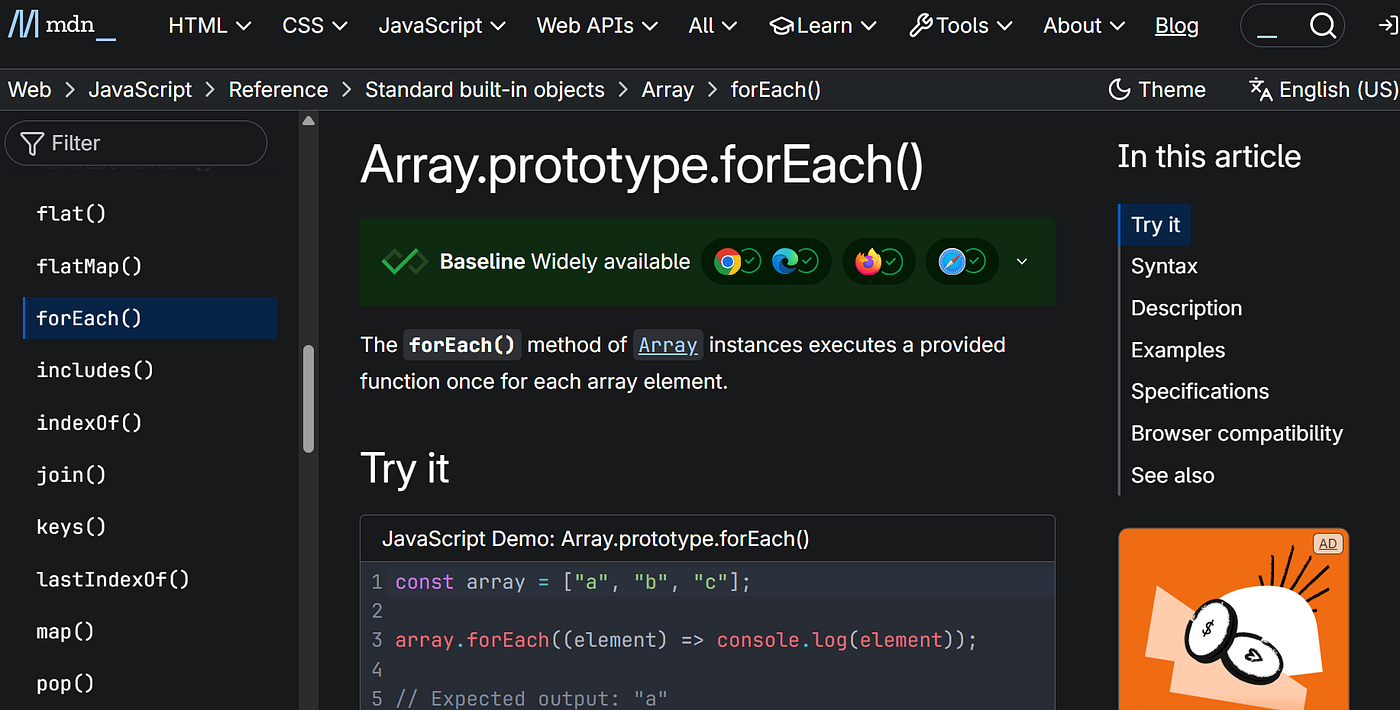
所以推薦使用
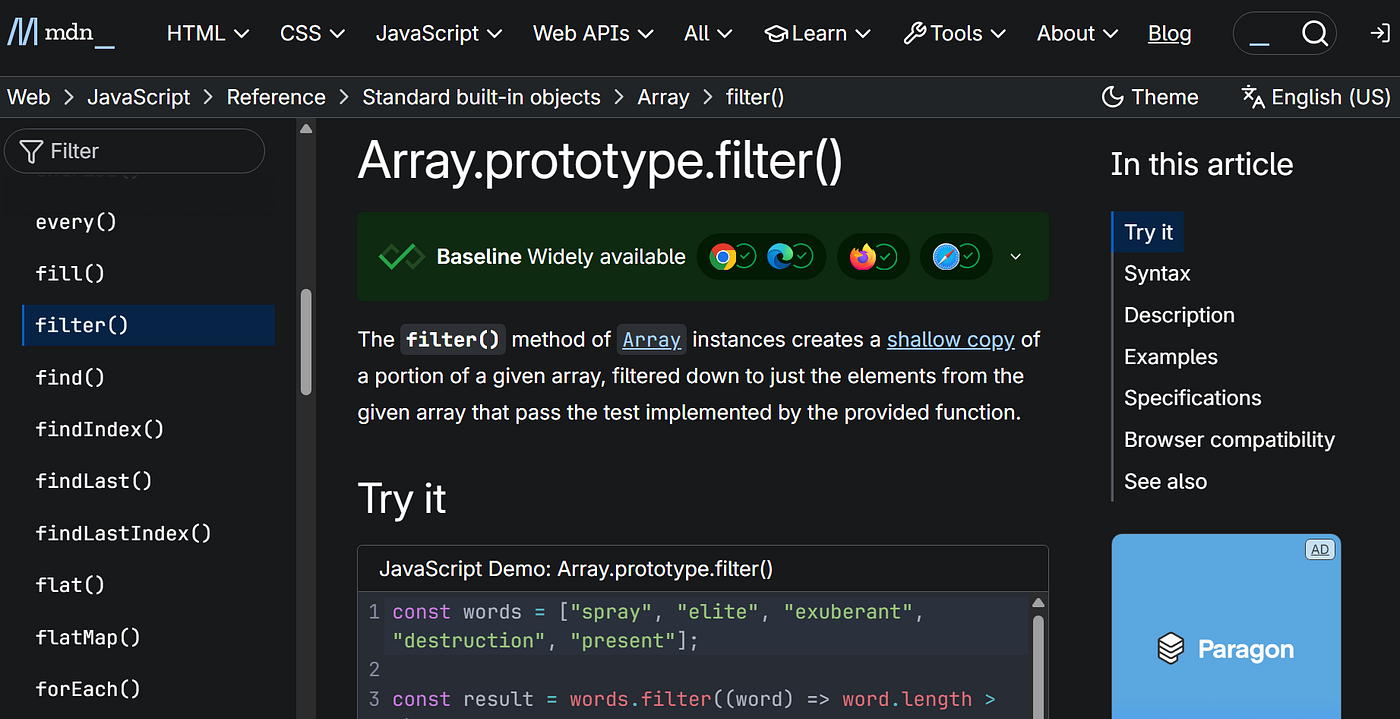
filter()來完成刪除功能。
文件怎麼看
filter()MDN 文件:
例如:
products.filter(product => {
  return product.id !== 2;
});
意思是,只保留 id 不是 2 的資料。
完整實作
const products = [
  {
    id: 1,
    name: '鍵盤'
  },
  {
    id: 2,
    name: '滑鼠'
  },
  {
    id: 3,
    name: '螢幕'
  }
];

const newProducts = products.filter(
  product => product.id !== 2
);

console.log(newProducts);
結果:
[
  {
    id: 1,
    name: '鍵盤'
  },
  {
    id: 3,
    name: '螢幕'
  }
]
常見卡點
很多人會寫成:
products.filter(
  product => product.id === 2
);
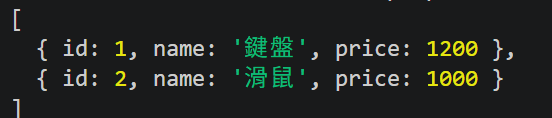
結果只留下:
[
  {
    id: 2,
    name: '滑鼠'
  }
]- filter 是留下符合條件的資料
不是刪除符合條件的資料。
所以刪除時常常要寫:
!==而不是:
===重點整理
刪除資料常見寫法:
const newArray = array.filter(
  item => item.id !== targetId
);
流程:
- 保留不要刪除的資料
- 產生新陣列
- 更新狀態
常見用途:
- 刪除商品
- 刪除會員
- 刪除留言
- 刪除購物車項目
我的理解與思考
以前做刪除功能時,
總覺得我要把這筆資料刪掉。
後來才發現,
JavaScript 很多時候的思維反而是
我要留下哪些資料,
而不是直接把資料硬刪掉。
메타데이터
- post_id
- 2e8742ec372e
- slug
- 寫-crud-delete-從刪掉資料到留下資料-delete-功能的思考轉變-2e8742ec372e
- url
- https://medium.com/@hotdanton08/%E5%AF%AB-crud-delete-%E5%BE%9E%E5%88%AA%E6%8E%89%E8%B3%87%E6%96%99%E5%88%B0%E7%95%99%E4%B8%8B%E8%B3%87%E6%96%99-delete-%E5%8A%9F%E8%83%BD%E7%9A%84%E6%80%9D%E8%80%83%E8%BD%89%E8%AE%8A-2e8742ec372e
- canonical_url
- https://medium.com/@hotdanton08/%E5%AF%AB-crud-delete-%E5%BE%9E%E5%88%AA%E6%8E%89%E8%B3%87%E6%96%99%E5%88%B0%E7%95%99%E4%B8%8B%E8%B3%87%E6%96%99-delete-%E5%8A%9F%E8%83%BD%E7%9A%84%E6%80%9D%E8%80%83%E8%BD%89%E8%AE%8A-2e8742ec372e
- author_url
- https://medium.com/@hotdanton08
- status
- ok
- fetched_at
- 2026-07-09 18:09:57