I Built a 22-Chapter Guide to Google’s Secret On-Device AI
Most people don’t know Gemini Nano exists. The ones who do are building unfair advantages.
I Built a 22-Chapter Guide to Google’s Secret On-Device AI
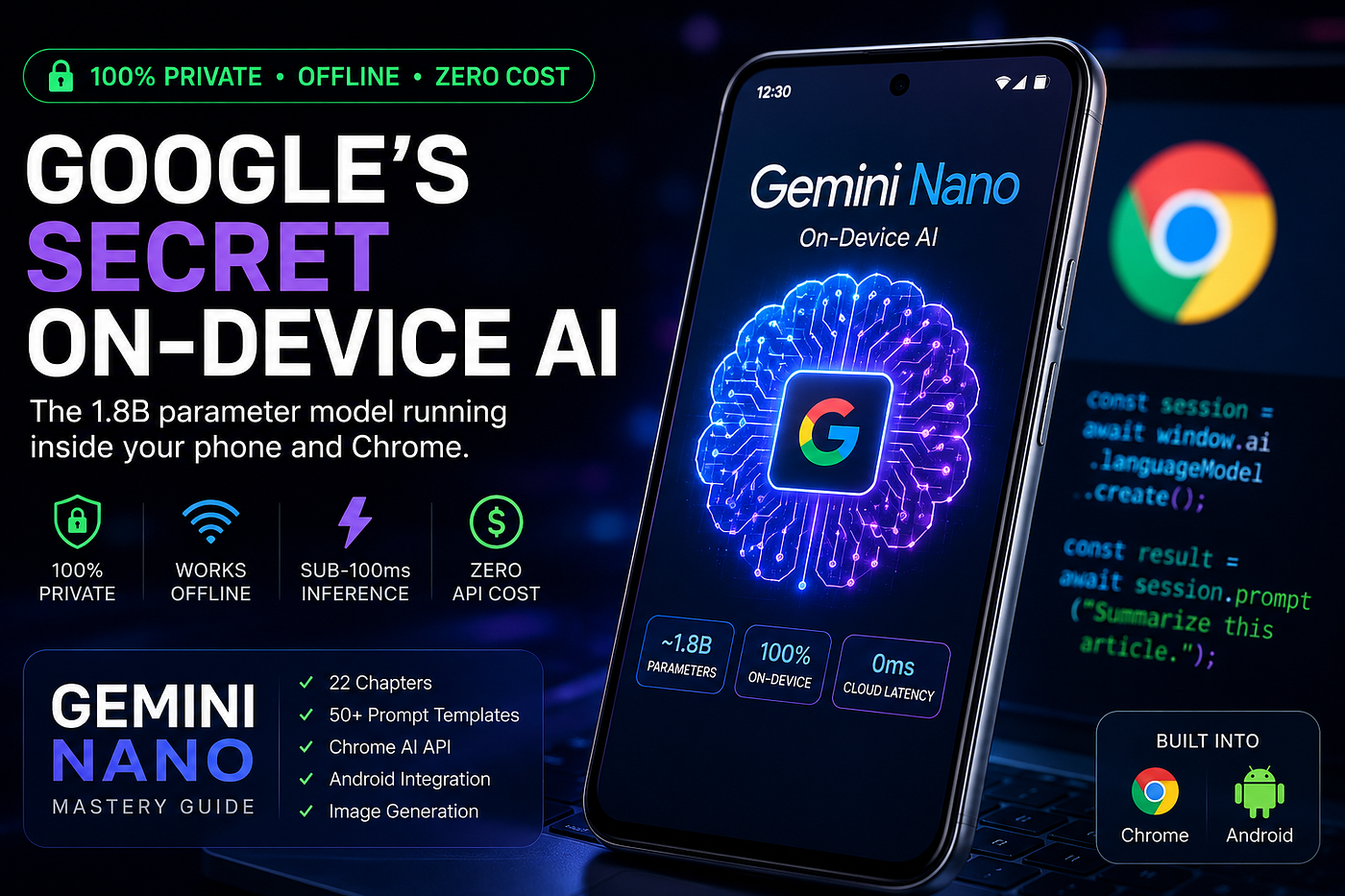
Most people don’t know Gemini Nano exists. The ones who do are building unfair advantages.
There’s an AI model sitting inside millions of Android phones right now.
It runs at 20–25 tokens per second. It costs zero dollars per call. It works with no internet connection. And it never sends a single byte of your data to any server.
It’s called Gemini Nano — Google’s on-device language model — and almost nobody is using it intentionally.
I spent weeks going deep on it: reading the research papers, testing the Chrome Prompt API, building Android integrations, and cataloging every prompting technique that actually works on a small, constrained model. The result is a 22-chapter guide I’m calling the Gemini Nano Mastery Guide.
Here’s what I learned — and why I think on-device AI is about to become the most important shift in how we build software.
Why Gemini Nano Is Different From Every AI You’ve Used
When you send a prompt to ChatGPT or Gemini Pro, here’s what actually happens:
Your text leaves your device → travels over the internet → hits a data center → gets processed by a massive GPU cluster → the response travels back.
Every word you type is logged. It could appear in training data. It’s subject to subpoenas. It’s vulnerable to server breaches. And you’re paying per token for all of it.
Gemini Nano flips this completely. The model lives on your device — specifically in your phone’s Neural Processing Unit. When you run a prompt, nothing leaves your device. Not your input. Not your output. Not even a network request.
This isn’t a privacy policy. It’s physics.
What It Can Actually Do
Let me be honest about the limitations first: Nano is not GPT-4. It has roughly 1.8–3.25 billion parameters (depending on the variant), a context window of 2,000–6,000 tokens, and it can’t do complex multi-step reasoning chains.
What it can do extremely well:
- Summarize articles and documents into bullet points
- Classify text into categories (sentiment, priority, topic)
- Extract structured data (JSON from unstructured text)
- Rewrite text in a different tone
- Generate short-form creative content
- Fix grammar and spelling
- Draft replies, emails, and messages
- Explain code snippets
For these tasks — which cover probably 80% of real-world AI use cases — Nano is fast, free, private, and good enough.
The Chrome API Nobody Is Talking About
Here’s something that surprised me: since Chrome 127, every Chrome browser ships with Gemini Nano built in.
You can access it right now from JavaScript:
const session = await window.ai.languageModel.create({
  systemPrompt: "You are a concise assistant.",
  temperature: 0.7
});
const result = await session.prompt("Summarize: AI is changing everything.");
console.log(result);No API key. No account. No cost. No network call.
You have to enable two flags in chrome://flags first, but after that, you have a local AI model accessible from any webpage or Chrome extension.
Think about what this means for Chrome extension developers: you can ship AI-powered features to your users without any backend infrastructure, without API costs that scale with usage, and without handling user data at all.
The Privacy Angle Is Bigger Than People Realize
I kept coming back to this as I built the guide: there are entire industries where cloud AI is effectively unusable today.
Healthcare providers can’t send patient notes to OpenAI without complex HIPAA agreements. Law firms worry about attorney-client privilege when prompts hit external servers. HR departments don’t want salary data and candidate profiles going to third-party AI APIs. Finance teams have compliance concerns about sending transaction data externally.
With Gemini Nano, all of those problems disappear. The data never moves. There’s nothing to sign, nothing to audit, nothing to breach.
I genuinely think this is the killer use case — not “free AI” (though that’s nice), but compliant-by-default AI for regulated industries.
The Image Generation Side
Here’s where it gets interesting for Pixel 9 Pro owners: Google ships an on-device image generation system alongside Nano.
Nano itself doesn’t generate images — it’s a language model. But on Pixel 9 Pro devices, Nano acts as the prompt enhancer for an on-device Imagen-based diffusion model. You type a description, Nano enriches and filters it, and the image model running on the Tensor G4 chip generates a 1024×1024 image in 6–10 seconds. No cloud required.
The result is features like Pixel Studio (text-to-image, fully offline), Reimagine (change photo backgrounds with a text prompt), and Add Me (AI-powered group photo composition).
Writing good prompts for these features is its own skill. The formula I settled on after testing:
[Subject] + [Action] + [Environment] + [Lighting] + [Art Style] + [Camera Angle] + [Quality Tags]
An example that works consistently well:
“Ancient bonsai tree on a misty cliff at golden hour, volumetric god rays through fog, Studio Ghibli aesthetic, soft watercolor painting style, peaceful atmosphere, highly detailed illustration”
The lighting descriptor (“golden hour,” “rim lighting,” “neon glow”) is the single highest-impact element. Get that right and everything else improves.
What I Packaged Into the Guide
After all this research, I organized everything into a 22-chapter interactive digital guide. Here’s what’s in it:
Setup chapters — Device compatibility table (Pixel 8/9 series, Chrome 127+, Samsung S24 with AICore), step-by-step Chrome flag setup, full Android SDK integration with Kotlin code examples, and the complete JavaScript Prompt API reference.
**30+ prompt templates** — Organized by use case: text summarization, rewriting, sentiment analysis, JSON extraction, named entity recognition, code explanation, bug finding, function generation, product copy, social captions, smart replies, meeting summaries, email drafting, SWOT analysis, job descriptions, and more. Every template includes the exact prompt text, recommended temperature, input size limits, and a tip for getting the best output.
The CRAFT framework — My structured approach to prompting Nano specifically (it’s different from prompting large models). Context, Role, Action, Format, Temperature — five elements that consistently improve output quality on constrained models.
Image generation section — The complete formula for image prompts, a reference library of art styles (photorealistic, Studio Ghibli, cyberpunk, Art Nouveau, etc.), lighting keywords, camera angle vocabulary, and a negative prompt template to reduce bad outputs.
Advanced techniques — Prompt chaining (break complex tasks into sequential simple prompts), few-shot examples for classification tasks, session reuse patterns for performance (reusing one session vs. creating a new one per prompt saves 2–4 seconds per call), and a simple agentic loop pattern.
Comparison chapter — Nano vs. Gemini Pro, GPT-4o, Phi-3 Mini, and Llama 3.2 across 10 dimensions, with a clear decision framework for when to use each.
The Prompting Insight That Changed My Approach
Working with a small model forced me to be precise in a way large models don’t require.
With GPT-4, you can be vague. “Summarize this article” works fine. The model fills in the gaps.
With Nano, vague prompts produce vague output. But when you’re specific — when you say exactly what format you want, exactly how long the output should be, exactly what role the model should play — the output quality jumps dramatically.
The habit of precision that Nano forces you to develop actually makes you better at prompting large models too. It’s the constraint that teaches the skill.
One concrete example: adding “Output only the rewritten text, no explanations” to any rewriting prompt eliminates the preamble (“Certainly! Here is the rewritten version…”) that wastes tokens and requires you to strip the response before using it. It sounds small, but when you’re building a real application that runs hundreds of prompts, every unnecessary token costs time.
Who This Guide Is For
Honestly, three types of people:
Developers who want to build AI features without API costs, backend infrastructure, or privacy liability. The Chrome and Android integration chapters alone will save you days of experimentation.
Non-technical Pixel users who want to actually understand and get more from the AI features already on their phone. The prompt templates are designed to be copy-paste ready — no coding required.
Product builders and founders in regulated industries (health, legal, finance, education) who keep running into walls with cloud AI compliance. On-device AI isn’t just a cost optimization — for these industries, it might be the only viable path.
One Thing I Got Wrong Initially
I went in thinking Nano was mainly useful for trivial tasks — autocomplete, simple suggestions — and cloud models were for anything real.
That framing is wrong. The right mental model is: Nano for transformation, cloud for generation.
Nano is exceptional at taking existing text and transforming it — summarizing, classifying, rewriting, extracting structure, fixing errors. These are deterministic, bounded tasks where a smaller model performs close to a larger one.
Cloud models are better at generating from scratch — long creative writing, complex reasoning, tasks requiring broad world knowledge.
Most production AI use cases are transformation tasks. Which means Nano is more capable for real applications than its size suggests.
What’s Coming
Google’s roadmap for on-device AI is moving fast. The Chrome Prompt API is graduating from Origin Trial to stable. More Android OEMs are integrating AICore. Gemini Nano 2.5 is expected with a larger context window. And the Web GPU acceleration work will bring inference speeds that match what we see on Tensor chips to any device with a modern GPU.
Two years from now, “built-in AI” will be as standard as a camera API. The developers who understand how to use it now will have a significant head start.
Get the Guide
The Gemini Nano Mastery Guide is a fully interactive HTML guide — no app required, works in any browser, readable on mobile or desktop.
It includes all 22 chapters, 50+ copy-ready prompt templates, complete code examples for Chrome and Android, the image prompt formula library, and the comparison framework.
**[Get the Gemini Nano Mastery Guide →]**
If you’re building anything with AI — especially if privacy or cost is a constraint — I think you’ll find it worth the read.
Have questions about Gemini Nano or something you’d like me to go deeper on? Drop a comment below — I read everything.
Tags: Artificial Intelligence · Google · Android Development · Privacy · Prompt Engineering · Machine Learning · Mobile Development · Chrome Extensions · Tutorial
메타데이터
- post_id
- 2ea05852befb
- slug
- i-built-a-22-chapter-guide-to-googles-secret-on-device-ai-and-it-changed-how-i-think-about-2ea05852befb
- url
- https://medium.com/@profoliostar/i-built-a-22-chapter-guide-to-googles-secret-on-device-ai-and-it-changed-how-i-think-about-2ea05852befb
- canonical_url
- https://medium.com/@profoliostar/i-built-a-22-chapter-guide-to-googles-secret-on-device-ai-and-it-changed-how-i-think-about-2ea05852befb
- author_url
- https://medium.com/@profoliostar
- status
- ok
- fetched_at
- 2026-06-09 15:37:30




