How to Connect Claude to Xero: What Generic AI Gets Wrong and What Actually Works
Xero is the accounting platform for over 4.6 million businesses worldwide. And since March 2026, it is also the only major accounting…
How to Connect Claude to Xero: What Generic AI Gets Wrong and What Actually Works
Xero is the accounting platform for over 4.6 million businesses worldwide. And since March 2026, it is also the only major accounting platform with a formal, multi-year partnership with Anthropic. Claude now powers JAX (Just Ask Xero), Xero’s AI superagent, for agentic financial workflows across accounting, payroll, and payments.
So why do finance teams still struggle to connect AI to Xero in a way that actually works for enterprise close, AP, and reconciliation?
The answer comes down to the difference between a consumer AI experience and a production finance execution layer.
The Partnership Everyone Missed
Most coverage of the Xero and Anthropic deal focused on JAX. What got less attention was the other half of the announcement: Xero’s financial data is now natively accessible inside Claude.ai for business planning and scenario modelling.
Xero also published an official MCP server on GitHub under the XeroAPI organisation. This makes Xero the first accounting platform with an officially supported agent integration layer that works with Claude out of the box.
That is the foundation ChatFin builds on.
What Generic AI Gets Wrong on Xero
The most common failure mode is treating the Xero REST API like a database. Teams connect a generic AI tool to Xero, give it read access, and assume that is enough.
It is not enough for three reasons.
First, rate limits. Xero enforces 60 requests per minute per app. Generic AI tools have no retry logic, no exponential backoff, and no queue management. The first burst of invoice queries kills the session.
Second, token expiry. Xero OAuth tokens expire. Generic tools have no auto-refresh mechanism. Workflows abort mid-execution and transactions are left in incomplete states with no notification to the finance team.
Third, there are no approval gates. A generic AI tool connected to Xero will post a journal entry or create an AP bill without pausing for controller review, threshold checks, or debit/credit validation. That is not finance automation. That is a control failure.
What Actually Works
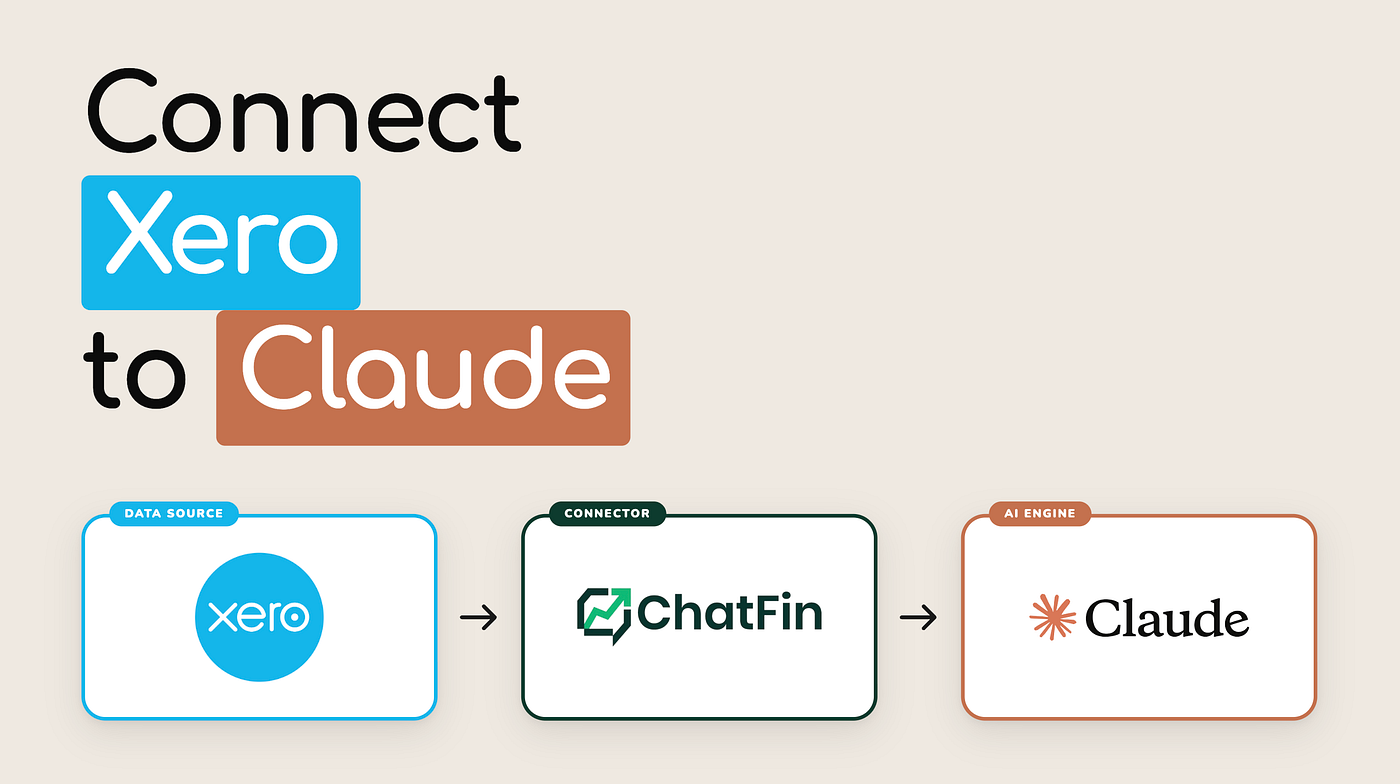
ChatFin connects Claude to Xero via a governed integration layer built on the official Xero REST API v2 and the XeroAPI MCP server. The difference in the execution layer is what matters.
Rate limits are managed with exponential backoff and queue management. Tokens are auto-refreshed before expiry so workflows run continuously without session interruptions. Every write operation goes through approval gates calibrated to your thresholds. Journal entries are validated for debit/credit balance before posting. And every action is logged with Xero user IDs, timestamps, and before/after states for your auditors.
The result is that Claude agents can run AP processing, bank reconciliation, accrual preparation, and close checklist monitoring against live Xero data around the clock without producing the kinds of integrity failures that close-team controllers have to unwind at month-end.
The JAX Question
JAX is excellent for what it is designed for: helping small business owners understand their cash position, identify overdue invoices, and get plain-language answers about their financials.
Enterprise finance teams running structured close operations under audit need something different. Multi-entity consolidation, approval routing for large transactions, subledger reconciliation, and complete audit trails are not JAX use cases. They are ChatFin use cases.
The Xero and Anthropic partnership created the foundation. ChatFin is the enterprise execution layer on top of it.
Xero Module Coverage
ChatFin agents operate across the full Xero module set: GL accounts and manual journals, AP invoices and contacts, AR payment schedules and cash receipts, bank feeds and reconciliation, payroll data for accruals, expense claims, and Xero Projects for job costing.
Every query runs against live Xero data via the REST API. No exports. No batch syncs. No stale data at close.
Results Finance Teams Are Seeing
Finance teams using ChatFin on Xero are closing on day 5 instead of day 15. AP touchless rates are running above 70%. Bank reconciliation that used to take two days per week is running automatically every morning.
The close checklist that used to require manual status checks across four Xero modules is monitored continuously and surfaced in plain English on demand.
Read More
Full integration detail and deployment architecture: https://chatfin.ai/blog/how-to-connect-claude-to-xero/
Xero finance teams: https://chatfin.ai/how-to-connect-claude-to-xero/
Book a live demo on your Xero environment: https://chatfin.ai/talk-to-us
메타데이터
- post_id
- 2f550418ee4e
- slug
- how-to-connect-claude-to-xero-what-generic-ai-gets-wrong-and-what-actually-works-2f550418ee4e
- url
- https://medium.com/@tara_51063/how-to-connect-claude-to-xero-what-generic-ai-gets-wrong-and-what-actually-works-2f550418ee4e
- canonical_url
- https://medium.com/@tara_51063/how-to-connect-claude-to-xero-what-generic-ai-gets-wrong-and-what-actually-works-2f550418ee4e
- author_url
- https://medium.com/@tara_51063
- status
- ok
- fetched_at
- 2026-06-22 05:41:33