Deep Linking in React Native: Open Specific Screens Directly from Shared URLs
Imagine a user receives a song link on WhatsApp:
Deep Linking in React Native: Open Specific Screens Directly from Shared URLs
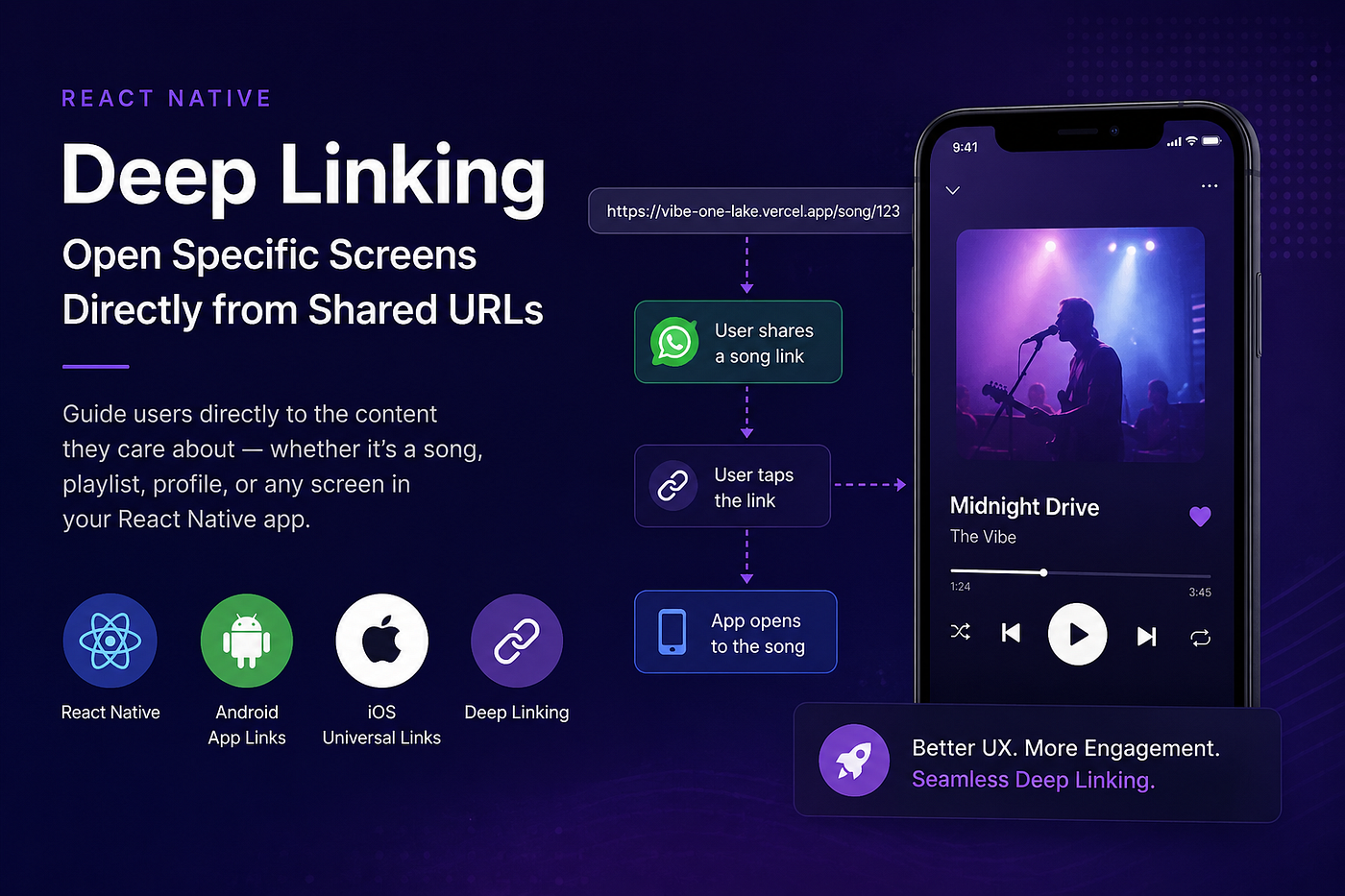
Imagine a user receives a song link on WhatsApp:
https://vibe-one-lake.vercel.app/song/123Instead of opening a website, the link launches your mobile application, navigates directly to the song screen, fetches the song details, and starts playback automatically.
This is the power of Deep Linking.
Apps like Spotify, YouTube, Instagram, Netflix, and Amazon rely heavily on deep linking to create seamless user experiences. Users can jump directly into specific content instead of opening the app and manually searching for it.
In this article, we’ll build a complete deep linking setup in React Native and cover:
- What deep linking is
- Custom URL Schemes
- Android App Links
- iOS Universal Links
- Domain verification
- React Native integration
- Handling users who don’t have the app installed
- Production best practices
Why Deep Linking Matters
Let’s say a user shares a song with a friend.
Without deep linking:
User taps song link
    ↓
App opens Home Screen
    ↓
User searches manually
    ↓
User gets frustrated
With deep linking:
User taps song link
    ↓
Song opens instantly
    ↓
Playback starts
The difference may seem small, but it significantly improves:
- User Experience
- Engagement
- Content Sharing
- Retention
- Conversion Rates
The fewer steps required to access content, the better the experience.
What is Deep Linking?
Deep Linking allows a URL to open a specific screen inside your mobile application instead of simply opening a website.
For example:
https://vibe-one-lake.vercel.app/song/123When the user taps the link:
- The application opens
- The song ID (
123) is extracted - Song details are fetched
- The player screen opens
- Playback starts automatically
User Flow
WhatsApp
    ↓
User taps link
    ↓
App opens
    ↓
Extract songId
    ↓
Fetch song details
    ↓
Open player screen
    ↓
Autoplay song
What Happens When the App Isn’t Installed?
This is one of the most important production considerations.
When a user taps a deep link, there are two possible scenarios.
Scenario 1: App Installed
User taps link
    ↓
Operating System verifies domain
    ↓
App opens
    ↓
Song screen opens
The user lands directly inside the application.
Scenario 2: App Not Installed
User taps link
    ↓
Website opens
    ↓
Song preview page
    ↓
Download App button
    ↓
Play Store / App Store
This is why having a website fallback is extremely important.
A common approach is to create a landing page that displays:
- Song artwork
- Song title
- Artist information
- Open App button
- Install App button
If the app is installed, the user opens the app. If not, they can install it from the store.
Types of Deep Links
There are two main approaches.
1. Custom URL Schemes
Example:
vibe://song/123Advantages
- Easy to implement
- Works on Android
- Works on iOS
- No domain required
Limitations
- Not always clickable
- WhatsApp may not recognize the URL
- Browsers don’t handle them properly
- Less secure
- Poor user experience
Because of these limitations, custom schemes are generally used as a fallback mechanism.
2. App Links & Universal Links
Example:
https://vibe-one-lake.vercel.app/song/123This is the recommended production approach.
Advantages
- Looks like a normal URL
- Clickable everywhere
- Better UX
- More secure
- Supported by Android and iOS
When the app is installed:
URL → AppWhen the app is not installed:
URL → WebsiteThis dual behavior makes App Links and Universal Links ideal for production applications.
Architecture Overview
Let’s look at the complete flow.
User taps: https://vibe-one-lake.vercel.app/song/123 ┌───────────────┐
│ App Installed │
└───────┬───────┘
│
▼
Open App
│
▼
Play SongOR
                ┌───────────────────┐
                │ App Not Installed │
                └─────────┬─────────┘
                          │
                          ▼
                    Open Website
                          │
                          ▼
                  Store Redirect
                          │
                          ▼
                    Install App
Domain Configuration
To support App Links and Universal Links, you need a domain.
Example:
https://vibe-one-lake.vercel.appThe operating system uses files hosted on this domain to verify ownership.
Android Domain Verification
Android verifies ownership using:
.well-known/assetlinks.jsonGenerate your SHA256 fingerprint:
./gradlew signingReportCopy the SHA256 certificate fingerprint.
assetlinks.json
[
  {
    "relation": ["delegate_permission/common.handle_all_urls"],
    "target": {
      "namespace": "android_app",
      "package_name": "com.vibe.uat",
      "sha256_cert_fingerprints": [
        "FA:C6:17:45:DC:09:03:78:6F:B9:ED:E6:2A:96:2B:39:9F:73:48:F0:BB:6F:89:9B:83:32:66:75:91:03:3B:9C"
      ]
    }
  }
]
Android reads this file and verifies that the website belongs to your application.
Vercel Routing Configuration
Suppose a user visits:
https://vibe-one-lake.vercel.app/song/123Without configuration, Vercel returns:
404 Not Foundbecause /song/123 isn't an actual file.
Create:
vercel.json{
"rewrites": [
{
"source": "/(.*)",
"destination": "/index.html"
}
]
}Now all routes load your React application.
/song/123
    ↓
index.html
    ↓
React Router
    ↓
Song Page
Android Implementation
Add an intent filter inside your Activity.
Normal Launch
<intent-filter>
    <action android:name="android.intent.action.MAIN" />
    <category android:name="android.intent.category.LAUNCHER" />
</intent-filter>
App Links
<intent-filter android:autoVerify="true">
    <action android:name="android.intent.action.VIEW" />
<category android:name="android.intent.category.DEFAULT" />
<category android:name="android.intent.category.BROWSABLE" /> <data
android:scheme="https"
android:host="vibe-one-lake.vercel.app"
android:pathPrefix="/" />
</intent-filter>What does autoVerify do?
When the app installs:
- Android downloads assetlinks.json
- Verifies ownership
- Associates the domain with the app
After verification:
https://vibe-one-lake.vercel.app/song/123 ↓Opens App DirectlyAndroid Custom Scheme
You can also support:
vibe://song/123Add:
<intent-filter>
    <action android:name="android.intent.action.VIEW"/>
<category android:name="android.intent.category.DEFAULT"/> <category android:name="android.intent.category.BROWSABLE"/> <data
android:scheme="vibe"
android:host="song"
android:pathPrefix="/" />
</intent-filter>iOS Implementation
Custom URL Schemes
Open:
Xcode
→ Target
→ Info
→ URL Types
Add:
URL Identifier
URL Scheme = vibe
Now iOS can handle:
vibe://song/123Universal Links
For production apps, Universal Links are recommended.
Requirements
- Apple Developer Account
- Team ID
- Associated Domains Capability
- Provisioning Profile
- Apple App Site Association File
Enable Associated Domains
Open:
Xcode
→ Signing & Capabilities
→ Associated Domains
Add:
applinks:vibe-one-lake.vercel.appApple App Site Association
Create:
.well-known/apple-app-site-associationNo file extension.
{
  "applinks": {
    "apps": [],
    "details": [
      {
        "appID": "TEAM_ID.com.vibe",
        "paths": [
          "/song/*"
        ]
      }
    ]
  }
}
Replace TEAM_ID with your Apple Team ID.
Deploy the file so it is accessible at:
https://vibe-one-lake.vercel.app/.well-known/apple-app-site-associationApple uses this file to verify ownership.
React Native Integration
Now let’s connect everything inside React Native.
Configure Navigation
const linking = {
  prefixes: [
    'vibe://',
    'https://vibe-one-lake.vercel.app',
  ],
config: {
screens: {
DashboardBottomTabNavigator: '*',
},
},
};Pass it into NavigationContainer:
<NavigationContainer
  theme={MyDarkTheme}
  linking={linking}
>
Handling Incoming Links
React Native provides two APIs.
App Closed
Linking.getInitialURL()Returns the URL that launched the app.
App Running or Backgrounded
Linking.addEventListener('url')Triggered whenever a new link is received.
Complete Listener Example
useEffect(() => {
  const subscription = Linking.addEventListener(
    'url',
    ({ url }) => {
      handleDeepLink(url);
    }
  );
Linking.getInitialURL().then(url => {
if (url) {
handleDeepLink(url);
}
}); return () => {
subscription.remove();
};
}, []);Processing the Deep Link
const handleDeepLink = async (url: string) => {
  const songId = extractSongId(url);
const song = await fetchSong(songId); navigation.navigate('Player', {
song,
autoPlay: true,
});
};Testing Deep Links
Android
adb shell am start \
-W -a android.intent.action.VIEW \
-d "https://vibe-one-lake.vercel.app/song/123"
Android Custom Scheme
adb shell am start \
-W -a android.intent.action.VIEW \
-d "vibe://song/123"
iOS Simulator
xcrun simctl openurl booted \
"https://vibe-one-lake.vercel.app/song/123"
Deferred Deep Linking
A common question is:
What if the user installs the app after tapping the link?
Example:
User taps song link
    ↓
App not installed
    ↓
Play Store opens
    ↓
User installs app
    ↓
App launches
    ↓
Song 123 opens automatically
This behavior is called Deferred Deep Linking.
Standard App Links and Universal Links do not provide this automatically.
For deferred deep linking, developers typically use:
- Branch.io
- AppsFlyer
- Adjust
If your app depends heavily on referrals, invitations, or shared content, deferred deep linking is worth exploring.
Production Checklist
Before shipping, make sure you have:
✅ Domain ownership ✅ Android App Links ✅ iOS Universal Links ✅ Website fallback pages ✅ Store redirects ✅ assetlinks.json ✅ apple-app-site-association ✅ Cold-start deep link handling ✅ Background deep link handling ✅ Analytics tracking ✅ Deferred deep linking strategy
Final Thoughts
Deep linking is one of those features that users rarely notice when it works — but immediately notice when it doesn’t.
A well-implemented deep linking strategy allows users to jump directly into the content they care about, whether that’s a song, playlist, profile, product, or article.
The ideal experience looks like this:
Share Link
    ↓
Tap Link
    ↓
Open App
    ↓
Open Content
No searching. No extra taps. No friction.
Just the exact content the user intended to share.
That’s the experience users expect from modern mobile applications, and with App Links, Universal Links, and React Native’s linking APIs, it’s surprisingly straightforward to build.
Interview Questions
- What is Deep Linking?
- What is the difference between Deep Linking and Navigation?
- What is the difference between Custom URL Schemes and App Links/Universal Links?
- What is assetlinks.json and why is it required?
- What is apple-app-site-association?
- What is the purpose of android=”true”?
- How do you handle deep links in React Native?
- What happens if the app is not installed?
- What is Deferred Deep Linking?
- How would you test deep links on Android and iOS?
메타데이터
- post_id
- 2f6e2c23d23b
- slug
- deep-linking-in-react-native-open-specific-screens-directly-from-shared-urls-2f6e2c23d23b
- url
- https://medium.com/@siddhantgoyal3364/deep-linking-in-react-native-open-specific-screens-directly-from-shared-urls-2f6e2c23d23b
- canonical_url
- https://medium.com/@siddhantgoyal3364/deep-linking-in-react-native-open-specific-screens-directly-from-shared-urls-2f6e2c23d23b
- author_url
- https://medium.com/@siddhantgoyal3364
- status
- ok
- fetched_at
- 2026-06-14 11:28:49




