Integrate Sonoff Zigbee 3.0 USB Dongle Version E with Home Assistant
My Sonoff Zigbee 3.0 USB dongle version E has just finally arrived and I would like to go through how to integrate with my Home Assistant…
Integrate Sonoff Zigbee 3.0 USB Dongle Version E with Home Assistant
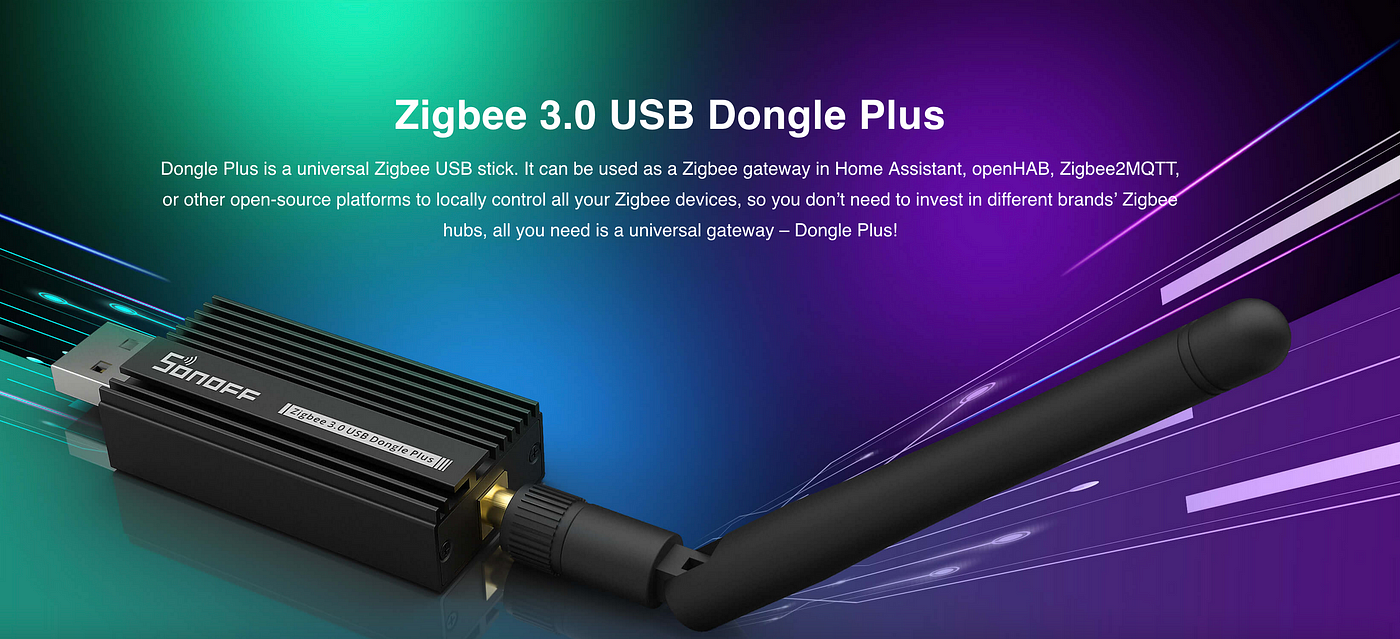
My **Sonoff Zigbee 3.0 USB dongle version E **has just finally arrived and I would like to go through how to integrate with my Home Assistant running on Raspberry Pi 4.0.
Create MQTT User
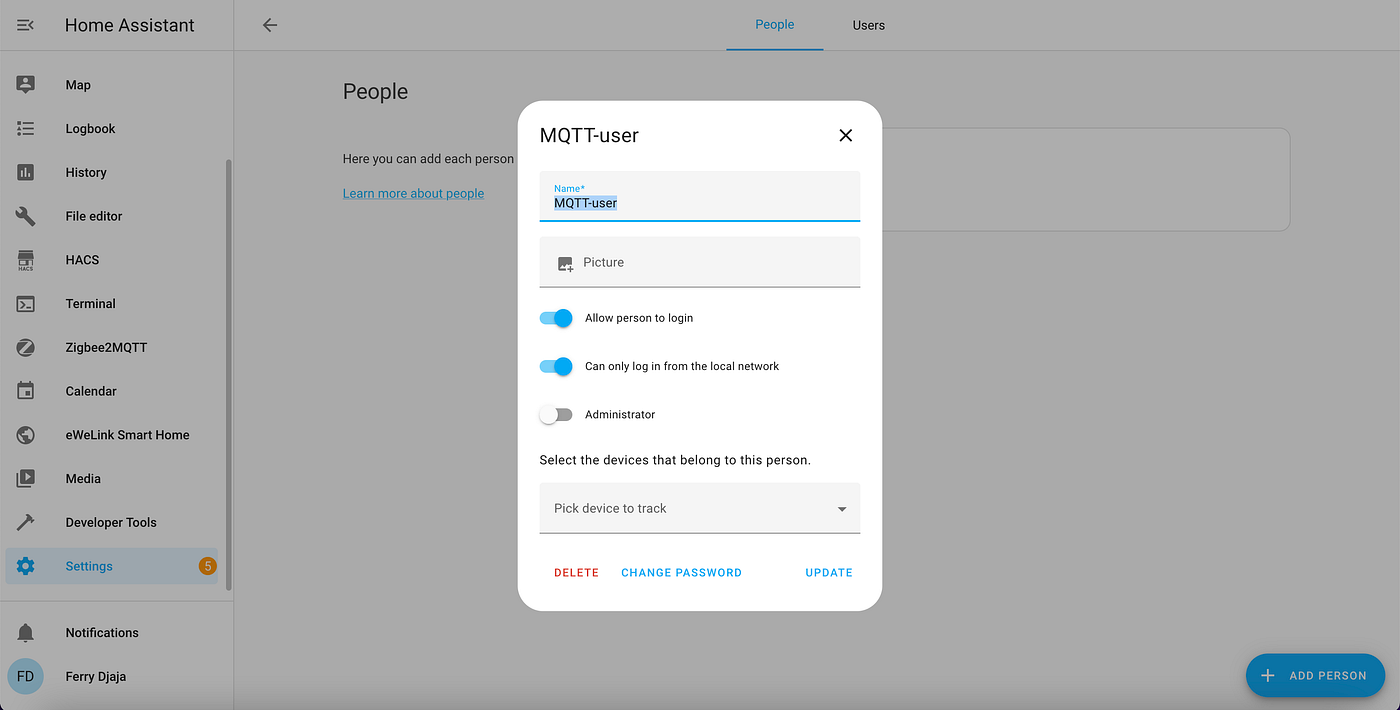
First step is you need to create an MQTT user.
Go to Settings > People and click Add Person.
Give the user name MQTT-user and select Allow person to login and Can only log in from the local network.
Plugin the USB Dongle on Raspberry Pi
Plugin the dongle on Raspberry Pi. I am using the good USB extension cable to connect the dongle with Raspberry Pi.

Once you have plugged in, go to Settings > System > Hardware. Click the 3-dot and select All Hardware.

Find the serial dongle connection and get the connection details.
>-
 /dev/serial/by-id/usb-ITEAD_SONOFF_Zigbee_3.0_USB_Dongle_Plus_V2_20221031085723-if00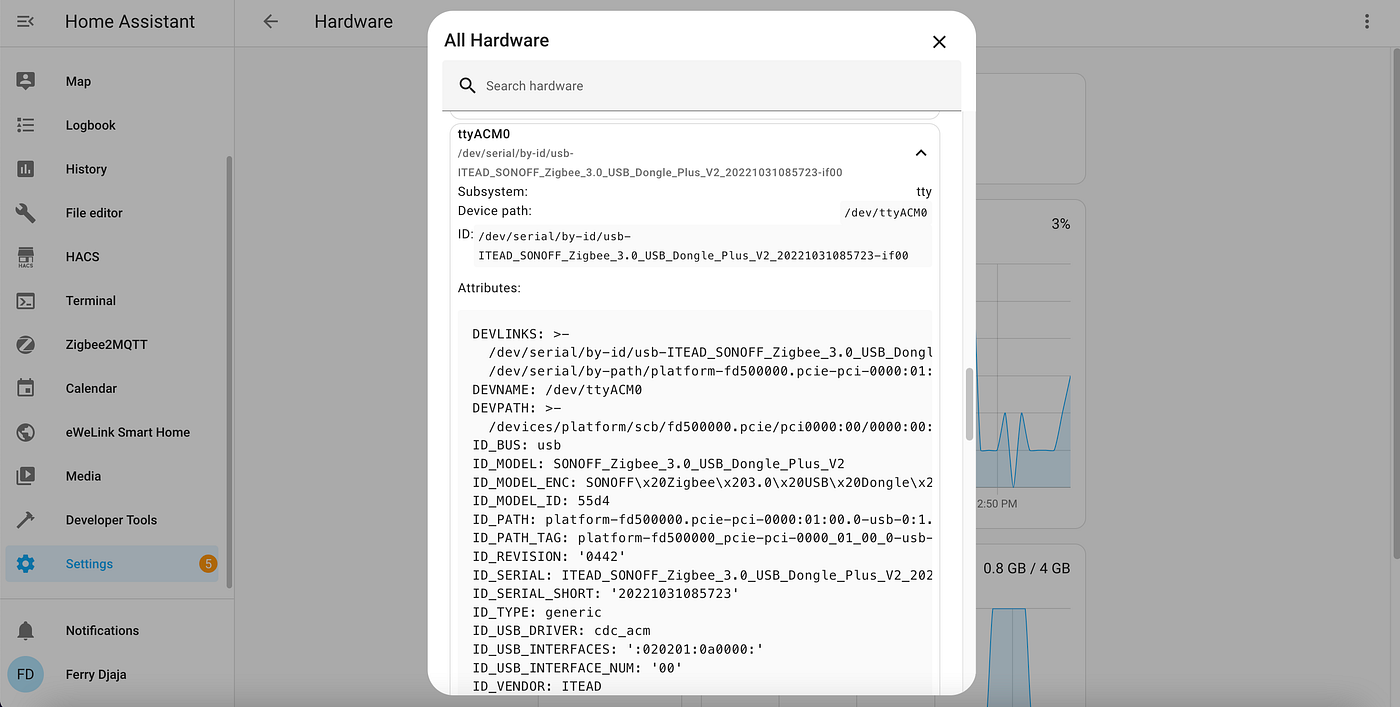
Install Mosquitto Broker
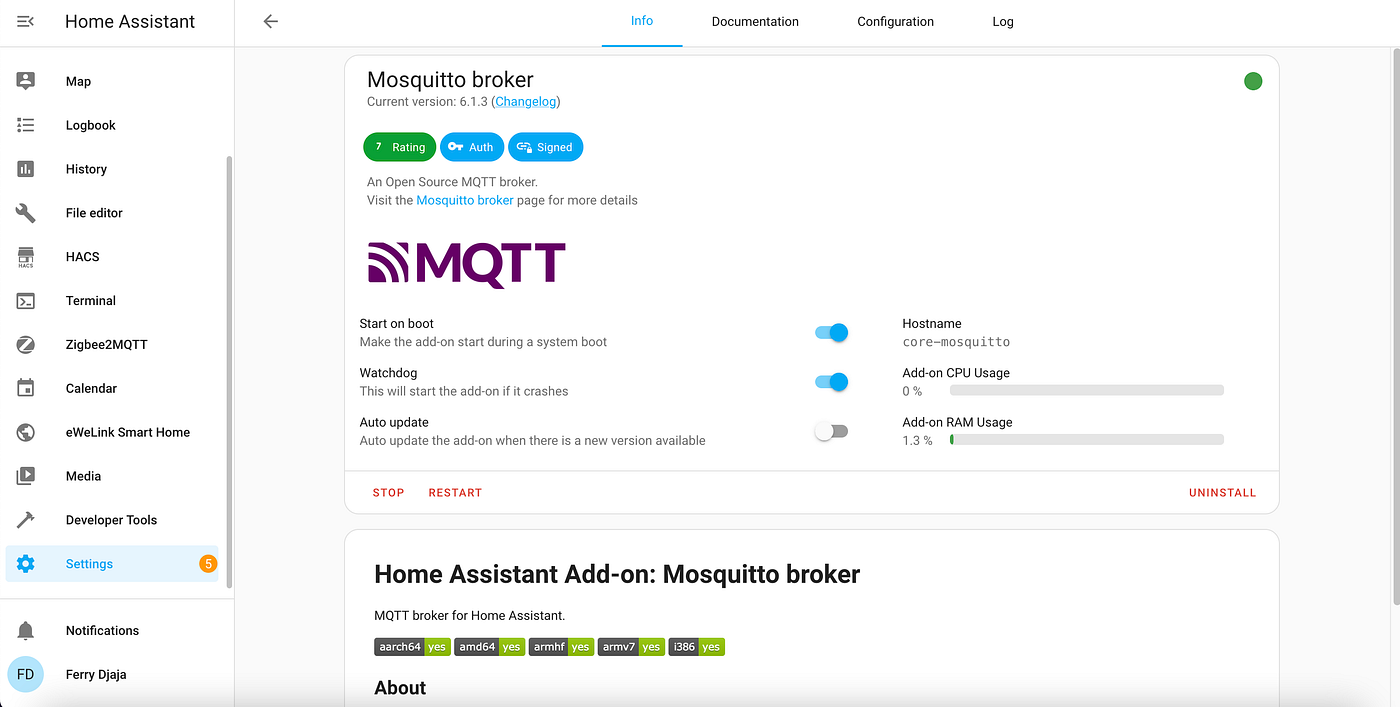
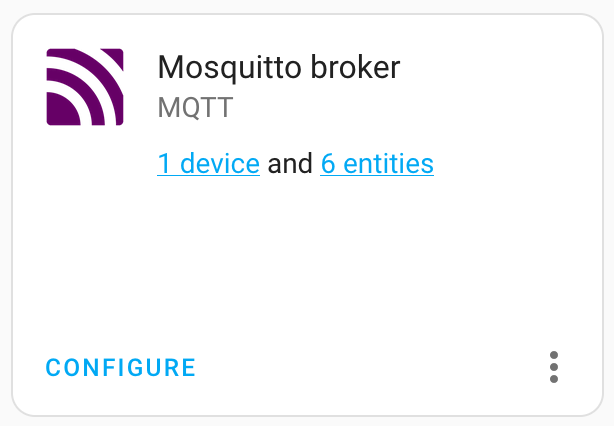
Go to Settings > Add-ons and click Add-on Store and find the Mosquitto broker. Click Install and Start to start the broker.
Install Zigbee2MQTT
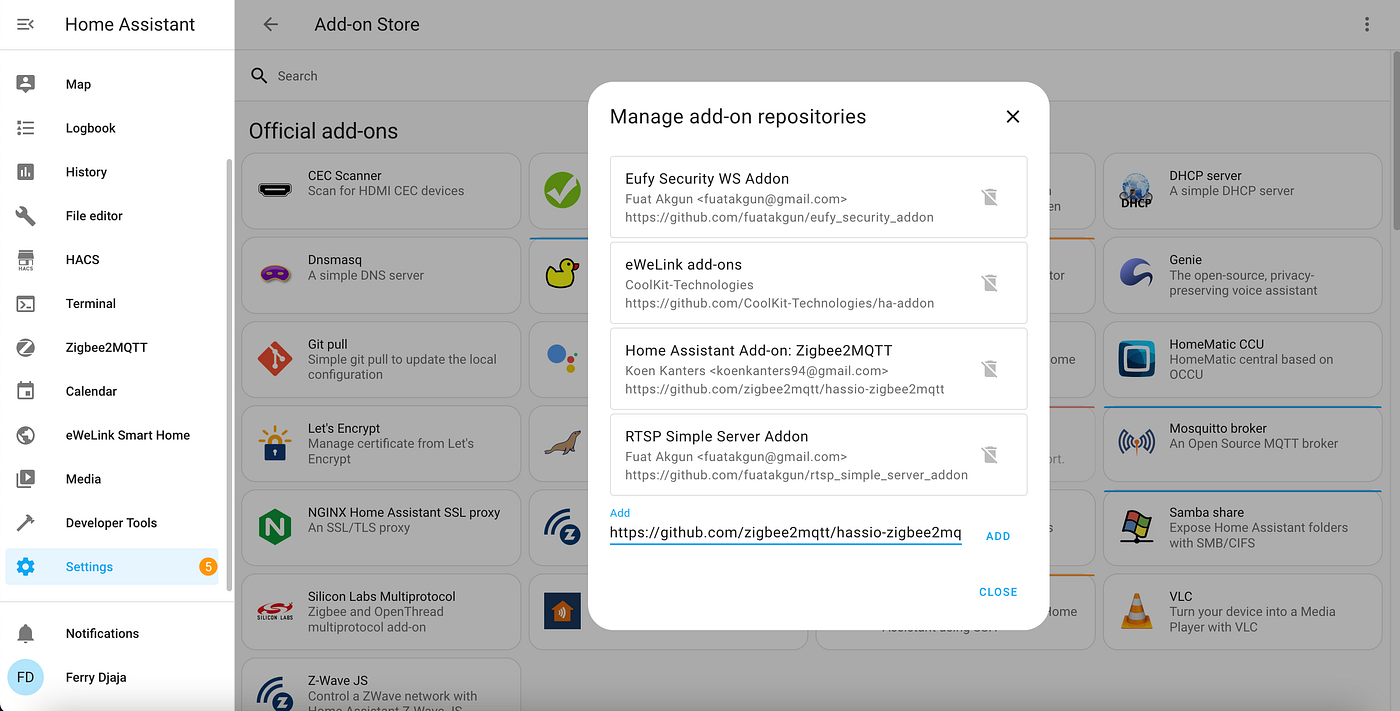
Go to Settings > Add-ons, click Add-on Store, click the 3-dot button and select Repositories. Add https://github.com/zigbee2mqtt/hassio-zigbee2mqtt and click Close.
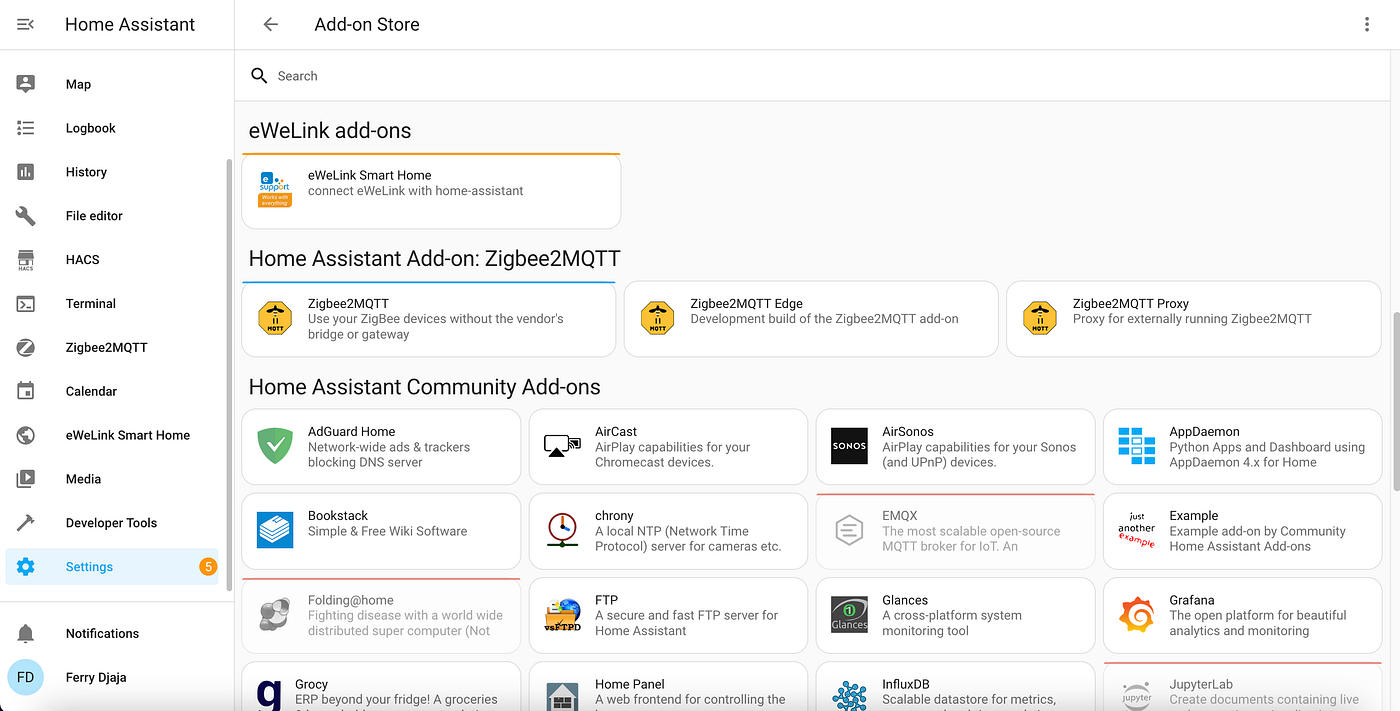
Select Zigbee2MQTT.
Select Configuration tab.
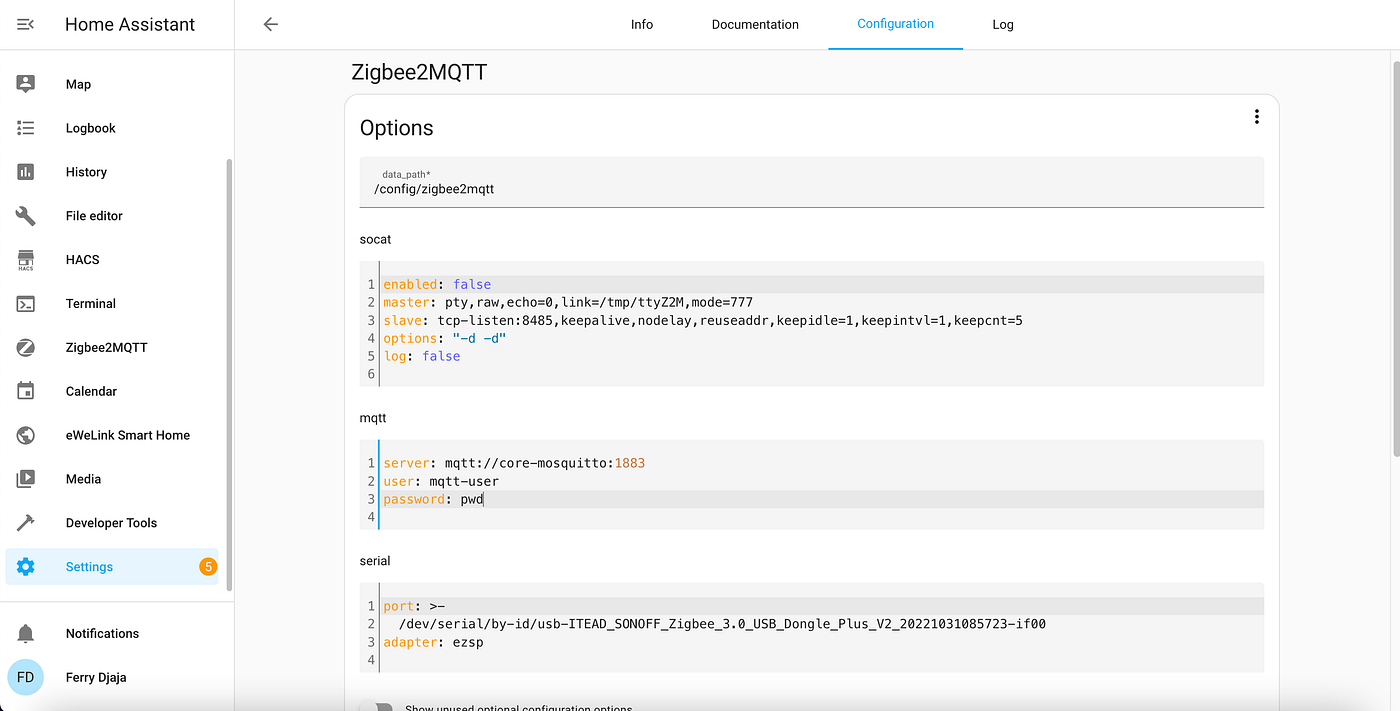
On the mqtt section, fill in the information. The user and password are the credential you created earlier.
server: mqtt://core-mosquitto:1883
user: mqtt-user
password: pwd
On the serial section, fill in the serial dongle connection details which you get earlier.
port: >-
 /dev/serial/by-id/usb-ITEAD_SONOFF_Zigbee_3.0_USB_Dongle_Plus_V2_20221031085723-if00
adapter: ezsp
Click Save.
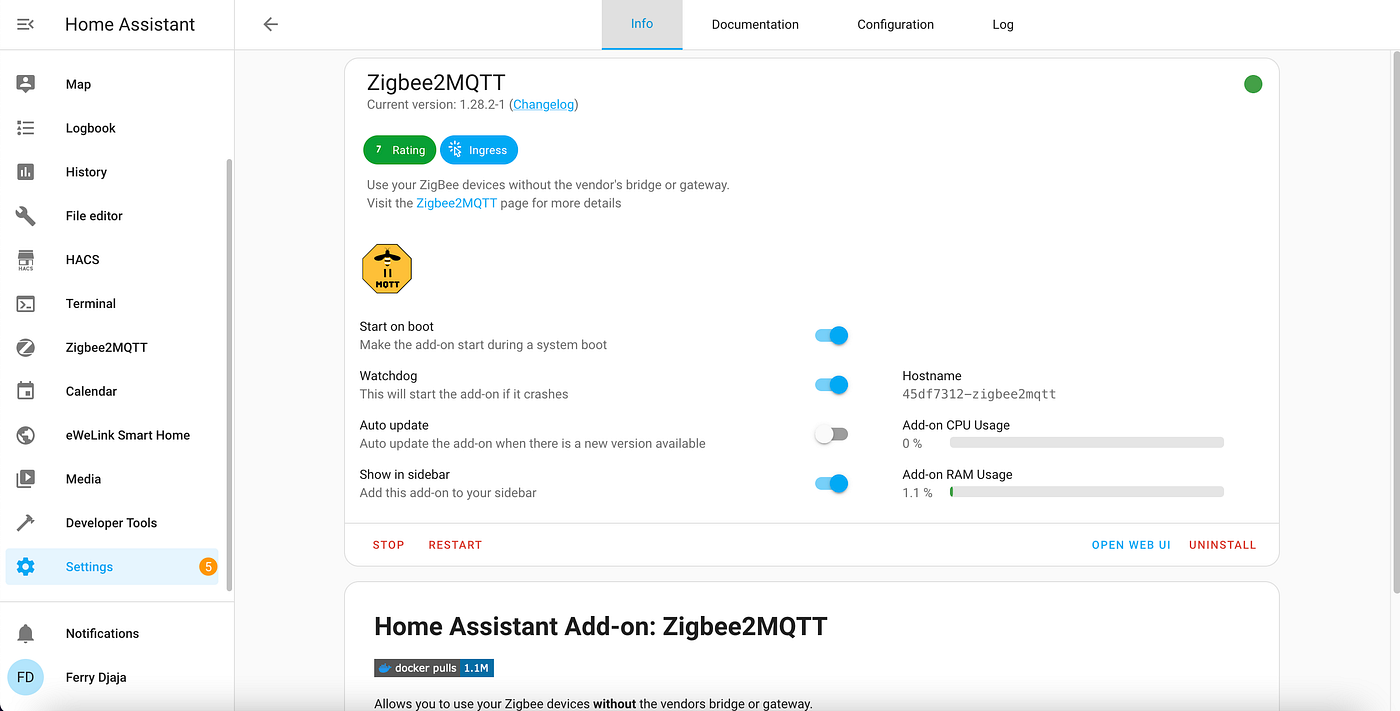
Go to Info tab, click Start and select Show in sidebar.
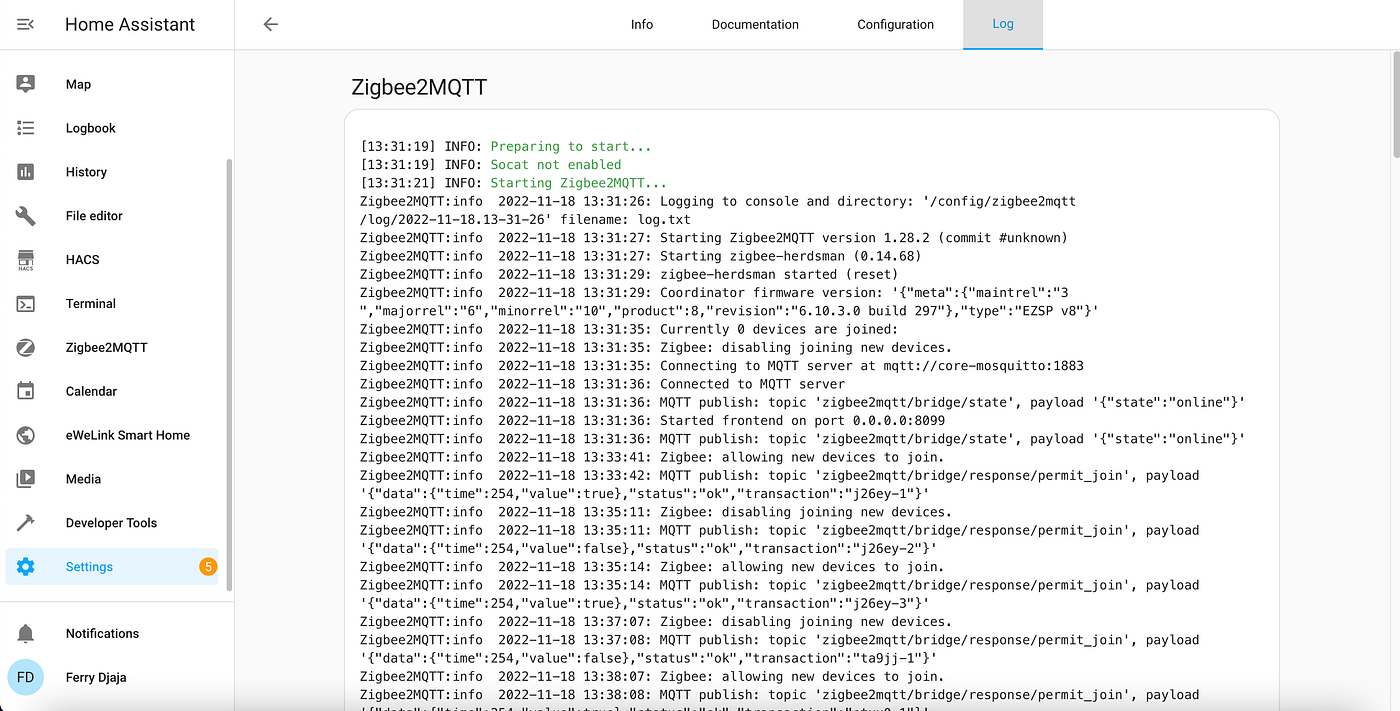
Go to Log tab to verify the result and check if there is any error.
Pair the Device
We are done with the install and configuration. Now we will try to pair the device.
Go to Zigbee2MQTT and select Permit join (All). Reset the device to pair and wait for seconds. If successfully paired, you will see the list of devices there.

메타데이터
- post_id
- 2ffb6042f6b7
- slug
- integrate-sonoff-zigbee-3-0-usb-dongle-version-e-with-home-assistant-2ffb6042f6b7
- url
- https://medium.com/@djajafer/integrate-sonoff-zigbee-3-0-usb-dongle-version-e-with-home-assistant-2ffb6042f6b7
- canonical_url
- https://medium.com/@djajafer/integrate-sonoff-zigbee-3-0-usb-dongle-version-e-with-home-assistant-2ffb6042f6b7
- author_url
- https://medium.com/@djajafer
- status
- ok
- fetched_at
- 2026-07-26 11:23:30


