Showing Huge Data In the List without Performance Issues
Occasionally, we encounter the need to display huge amounts of data, ranging from thousands to millions of entries. Have you ever faced the…
Showing Huge Data In the List without Performance Issues
Occasionally, we encounter the need to display huge amounts of data, ranging from thousands to millions of entries. Have you ever faced the challenge of presenting such large datasets at once? If so, you might be familiar with this scenario
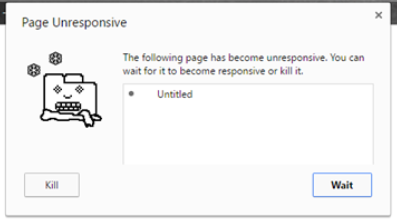
If you have huge data, you have to load it partially (lazy loading), it means that if the data is needed for the user, then it can be in DOM. otherwise no need to load it.
So, How can we do it?
I know there are lots of libraries to do it like virtual scroll libraries, but in this article, we are going to do it by using our way.
We are going to use IntersectionObserver, the flow is like:
- Put 200 items on the list
- Track the one of last items by using IntersectionObserver.
- If The tracking item is in the viewport then, get the next 200 items.
- Then again track one of the last item
Let’s Start Coding
Firstly, we are going to prepare a large data so we can use this script
export const LargeData = () => {
  const arr = [...Array.from({ length: 10e5 }).keys()];
  return arr.map((_, index) => ({
    id: index + 1,
    desc: `item is ${index + 1}`,
  }));
};
Then, we implement simple UI to show this data properly so we can use this:
function App() {
  const [data] = useState(LargeData());

  return (
    <>
      <h1>Scroll Content</h1>
      <section className="section">
        {data.map((item, index) => (
          <div key={item.id} className="item" id={`item-${index + 1}`}>
            <p>
              {item.id} - {item.desc}
            </p>
          </div>
        ))}
      </section>
    </>
  );
}
The sample component output is like:

Sample output
Problem
If we attempt to execute this code without implementing performance enhancements, it may lead to the browser crashing. To address this issue, I recommend using the IntersectionObserver API. This approach involves initially loading 200 items and then monitoring the last item. If the last item comes into view within the viewport, we can load the next 200 items to ensure a smoother user experience…
Here is the source code:
const INTERSECTION_TRASHOLD = 0;
const INTERVAL = 200; // Data Interval

function App() {
  const [data] = useState(LargeData()); // Load All Data
  const [maxIndex, setMaxIndex] = useState(INTERVAL); // index tracker to track next interval items
  let obs = null;

  useEffect(() => {
    const targetIndex = maxIndex * 0.75; // index to observe item
    obs = new IntersectionObserver(([{ intersectionRatio }]) => { // set Intersection Observer
      if (intersectionRatio > INTERSECTION_TRASHOLD) { // If it is in viewport
        const targetElement = document.getElementById(`item-${targetIndex}`); //track the next last element
        obs.unobserve(targetElement); // unobserve previous element
        setMaxIndex(() => maxIndex + INTERVAL); // set new Index
      }
    });
    obs?.observe(document.getElementById(`item-${targetIndex}`)); // observe the new component
  }, [maxIndex]);

  return (
    <>
      <h1>Scroll Content</h1>
      <section className="section">
        {data.map(
          (item, index) =>
            index < maxIndex && (
              <div key={item.id} className="item" id={`item-${index + 1}`}>
                <p>
                  {item.id} - {item.desc}
                </p>
              </div>
            )
        )}
      </section>
    </>
  );
}
Result
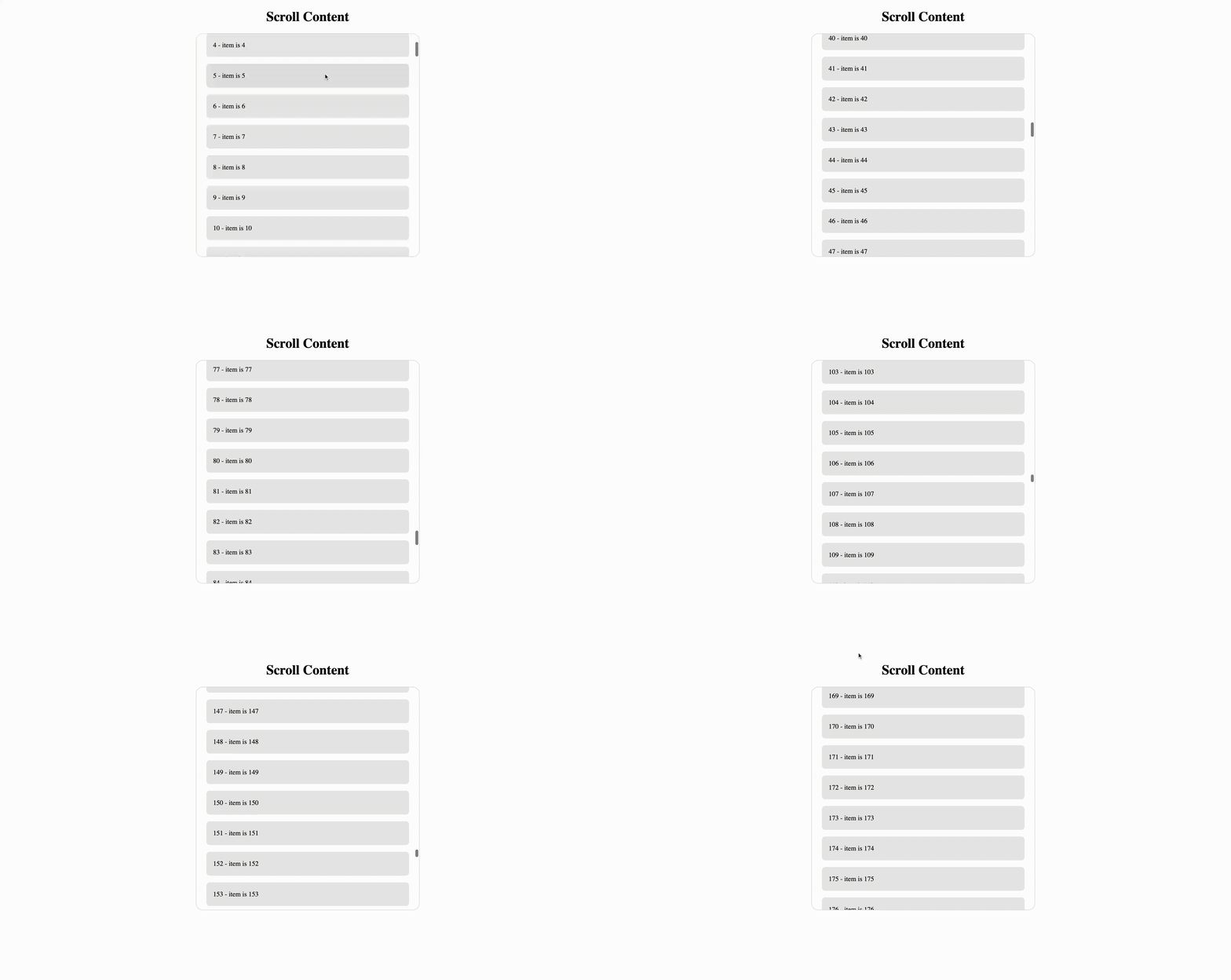
In this way we can list the data whatever the size we want
Summary
- Presenting the huge data has problem for browsers.
- We can display the data step by step.
- IntersectionObserver can be a solution
You can find the source code:
메타데이터
- post_id
- 301bd90b421b
- slug
- showing-huge-data-in-the-list-without-performance-issues-301bd90b421b
- url
- https://medium.com/@rdvndmrc/showing-huge-data-in-the-list-without-performance-issues-301bd90b421b
- canonical_url
- https://medium.com/@rdvndmrc/showing-huge-data-in-the-list-without-performance-issues-301bd90b421b
- author_url
- https://medium.com/@rdvndmrc
- status
- ok
- fetched_at
- 2026-06-28 04:42:08