Running local AI on i3 with no GPU
Converting an Dead 2012 ASUS into a private LLM Server with no GPU.
Running local AI on i3 with no GPU
The other night I decided to see how far I could push an old ASUS laptop that’s been gathering dust in my closet. It’s a Core i3 machine from the Windows 7 era— cracked hinge, no GPU, 4 GB of RAM— the kind of hardware most people would recycle without a second thought.

For your amusement, this is an AI generated Illustration of old hardware when you don’t pay someone to recycle the <1% of precious metals in them.
How did we even get here?
Ignoring the existing subsidized cloud argument for not running your own models locally, all my friends told me to just pick up a 3090 or a refurbished Mac mini. Sure, that would’ve worked, but with the massive demand for high performance GPUs, and not having $1300 burning a hole in my pocket, I wanted to see if I had anything laying around that could at least break trying.
In a world overflowing with wasted hardware, we should be able to repurpose even the smallest processing power into something meaningful. The idea of a LAN knowledge base, a LAN private assistant, or something more simple, like downloading an offline Maps tool, Wikipedia, and other important information I feel shouldn’t be bottlenecked by external networks and streaming.
The modern American home doesn’t have a library anymore. Most don’t even own their own knowledge. We stream, rent, and subscribe to information that’s throttled, filtered, and increasingly opaque. We don’t know what our models are trained on and most of it, if we’re honest, is spyware disguised as a friend that knows me.
So instead of buying something new, I wanted to breathe new life into what was already there.
Revival of the ASUS K55A

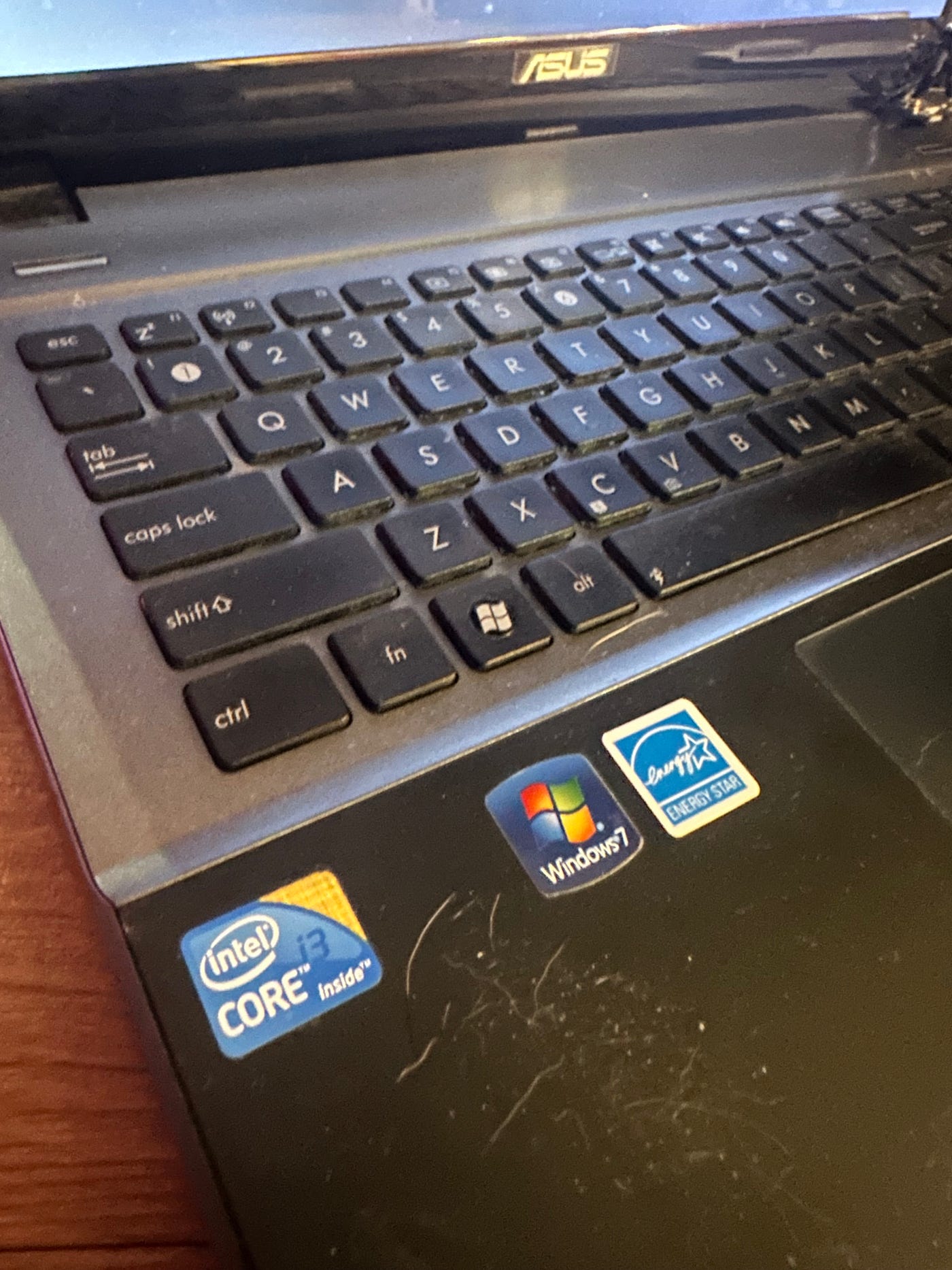
This thing is dead even at full charge…
This computer has been dead for as long as I can remember. I think my parents got it like 13 years ago before they became Mac folks.
We’ll wipe it clean, install Ubuntu 24.04 LTS, set up Docker, add a basic firewall, and pull down the Qwen 1.5 billion parameter model.
This was pretty straight forward outside of having to boot with BIOS instead of UEFI becauses of the outdated hardware.
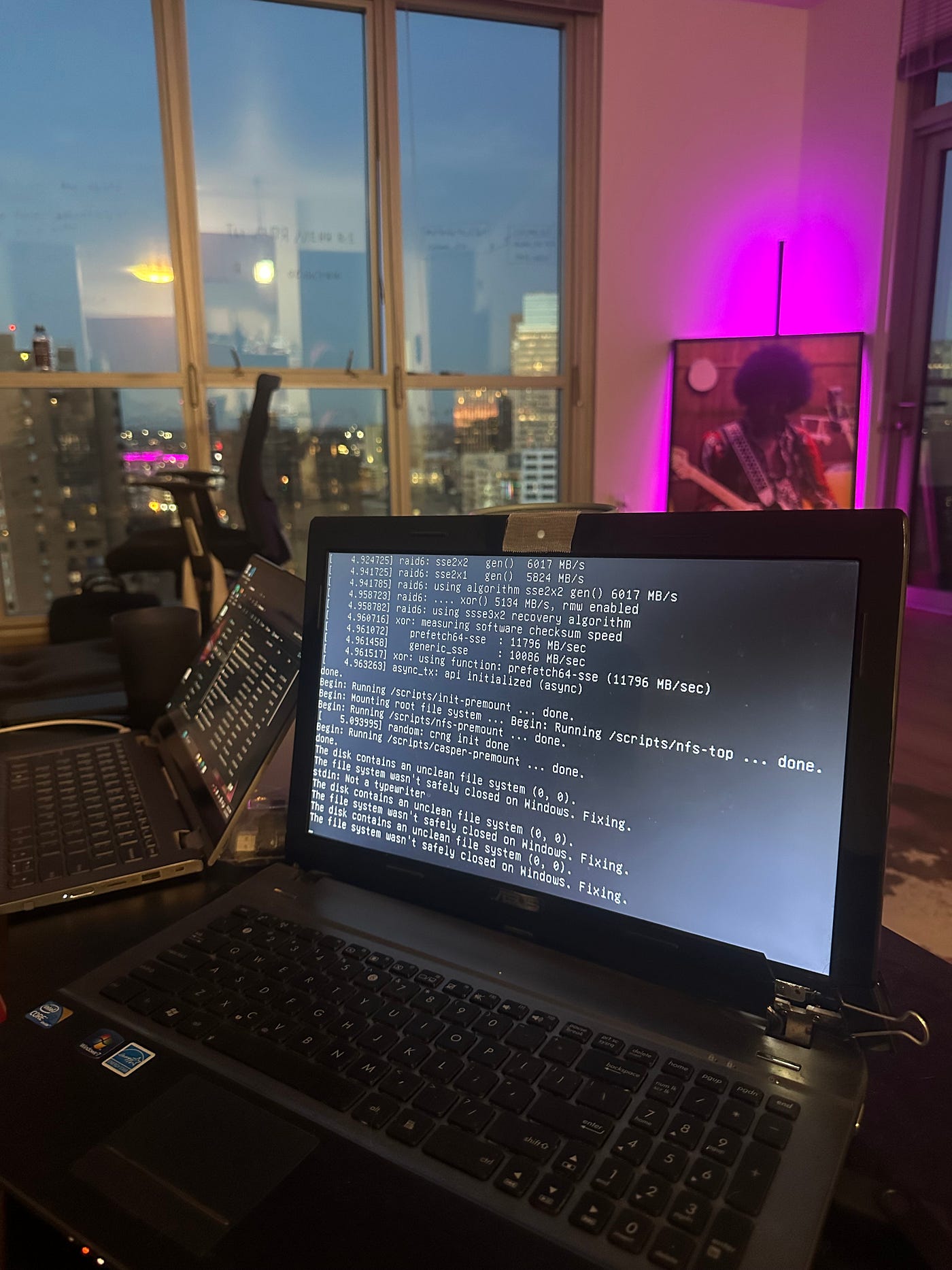
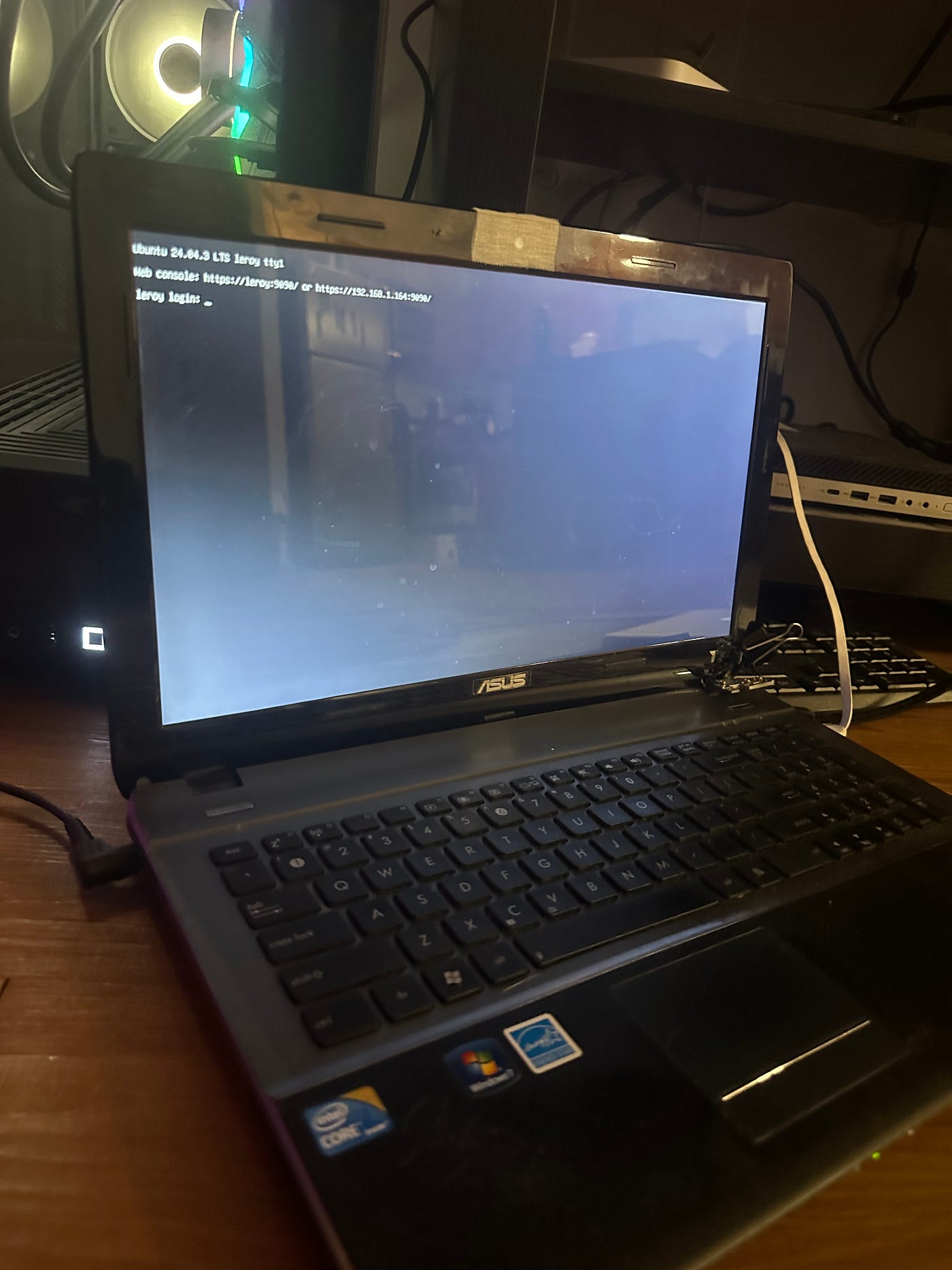
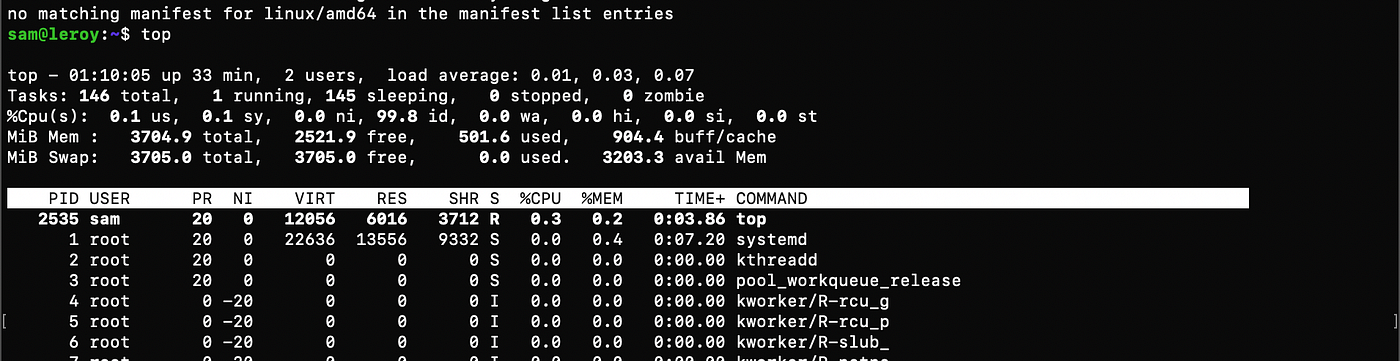
Meet Leroy— named after my buddy Foster’s Dog.
I set up a lightweight Ubuntu server, configured ufw for security, installed Docker, and got a local console running on 192.168.1.x:9090.
With the machine up and running, adding UFW and DOCKER went quick. Then, with a little patience and the help of my friend Foster, we quantized Qwen 1.5B to fit the limits of the machine.
The Quantization
Before it could actually run the model, we had to shrink it — a lot.
Large language models like Qwen-1.5B usually expect semi-serious hardware: multi-core CPUs, hefty GPUs, and gigabytes of VRAM. My poor ASUS had none of that.
This is where quantization comes in.
Think of it like compressing the model’s brain — taking all the decimal weights (normally 16 or 32 bit precision) and converting them into smaller 4 bit or 8 bit values. You lose a bit of nuance, but the trade off is huge: Lower memory usage and the ability to run a model on hardware that is nowhere near optimized to handel it
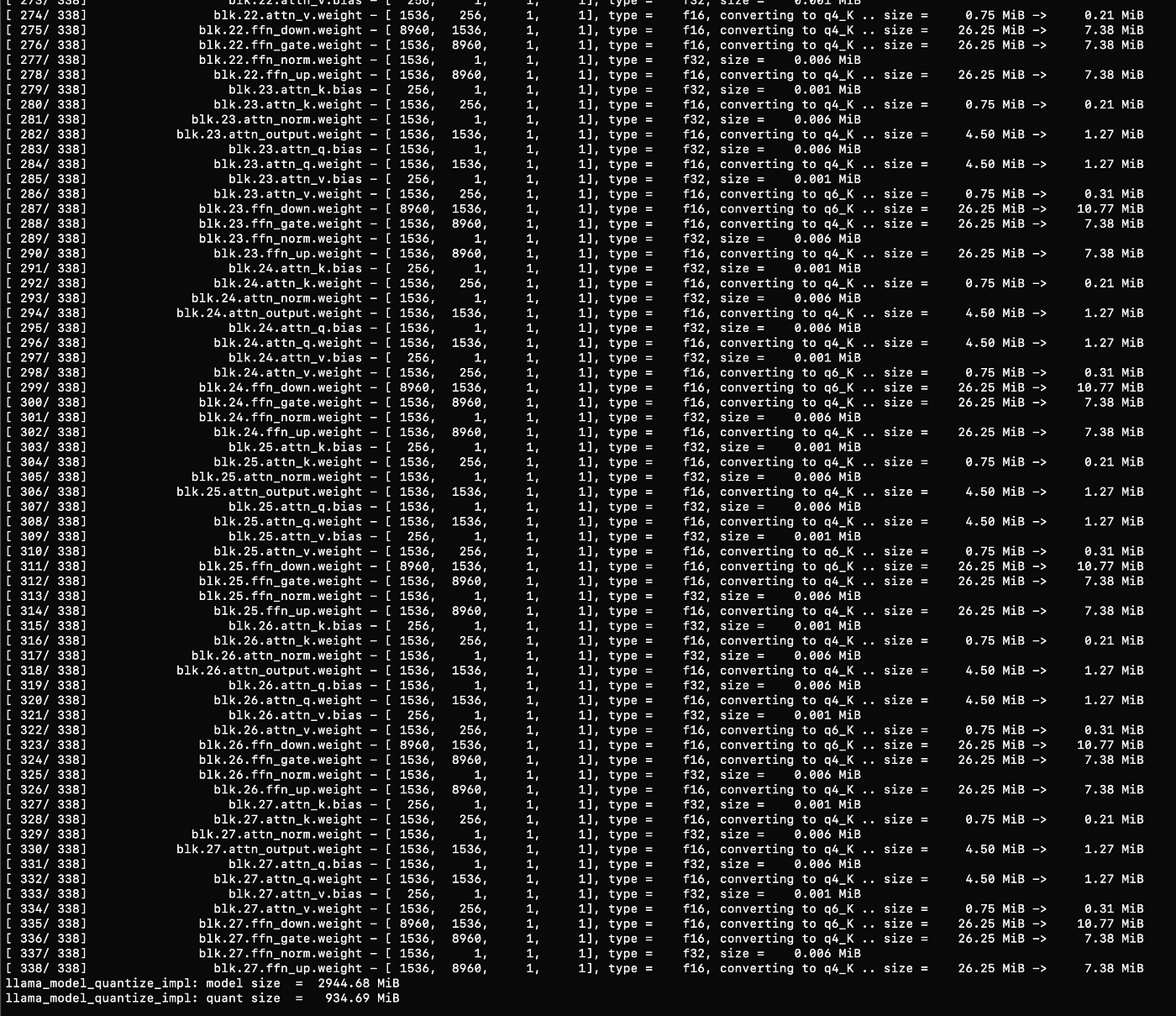
With my buddy Foster, we quantized the Qwen 1.5B model into a compact format— shrinking it all down. We used the GGUF format and loaded it with llama.cpp, one of the few frameworks lightweight enough to run inference on pure CPU.
Once it launched, the console output started dripping text slow around 2 tokens/1.5 words per second.
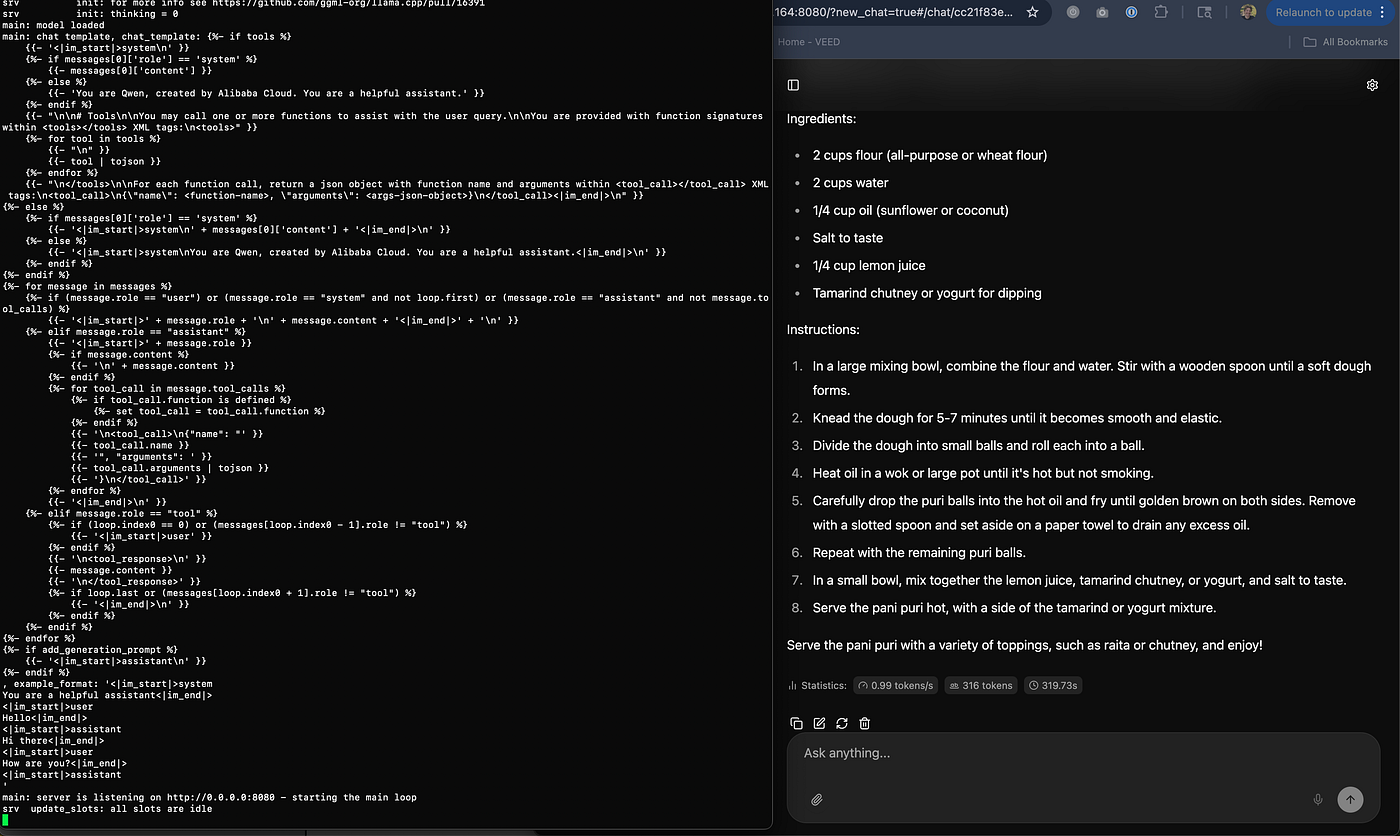
For reference, this page of text for Pani Puri took around 2 minutes to generate
That might sound painful compared to the firehose speeds of cloud GPUs, but on this ancient i3? This was something from Nothing.
This was life after death. Local, private, and alive again.
Why this means something to me:
In a world where knowledge is power, data is money, and resources are limited, I think its really important that we continue to democratize knowledge in its most accessible form to date. Advanced RAG algorithms that recite information as asked is incredibly time saving and useful. This is the true innovation in this technology.
And while purchasing access to web hosted, cloud centered tools like OpenAI and Perplexity allow for people to experience this innovation, These companies are also essentially spyware selling your secrets to advertisersin exchange for a friend. They can even be hacked.
I think its ever more important to get people access to LAN networks that can empower us to stay organized in today’s digitally forced society and retain our human rights to privacy.
Although this isn’t a massive breakthrough, it was a personal breakthrough for me. It reminded me that you can do anything you set your mind to, especially when you’re willing to try new things.
And maybe we can finally find a use for all these Chromebooks.

메타데이터
- post_id
- 31e30d58fdc9
- slug
- running-local-ai-on-i3-with-no-gpu-31e30d58fdc9
- url
- https://medium.com/@slerdahl/running-local-ai-on-i3-with-no-gpu-31e30d58fdc9
- canonical_url
- https://medium.com/@slerdahl/running-local-ai-on-i3-with-no-gpu-31e30d58fdc9
- author_url
- https://medium.com/@slerdahl
- status
- ok
- fetched_at
- 2026-06-13 07:35:29




