OpenCode — First Session, Just 20min, but >4,000 Files on HD? Huh?
Curious about some insights? Follow me under the hood of /opencode-home on the host
OpenCode — First Session, Just 20min, but >4,000 Files on HD? Huh?
Curious about some insights? Follow me under the hood of /opencode-home on the host

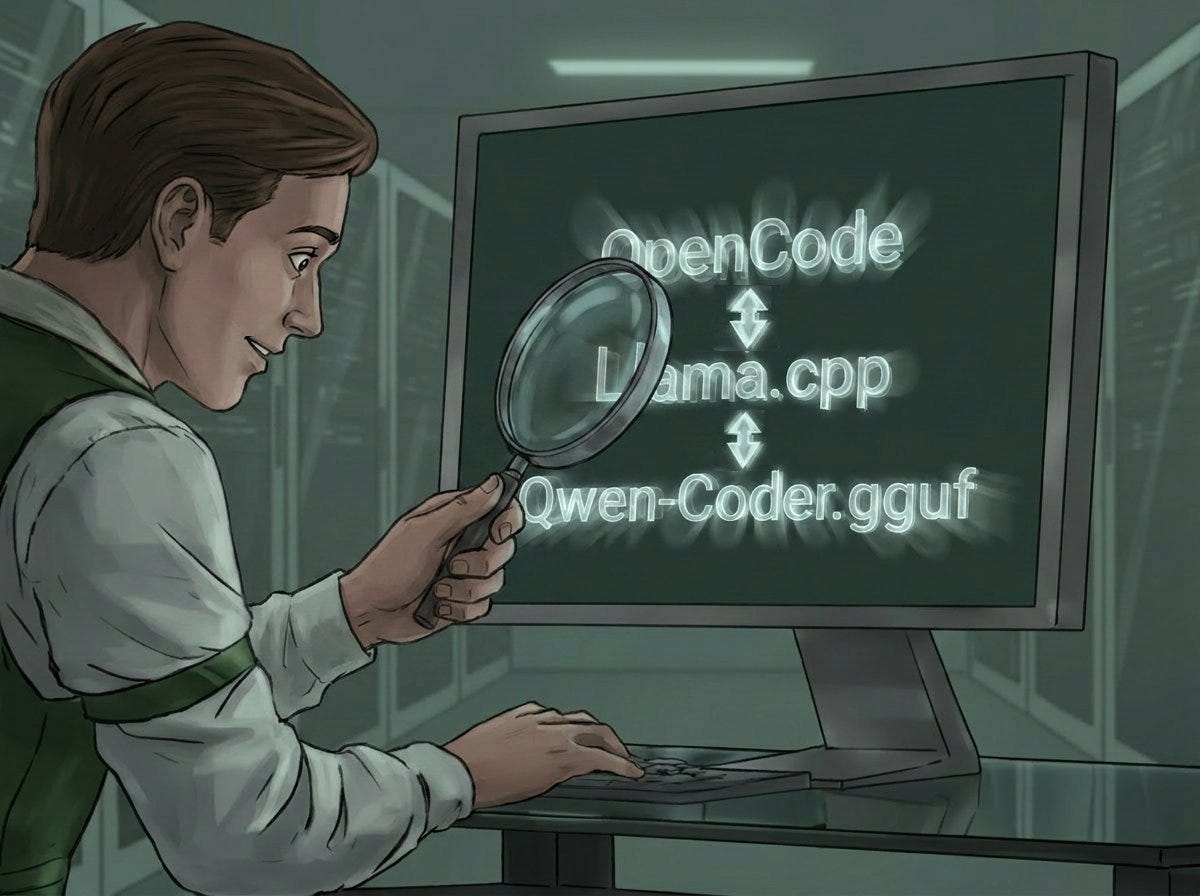
GenAI generated symbolic picture covering the issues about checking what’s under the hood of OpenCode-host-files
Under the Hood of OpenCode’s Local File Structure
Foreword
When starting a project, I always try to anticipate potential problems and pitfalls upfront.
Rather than “get it done as fast as possible” — first things first: where are the traps?
Btw: That’s also why my bio says something about “Solution Architect.”
Latest project:
➡️ Getting OpenCode running locally under Docker with llama.cpp. (Link to the finished Medium article on that in the footer.)
A And then this:
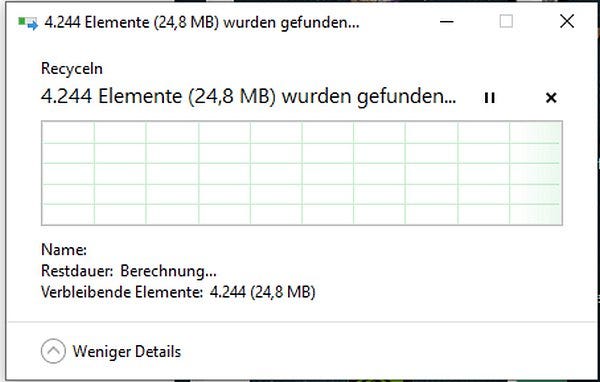
Screenshot from my original German host’s recycler
WTF had gone wrong — the previous session hadn’t even run for 20 minutes →+4000 files in /opencode-home!?!
I actually only stumbled across this sheer number of files by accident, because I wanted to test a few changes I had just made to the AGENTS.md and the opencode.json from scratch.
To start fresh, well, the simplest way is to just delete the entire /opencode-home directory (and of course, for example, the AGENTS.md in the local root that had previously been created via /init).
Scoping the Potential Project Problems
Result:
It quickly became clear: there are several well-known effects — documented and community-reported — that cause the hard drive to fill up until it bursts.
One of them is the so-called “Snapshot” — which can be disabled directly via opencode.json.
// opencode.json

{
  "$schema": "https://opencode.ai/config.json",
  "model": "llama.cpp/Qwen2.5-14B-Instruct-Q6_K.gguf",
  "autoupdate": false,
  "snapshot": false, //<<<<
  "share": "disabled",
  "provider": {
    "llama.cpp": {
      "npm": "@ai-sdk/openai-compatible",
      "name": "Lokales LLM",
...
One item checked off
A Fresh Start — and a Surprise
As shortly mentioned earlier: After some further work on opencode.json and AGENTS.md: time to finally test with all the new fixes. To fully restart OpenCode, just quickly delete the opencode-home directory.
Easy? Yes! Quickly? No!
Since I was already working in the shell anyway, I didn’t type rm -rf — I deleted the folder via Windows Explorer. Pure intuition.
And it took a while. And a while. And a while…
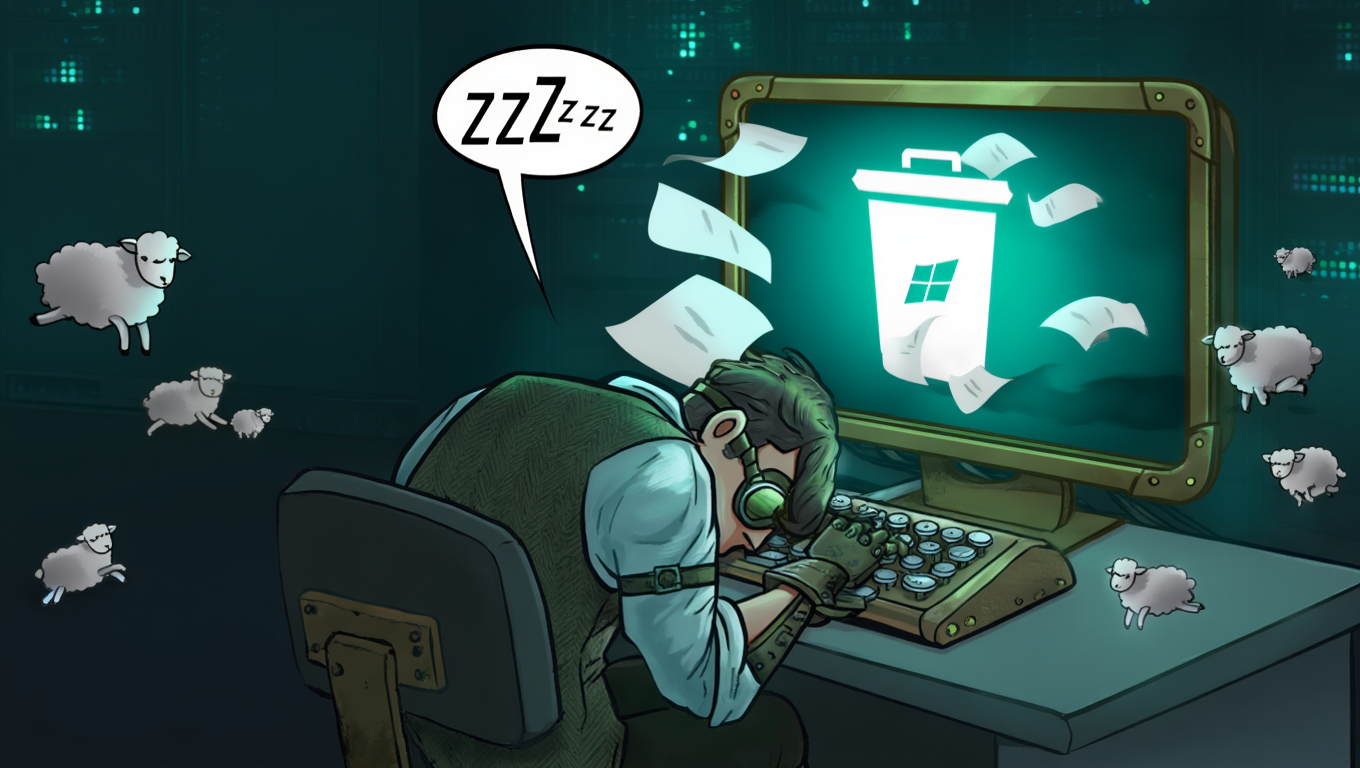
Over 4,000 files. After a single test session that ran less than 20 minutes.
What does each of them mean, what’s important and what’s not? What could potentially be removed?
This question led to some genuinely illuminating insights, which I’ll walk through in this article… Have fun!
Figuring Out What Lives Where — and How Big It Is
OpenCode runs in a Docker container on my machine, with the home directory mounted as a host bind mount (how that works — link to my Medium article at the end).
Accordingly, the opencode-home directory sits as a bind mount on the host — and can be browsed both in structure and content.
The Log — Obviously the First Suspect
And it’s not nothing: same time window, 5,072 lines and 786 KB.

The logfile opencode writes can be found in opencode-home/local/.share/opencode/log
And it doesn’t get deleted when you restart the container, because every log has its own name — generated from the timestamp:
2026-04-17T202815.logThe only reliable way to get rid of the log:
A container restart:
# File: docker-compose.yml
services:
   opencode:
      image: opencode_image:1.3.0
      container_name: OpenCodeContainer-${COMPOSE_PROJECT_NAME}
      # command: sh -c "rm -rf /home/node/.local/share/opencode/log/"
      # ...
      # quoted out — not yet tested in development environment — stay tuned
…with the explicit delete command inside the container.
Now for the Other 4,000 Files
What’s actually in the /opencode-home directory?
Solution for getting an overview:
A short Python script (which will also go into the repo) that outputs the directory structure — limited to file counts and cumulative sizes in KB.
Here are the two decisive root-level lines:
├── .bun [Files: 2018 | Size: 9.90 MB]
│
...
├── .cache [Files: 1982 | Size: 16.62 MB]
│   └── opencode [Files: 1982 | Size: 16.62 MB]
│       └── bin [Files: 1980 | Size: 14.93 MB]
│           └── node_modules [Files: 1977 | Size: 8.63 MB]
Over 2,000 of the roughly 4,000 files were sitting in a single directory: .bun/install/cache.
Bun is a package manager, similar to npm — and OpenCode uses it at startup to pull down language server packages. YAML Language Server, ajv, vscode-json-languageservice — all tools for syntax highlighting and code analysis that aren’t bundled into the image.
Bun downloads them, caches them locally, and because the home directory is mounted to the host, those ~2,000 package files land directly in the opencode-home folder.
Looks dramatic — it isn’t.
The same goes for .cache and… bin / node_modules.
There’s not much more to say about those — equally undramatic, and exactly as it should be.
Why it’s not a problem:
The setup is stateful — thanks to the bind mount, the cache lands on the host exactly once: on the first start.
So nothing to worry about on that front.
Wasn’t There Something About SQLite?
The Database Reaching Unexpected — and Unwanted — Dimensions
Our prime suspect:
opencode.db.
Under .local/share/opencode/storage/ sits a single file: opencode.db. After just 20 minutes of test operation, it was already 256 KB. Not huge yet — but come on! 20 minutes?
And the community reports are unambiguous:
After 53 days of heavy use: 1.99 GB, 274,000 entries in the Parts table — and not a single one had ever been cleaned up automatically.
OpenCode uses SQLite with Drizzle ORM. The structure is clearly hierarchical: Projects contain Sessions, Sessions contain Messages, Messages contain Parts. No auto-pruning, no size limit, no built-in cleanup. What goes in, stays in.
A Peek Inside the Black Box
Anyone who opens the database with a tool like the SQLite Viewer for VS Code will see something genuinely unexpected:

A live screenshot taken on VS Code using the fabulous Addon “SQLite Viewer” by Florain Klampfer
>>>> You’re watching the agent “think”! <<<<
Every Part is a step — step-start, text, tool, step-finish.
Between <start> and <finish>: exactly what OpenCode is doing in the background. For every single request.
This isn’t junk. Quite the opposite:
This is a complete “thought” diary of OpenCode — you can retrospectively trace every single agent call: what happened when, what came out of it. Highly interesting stuff.
A Detour Into the Specs: The Parts Table and Its Growth
A tool-Part of type read looks like this:
{
   "tool": "read",
   "state": {
      "status": "completed",
      "input": { "filePath": "/workspace/macbook_cheatsheet.html" },
      "output": "<content>1: <!DOCTYPE html>\n2: <html lang=\"en\">..."
   }
}
OpenCode doesn’t just store “File X was read” — it stores the complete file content as output, with line numbers. An HTML file with 500 lines? All of it in there. Every file, every session, forever.
After just two short sessions, the Parts table already held 99 entries and 116 KB — and it was obvious: the 2 GB figure after 53 days from the community reports was no outlier. It’s inevitable.
Why Hasn’t Anyone Fixed This Yet?
It’s even called a “Bug”…
The obvious move: build something locally — and use it to keep the DB in check.
Sounds simple — delete old entries, done.
But the Parts are probably not just an archive. They could be actively loaded when resuming a session, as the basis for context and memory. Delete blindly and then notice strange behavior afterward — and you won’t know why. And there’s no going back.
Note the use of the subjunctive in that last paragraph. Could. Because what’s actually happening deep in OpenCode’s engine room remains completely opaque. More transparency would be welcome here.
On top of that: OpenCode is young, the problem is known, but the clean fix belongs in the project itself — with a max_session_age or configurable auto-pruning. The team hasn't delivered that yet. Community workarounds exist as SQL snippets, but without understanding what's actually safe to delete, it's a shot in the dark — and potentially into your own foot.
As I Said: Highly Interesting!
Sessions — Messages — Parts… a clear hierarchy, addressable via the simplest SQL statements…
Sessions have unique, descriptive names — “Generate workspace directory listing,” “Refactor authentication.”
With that information and a clean view into the DB window in Visual Studio Code… the idea came to me to use that as the one* lever that cleans the DB properly, without shooting yourself in the foot.
A lean tool that reads out session names, displays them, and lets the user decide — with a configurable pain threshold for DB size and deletion window — would be the approach. Not “auto-clean,” but “make it visible and let the user decide.” Delete by session name, the user calls the shots on what goes and what stays.
To Be Continued…
But you can’t do everything at once. OK, I usually try anyway — but this has to wait, I’ve got too many other things in progress right now.
So is the previously shortly announced, coming — short — entry on GitHub for this solved problem — it’ll have to wait…
Of course there’ll be an article about this here on Medium too. If you want to stay tuned, activate email notifications for new posts — or reach out via DM on LinkedIn.
www.linkedin.com/in/christoph-schweres
Tech Stack
Windows host, Intel Core i5 CPU, 32 GB RAM, Nvidia GPU with 16 GB VRAM
Getting started locally with OpenCode and llama.cpp on Docker
Here’s the link to the article about setting up OpenCode locally with a llama.cpp backend:
If you want to set up llama.cpp locally, you’ll find what you need here:
Interested in more on topics like this?
SStay in touch: I regularly share insights on OpenCode, AI tools & GenAI workflows — no Medium membership needed (*)
→ http://www.linkedin.com/in/christoph-schweres
*() But I really advise you to become a member here on Medium — it’s totally free! And you can add articles and authors to your timeline.**
Disclaimer
The introduction to this text was written entirely by hand. No .md template or any other adjustments were made there.
The parts developed (on the basis of a current project) partially with or with the help of tools like Claude, Claude Code, ChatGPT, or Gemini (etc.) were reviewed completely manually — every single line.
The final translation from the German original text was completly done by Claude.
HTH!
메타데이터
- post_id
- 325ff6e753ac
- slug
- opencode-first-session-just-20min-but-4-000-files-on-hd-huh-325ff6e753ac
- url
- https://medium.com/rigel-computer-com/opencode-first-session-just-20min-but-4-000-files-on-hd-huh-325ff6e753ac
- canonical_url
- https://medium.com/rigel-computer-com/opencode-first-session-just-20min-but-4-000-files-on-hd-huh-325ff6e753ac
- author_url
- https://medium.com/@rigel-computer
- status
- ok
- fetched_at
- 2026-06-14 11:28:49