Your First AI Project: Building a Smart Chatbot
Enough theory. It’s time to build something real. And I’m not talking about some toy project you’ll forget about in a week — we’re creating…
Your First AI Project: Building a Smart Chatbot
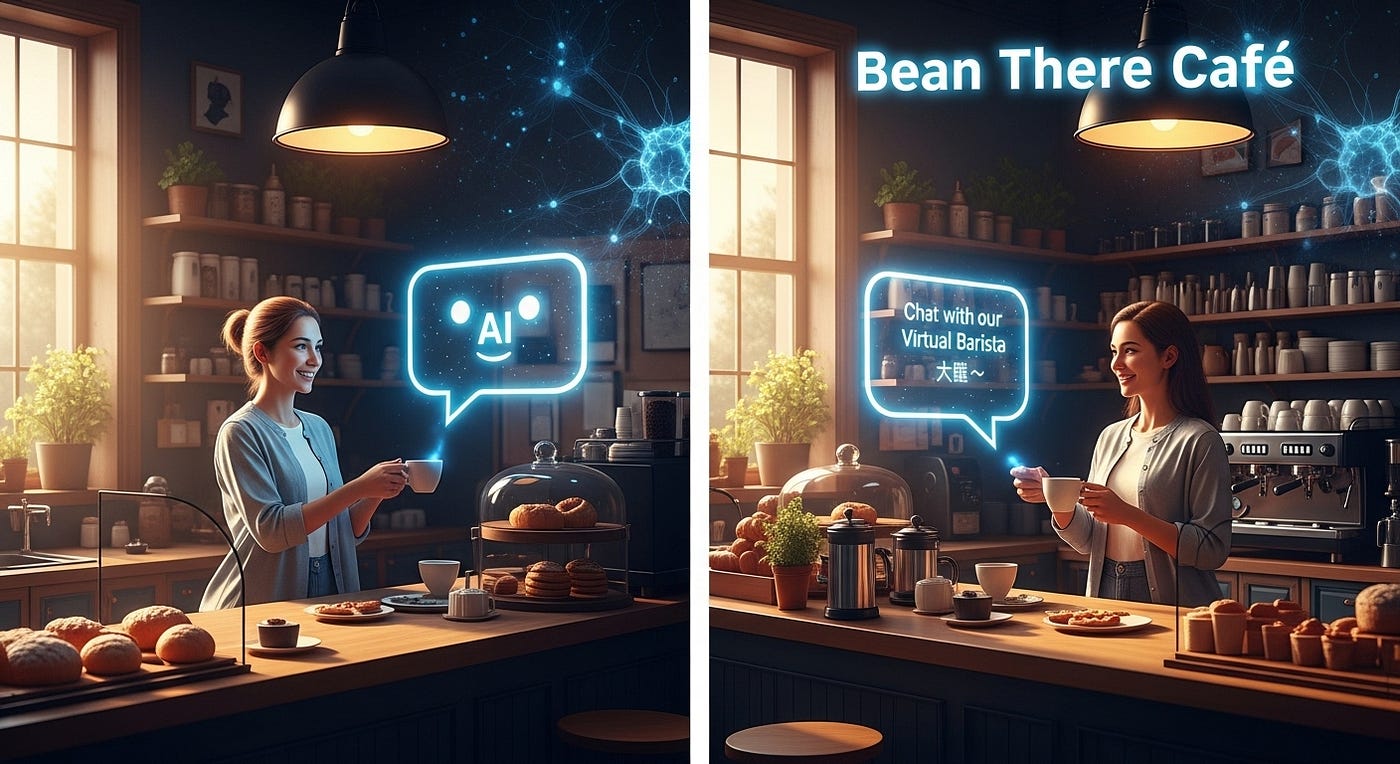
Enough theory. It’s time to build something real. And I’m not talking about some toy project you’ll forget about in a week — we’re creating a functional chatbot that can hold conversations, understand user intent, and actually help people.
The best part? You don’t need to write a single line of code. Using Google’s Dialogflow — a professional-grade AI platform used by real companies — you’ll have a working chatbot live on a website in under an hour.
Let’s build your first AI system from scratch.
What You’re Building: A Customer Service Chatbot
Imagine you run a small coffee shop called “Bean There Café”. Customers constantly ask the same questions:
- “What are your hours?”
- “Where are you located?”
- “What’s on the menu?”
- “Do you have WiFi?”
Instead of answering these manually 100 times a day, you’re going to build an AI chatbot that handles these conversations automatically.
What Your Chatbot Will Do
✅ Greet customers warmly when they start chatting ✅ Understand different phrasings of the same question (e.g., “When are you open?” vs. “What are your business hours?”) ✅ Provide accurate answers from your knowledge base ✅ Handle multiple conversation topics smoothly ✅ Fall back gracefully when it doesn’t understand something
This isn’t a simple FAQ bot — it’s an AI-powered conversational agent using Natural Language Processing (NLP) to understand human language.
Understanding the Core Concepts (5-Minute Crash Course)
Before we start building, you need to understand three essential chatbot concepts:
1. Intents: What Users Want
An intent represents the goal or purpose behind what a user says. It’s the “why” behind their message.
Examples:
- Intent: “Get Business Hours”
- User says: “What time do you open?”
- User says: “When are you open?”
- User says: “What are your hours?”
All three phrases have different words but the same intent — the user wants to know business hours.
2. Entities: The Specific Details
Entities are the important pieces of information extracted from user messages. They’re the data points that modify or specify the intent.
Example:
- User: “I want to order a large latte”
- Intent: Place Order
- Entities: Size = “large”, Item = “latte”
The chatbot uses entities to personalize responses and take specific actions.
3. Responses: What the Bot Says Back
Once the chatbot identifies the intent, it selects an appropriate response from pre-written options or generates one dynamically.
Example:
- Intent detected: Get Business Hours
- Response: “We’re open Monday-Friday 7 AM — 8 PM, and weekends 8 AM — 6 PM. Hope to see you soon! ☕”
Now let’s put these concepts into action.
Step 1: Setting Up Dialogflow (10 Minutes)
Dialogflow is Google’s powerful NLP platform for building conversational interfaces. It’s free for basic use and requires zero coding.
Create Your Dialogflow Account
- Go to dialogflow.cloud.google.com
- Sign in with your Google account
- Click “Create Agent”
- Name your agent: “BeanThereCafeBot”
- Set default language to English
- Set timezone to your region
- Click “Create”
That’s it! You now have an AI agent ready to train.
Understanding the Interface
Dialogflow automatically creates two default intents:
Default Welcome Intent: Triggers when someone first starts chatting Default Fallback Intent: Triggers when the bot doesn’t understand something
These are your safety nets — every bot needs them.
Step 2: Creating Your First Intent (15 Minutes)
Let’s teach your chatbot to answer “What are your hours?”
Build the “Business Hours” Intent
- Click “Create Intent” in the left sidebar
- Name it: “business_hours”
Add Training Phrases
Training phrases are different ways users might ask the same thing. The more examples you provide, the smarter your bot becomes.
Click “Add Training Phrases” and enter:
- “What time do you open?”
- “When are you open?”
- “What are your business hours?”
- “Are you open today?”
- “When do you close?”
- “What time do you close?”
- “Operating hours?”
- “How late are you open?”
Why this matters: Dialogflow’s AI learns patterns from these examples. Even if someone asks “What time can I come by?” (which you didn’t train), the AI recognizes it’s similar to your training phrases.
Create the Response
Scroll down to “Responses” and add:
We're open:
Monday-Friday: 7 AM - 8 PM
Saturday-Sunday: 8 AM - 6 PM

Can't wait to serve you! ☕
You can add multiple response variations — Dialogflow will randomly choose one to keep conversations natural.
Click “Save” at the top.
Step 3: Testing Your Chatbot (5 Minutes)
The Dialogflow simulator on the right side lets you test instantly.
Type in the chat window:
- “What are your hours?”
- “When do you open?”
- “Are you open on weekends?”
Watch the magic happen — your bot correctly responds even though you only trained it on specific phrases! The AI generalized from your examples.
Step 4: Adding More Intents (20 Minutes)
Let’s make your chatbot truly useful by adding more capabilities.
Intent: Location
Training Phrases:
- “Where are you located?”
- “What’s your address?”
- “How do I get there?”
- “Where is your shop?”
Response:
You can find us at:
123 Coffee Lane, Downtown
We're right next to Central Park!

Here's our Google Maps link: [Insert your link]
Intent: Menu Information
Training Phrases:
- “What’s on the menu?”
- “Do you have lattes?”
- “What drinks do you serve?”
- “Food options?”
Response:
We serve fresh coffee, espresso drinks, teas, and pastries!

Popular items:
☕ Cappuccino, Latte, Americano
🍰 Croissants, Muffins, Cookies
Check our full menu: [Insert menu link]
Intent: WiFi Information
Training Phrases:
- “Do you have WiFi?”
- “What’s the WiFi password?”
- “Can I work here?”
- “Internet available?”
Response:
Yes! We have free high-speed WiFi.

Network: BeanThere-Guest
Password: coffeelovers2025
Perfect for remote work! 💻
Save each intent after creating it.
Step 5: Improving the Welcome Message
Edit the Default Welcome Intent to make it friendlier:
Replace the generic responses with:
Welcome to Bean There Café! ☕

I'm your virtual barista. I can help with:
- Business hours
- Location & directions
- Menu information
- WiFi details
What would you like to know?
This sets expectations and guides users.
Understanding Intent Recognition in Action
Here’s what happens behind the scenes when someone chats with your bot:
User types: “Hey, when r u guys open?”
Step 1: Natural Language Processing Dialogflow breaks down the sentence, identifies keywords (“when,” “open”), and ignores typos and informal language.
Step 2: Intent Matching The AI compares the user’s message against all your training phrases and finds the closest match. Confidence score: 92% match to “business_hours” intent.
Step 3: Response Selection Dialogflow retrieves the appropriate response from your “business_hours” intent.
Step 4: Delivery The bot sends the response instantly.
All of this happens in milliseconds.
Try It Yourself: Test Edge Cases
Now test your chatbot’s intelligence:
Type intentionally vague or misspelled queries:
- “hours?” (Should still work!)
- “whrre r u?” (Tests typo handling)
- “I want coffee” (Tests fallback — bot doesn’t have ordering yet)
Notice when it succeeds and when it triggers the Default Fallback Intent (when confused).
This is normal — no chatbot understands everything. The key is handling confusion gracefully.
Advanced: Conversation Flow & Context
Real conversations have context — previous messages influence current ones.
Example conversation:
- User: “What are your hours?”
- Bot: “We’re open 7 AM — 8 PM weekdays…”
- User: “And on weekends?” ← This relies on context!
Dialogflow uses contexts to maintain conversation flow across multiple messages. This is more advanced, but it’s what separates basic bots from sophisticated ones.
Step 6: Deploying Your Chatbot (Optional, 10 Minutes)
Want to put your chatbot on a real website?
Dialogflow integrates with:
- Your website (embed code snippet)
- Facebook Messenger
- WhatsApp
- Slack, Telegram, and more
For websites, use platforms like Social Intents or Kommunicate that provide ready-made chat widgets connecting to Dialogflow.
What You Just Accomplished
In under an hour, you:
✅ Created an AI-powered chatbot from scratch ✅ Trained it to understand natural language using NLP ✅ Defined intents, entities, and responses ✅ Tested conversational AI in real-time ✅ Built a practical customer service solution
This isn’t a toy project — companies use Dialogflow to build production chatbots serving millions of users.
Key Takeaways
Intent recognition is the heart of chatbots. Teaching your bot to understand user goals (not just exact phrases) is what makes it intelligent.
Training data matters. The more diverse examples you provide, the better your bot handles real conversations.
Graceful degradation is essential. When the bot doesn’t understand, it should admit it politely, not pretend to know.
Chatbots augment, not replace, humans. They handle common questions so human agents focus on complex issues.
Next Steps: Level Up Your Chatbot
Want to take your chatbot further?
Add more intents for ordering, reservations, or FAQs Use entities to extract specific details (sizes, flavors, times) Implement context for multi-turn conversations Connect to APIs to pull live data (real-time menu, actual hours) Integrate with messaging platforms like Facebook or WhatsApp
The foundation you built today scales to enterprise-level chatbots.
The Bottom Line
You just built real AI. Not a simulation. Not a tutorial example. A functional chatbot using the same technology companies like Google, Uber, and Spotify use for customer service.
And you did it without writing code.
This is the power of modern AI tools — they democratize technology so anyone with creativity and curiosity can build intelligent systems.
메타데이터
- post_id
- 3321ab27c7a3
- slug
- your-first-ai-project-building-a-smart-chatbot-3321ab27c7a3
- url
- https://medium.com/@kawaldeepsingh/your-first-ai-project-building-a-smart-chatbot-3321ab27c7a3
- canonical_url
- https://medium.com/@kawaldeepsingh/your-first-ai-project-building-a-smart-chatbot-3321ab27c7a3
- author_url
- https://medium.com/@kawaldeepsingh
- status
- ok
- fetched_at
- 2026-07-25 15:44:25






