Auto Dialer Solutions and Cloud Based Dialer Software for Businesses
Businesses rely on phone calls to reach customers, manage sales, and provide service updates. Handling large call volumes manually slows…
Auto Dialer Solutions and Cloud Based Dialer Software for Businesses
Businesses rely on phone calls to reach customers, manage sales, and provide service updates. Handling large call volumes manually slows teams and increases mistakes. Auto dialer solutions and cloud-based dialer software offer ways to handle calls efficiently. These tools help agents spend more time speaking to customers and less time dialing numbers. They work with organized call lists, connect calls faster, and track results. This article explains how auto dialer solutions and cloud-based dialer software work, the benefits they offer, and how businesses can use them to improve outbound calling.
Understanding Auto Dialer Solutions
An auto dialer solution is a system that automatically places calls from a list of contacts. It dials numbers based on set rules and connects answered calls to agents. Busy or unanswered lines are skipped automatically, reducing wasted time. Some auto dialers play pre-recorded messages, which is useful for reminders, alerts, or surveys. Agents can then focus on calls that require live conversation.
Auto dialer solutions also track call results. Managers see which calls were answered, missed, or went to voicemail. This data helps plan follow-up campaigns and improve contact efficiency. Using auto dialers reduces idle time, minimizes errors, and keeps outbound calls organized for better results.
What Cloud-Based Dialer Software Offers
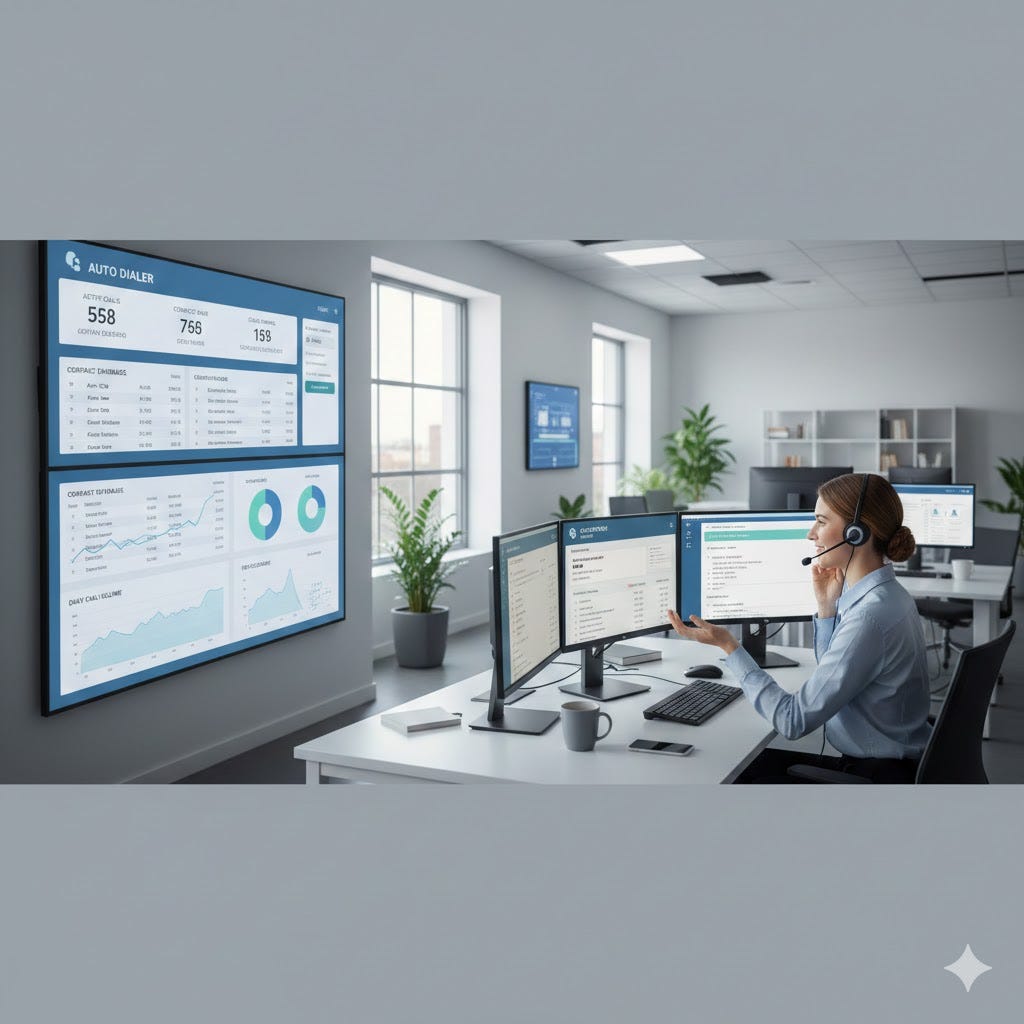
Cloud-based dialer software works online, allowing agents to log in from any location. It does not require heavy phone hardware or local servers. Teams use a web browser and a headset to make and manage calls. Cloud-based software often includes features like call tracking, reporting, and easy list management.
Power dialer software is a common feature in cloud systems. It dials numbers one at a time per agent and connects calls quickly. Agents can review customer details before the call starts, which improves conversation quality. Cloud systems also allow managers to control call pace, schedules, and agent access from one panel. The flexibility of cloud-based dialers suits teams of any size. Remote agents, growing teams, or seasonal staff can be added without complex setups.
Benefits for Businesses
Using **auto dialer solutions** and cloud-based dialers brings several advantages:
- Faster Call Handling: Calls connect quickly, reducing waiting time for agents and customers.
- Higher Reach: More contacts can be dialed in less time without extra staff.
- Organized Work: Call lists, results, and schedules stay in one system.
- Better Agent Focus: Agents focus on conversations instead of dialing numbers manually.
- Remote Work Support: Cloud software allows agents to work from anywhere, keeping teams flexible.
Businesses also benefit from clear reporting. Managers track agent performance, call volume, and results. This makes it easier to plan campaigns and improve efficiency.
Choosing Between Auto Dialers and Power Dialer Software
Auto dialer solutions focus on speed and high-volume campaigns. They suit reminders, alerts, or simple survey calls. Calls can be automated and pre-recorded if needed. Power dialer software focuses on agent control and call quality. Each call is connected only when an agent is free. Agents can prepare before each call, which improves conversation effectiveness. This works best for sales follow-ups, lead calls, and customer support. Businesses should choose based on call goals. High-volume campaigns benefit from auto dialers. Customer-focused or sensitive calls benefit from power dialers. Both can be part of a cloud-based system, making management simple.
Implementation Tips
When implementing these systems, consider call volume, team size, and call type. Proper setup is essential for efficiency.
- Prepare Contact Lists: Clean and updated lists reduce errors and improve results.
- Set Rules and Timing: Avoid calling too early or too late to maintain customer trust.
- Train Agents: Even simple systems need agents to understand software functions.
- Monitor Performance: Use reports to adjust schedules, scripts, or pacing.
- Ensure Security: Customer phone data must be protected with clear access rules.
Following these steps ensures auto dialer and **cloud-based systems** improve efficiency without overwhelming agents or customers.
Final Thoughts
Auto dialer solutions and cloud-based dialer software help businesses handle outbound calls efficiently. They reduce manual work, improve call organization, and support remote teams. Power dialer software adds control and improves call quality, while auto dialers maximize speed and reach. By understanding team needs, call goals, and customer expectations, businesses can choose the right solution. Proper setup and monitoring ensure agents work efficiently and customers receive timely, clear calls. These tools turn high call volume into steady, organized work that benefits both teams and customers.
메타데이터
- post_id
- 335447fca3d2
- slug
- auto-dialer-solutions-and-cloud-based-dialer-software-for-businesses-335447fca3d2
- url
- https://medium.com/@san-softwares/auto-dialer-solutions-and-cloud-based-dialer-software-for-businesses-335447fca3d2
- canonical_url
- https://medium.com/@san-softwares/auto-dialer-solutions-and-cloud-based-dialer-software-for-businesses-335447fca3d2
- author_url
- https://medium.com/@san-softwares
- status
- ok
- fetched_at
- 2026-08-02 07:24:00

