Stop Paying for SSL: FREE HTTPS with Docker, Nginx & Certbot (Auto-Renew)
So, you finally deployed your application to a Virtual Machine, like Google Compute Engine, AWS EC2, or an Ubuntu VPS. You type in your…
Stop Paying for SSL: FREE HTTPS with Docker, Nginx & Certbot (Auto-Renew)
So, you finally deployed your application to a Virtual Machine, like Google Compute Engine, AWS EC2, or an Ubuntu VPS. You type in your domain name, hit enter, and… your browser screams at you with a massive red “Your connection is not private” or “Not Secure” warning.
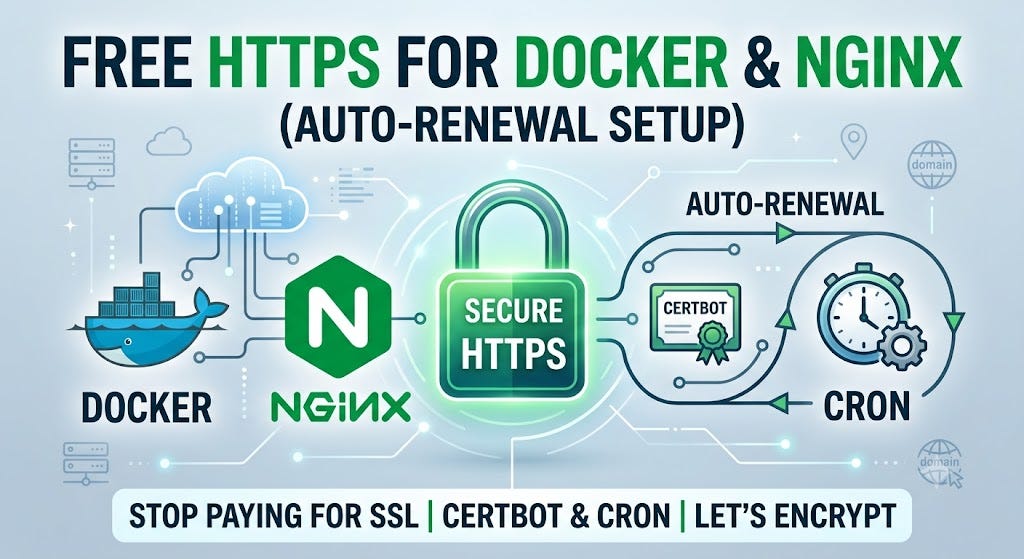
Buying an SSL certificate can be expensive and manually updating it is annoying.
In this guide, I will show you how to get a completely FREE SSL certificate using Let’s Encrypt, connect it to your Docker Compose setup with Nginx, and most importantly — automate the renewal process using Cron so you never have to think about it again. Let’s dive in!
The Architecture: How It Works
First, make sure you have a domain name and that its A-record is pointing to the IP address of your server.
If you like video version more click here.
Here is how our architecture will work: We will have an Nginx container and a Certbot container. They need to talk to each other to verify your domain and share the certificates. We will achieve this by sharing volumes in our Docker Compose setup.
Step 1: Nginx & Docker Compose Setup
We need to set up a “magic bridge” between Nginx and Certbot so Certbot can place the generated certificates exactly where Nginx expects them.
Here is our basic nginx.conf. For now, it only listens on port 80 to catch the Let's Encrypt challenge:
server {
    listen 80;
    server_name yourdomain.com www.yourdomain.com;

    location /.well-known/acme-challenge/ {
        root /var/www/certbot;
    }
}
And here is the docker-compose.yml. Pay close attention to the volumes section:
services:
  nginx:
    image: nginx:alpine
    ports:
      - "80:80"
      - "443:443"
    volumes:
      - ./nginx.conf:/etc/nginx/conf.d/default.conf
      - ./certbot/conf:/etc/letsencrypt
      - ./certbot/www:/var/www/certbot

  certbot:
    image: certbot/certbot
    volumes:
      - ./certbot/conf:/etc/letsencrypt
      - ./certbot/www:/var/www/certbot
Both Nginx and Certbot are mounting ./certbot/conf and ./certbot/www. This is crucial for the verification process.
If you want to support me or just say thank you I will be very gratefull for your support here: https://buymeacoffee.com/soyunagata
Step 2: Generating the Certificate
Now, we need to run Certbot to get our initial certificate. Run the following command in your server’s terminal:
docker compose run --rm certbot certonly --webroot --webroot-path /var/www/certbot/ -d yourdomain.com -d www.yourdomain.com -m your@email.com --agree-tos --no-eff-emailOnce the command runs successfully, you’ll see a congratulation message. Our certificates are ready! Now, you just need to update your nginx.conf to listen on port 443 and enable SSL (using the newly generated certificates in /etc/letsencrypt/live/...).
Step 3: Automating Renewals with Cron (The Magic)
Here is the catch: Let’s Encrypt certificates expire every 90 days. If you forget to renew them, your site will go down. Let’s automate this so you can sleep peacefully.
In your server terminal, type:
crontab -eWe are going to add one simple line at the bottom of the file:
0 3 1 * * cd /path/to/your/project && docker compose run --rm certbot renew && docker compose exec nginx nginx -s reloadThis tells the server to run the Docker Certbot renewal command on the 1st day of every month at 3 AM, and then immediately reload Nginx to apply the new certificates.
Save and exit. That’s it!
Conclusion
If you refresh your page now, that ugly red warning is gone, replaced by a beautiful, secure padlock: “Connection is secure”.
You now have a production-ready, fully automated HTTPS setup completely for free.
If this guide saved you a headache, don’t forget to clap 👏 and follow me for more real-world coding and deployment tips. Happy coding!
메타데이터
- post_id
- 33a6a20affc8
- slug
- stop-paying-for-ssl-free-https-with-docker-nginx-certbot-auto-renew-33a6a20affc8
- url
- https://medium.com/@fallen.snitch/stop-paying-for-ssl-free-https-with-docker-nginx-certbot-auto-renew-33a6a20affc8
- canonical_url
- https://medium.com/@fallen.snitch/stop-paying-for-ssl-free-https-with-docker-nginx-certbot-auto-renew-33a6a20affc8
- author_url
- https://medium.com/@fallen.snitch
- status
- ok
- fetched_at
- 2026-08-12 06:44:13


