Manual Refresh vs. Scheduled Refresh in Power BI
Every Power BI Import-mode report needs one of two refresh strategies: someone clicks a button, or Power BI does it automatically on a…

Manual Refresh vs. Scheduled Refresh in Power BI
Every Power BI Import-mode report needs one of two refresh strategies: someone clicks a button, or Power BI does it automatically on a timer. Most production reports need both, used for different situations.
Key Takeaways
- Manual refresh is triggered on demand, via the Refresh button or the Ctrl+Alt+R shortcut, and gives immediate control over when data updates.
- Scheduled refresh runs automatically at configured times, up to 8 times daily on shared capacity and up to 48 times daily on Premium, PPU, or Fabric capacity (Microsoft Learn, 2026).
- Manually triggering a refresh on a semantic model that also has scheduled refresh configured cancels that in-flight scheduled run, but doesn’t remove the recurring schedule itself.
What Manual Refresh Does
Manual refresh reloads a semantic model’s data the moment you ask for it. In Power BI Desktop or the service, you click Refresh (or use Ctrl+Alt+R), and Power BI immediately re-runs the Power Query steps against the source. It only updates the data source of the specific report or dataset you’re viewing if several reports point to the same underlying semantic model, refreshing one doesn’t refresh the others independently, since they share the same model.
Manual refresh is the right call when you know new data just landed and need to see it now, or when you’re actively debugging a data issue and want fast iteration instead of waiting for the next scheduled window.
There’s a subtlety worth knowing: if a scheduled refresh is already configured for that semantic model, triggering a manual refresh cancels the currently pending scheduled run, though it doesn’t disable the schedule going forward.
What Scheduled Refresh Does
Scheduled refresh automates the same process on a timer, configured once in the semantic model’s settings in the Power BI service. You pick times of day, and Power BI reloads the data without anyone needing to remember to click anything.
Capacity determines how many times a day this can happen: shared capacity (Power BI Pro) supports up to 8 scheduled refreshes daily, while Premium, PPU, and Fabric capacity support up to 48 (Microsoft Learn, 2026). The quota resets daily at 12:01 AM in the model’s configured local time zone. Full setup steps, including gateway and credential configuration, are covered in How to Set Up Scheduled Refresh.
One operational detail matters for governance: scheduled refresh automatically pauses after two months of report inactivity defined as no user viewing any dashboard or report built on that model and the model owner gets an email notification when that happens (Microsoft Learn, 2026).
When to Use Which
| Scenario                                                              | Better Fit                                                                 |
|------------------------------------------------------------------------|-----------------------------------------------------------------------------|
| Source data changes hourly or daily on a predictable cadence           | Scheduled refresh                                                           |
| You just fixed a data issue and need to confirm it immediately         | Manual refresh                                                              |
| Small, one-off dataset that rarely changes                             | Manual refresh                                                              |
| Multiple stakeholders depend on consistently current data              | Scheduled refresh                                                           |
| You've hit your daily scheduled refresh cap and need one more update   | Manual "Refresh now," since it doesn't count against the scheduled quota   |
Manual UI-triggered refreshes don’t count against the scheduled refresh limit on shared capacity, but on-demand refreshes triggered via the API do count toward that same quota (Microsoft Learn, 2026) a distinction worth knowing if you’re scripting anything.
What Happens When You Exceed Both
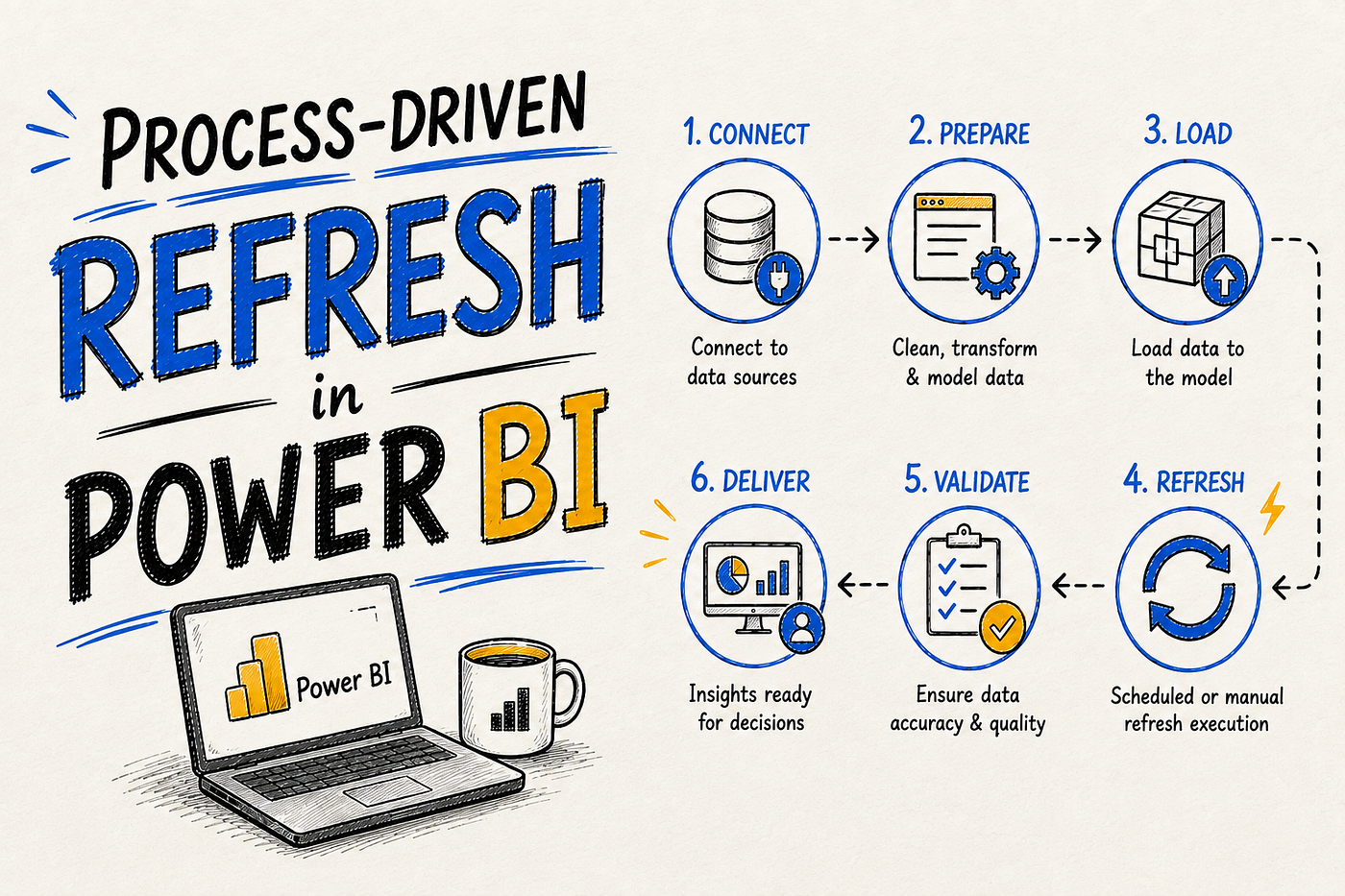
If a report needs more updates than even 48 scheduled refreshes a day can provide, scheduled refresh isn’t the right tool anymore. That’s the point where teams move to process-driven refresh via the XMLA endpoint or REST API, which on Premium, PPU, or Fabric capacity is governed by capacity resources rather than a fixed daily count. See Process-Driven Refresh with XMLA and the API for that path, or Incremental Refresh Explained if the real problem is refresh duration rather than refresh frequency.
FAQ
Does manual refresh cancel my scheduled refresh permanently?
No. A manual refresh cancels the currently pending scheduled run for that cycle, but the recurring schedule itself stays configured and resumes on its next scheduled time.
How many scheduled refreshes can I run per day on Power BI Pro?
Up to 8 per day on shared capacity, resetting at 12:01 AM local time based on the semantic model’s configured time zone (Microsoft Learn, 2026).
Why did my scheduled refresh stop running on its own?
Power BI automatically pauses scheduled refresh after two months without any user opening a dashboard or report built on that semantic model. Reopening the report and re-enabling the schedule resolves it (Microsoft Learn, 2026).
Can I refresh just one table instead of the whole model?
Not through the standard UI-based manual or scheduled refresh. Refreshing individual tables or partitions requires the XMLA endpoint with TMSL or PowerShell, covered in Process-Driven Refresh with XMLA and the API.
Related Reading
See the full picture in Types of Refresh in Power BI: The Complete Guide, or compare against Data Refresh vs. Tile Refresh vs. OneDrive Refresh for the other refresh types running in parallel.
메타데이터
- post_id
- 37363d3bff6f
- slug
- manual-refresh-vs-scheduled-refresh-in-power-bi-37363d3bff6f
- url
- https://medium.com/@hasantheanalyst/manual-refresh-vs-scheduled-refresh-in-power-bi-37363d3bff6f
- canonical_url
- https://medium.com/@hasantheanalyst/manual-refresh-vs-scheduled-refresh-in-power-bi-37363d3bff6f
- author_url
- https://medium.com/@hasantheanalyst
- status
- ok
- fetched_at
- 2026-08-08 17:48:13