Day 23 of My Cloud Engineering Journey: Getting Comfortable with Linux and the Bash Shell
Today I continued building my Linux foundation by working directly in the command line and learning more about the Bash shell.
Day 23 of My Cloud Engineering Journey: Getting Comfortable with Linux and the Bash Shell
Today I continued building my Linux foundation by working directly in the command line and learning more about the Bash shell.
The focus of today’s lesson was becoming comfortable navigating and managing a Linux system without relying on a graphical interface. As someone transitioning into cloud engineering, I know there is no avoiding Linux. Whether working with cloud servers, containers, automation tools, or troubleshooting production systems, the command line is a skill that must become second nature.
During today’s hands-on labs, I practiced a variety of fundamental Linux commands repeatedly to build familiarity and confidence.
Some of the commands I worked with included:
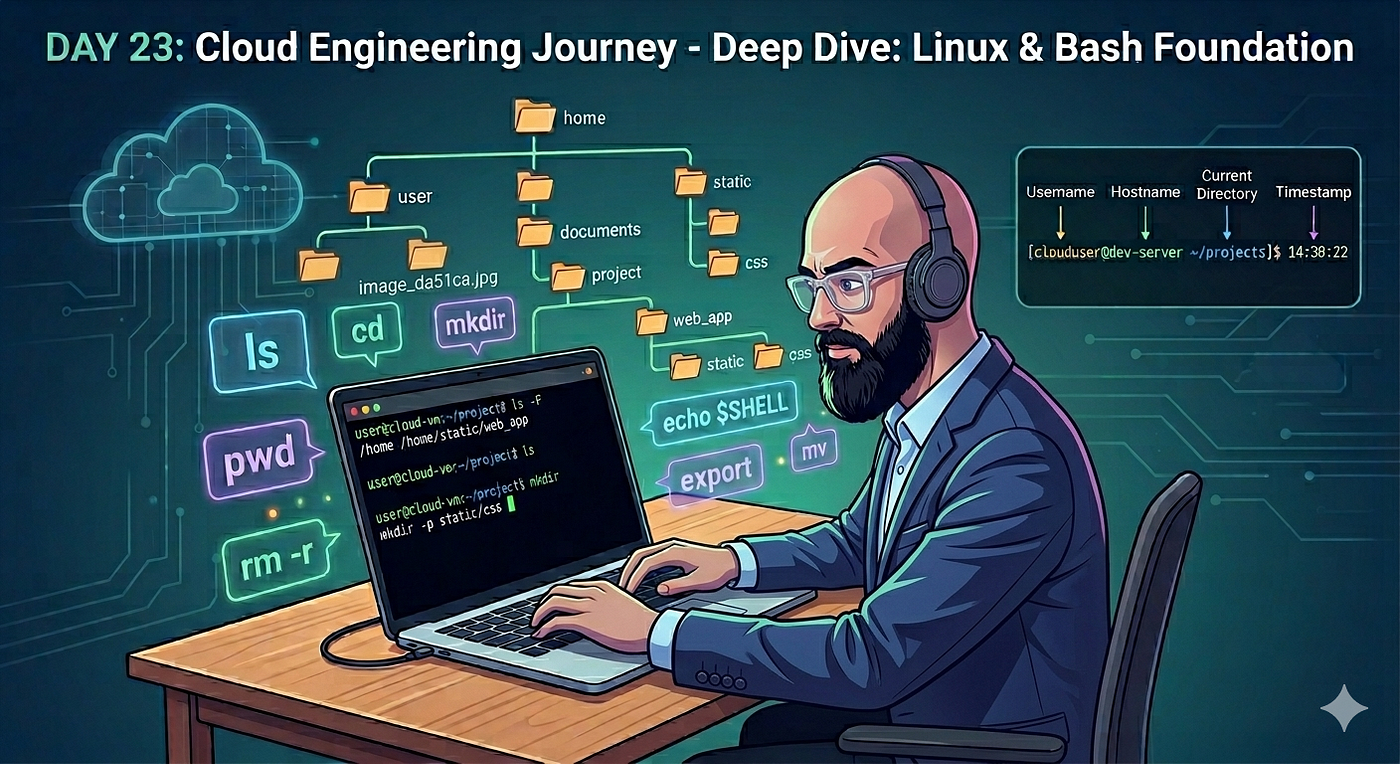
lsto list files and directoriespwdto display the current working directorycdandcd ..to navigate the filesystemmkdirto create directoriesrm -rto remove directories and their contentsmvto move and rename files and directoriesmkdir -pto create nested directory structures
Much of the lab involved creating directories, building subdirectories, moving files between locations, renaming resources, and deleting them when no longer needed. While these are simple tasks, repetition is helping me become more comfortable navigating Linux systems efficiently.
I also learned about the Bash shell itself and how it serves as the interface between users and the operating system.
Some of the concepts I explored included:
- Viewing the active shell with commands such as
echo $SHELL - Understanding shell variables and environment variables
- Creating custom variables
- Modifying the Bash prompt
- Learning how Bash displays information such as usernames, hostnames, directories, and timestamps
One thing I found interesting was seeing how customizable the Bash prompt can be. Small changes can make it easier to identify systems, users, and locations when working across multiple servers.
Today’s lesson wasn’t about complex cloud technologies or large deployments. Instead, it was about building the foundational Linux skills that everything else relies on. The more comfortable I become in the terminal, the easier it will be to work with cloud infrastructure, automation tools, containers, and production systems later on.
Tomorrow I’ll continue progressing through the Linux course and building a stronger foundation in the operating system that powers much of the cloud.
메타데이터
- post_id
- 373fd2242a65
- slug
- day-23-of-my-cloud-engineering-journey-getting-comfortable-with-linux-and-the-bash-shell-373fd2242a65
- url
- https://medium.com/@Kwindisch/day-23-of-my-cloud-engineering-journey-getting-comfortable-with-linux-and-the-bash-shell-373fd2242a65
- canonical_url
- https://medium.com/@Kwindisch/day-23-of-my-cloud-engineering-journey-getting-comfortable-with-linux-and-the-bash-shell-373fd2242a65
- author_url
- https://medium.com/@Kwindisch
- status
- ok
- fetched_at
- 2026-06-15 20:49:13




