Your 7Z File Broke? Here’s How to Fix It Without Installing Anything
You downloaded a 7Z archive. Maybe it took hours. Maybe it came from a client. You double-click to extract it and… nothing. The file is…
Your 7Z File Broke? Here’s How to Fix It Without Installing Anything
You downloaded a 7Z archive. Maybe it took hours. Maybe it came from a client. You double-click to extract it and… nothing. The file is corrupted.
I’ve seen this panic a thousand times in my 15+ years running ezyZip. Corrupted archives feel like a death sentence for your data. They’re not.
Here’s the thing most people don’t realize: a “corrupted” 7Z file often still contains perfectly good data. The archive structure got damaged, but the actual files inside? They’re frequently intact and recoverable. You just need the right tool to fish them out.
This is the best way to repair a corrupted 7Z file because it requires zero software installation, works entirely in your browser, and keeps your files completely private. Your data never leaves your computer. Let me show you how.
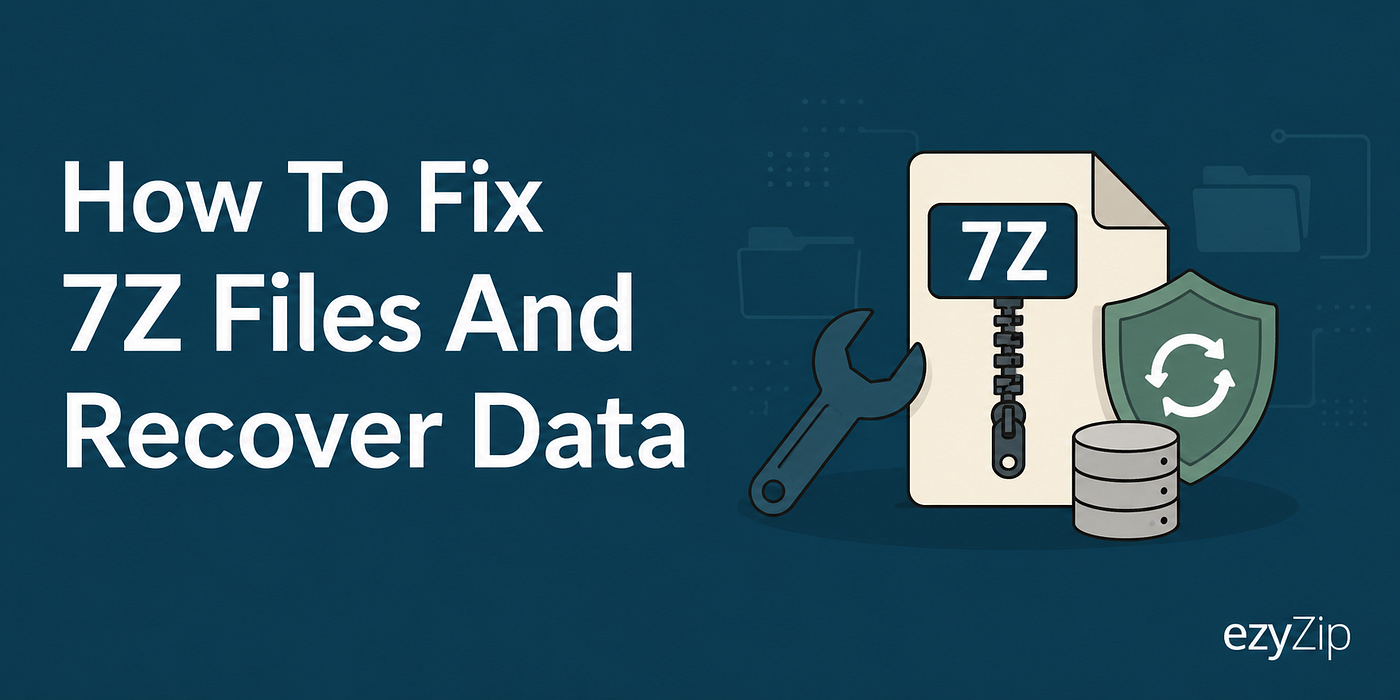
Best way to recover 7Z files is with ezyZip online recovery tool
Why 7Z Files Get Corrupted
Before we fix the problem, let’s understand it. 7Z archives use LZMA compression (developed by Igor Pavlov for the 7-Zip software). This compression is powerful but creates files where header damage can make the whole archive appear broken.
Common culprits include:
- Incomplete downloads
- Transfer interruptions
- Storage media failures
- Email attachment mangling
- Extracting from a ZIP that was itself corrupted
The good news? The file contents are often fine. The archive just needs its structure repaired so extraction tools can read it again.
How to Repair Your Corrupted 7Z File
Here’s the process using ezyZip’s repair tool:
- Open the repair tool: Head to ezyzip.com/repair-7z-en.html
- Select your file: Click “Select 7Z file to repair” or just drag your corrupted archive directly onto the page.
- Wait for analysis: The tool scans your archive and attempts to recover the internal file structure. This happens entirely in your browser.
- Review recovered files: Once complete, you’ll see a list of files that were successfully recovered from the archive.
- Save what you need: Click the green “Save” button next to each file to download it to your computer.
That’s it. No account creation. No file size limits. No waiting for uploads to complete.

Simply select the 7Z file to initiate the repair process
Video Tutorial
I put together a quick video showing these exact steps if you prefer to watch rather than read.
[embed]
Why Browser-Based Beats Installed Software
Back when my fur had fewer gray patches, repairing archives meant downloading sketchy utilities, running installers, and hoping they didn’t bundle toolbars or worse. Those days are over.
Browser-based tools like ezyZip have real advantages:
Privacy: Your files process locally. Nothing gets uploaded to any server. Don’t believe me? Turn off your WiFi after the page loads. It keeps working.
No installation clutter: Nothing to download, install, update, or eventually uninstall when it becomes abandonware.
Cross-platform: Works on Windows, Mac, Linux, Chromebooks, even your phone. If you have a modern browser, you’re good.
Speed: No upload/download wait times. The repair happens as fast as your own computer can process it.
Trust: ezyZip has been around since 2009. We’re not some fly-by-night tool that’ll disappear next month along with your uploaded files.
What If Recovery Doesn’t Work?
I’ll be honest. Not every corrupted archive can be saved. If the actual file data inside got corrupted (not just the archive structure), there’s no magic wand. The tool will recover what it can, but some files may be beyond repair.
In those cases, your best bet is tracking down the original source. Re-download it. Ask the sender for a fresh copy. Check if you have a backup.
But before you give up, try the repair. You might be surprised how often those “dead” archives still have life in them.
Beyond 7Z
The same repair approach works for other archive formats too. ZIP files acting up? Same local processing, same privacy, same zero-installation approach.
Off to rescue some archives from the digital jungle,
Ezriah
메타데이터
- post_id
- 3943c36e4ad0
- slug
- your-7z-file-broke-heres-how-to-fix-it-without-installing-anything-3943c36e4ad0
- url
- https://medium.com/@ezyZip/your-7z-file-broke-heres-how-to-fix-it-without-installing-anything-3943c36e4ad0
- canonical_url
- https://medium.com/@ezyZip/your-7z-file-broke-heres-how-to-fix-it-without-installing-anything-3943c36e4ad0
- author_url
- https://medium.com/@ezyZip
- status
- ok
- fetched_at
- 2026-06-20 20:29:01