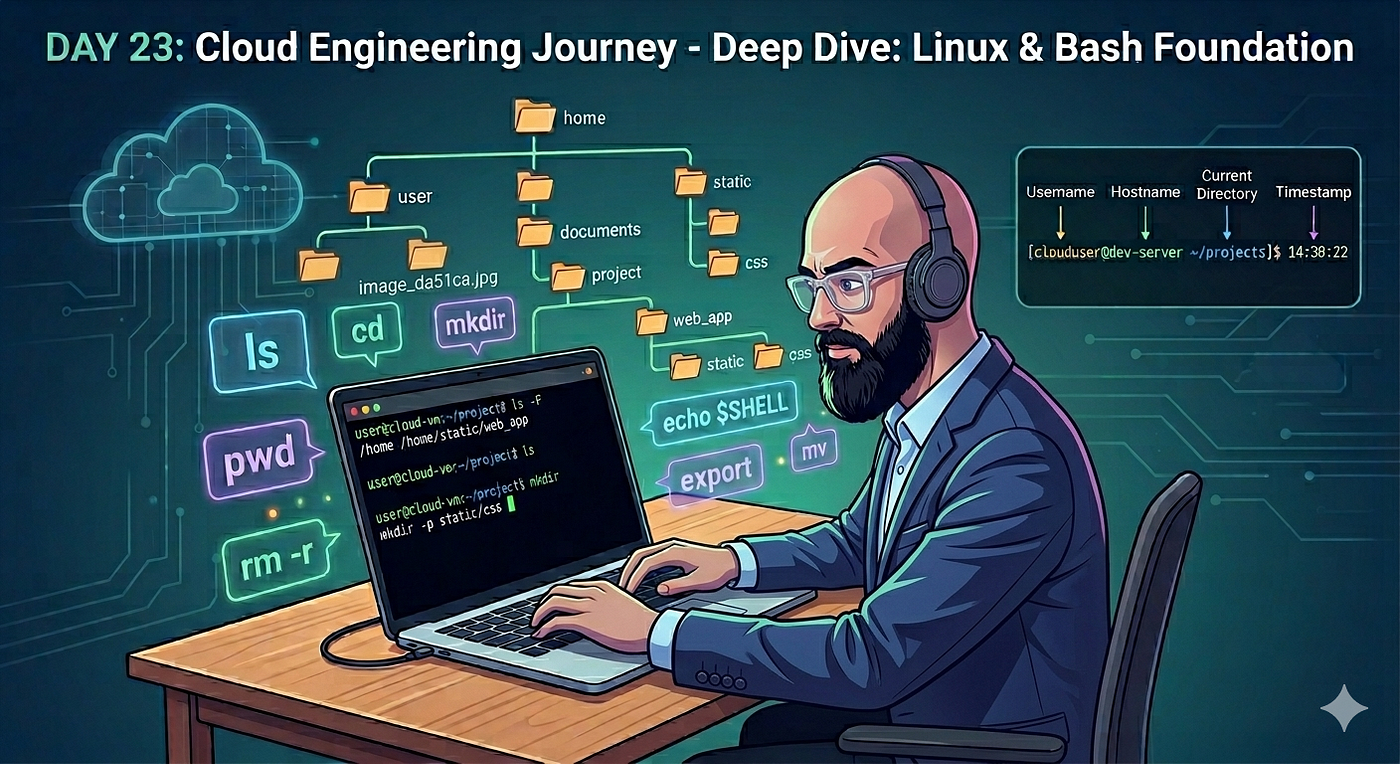
Day 21 of My Cloud Engineering Journey: Building a Virtual Lab with Linux Networking and SSH
Today I focused on building out my personal virtualization lab and getting hands-on experience with networking between virtual machines.
Day 21 of My Cloud Engineering Journey: Building a Virtual Lab with Linux Networking and SSH

Today I focused on building out my personal virtualization lab and getting hands-on experience with networking between virtual machines.
I started by installing another Linux distribution, Rocky Linux, to gain additional experience working with different enterprise Linux operating systems. After exploring it and completing the installation, I ultimately decided to remove it since it wasn’t necessary for the lab environment I am currently building.
The majority of today’s work centered around configuring my virtual lab environment inside VirtualBox.
Throughout the process, I:
• Installed and configured Rocky Linux
• Evaluated its role within my personal lab environment
• Cloned my existing CentOS virtual machine to create a second VM
• Configured a Host-Only Network Adapter between both virtual machines
• Verified network configurations using Linux networking commands
• Confirmed IP address assignments using ip addr show
• Tested network communication between both systems using ping
• Successfully established connectivity between the virtual machines
• Used SSH to remotely access each VM from the other
• Verified external network connectivity by testing access to Google and public DNS servers
What made today’s lab valuable was that it moved beyond simply installing operating systems. Instead, I started building an environment where multiple systems can communicate with one another, which is much closer to how real infrastructure operates.
Networking is one of the areas that continues to challenge me, but today’s hands-on work helped reinforce concepts like IP addressing, network adapters, host-only networking, connectivity testing, and remote administration.
Being able to remotely access a machine through SSH after configuring the network yourself is one of those small wins that makes the concepts feel much more real.
Another takeaway from today is that cloud engineering isn’t just about learning cloud platforms. Many of the foundational skills are built on Linux administration, networking, virtualization, and troubleshooting. Virtual machines provide a safe environment to practice all of those skills before eventually applying them to cloud infrastructure.
By the end of the day, I had a functioning two-server lab environment that could communicate internally while still maintaining internet connectivity.
Tomorrow I’ll be diving into Vagrant and learning how infrastructure provisioning can be automated rather than manually creating and configuring virtual machines.
메타데이터
- post_id
- 3a082e8b4fe6
- slug
- day-21-of-my-cloud-engineering-journey-building-a-virtual-lab-with-linux-networking-and-ssh-3a082e8b4fe6
- url
- https://medium.com/@Kwindisch/day-21-of-my-cloud-engineering-journey-building-a-virtual-lab-with-linux-networking-and-ssh-3a082e8b4fe6
- canonical_url
- https://medium.com/@Kwindisch/day-21-of-my-cloud-engineering-journey-building-a-virtual-lab-with-linux-networking-and-ssh-3a082e8b4fe6
- author_url
- https://medium.com/@Kwindisch
- status
- ok
- fetched_at
- 2026-06-13 12:55:53