My UI design journey
From 2015 to 2026
My UI design journey
From 2015 to 2026

UI design tool stack
In the world of product design (UX/UI), the evolution of tools can be seen as follows:
Photoshop was the starting point.
Sketch came along and made things much simpler.
Figma then brought together many tools into one product.
And then, there is the AI revolution.
I was fortunate enough to begin my journey at the end of the Photoshop era (I never quite got into Adobe products anyway).
In the Sketch world, the UI was built piece by piece inside Sketch, offline, only on macOS. The component library? Shared one by one via Slack before some externals tool solved the problem and at last Sketch added a design system management feature internally.
Once all the screens were ready, they needed to be exported into another tool specifically designed for interactions, like Principle, Flinto, InVision, Axure and, for some wild animations, After Effects or Motion. (I’m sure there are more I’ve missed; feel free to add them in the comments if you want; I’d love to see what your stack is).
For the engineers, another tool (yes, another one!) was needed. Probably the most popular one had the entire branding designed to look exactly like the second tool from the Sketch family, but it wasn’t. I’m talking about Zeplin! Even though other similar tools were available, like Avocode and InVision, Zeplin used to be my go-to for a long time and probably yours too.
Between 2018 and 2021, there was a bit of a grey area where Adobe xD and InVision Studio tried to make their mark and address some of Sketch’s shortcomings.
InVision Studio never really took off, despite having lots of potential and a user base, but maybe it was just too late to develop and release updates?
Adobe xD started gaining some traction in the late 2020–2021 period, especially among Adobe users or early adopters looking for a free tool to use.
Since 2020, with the global pandemic and the increase in remote work, Sketch (sadly) saw a significant drop in followers because online collaboration became less of a priority compared to the cloud-based Figma. As we know, Figma allows users to collaborate on projects simultaneously and share them online easily.
Figma completely transformed my work by combining design, prototyping, design system and handover into a single software.
Figma has dominated the market since 2020, with Penpot, briefly Adobe xD and Sketch (now with its online collaboration feature) trying to compete, but with limited success.
Penpot seems to be thriving in the open-source community, constantly developing and releasing new features. Sketch continues to adapt to the new workflow, but I haven’t heard of many companies still using it, which is a bit disappointing.
From 2020 to April 2026, my approach to creating UI, information architecture maps, brainstorming, design system and more remained largely unchanged. For every new need, Figma was there with a new solution, but then something shifted.
Entering AI into the mix.
In April 2026, I was working on a very important project that needed to halve my usual research-design-test-handover process.
On X, everyone was already buzzing about using AI for everything. MCP into Figma, just prompting, connecting multiple AI tools and coordinating them to run a fully-fledged design team of one.
The founding designer dinner in London was similar; it seemed like everyone was already integrating AI into their workflow, but the exciting part was that it was the first time no one was using a tool in the same way.
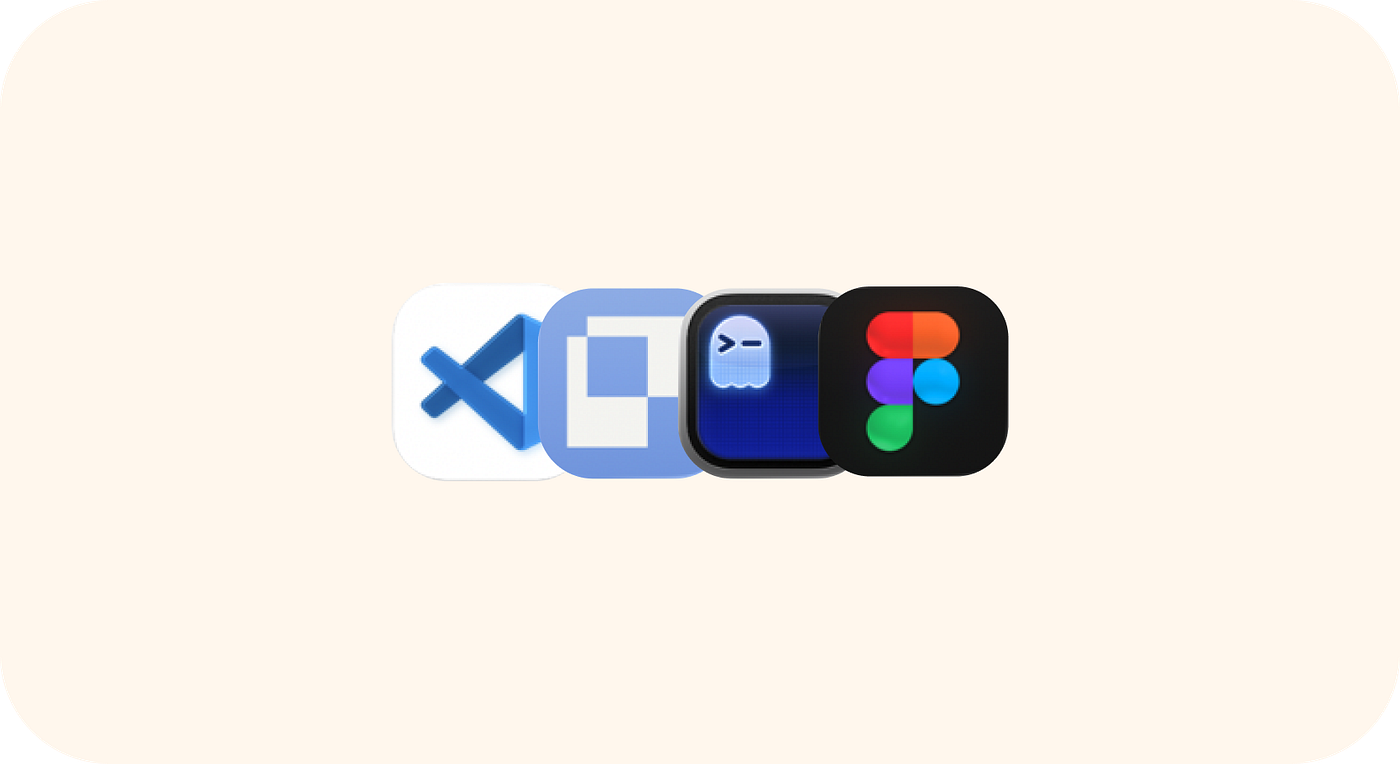
New UI design tool stack
My new workflow (for now).
Since April 2026, I’ve been experimenting with different ways to introduce AI in a helpful and non-destructive way in my daily work, especially when handing over to developers.
I’ve been moving away from Figma and have found Paper, VS Code and Claude to be quite satisfying.
Now, I design the UI in Paper and then ‘implement’ the front end using Claude and the design system in Storybook. It’s easy to test, iterate and present, and once the prototype is ready, there’s no need for a handover to production. Figma, it remains, but only for legacy and documentation purposes.

Claude and Paper in action
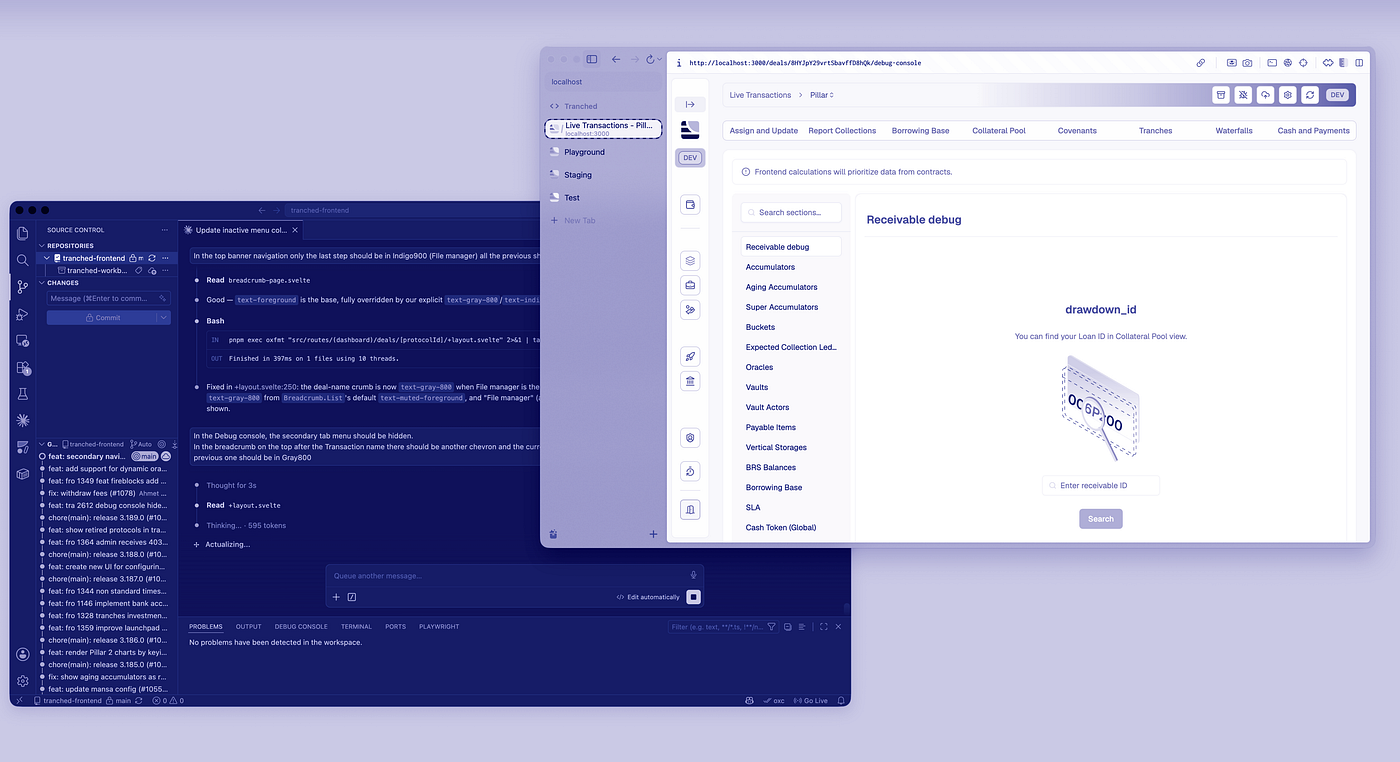
Vs Code and local environment
This process also works in reverse; I can ask Claude to rebuild some part of the front end in Paper, then iterate manually on each component and push it back to GitHub for approval. I haven’t done this much lately because the performance isn’t as good as fixing UI issues in the front end by simply prompting it.
I’m excited to see what happens next in this space and of course happy to learn how you are navigating this change.
Thanks for reading.
메타데이터
- post_id
- 3a79f479c152
- slug
- my-ui-design-journey-3a79f479c152
- url
- https://medium.com/design-bootcamp/my-ui-design-journey-3a79f479c152
- canonical_url
- https://medium.com/design-bootcamp/my-ui-design-journey-3a79f479c152
- author_url
- https://medium.com/@ermannofissore
- status
- ok
- fetched_at
- 2026-07-09 06:11:55







