11 Django Admin Tricks That Save Hours Every Week
Django admin can be much more than a generated CRUD screen.
11 Django Admin Tricks That Save Hours Every Week
Django admin can be much more than a generated CRUD screen.

For many teams, it is the first internal tool used by developers, support staff, operations, and content managers. A few thoughtful admin changes can make data easier to find, safer to edit, and faster to review without building a custom dashboard.
The goal is not to make admin fancy. The goal is to make everyday maintenance less painful.
Make List Pages Scannable
The default admin list page usually shows one string representation per row.
That is rarely enough once people use admin for real work.
Use list_display to show the fields that help staff understand a record quickly:
from django.contrib import admin
from .models import Post
@admin.register(Post)
class PostAdmin(admin.ModelAdmin):
list_display = [
"title",
"author",
"is_published",
"published_at",
"comment_count",
]
ordering = ["-published_at"]
date_hierarchy = "published_at"
def comment_count(self, obj):
return obj.comments.count()For high-traffic admin pages, be careful with calculated columns that query per row. If a column needs related data, consider optimizing get_queryset():
def get_queryset(self, request):
    return super().get_queryset(request).select_related("author")
Admin list pages should answer common questions at a glance. If staff have to open every row to understand it, the list page is not doing enough.
Add Search Where Staff Actually Search
Search is one of the simplest admin improvements.
Choose fields people actually know: email, username, title, order number, external ID, or slug.
@admin.register(Post)
class PostAdmin(admin.ModelAdmin):
    search_fields = [
        "title",
        "slug",
        "author__username",
        "author__email",
    ]
The double-underscore syntax works across relationships, just like ORM filters.
Be intentional. Searching every text field may be slow or noisy. Searching the fields staff naturally paste into support tickets is more useful.
For user-related models, email and username are often better than first name alone. For content, title and slug are usually helpful. For billing or integrations, external IDs can save a lot of time.
Good admin search reduces the need for database shell lookups.
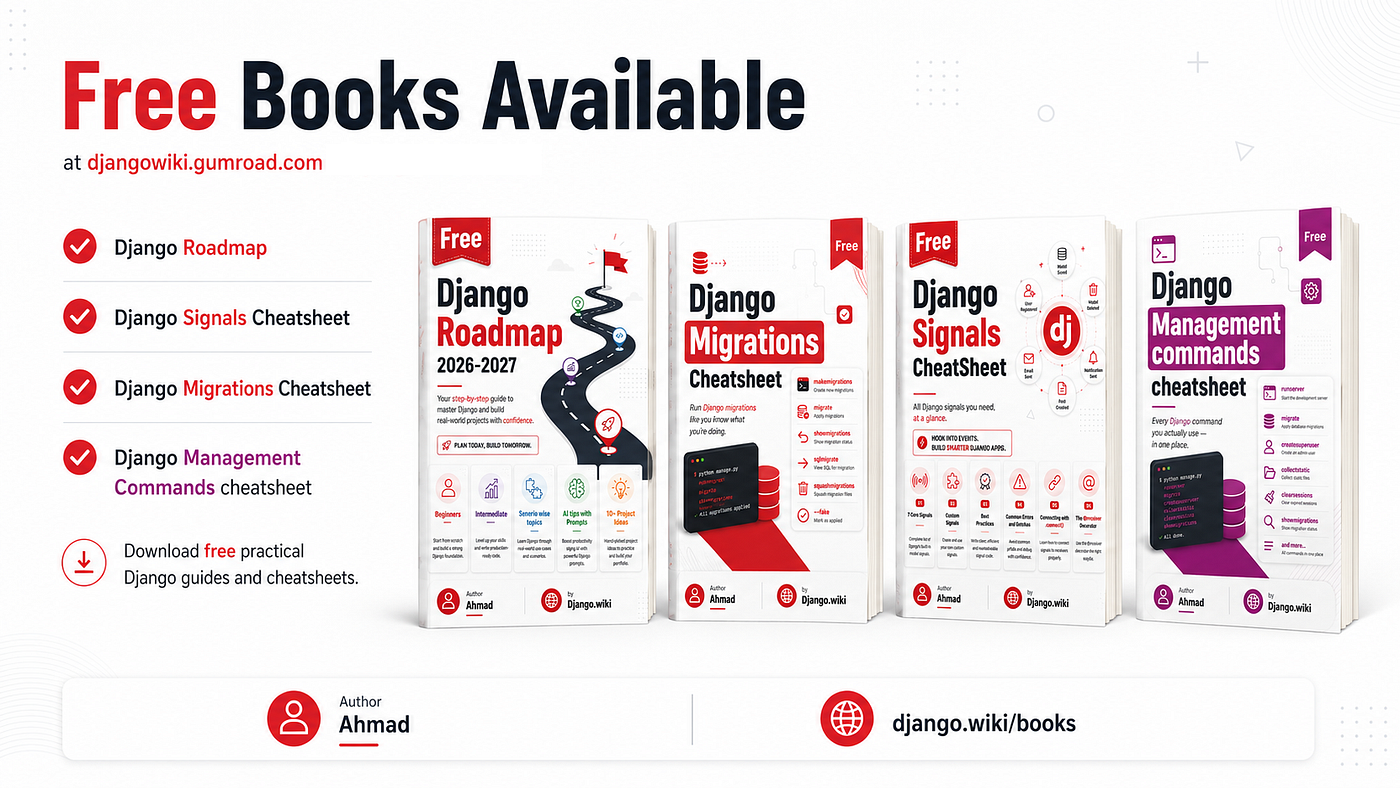
Pick up my free Django cheatsheets and books at djangowiki.gumroad.com
Use Filters For Common Workflows
Filters turn admin from a database table into a work queue.
@admin.register(Post)
class PostAdmin(admin.ModelAdmin):
    list_filter = [
        "is_published",
        "category",
        "published_at",
    ]
Now staff can quickly find drafts, published posts, category-specific content, or recent records.
For more specific workflows, create a custom filter:
class NeedsReviewFilter(admin.SimpleListFilter):
title = "needs review"
parameter_name = "needs_review"
def lookups(self, request, model_admin):
return [
("yes", "Needs review"),
("no", "Reviewed"),
]
def queryset(self, request, queryset):
if self.value() == "yes":
return queryset.filter(reviewed_at__isnull=True)
if self.value() == "no":
return queryset.filter(reviewed_at__isnull=False)
return querysetThen add it:
list_filter = ["is_published", NeedsReviewFilter]Custom filters are useful when a workflow has meaning beyond a raw field value.
Make Related Data Easier With Inlines
Inlines let staff edit related records from the parent object’s page.
For example, order items inside an order:
class OrderItemInline(admin.TabularInline):
model = OrderItem
extra = 0
readonly_fields = ["sku", "unit_price"]
@admin.register(Order)
class OrderAdmin(admin.ModelAdmin):
list_display = ["id", "customer", "status", "created_at"]
inlines = [OrderItemInline]TabularInline is compact. StackedInline gives more space per related record.
Inlines are powerful, but do not overuse them. If a parent page loads dozens of expensive related records, admin can become slow and confusing. Use inlines where the relationship is small and naturally edited together.
The best inline is the one that removes a common jump between pages.
Protect Important Fields From Accidental Edits
Admin is powerful, which means it needs guardrails.
Some fields should be visible but not editable:
@admin.register(Invoice)
class InvoiceAdmin(admin.ModelAdmin):
    list_display = ["id", "customer", "status", "total", "created_at"]
    readonly_fields = [
        "external_payment_id",
        "created_at",
        "updated_at",
        "paid_at",
    ]
Good candidates for read-only fields include:
- external payment IDs
- timestamps
- audit fields
- imported identifiers
- calculated totals
- fields controlled by another system
You can also use fields or exclude to shape what appears on the form.
The point is not to make admin inconvenient. The point is to prevent casual edits to fields that should only change through application logic or trusted workflows.
Add Safe Bulk Actions
Admin actions can save a lot of repetitive clicking.
They can also cause damage quickly if they are too broad or destructive.
A safe action should be specific and easy to understand:
@admin.action(description="Mark selected posts as reviewed")
def mark_reviewed(modeladmin, request, queryset):
updated = queryset.update(reviewed_at=timezone.now())
modeladmin.message_user(request, f"{updated} posts marked as reviewed.")
@admin.register(Post)
class PostAdmin(admin.ModelAdmin):
actions = [mark_reviewed]Avoid actions that silently delete important data, trigger external side effects, or modify records in ways staff cannot easily verify.
If an action is risky, consider a custom admin view with a confirmation step instead of a simple bulk action.
Bulk actions should remove repetitive work, not bypass safety.
Organize Forms With Fieldsets And Permissions
Long admin forms become easier to use when fields are grouped.
@admin.register(Post)
class PostAdmin(admin.ModelAdmin):
    fieldsets = (
        ("Content", {
            "fields": ("title", "slug", "body"),
        }),
        ("Publishing", {
            "fields": ("is_published", "published_at", "reviewed_at"),
        }),
        ("Metadata", {
            "fields": ("created_at", "updated_at"),
            "classes": ("collapse",),
        }),
    )
    readonly_fields = ["created_at", "updated_at"]
You can also make fields read-only based on the user:
def get_readonly_fields(self, request, obj=None):
readonly = list(super().get_readonly_fields(request, obj))
if not request.user.is_superuser:
readonly += ["is_published", "published_at"]
return readonlyThis keeps the same admin screen useful for different staff roles.
For deeper restrictions, use admin permission hooks such as has_change_permission() or model permissions. Do not rely only on hiding fields if the operation truly needs access control.
Admin is most useful when it matches how people actually maintain data.
Make list pages scannable. Add search fields staff use. Add filters for real workflows. Use inlines where related data belongs together. Protect dangerous fields. Add safe actions. Organize forms and permissions so staff can work without guessing.
Before building a custom dashboard, spend an hour improving Django admin.
Often, the boring built-in tool is already closer than you think.

메타데이터
- post_id
- 3adac8dcc55f
- slug
- 11-django-admin-tricks-that-save-hours-every-week-3adac8dcc55f
- url
- https://medium.com/@djangowiki/11-django-admin-tricks-that-save-hours-every-week-3adac8dcc55f
- canonical_url
- https://medium.com/@djangowiki/11-django-admin-tricks-that-save-hours-every-week-3adac8dcc55f
- author_url
- https://medium.com/@djangowiki
- status
- ok
- fetched_at
- 2026-09-09 00:15:05