How Does a Virtual Visa Card Work? Complete Guide to Digital Payments
Online payments are everywhere now. Think about it — you probably pay for:
How Does a Virtual Visa Card Work? Complete Guide to Digital Payments

How Does a Virtual Visa Card Work
Online payments are everywhere now. Think about it — you probably pay for:
- Streaming services
- Software tools
- Shopping online
- Advertising platforms
- Gaming subscriptions
- International products
- Freelance tools
Most of these payments happen in seconds. But here’s the catch: many people still don’t quite get how virtual Visa cards work behind the scenes.
They wonder things like:
- Are virtual Visa cards real?
- Do they work like regular bank cards?
- Are they safe?
- How does payment processing happen?
- Why do freelancers and businesses like them?
The good news? It’s simpler than you think.
A virtual Visa card is basically a Visa debit or credit card — but digital. No plastic needed.
Here’s what we’ll cover:
- What a virtual Visa card is
- How it works, step-by-step
- How the online payment process works
- Why virtual cards are safer
- Common uses and benefits
- Security features
- What to do if payments fail
- Why virtual cards are a big deal in 2026
What Is a Virtual Visa Card?
Imagine a Visa card that lives only online. That’s a virtual Visa card. It comes with:
- A card number
- An expiration date
- A CVV security code
Use these details just like you would with a normal Visa card — online shopping, paying subscriptions, buying digital stuff, running ads, or sending money abroad.
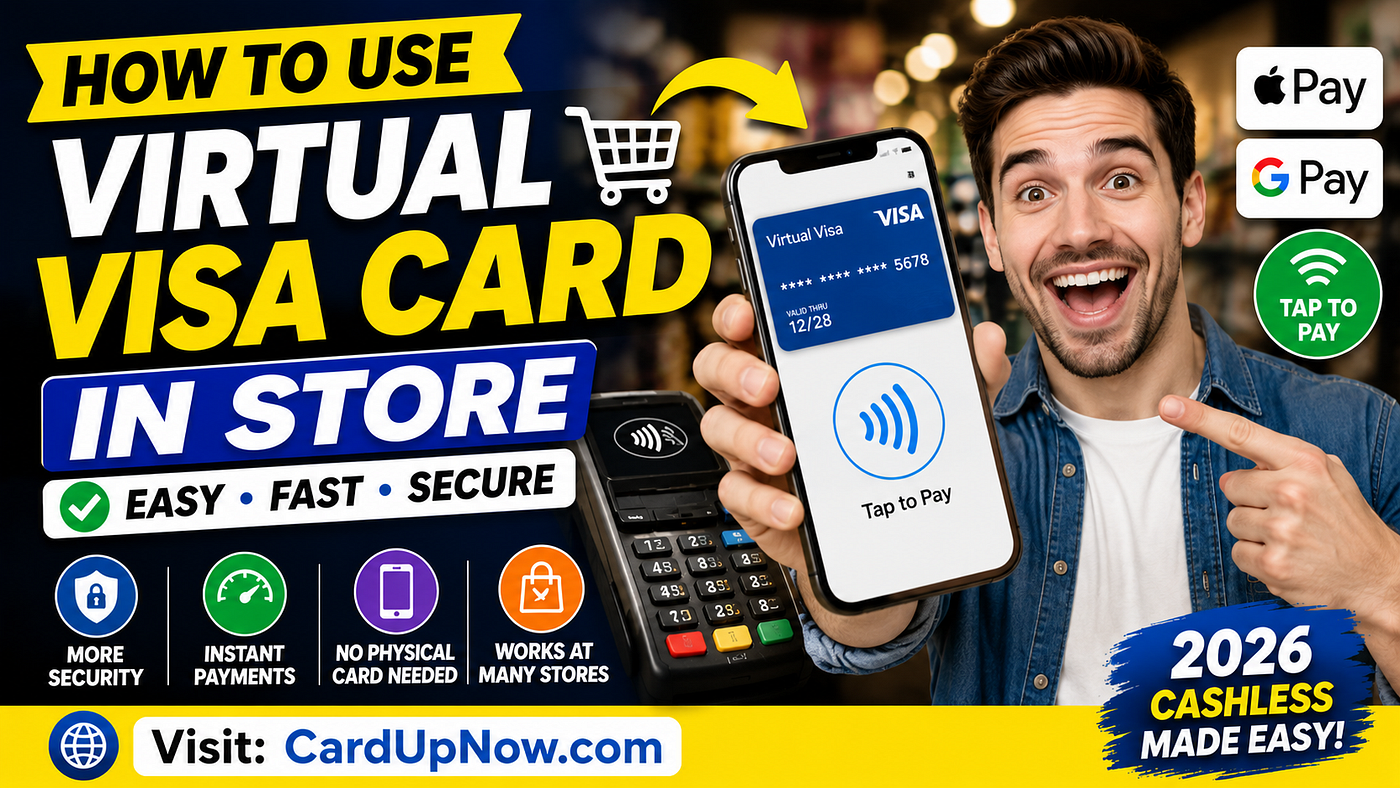
Some virtual cards even link with Apple Pay, Google Pay, or Samsung Pay. That means you can tap your phone to pay in stores — no plastic card needed.
How Does a Virtual Visa Card Work?
Think of it as a regular Visa card at checkout. The only difference? The card info is digital, not printed on plastic.
Step-by-step: Using A Virtual Visa Card
- Create your card: Sign up with a provider. The card might be prepaid, reloadable, disposable, or linked to your bank account.
- Get your card details: You’ll receive your card number, expiration date, and CVV code instantly.
- Load money (if prepaid): Some cards need you to add funds before spending. This helps you control your budget.
- Use it at checkout: Enter the details when paying online. Visa processes your payment just like with any card.
- Payment completes: If approved, money moves from your card to the merchant.
The whole thing usually happens in seconds.
What Happens Behind the Scenes?
When you pay, a few things work together:
- The Merchant: The website or app where you shop, like Amazon or Netflix.
- The Payment Gateway: This safely sends your payment info to Visa.
- The Visa Network: Visa connects merchants, banks, and card issuers worldwide.
- The Card Provider: The company that gives you the virtual card, manages your balance, and watches for fraud.
Why Are Virtual Visa Cards Popular?
Here’s why virtual cards are catching on:
- Instant access: No waiting for a plastic card to arrive in the mail.
- Better privacy: Keep your main bank card private when shopping online.
- Safer payments: Reduce the risk of fraud.
- Spending control: Prepaid cards help you stick to a budget.
- Easy subscription management: Separate your recurring payments.
- Global use: Virtual cards often work in places where local cards don’t.
Common Uses for Virtual Visa Cards
People use virtual cards for lots of things, such as:
- Shopping online (clothes, gadgets, digital goods)
- Paying subscriptions (Netflix, Spotify, Adobe)
- Running ads on Facebook or Google
- Paying for SaaS tools (hosting, AI tools, CRM)
- Gaming purchases (Steam, Xbox, PlayStation)
- Handling international payments

Different Types of Virtual Visa Cards
Not all virtual cards are the same. Here are some common types:
- Prepaid cards: Load money before spending.
- Reloadable cards: Add funds again and again.
- Disposable cards: Use once or for short periods.
- Business cards: Manage team expenses and budgets.
Why Virtual Cards Are Safer
Security matters. Virtual cards help by:
- Keeping your main bank details hidden
- Letting you replace cards quickly if hacked
- Setting spending limits
- Using temporary numbers for one-time buys
- Separating spending categories (shopping vs. subscriptions
Tokenization: What’s That?
Instead of sharing your real card number, the system sends a temporary, encrypted token to merchants. This keeps your info safe.
Extra Security Features
- Two-factor authentication (like SMS codes)
- Instant card freezing
- Spending limits and category blocks
- Subscription pauses
Why Businesses and Freelancers Like Virtual Cards
For companies, virtual cards make managing expenses easier. They improve security and help keep budgets organized.
Freelancers use them to separate work expenses and stay on top of subscriptions. Marketers rely on virtual cards to manage multiple ad accounts smoothly.
Can You Use Virtual Visa Cards In Stores?
Yes, if your card provider supports it. Link your virtual card to Apple Pay or Google Pay, and you can tap your phone to pay. Not all cards offer this, though.
Why Do Virtual Card Payments Sometimes Fail?
It happens. Common reasons:
- Not enough balance
- Merchant blocks prepaid or virtual cards
- Billing address doesn’t match
- Restrictions on international payments
- Expired card
- Fraud detection blocks
How To Avoid Payment Problems
- Choose trusted providers
- Keep your card funded
- Use correct billing info
- Turn on security features like 2FA and alerts
Why Virtual Cards Are Growing Fast
The internet keeps changing how we pay. Remote work, streaming, and online shopping all need fast, flexible payments.
Traditional banks can be slow. Virtual cards fit this new pace perfectly.
Virtual Cards vs. Traditional Cards
Traditional Cards
- Pros: Work at ATMs, accepted almost everywhere offline
- Cons: Slow setup, riskier to use repeatedly online
Virtual Cards
- Pros: Instant setup, better online privacy, control over spending
- Cons: Not accepted everywhere offline, some merchants may refuse them
Watch Out for Fake Card Generators
Beware of sites promising free or unlimited virtual Visa cards. These are scams or illegal. Always use real providers that work with Visa’s official network.
Why Virtual Visa Cards Matter in 2026
Today’s digital life demands:
- Fast, easy checkout
- Better privacy
- Flexible spending
- Global payment options
- Safer transactions
Virtual Visa cards check all these boxes.
[embed]
Final Thoughts
A virtual Visa card acts just like a normal Visa card online. The difference? It’s digital, instant, and built for today’s online world.
People use virtual cards for shopping, subscriptions, ads, software, gaming, international payments, and freelancing.
The key benefits:
- Stronger security
- Faster setup
- Better spending control
- Improved privacy
- Flexible digital payments
As more of life moves online, virtual Visa cards are becoming a vital tool for easy, safe payments.
Read More: https://cardupnow.com/how-does-a-virtual-visa-card-work/
메타데이터
- post_id
- 3b7da620bd69
- slug
- how-does-a-virtual-visa-card-work-complete-guide-to-digital-payments-3b7da620bd69
- url
- https://medium.com/@cardupnow/how-does-a-virtual-visa-card-work-complete-guide-to-digital-payments-3b7da620bd69
- canonical_url
- https://medium.com/@cardupnow/how-does-a-virtual-visa-card-work-complete-guide-to-digital-payments-3b7da620bd69
- author_url
- https://medium.com/@cardupnow
- status
- ok
- fetched_at
- 2026-06-10 12:26:30