Navigating through man pages
What I assumed about man pages:
Navigating through man pages
What I assumed about man pages:
All the syntax, commands and explanation would be available in one man page.
The reality:
Man pages are entry points into a system, a single man page rarely provides the complete understanding; Instead, it introduces concepts that can be followed across other man pages, often referenced in the SEE ALSO section or through section numbers.
Man pages are not linear; they form a graph. One page may provide part of the answer, but additional pages expose deeper layers. The gap is not closed by a single page, but by connecting concepts across multiple pages.
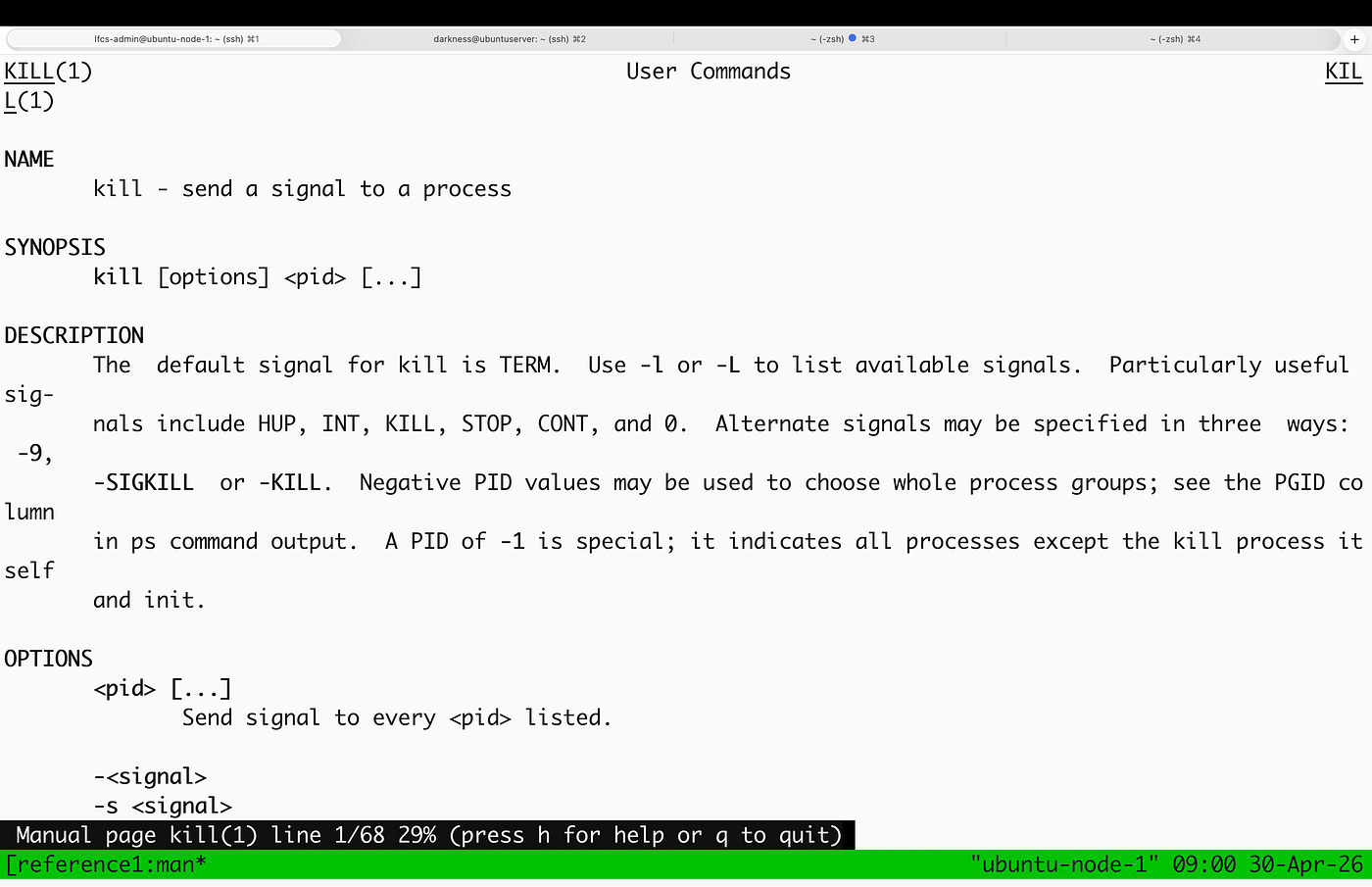
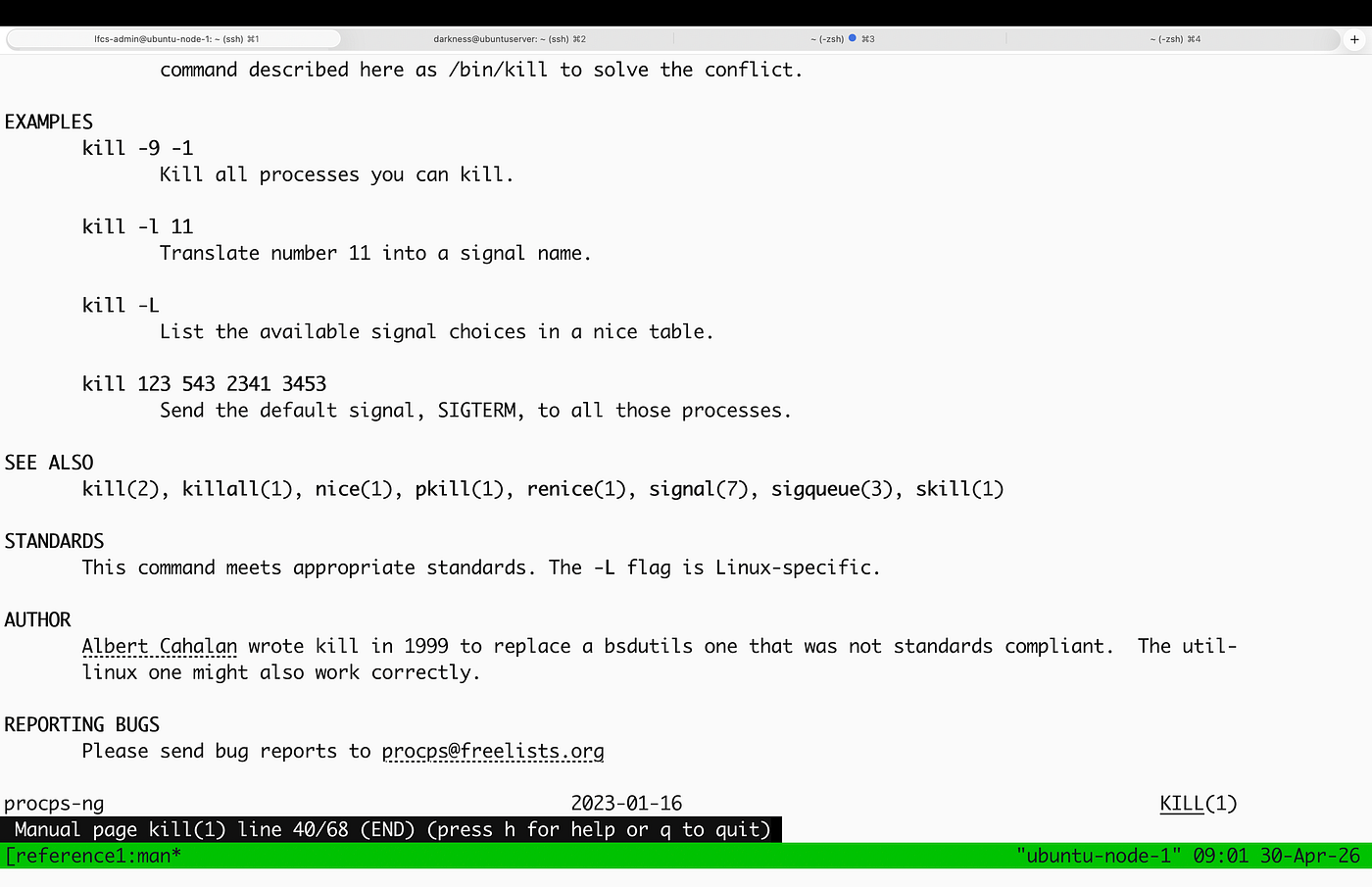
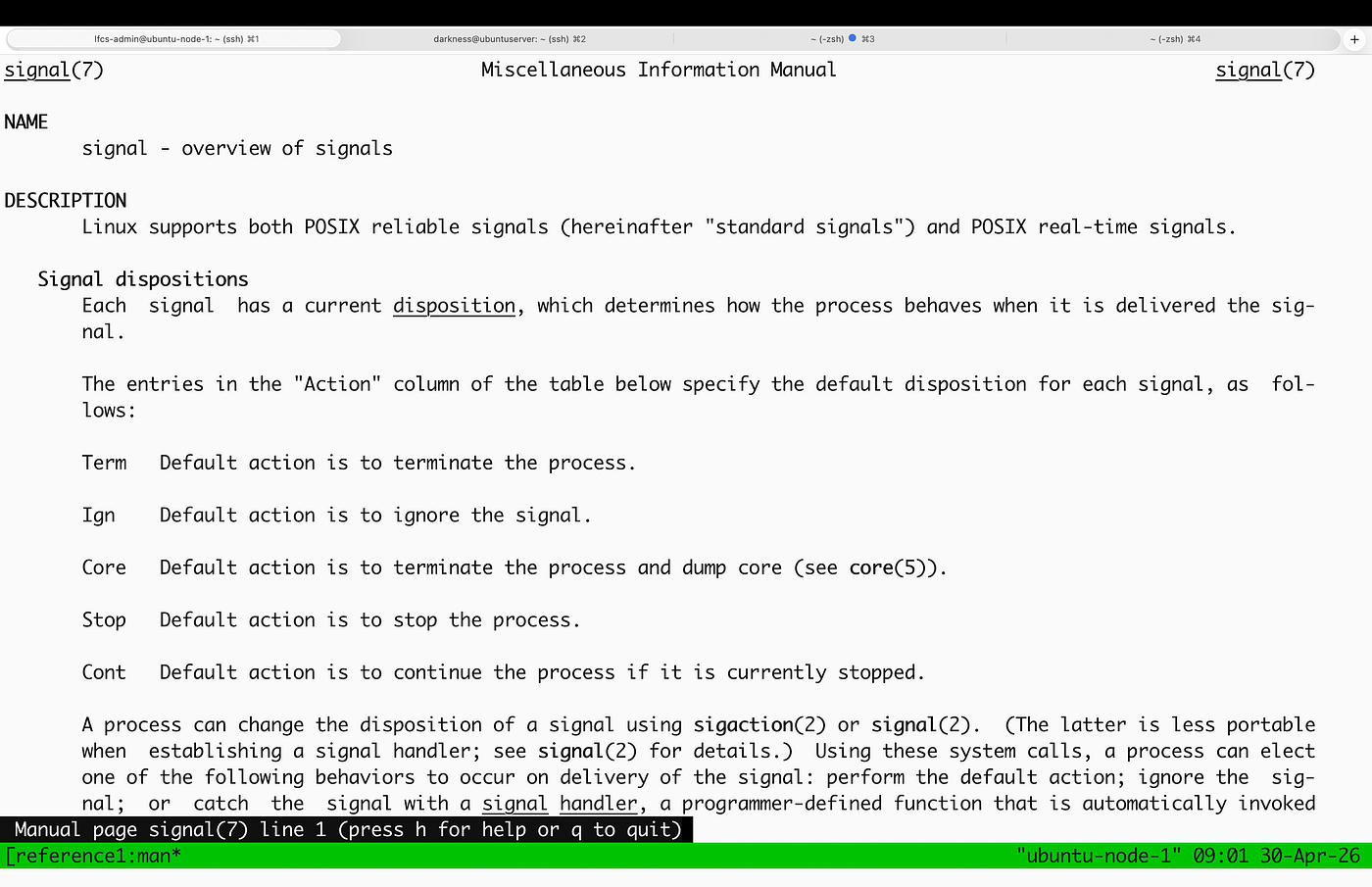
For example, man kill describes that it sends a signal to a process and that the default signal is SIGTERM; However, it does not explain what a signal is or what SIGTERM is. To understand this, you must follow the reference to signal(7).
man 7 signal describes a signal is a kernel-generated notification that invokes a default action or a user-defined action.
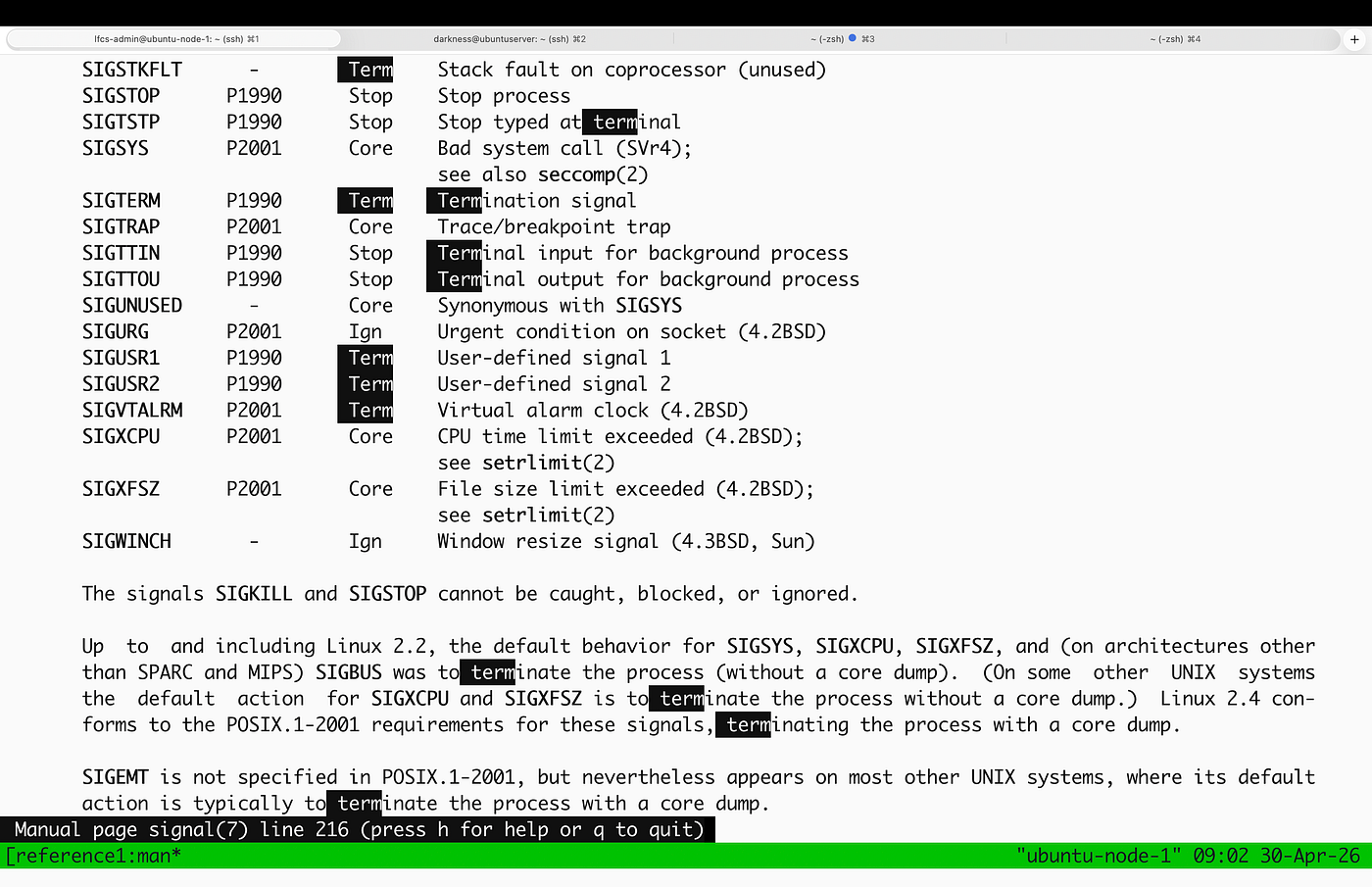
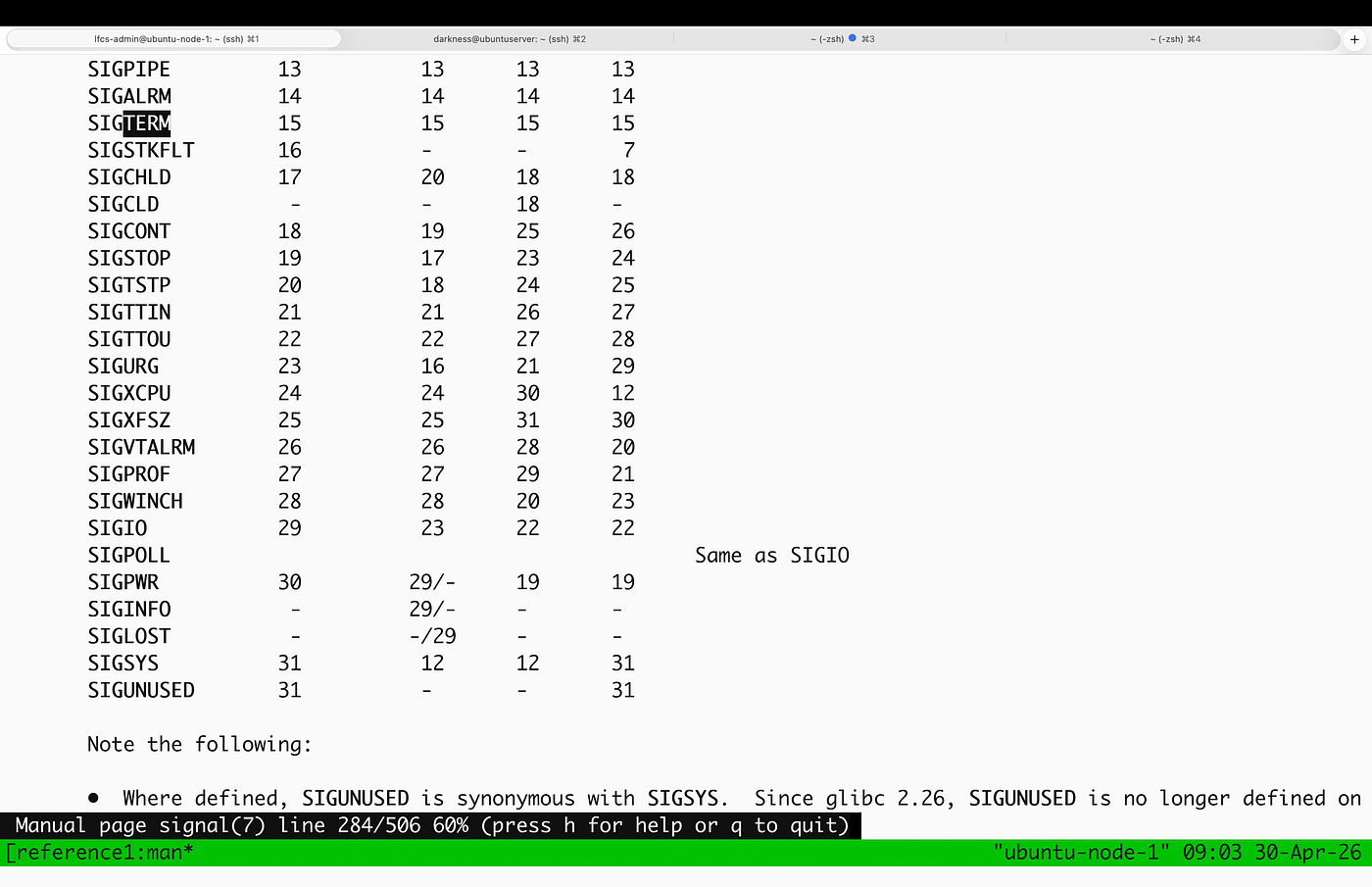
SIGTERM (15) is a termination signal that requests the process to exit.
To understand Linux, I am following this chain:
command → concept → kernel mechanism → behaviour
Rather than memorising commands, I am building the ability to navigate through man pages efficiently to understand the relationships directly from the terminal. This allows me to infer behaviour quickly and accurately without relying on external sources.
메타데이터
- post_id
- 3bbca2ea8a4e
- slug
- navigating-through-man-pages-3bbca2ea8a4e
- url
- https://medium.com/@pmagyei/navigating-through-man-pages-3bbca2ea8a4e
- canonical_url
- https://medium.com/@pmagyei/navigating-through-man-pages-3bbca2ea8a4e
- author_url
- https://medium.com/@pmagyei
- status
- ok
- fetched_at
- 2026-06-17 08:20:12