What I Learned Adding Memory to a LangChain Chatbot
Last week I was debugging a support chatbot that had a very human-sounding failure mode: it kept forgetting what we had just talked about.
What I Learned Adding Memory to a LangChain Chatbot
Last week I was debugging a support chatbot that had a very human-sounding failure mode: it kept forgetting what we had just talked about.
The first answer was good. The second answer was decent. By the fifth turn, the user had to repeat details that were already in the conversation. The model was not broken. The prompt was not completely wrong. The missing piece was memory.
LangChain memory is useful because it gives you a structured way to carry conversation history across turns. But it also has a trap: the easiest memory strategy is usually the most expensive one.
Memory is not just a nicer chat history
In older chatbot systems, “memory” often meant matching user text against fixed patterns. Modern LLM apps are different. The model can use previous turns as context, infer missing references, and continue a task over multiple messages.
That matters for applications built on natural language processing, but it also creates a scaling problem. Every piece of history you keep has to go somewhere. If you pass the full transcript into every call, latency and token cost grow as the conversation grows.
That is why I treat memory as a product decision and an infrastructure decision, not just a framework setting.
The simple version: ConversationBufferMemory
The most direct LangChain pattern is ConversationBufferMemory. It stores the full conversation and passes it back into the chain on each turn.
from langchain.chains import ConversationChain
from langchain.memory import ConversationBufferMemory
from langchain_openai import ChatOpenAI

llm = ChatOpenAI(model="gpt-4o-mini", temperature=0)

conversation = ConversationChain(
    llm=llm,
    memory=ConversationBufferMemory(),
    verbose=True,
)

conversation.predict(input="My order number is A-1042.")
conversation.predict(input="Can you remind me which order we are discussing?")
This is the right place to start when you are learning. It is easy to inspect and easy to reason about. The model sees prior turns and can answer follow-up questions that depend on context.
The downside is exactly what you would expect: the buffer grows. The source article calls out the older GPT-3.5 Turbo 4096-token limit as an example of why this matters. Newer models may support larger windows, but larger windows do not make tokens free. They also do not guarantee the model will focus on the right part of the conversation.
The more useful pattern: memory plus retrieval
For production chatbots, I usually do not want one giant buffer. I want two forms of context:
• Short-term conversation memory for the last few turns
• Retrieved external knowledge for facts the model should not memorize
This is where ConversationalRetrievalChain became popular. The rough flow is:
-
Take the current user message.
-
Use conversation history to rewrite it into a standalone question.
-
Retrieve relevant documents from a vector store.
-
Generate the answer from retrieved context and recent conversation.
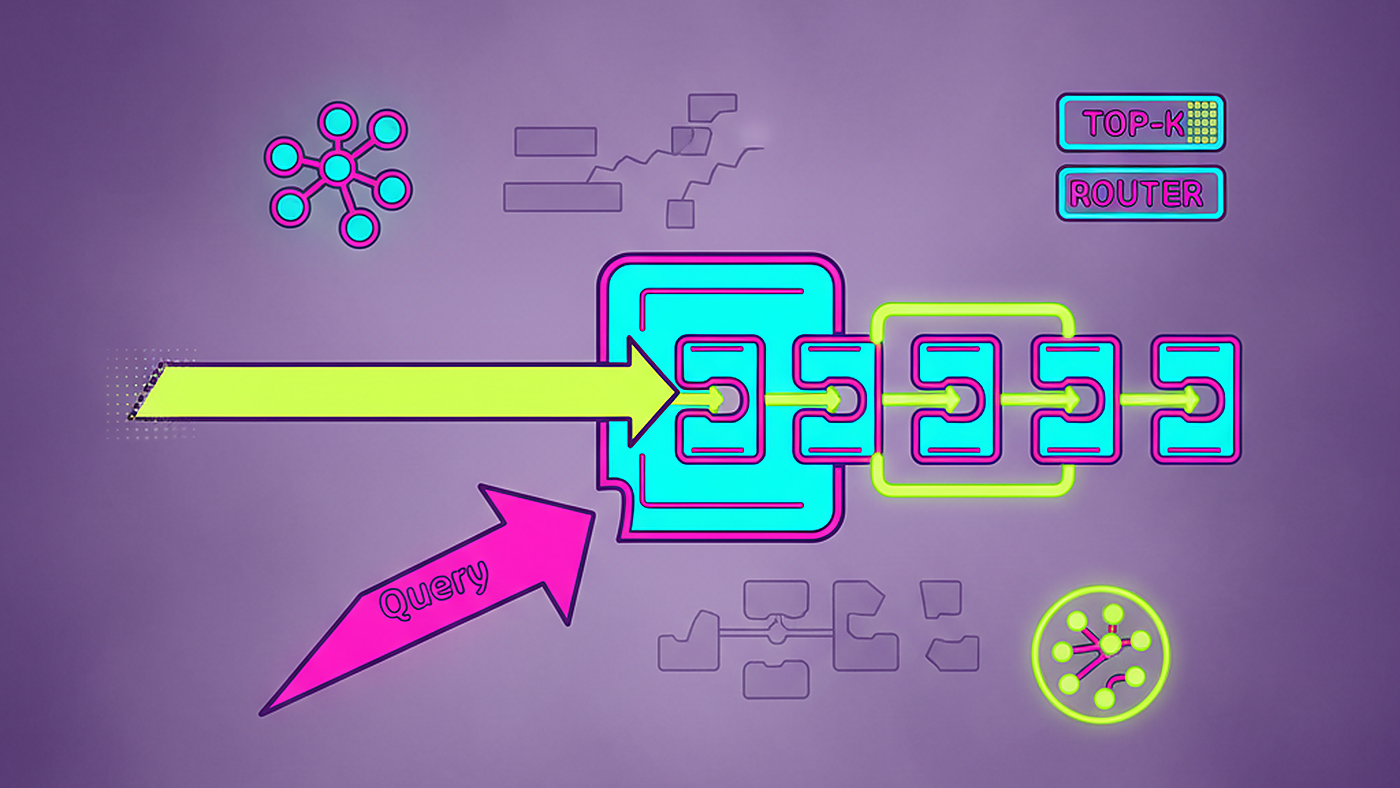
That pattern is especially useful for RAG systems because it separates “what did the user mean by that?” from “which documents contain the answer?”
The thing that did not work as expected for me was keeping too much chat history. Long memory made the rewritten question worse in some cases because old details leaked into new topics. A user would switch from billing to product setup, and the chain still carried billing context forward.
My practical fix was to keep memory bounded.
from collections import deque

class WindowedTurns:
    def __init__(self, max_turns: int = 6):
        self.turns = deque(maxlen=max_turns)

    def add(self, role: str, content: str) -> None:
        self.turns.append({"role": role, "content": content})

    def render(self) -> str:
        return "\n".join(f"{t['role']}: {t['content']}" for t in self.turns)

memory = WindowedTurns(max_turns=6)
memory.add("user", "My order number is A-1042.")
memory.add("assistant", "I can help with order A-1042.")
print(memory.render())
That is a tiny sketch, but the principle holds: put a hard cap on what you send.
What I measure before shipping
I care about four numbers for conversational memory:
• Average prompt tokens per turn
• p95 latency per turn
• Percentage of answers that need retrieval
• Number of unresolved references, such as “that one” or “the earlier issue”
The last metric is messy, but it is useful. If users keep saying “no, I meant the previous one,” memory is not working.
I also separate memory bugs from retrieval bugs. If the chatbot forgets the user’s name from two turns ago, that is a memory issue. If it remembers the user’s request but gives the wrong policy answer, that is probably retrieval, source quality, or prompt grounding.
Buffer memory has a real cost curve
Conversation buffers feel harmless when the demo has three turns. They are not harmless in production.
Every extra turn can increase:
• Prompt size
• Model latency
• Token cost
• Risk of irrelevant context distracting the model
That does not mean buffer memory is bad. It means it needs an expiration policy. Sometimes I use a fixed turn window. Sometimes I summarize older turns. Sometimes I store structured state, such as customer_id, selected_plan, or open_ticket_id, instead of preserving the whole transcript.
One thing I learned the hard way: summarization is not neutral. A summary can drop the one detail the user cares about. For support flows, I prefer structured state for critical fields and natural-language summaries only for softer context.
Where vector retrieval fits
Memory should remember the conversation. Retrieval should fetch knowledge.
If the bot needs product docs, policy pages, or troubleshooting guides, I do not want that stored as chat memory. I want the current question transformed into a clean search query and sent through semantic search. Then I want the answer grounded in retrieved snippets.
This separation makes the app easier to debug:
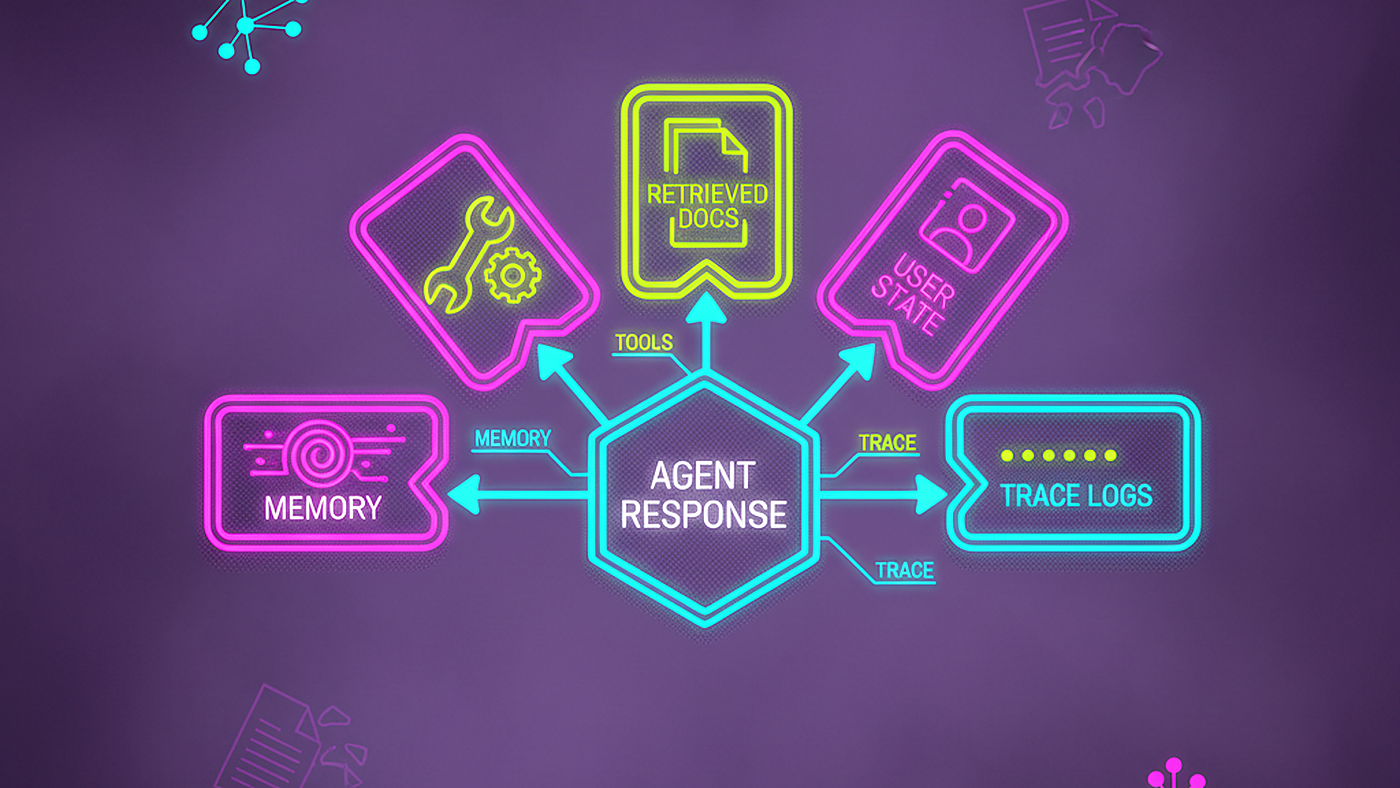
• Memory tells me what the user has said.
• Retrieval tells me what the system knows.
• The prompt tells the model how to combine them.
When those three get mixed together, everything becomes harder to tune.
My default memory design
For most production chatbots, I now start with this design:
-
Keep the last 4 to 8 turns verbatim.
-
Extract durable state into structured fields.
-
Retrieve external facts on each turn.
-
Summarize older conversation only when needed.
-
Log token usage and memory size per request.
The setup is less magical than “the chatbot remembers everything,” but it is much more reliable.
LangChain gives you the building blocks. The engineering work is deciding what the model should remember, what it should retrieve, and what it should forget on purpose.
메타데이터
- post_id
- 3bd6d2debf1e
- slug
- what-i-learned-adding-memory-to-a-langchain-chatbot-3bd6d2debf1e
- url
- https://blog.gopenai.com/what-i-learned-adding-memory-to-a-langchain-chatbot-3bd6d2debf1e
- canonical_url
- https://blog.gopenai.com/what-i-learned-adding-memory-to-a-langchain-chatbot-3bd6d2debf1e
- author_url
- https://medium.com/@PriyaSingh325
- status
- ok
- fetched_at
- 2026-07-08 16:25:30