package.json vs package-lock.json: Understanding npm Versioning (^, ~) and Lock Files
When working on JavaScript projects, you’ve probably seen two important files: package.json and package-lock.json. They seem similar, but…
package.json vs package-lock.json: Understanding npm Versioning (^, ~) and Lock Files
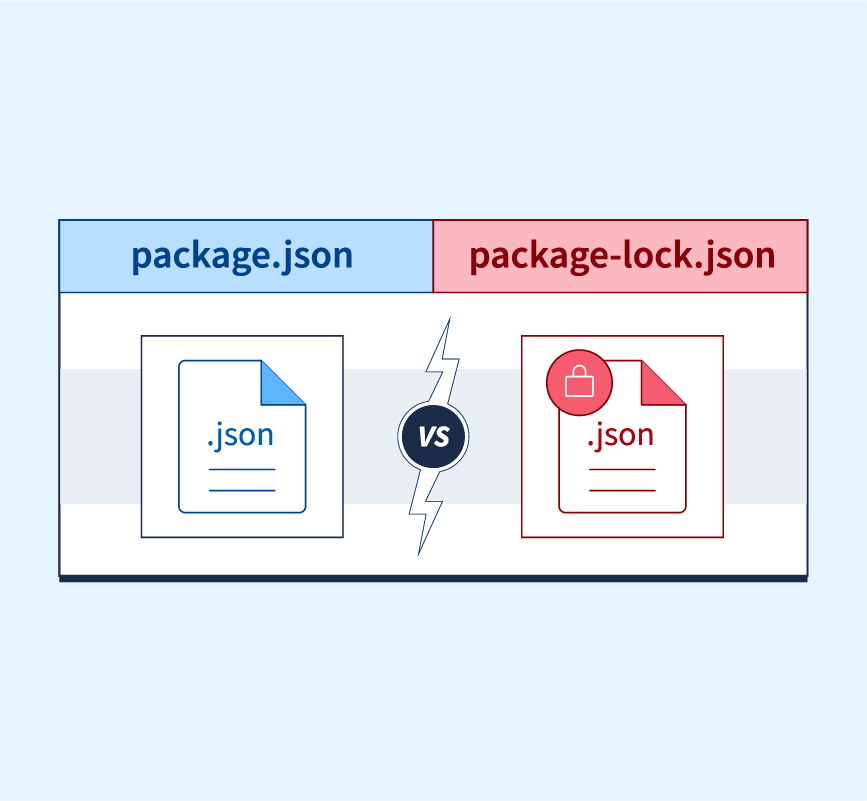
When working on JavaScript projects, you’ve probably seen two important files: package.json and package-lock.json. They seem similar, but they serve very different purposes. Misunderstanding them can lead to version mismatches, unexpected updates, or even production bugs.
Let’s break this down with a real-world scenario.
Scenario Overview
1. First Developer’s Setup
package.jsonspecifies:"lodash": "^4.17.21"- The developer runs:
npm install- npm installs lodash@4.17.21 (assuming it’s the latest at that moment).
- This exact version (4.17.21) is recorded in
package-lock.json.
2. Second Developer’s Setup
- Another developer clones the repository, which includes:
- The same
package.json("lodash": "^4.17.21"). - The same
package-lock.json(locking lodash at4.17.21). - They run:
npm install
What Happens Now?
**package-lock.jsonTakes Precedence npm installs the exact version** specified in the lock file (4.17.21), even if a newer compatible version (e.g.,4.17.22) is already available.
This ensures both developers have identical dependencies, avoiding “it works on my machine” problems.
The Role of ^ and ~ in Versioning
The version range in package.json determines what updates are allowed when no lock file is present, or when you explicitly update packages.
- Caret (
^): Allows updates that do not change the first non-zero digit. "^4.17.21"→ Updates to 4.x.x (e.g.,4.18.0,4.19.5) but not 5.0.0.- Tilde (
~): Allows updates only to patch versions, keeping minor fixed. "~4.17.21"→ Updates to 4.17.x (e.g.,4.17.22,4.17.23) but not 4.18.0.- No Symbol (Exact): Installs only that specific version.
"4.17.21"→ Always installs4.17.21.
When Will package-lock.json Differ for Developers?
- If the second developer deletes
package-lock.json:
- npm uses the version range in
package.json(^4.17.21). - It may install
4.17.22or newer, within the compatible range. - A new
package-lock.jsonis generated.
- If they run
npm update:
- npm updates lodash to the latest version allowed by the range (
^or~). - The lock file gets updated.
- Merge conflicts in teams:
- When multiple developers independently install/update dependencies, their
package-lock.jsonmay diverge, causing conflicts during merges.
Why Isn’t This a Problem Normally?
Because the lock file is committed to version control (e.g., Git). As long as everyone runs:
npm install— without deleting the lock file or running [npm update](https://docs.npmjs.com/cli/v9/commands/npm-update)—the dependencies will remain consistent.
Example Scenarios
Scenario A: Lock File Exists
package.json:"lodash": "^4.17.21"package-lock.json:"lodash": "4.17.21"- Command:
npm install - Result: Installs
lodash@4.17.21(as locked).
Scenario B: Lock File Deleted
package.json:"lodash": "^4.17.21"- Command:
npm install - Result: Installs the latest compatible version (e.g.,
4.17.22) and regeneratespackage-lock.json.
Key Takeaways
package-lock.jsonlocks exact versions, ensuring consistent installations.**^allows minor + patch updates, while `~` allows only patch updates**.- Version ranges matter mainly when the lock file is missing or updated.

Coming up in Part 2:
We’ll explore integrity hashes in package-lock.json, how they prevent tampering, and what happens when a hash mismatch occurs.
메타데이터
- post_id
- 3bfc5c845e5a
- slug
- package-json-vs-package-lock-json-understanding-npm-versioning-and-lock-files-3bfc5c845e5a
- url
- https://medium.com/@nithinsri53/package-json-vs-package-lock-json-understanding-npm-versioning-and-lock-files-3bfc5c845e5a
- canonical_url
- https://medium.com/@nithinsri53/package-json-vs-package-lock-json-understanding-npm-versioning-and-lock-files-3bfc5c845e5a
- author_url
- https://medium.com/@nithinsri53
- status
- ok
- fetched_at
- 2026-07-17 22:55:58