UDM SE: Ubiquiti SFP+ to RJ45 Transceiver ( UACC-CM-RJ45-MG )
Purchased Ubiquiti SFP+ to RJ45 Transceiver to see how much bandwidth it can bring in when the WAN is 10Gbps.
UDM SE: Ubiquiti SFP+ to RJ45 Transceiver ( UACC-CM-RJ45-MG )
Purchased Ubiquiti SFP+ to RJ45 Transceiver to see how much bandwidth it can bring in when the WAN is 10Gbps.

UDM: Ubiquiti SFP+ to RJ45 Transceiver ( UACC-CM-RJ45-MG )
Disclaimer
“As an Amazon Associate, I earn from qualifying purchases.”
Intro
Luckily, I am able to access 10Gbps Fiber Optic Internet from the local ISP, Sonic Internet. I used to pay around $50 for 10Mbps. Since I was able to access the Sonic 10Gbps Fiber Optic Internet, I‘ve paid $29.99/mo. ( now, it’s $39.99 for me ). If you live around SF Bay area, you might want to check if it is available in your area.

http://sonic.com/referral/782751h1c
[embed]Sonic 10G Fiber Optic - SF Bay Area Edit descriptionmedium.com
I’ve been using 2.5Gbps
Since I got the Sonic 10Gbps Fiber Optic Internet, I’ve been using 2.5Gbps although the incoming bandwidth was 10Gbps
Why??
There were several reasons like below.
- UDM SE supports 2.5Gbps WAN with RJ45 port. ( This is one of big difference between UDM SE and UDM ). This help me defer to purchase the SFP+ to RJ45 Transceiver.
- UDM SE supports up to 3.5Gbps when IPS/IDP security are enabled. ( Although the incoming WAN is 10Gbps, it can be bottlenecked by the IPS/IDP )
- I didn’t need the 10Gbps every moment. Most of times, I was ok with 2.5Gbps. I only missed the extra bandwidth when I uploaded or download large volume of data to Cloud ( e.g. uploading Docker Image built locally )
- The SFP+ to RJ45 Transceiver is required to connect RJ45 cable from ONT to the UDM SE SFP+ port. I wanted to defer to purahcen it as much as possible until I really needed or wanted.

Sonic 10Gbps Fiber Optic Internet — UDM SE 2.5Gbps Connection
I decided to buy the SFP+ to RJ45 Transceiver
After one year and few months since I got the Sonic 10Gbps Fiber Optic Internet, I finally decided to buy the SFP+ to RJ45 Transceiver.
Why?? It’s partially logical and partially emotional. ( Purchasing things are emotional many times although we might deny the fact 😐 ).
BTW, I decided not to use the IPS/IDP security that can limit the bandwidth to 3.5Gbps.
If you’re interested in this equipment, I guess you already know that there are several products you can buy in Amazon ( see SFP+ to RJ45 Transceiver in Amazon ).

SFP+ to RJ45 Transceiver in Amazon
Bought Ubiquiti SFP+ to RJ45 Transceiver ( UACC-CM-RJ45-MG )
In all the available products in SFP+ to RJ45 Transceiver, I bought the Ubiquiti SFP+ to RJ45 Transceiver ( UACC-CM-RJ45-MG ).

Spec: Ubiquiti SFP+ to RJ45 Transceiver ( UACC-CM-RJ45-MG )
It’s little more pricy ( mine is $65 + Tax ) than others because
- It supports the multi bandwidths — 1GbE, 2.5GbE, 5GbE, 10GbE. ( Others support only 1GbE or 10GbE.
- It supports the long cable distance — 10Gbps up to 100m with Cat 6A cable. ( Others support around 30m )
If you don’t need the multi bandwidths suport and the long distance support with 10Gbps, then you can buy one that only supports 10GbE and short distance ( e.g. 30m ). With these lower spec, you can find one around $45 range.


Working well with Qnap QNA Series Single Port Thunderbolt 3 to 10GbE SFP+ Adapter
I have a Qnap Thunderbolt 3 to 10GbE SFP+ Adapter. It is mainly used to connect between my MacBook ( Thunderbolt ) and UDM SE ( SFP+ ) by 10Gtek SFP+ DAC Twinax Cable ( 10m ).


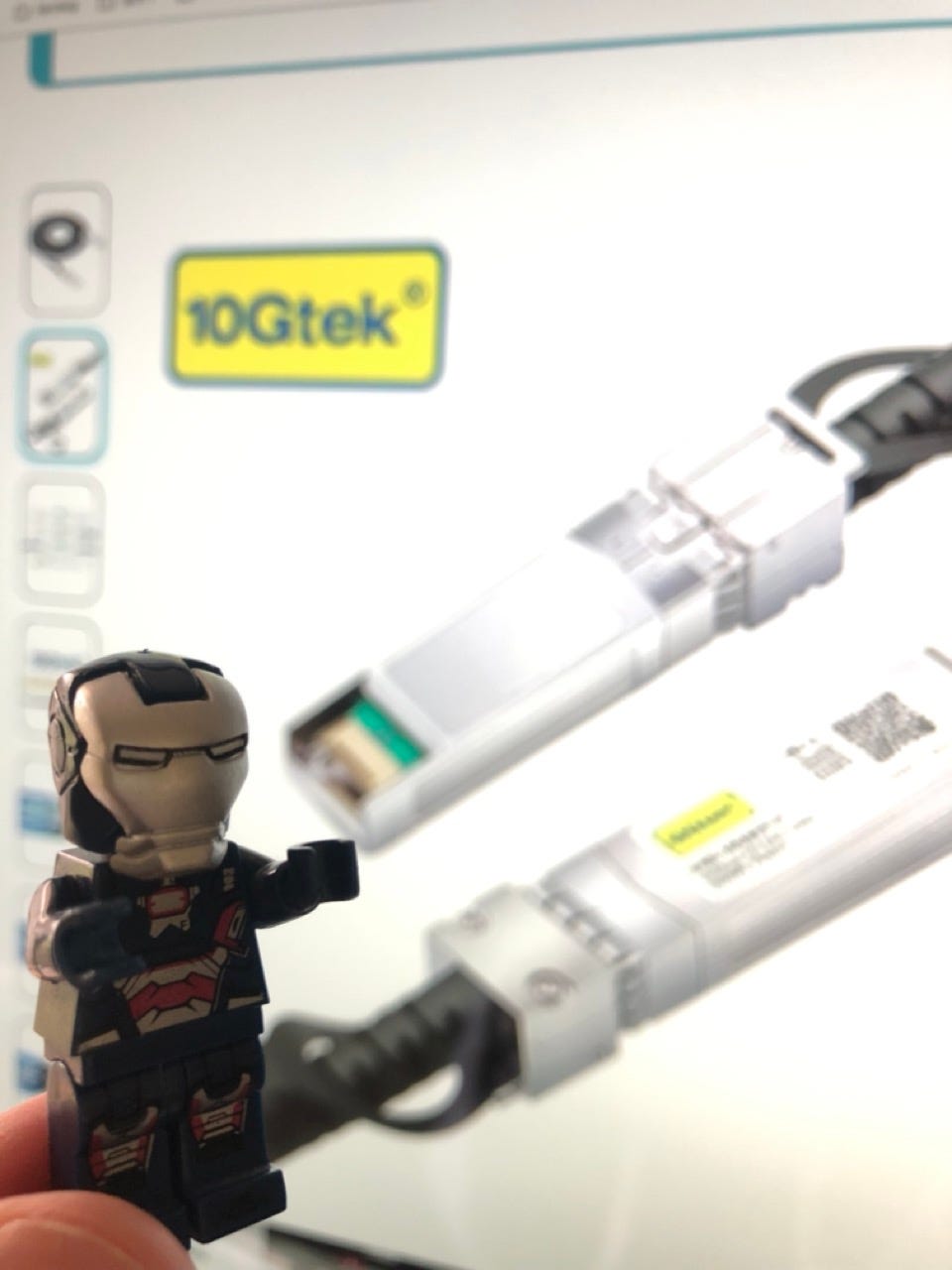
10Gtek SFP+ DAC Twinax Cable — 10GBASE-CU Passive Direct Attach Copper SFP Cable
I took Qnap Thunderbolt 3 to 10GbE SFP+ Adapter out from my MacBook and directly connected ONT ( Fiber Optic modem ) and Ubiquiti SFP+ to RJ45 Transceiver ( like the photo below ).
I ran the speed test to measure the bandwidth when it’s directly connected to ONT ( Fiber Optic modem ).
It’s little slower than 10GbE, but it was already 3x faster than 2.5Gbps that I used to have. ( Download: 8154Mbps, Upload: 7501Mbps ). I ran the testing several times ( even with different target server location ). The download bandwidth is mostly above 8000Mbps, but the upload bandwidth was little up and down. I don’t think it’s related to the SFP+ to RJ45 Transceiver nor the Qnap Thunderbolt 3 to 10GbE SFP+ Adapter.


Qnap Thunderbolt 3 to 10GbE SFP+ Adapter
How to disconnect Transceiver?
After the bandwidth testing, I had a difficult time to disconnect the SFP+ to RJ45 Transceiver from the Qnap Thunderbolt 3 to 10GbE SFP+ Adapter. After spending 5–10min, I figured out that the gold color lever had to be lifted down like the photo below. The steps are
- remove the RJ45 cable first
- carefully push down the gold color lever
- and pull out the transceiver


Qnap Thunderbolt 3 to 10GbE SFP+ Adapter | How to disconnect SFP+ to RJ45 Transceiver
Connect Ubiquiti SFP+ to RJ45 Transceiver ( UACC-CM-RJ45-MG ) to UDM SE
There are two SFP+ ports on UDM SE. I tried both SFP+ ports on UDM SE to see if there were any difference because only of them has the blue color WAN mark on it. ( Initially, I thought I had to use the SFP+ port which has the blue color WAN mark. )
Based on my testing with the two SFP+ ports, I think there is no difference. So, it’s ok to use one of the SFP+ ports.
Once the WAN port is decided, the port has to be checked and configured as WAN port through UniFi UI like below. ( I used to use the port to connect Synology NAS )
After the configuration, I ran the bandwidth testing. It was little lower than expected, but it was already around 3x faster than before.


Connect Ubiquiti SFP+ to RJ45 Transceiver ( UACC-CM-RJ45-MG ) to UDM SE
Extra: Don’t buy cheap Transceiver
I bought several Passive Direct Attach Copper SFP Cables ( aka. DAC ) from Amazon. I bought them to connect Synology NAS, TrueNAS, and MacBooks.
Since the DAC were little pricy, as long as the DAC worked with my Network, I cared the price the most.
But, my experience with the cheap DAC wasn’t really good. One of DAC I bought ( cheaper version ) broke my SFP+ NIC card.
When you buy DAC or Transceiver, at least go with 10Gtek. Their products are pretty solid and have reasonable price.
Extra: Bandwidth Test through Browser didn’t work well
When I tested the 2.5Gbps bandwidth, the speed test website worked well. ( I was able to see what I expected. )
However, when I tested the 10Gbps bandwidth, there were only few websites were able to test it. Although it worked, but it seemed missing something.
Based on the Oookla documentation, I installed their App through Apple AppStore. For the 10Gbps bandwidth testing, I think the App works much better than the browser one.


App: Speedtest by Oookla
메타데이터
- post_id
- 3ca97e868384
- slug
- udm-se-ubiquiti-sfp-to-rj45-transceiver-uacc-cm-rj45-mg-3ca97e868384
- url
- https://medium.com/@life-is-short-so-enjoy-it/udm-se-ubiquiti-sfp-to-rj45-transceiver-uacc-cm-rj45-mg-3ca97e868384
- canonical_url
- https://medium.com/@life-is-short-so-enjoy-it/udm-se-ubiquiti-sfp-to-rj45-transceiver-uacc-cm-rj45-mg-3ca97e868384
- author_url
- https://medium.com/@life-is-short-so-enjoy-it
- status
- ok
- fetched_at
- 2026-07-24 19:31:54