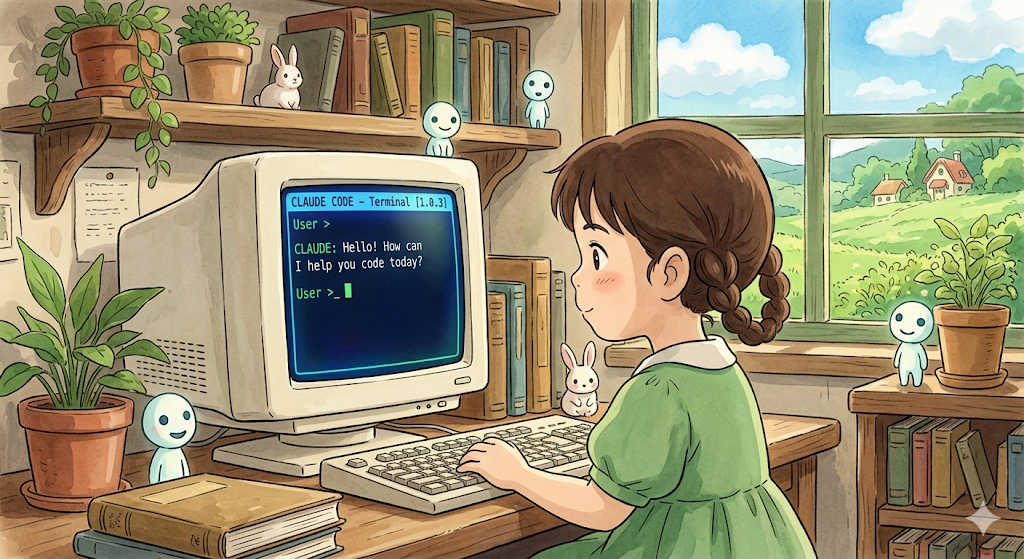
Why Claude Code Gets Worse the Longer You Use It
It isn’t forgetting your project. It’s just slowly drowning in it.
Why Claude Code Gets Worse the Longer You Use It
It isn’t forgetting your project. It’s just slowly drowning in it.
Not a Medium member? Read it for free **here**
My Claude Code Mastery Guide now has 29 chapters + Loop Engineering supplement. If this article helps you understand better context implementation, you’ll enjoy the guide too. I’m actively updating it as Claude Code evolves (check the end of this article for all contents).
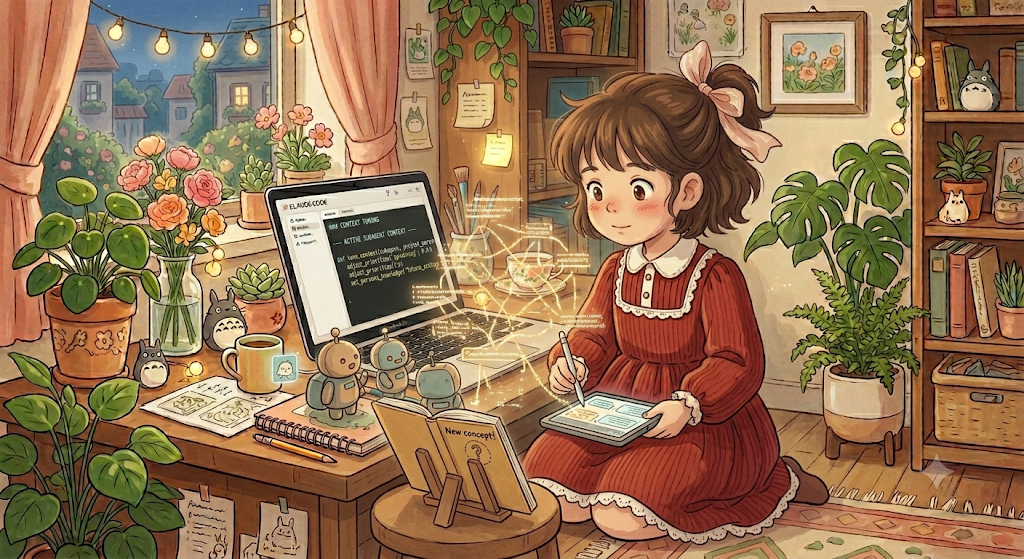
image by author
Have you ever noticed this?
The first hour with Claude Code feels almost magical. I mean it understands your project very well. It follows your conventions. It suggests elegant solutions. It remembers what you’re building.
You start thinking, “This is incredible. wow!”
Then, after an hour, you start to notice something.
Things like:
- Claude suggesting code you’ve already deleted.
- Recommending an approach you rejected an hour ago.
- References files that no longer exist.
- Forgetting why you chose a particular architecture.
- Pointing to the raw version instead of an already processed version.
The responses become… noisy. In the beginning, I assumed the model was getting worse. Then I blamed my prompts and then the context window.
But I was wrong.
The real problem wasn’t Claude in itself. But it was everything I kept asking Claude to carry.
More Context Doesn’t Always Mean Better Context
One of the biggest misconceptions about AI coding tools(as I already iterated) is that more context automatically produces better results.
It sounds logical to everyone.
If Claude knows more about my project, shouldn’t it make better decisions?
Not necessarily. And why is it?
Let’s imagine joining a meeting where people have been talking for six hours.
Some decisions were reversed. While some ideas were abandoned. Half the whiteboard is already outdated. But nobody cleaned up those notes.
Now, what happened over there is that you could technically read everything!
But finding the information that actually matters becomes harder with every passing hour.
That’s exactly what long AI sessions can feel like.
Your Context Slowly Becomes a Junk Drawer
Think about everything that accumulates during your own long development session.
- Architecture discussions.
- Temporary debugging notes.
- Failed experiments.
- Old TODO lists.
- Implementation ideas you abandoned.
- Half finished refactors.
- Questions that were already answered.
If we look at it one of them are individually harmful but together, it becomes a noise and that noise is expensive.
It’s spending more effort separating useful information from outdated information. I Started Calling This as Context Rot
Software accumulates technical debt, Documentation becomes outdated, Architecture evolves, AI context changes too
The longer a project lives, the more stale information begins to coexist with current decisions.
The Symptoms Are Surprisingly Familiar!
If you’ve worked on a large project, you’ve probably seen at least one of these:
- Claude confidently suggests code that no longer exists.
- It reintroduces patterns you intentionally removed.
- It keeps solving the wrong problem.
- It forgets recent architectural decisions while remembering older ones.
- It begins contradicting earlier recommendations.
None of these necessarily mean the model is failing. They’re often signs that your working context has become harder to navigate than your codebase itself.
The Fix Was Simpler Than I Expected
Simple. I stopped trying to give Claude everything. (remember the desk example I talked about? read below). Instead, I focused on giving it only what still mattered.
That changed my workflow completely. I started treating context like any other engineering asset, that needs maintenance.
Some changes that made an immediate difference:
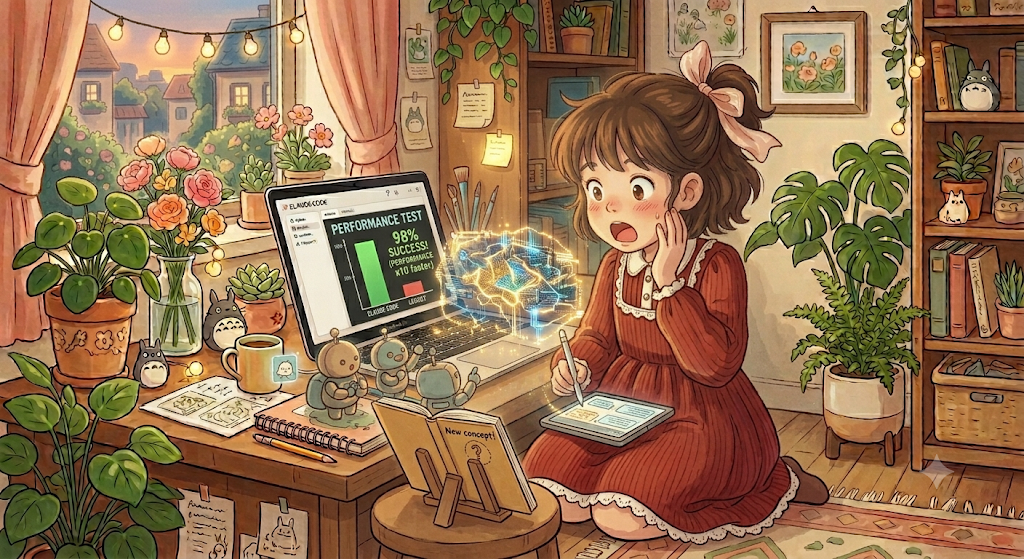
image by author
-
Keep CLAUDE.md current instead of treating it as a document you write once.
-
Remove instructions that no longer reflect the project. use
/compactto summarise the lengthy context -
Start fresh sessions for new objectives instead of forcing unrelated work into one conversation.
-
Break large problems into focused tasks rather than solving everything in a single thread.
-
Separate planning, implementation, and review into distinct phases instead of mixing them together. (as I did in my starter kit, below)
Ironically, giving Claude less information often produced better results.
Poor Approach would look like:
One Session

↓

Plan feature

↓

Write code

↓

Debug

↓

Refactor

↓

Review

↓

Write tests

↓

Update documentation

↓

Plan next feature

↓

Fix production bug

↓

Continue...
Better Approach:
Planning Session
        ↓
Implementation Session
        ↓
Review Session
        ↓
Testing Session
        ↓
Documentation Session
boilerplate for each sessions
Better AI Engineering Isn’t About Bigger Context
When I first started using Claude Code, I thought productivity came from writing better prompts. Later, I thought it came from adding more context.
Now I think it comes from managing context well. (views change over time)
Good AI engineering isn’t about making the model remember everything. but it’s about helping it focus on what matters right now.
That’s a very different mindset. And obviously it changes how you design workflows, documentation, project memory, and even your repository itself.
Final Thoughts
The goal isn’t to build an AI that remembers everything forever. The goal is to build a workflow where the right information stays visible, and everything else quietly gets out of the way.
Want to Accelerate your Workflow?
If this article helped you, I think you’ll enjoy these resources.
1. The Complete AI Engineering Workspace Collection for Claude Code
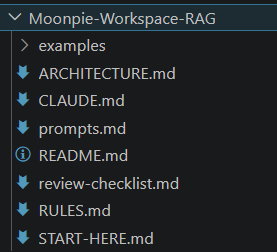
sample for RAG workspace
7 Production Workspaces • 210+ Claude Code Prompts • AI Agents • RAG • MCP • Architecture Guides • Engineering Standards • Review Checklists • Examples • Lifetime Updates
So you can spend less time setting up projects and more time building them! Tailored for all (I covered most teams, let me know if you want it specialised for your team!)
2. The Complete Field Manual: Claude Code Mastery Guide
If you’re ready to move beyond CLAUDE.md, the guide dives deep into Context Engineering, Hooks, MCP, Subagents, custom commands, GitHub Actions, SDKs, Loop Engineering, cost optimization, autonomous workflows, and production-ready AI engineering patterns.
Preview: Table of Contents
29 Chapters • Real-World Recipes • Power Moves • Loop Engineering Supplement • Lifetime Updates
Whether you’re just getting started or already using Claude Code every day, they help you spend less time explaining your projects to AI and more time building things that matter.
Happy building❤️
More articles you’ll love ❤
메타데이터
- post_id
- 3cd784871f68
- slug
- why-claude-code-gets-worse-the-longer-you-use-it-3cd784871f68
- url
- https://medium.com/the-tech-trek-by-tech-chick/why-claude-code-gets-worse-the-longer-you-use-it-3cd784871f68
- canonical_url
- https://medium.com/the-tech-trek-by-tech-chick/why-claude-code-gets-worse-the-longer-you-use-it-3cd784871f68
- author_url
- https://medium.com/@theipocmwanderer
- status
- ok
- fetched_at
- 2026-07-09 00:50:33