Consent Management Platform GA4: Why GDPR and DMA Make It Non-Negotiable in 2026
Let’s be honest: if you’re still using Universal Analytics-style cookie banners with GA4, you’re losing data. Big time.
Consent Management Platform GA4: Why GDPR and DMA Make It Non-Negotiable in 2026
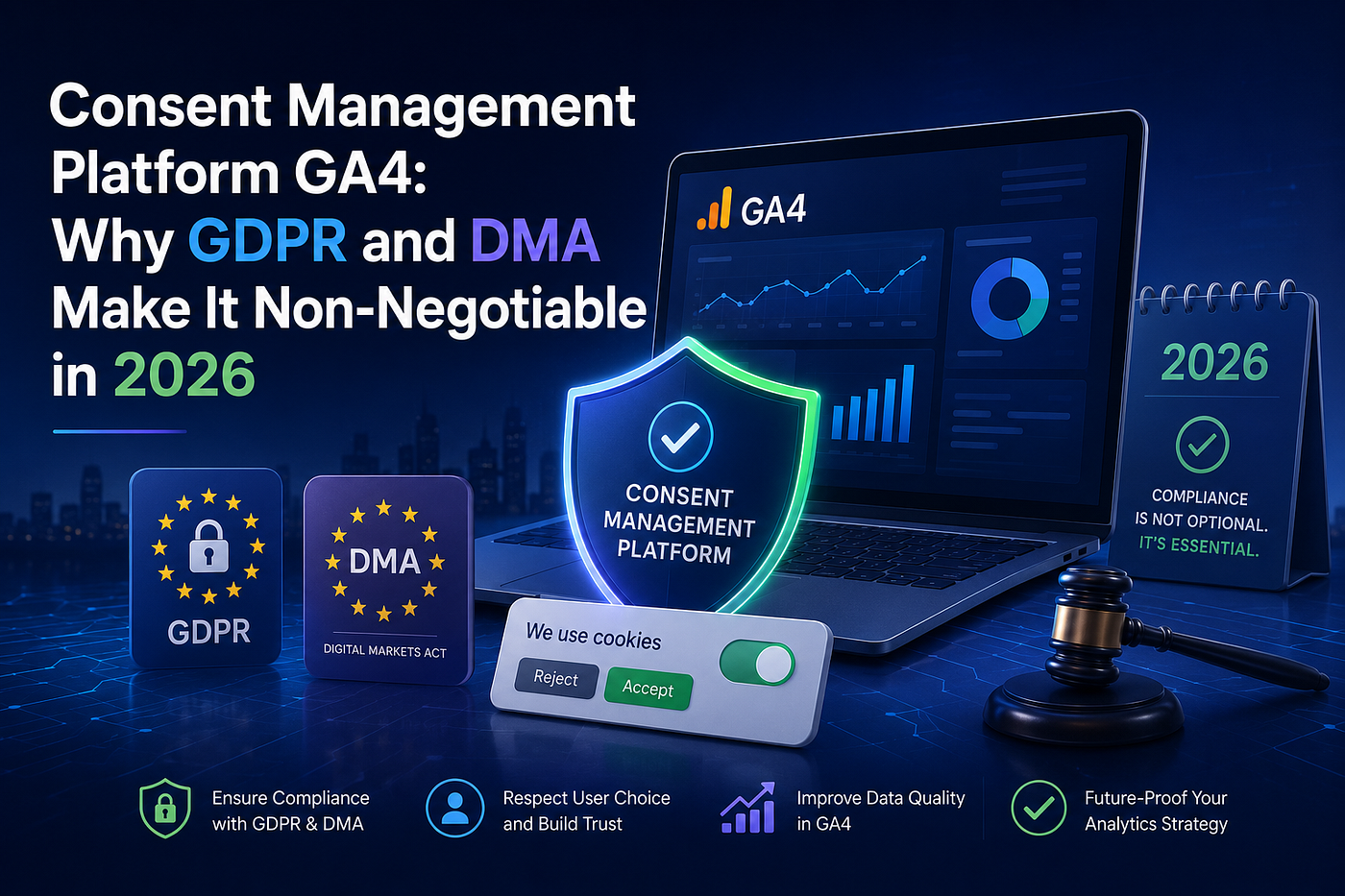
Let’s be honest: if you’re still using Universal Analytics-style cookie banners with GA4, you’re losing data. Big time.
The privacy laws changed everything. GDPR’s explicit consent was significant. DMA (2024) makes it harder for platforms like Google. And without proper setup, you lose 40–60% of analytics data from European visitors.
Here’s What Most Marketers Get Wrong
They think a cookie banner is enough. It’s not. You need a Consent Management Platform (CMP) that actually integrates with Google’s Consent Mode.
The flow should look like this:
- User lands → CMP collects choice
- CMP sends consent signals to Google via API
- Google tags adjust behavior based on those signals
Skip step 2, and your tags fire anyway (non-compliant) or don’t fire at all (data loss).
Why This Matters
- GDPR (2018): Explicit opt-in is mandatory. No pre-ticked boxes. EU data can’t go to the U.S. without protections.
- DMA (2024): Gatekeepers like Google have stronger consent. Fines can go up to 20% of global turnover.
- DPDP Act (2023): India’s version is coming. Global trend = stricter privacy.
Without a CMP, you’re non-compliant and blind.
What Your CMP Needs to Do
Google-certified CMPs (OneTrust, Cookiebot, CookieYes, Complianz) integrate with Google Tag Manager and send four consent parameters:
- analytics_storage (GA4)
- ad_storage (Google Ads)
- ad_user_data (user data)
- ad_personalization (personalized ads)
Missing one = broken tracking.
The Good News
Implementation is straightforward with certified CMPs:
- Install Google Tag (GTM or direct)
- Choose certified CMP
- Go to Google Tag Admin → “Set up consent mode."
- Select CMP and follow instructions
- Enable behavioral modeling in GA4
- Test with GTM Preview Mode
Most CMPs auto-generate consent signals. You configure the banner; integration handles the rest.
What You Get
With proper setup:
- EEA sessions: +15–40%
- Conversions: +20–70%
- Attribution accuracy: significantly better
You’re not just complying. You’re recovering data.
Final Thought
If your audience includes European users, you need a CMP with GA4. Not tomorrow. Now.
You can find a full guide with GDPR requirements, CMP selection, implementation steps, and testing checklists on our website.
Read it here: How Consent Mode in GA4 Uses AI to Fill Data Gaps When Users Decline Cookies
메타데이터
- post_id
- 3db6c3a69d64
- slug
- consent-management-platform-ga4-why-gdpr-and-dma-make-it-non-negotiable-in-2026-3db6c3a69d64
- url
- https://medium.com/@simplyticssolutions/consent-management-platform-ga4-why-gdpr-and-dma-make-it-non-negotiable-in-2026-3db6c3a69d64
- canonical_url
- https://medium.com/@simplyticssolutions/consent-management-platform-ga4-why-gdpr-and-dma-make-it-non-negotiable-in-2026-3db6c3a69d64
- author_url
- https://medium.com/@simplyticssolutions
- status
- ok
- fetched_at
- 2026-06-14 11:28:49