Charlotte Business Owners: That Shiny Wireless Gadget Might Be Costing You More Than Just Money…
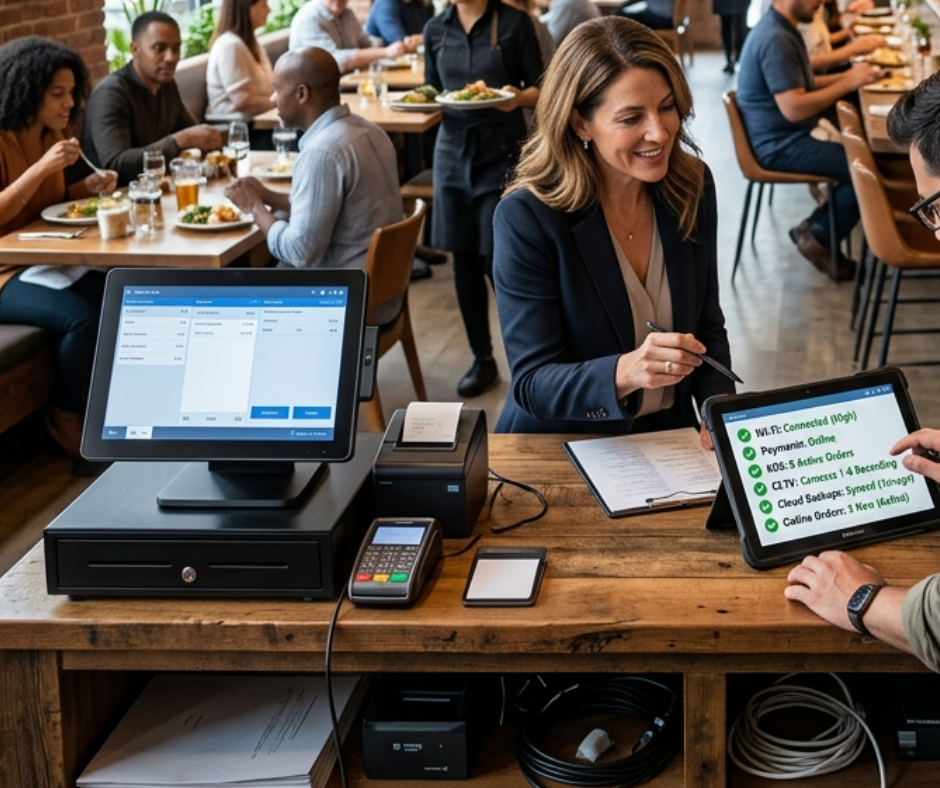
You know that feeling. You’re at Plaza Midwood Coffee, laptop open, trying to process a payment, and the WiFi just… blinks out. Or maybe…
Charlotte Business Owners: That Shiny Wireless Gadget Might Be Costing You More Than Just Money (Here’s How to Stay Connected & Secure)
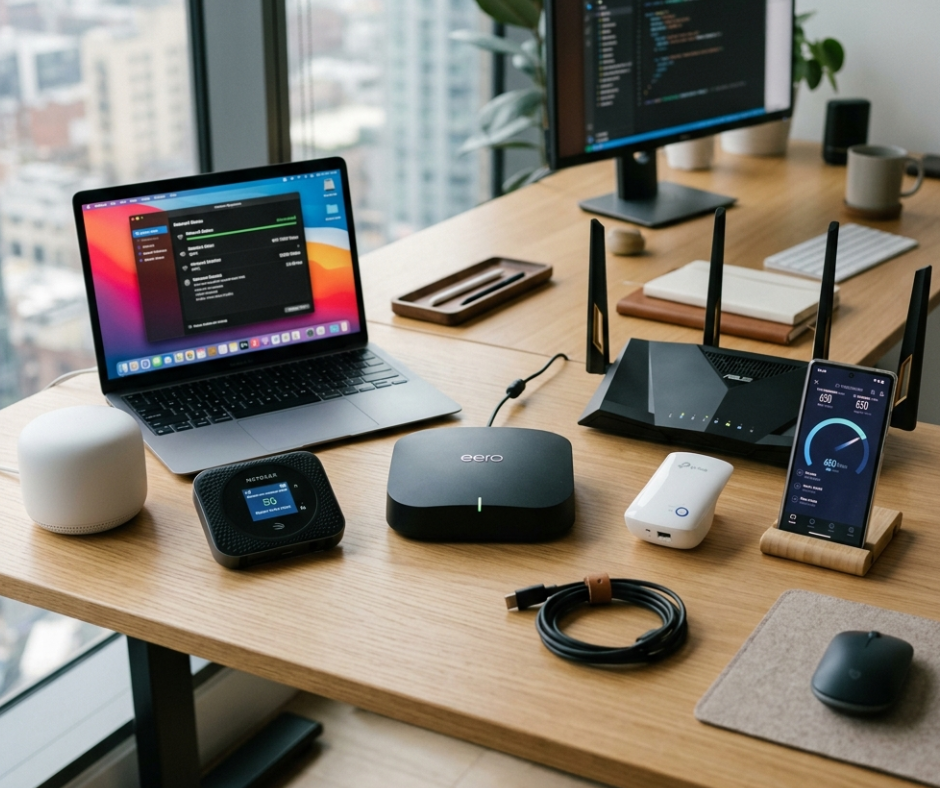
You know that feeling. You’re at Plaza Midwood Coffee, laptop open, trying to process a payment, and the WiFi just… blinks out. Or maybe you just dropped $300 on a “prosumer” mesh system because the reviews said “easy setup,” but now your security cameras keep disconnecting and your guest network is somehow slower than your main one.
If you run a business in Charlotte, whether it’s a boutique in South End, a consultancy in Uptown, or a café in NoDa you’ve been there. And if you’re thinking about buying another wireless networking gadget to “fix it,” hold up. Let’s talk about what those shiny boxes don’t tell you on the packaging.
I’m not here to sell you anything. I’m just a local who’s seen too many Charlotte businesses lose hours (and revenue) to network headaches that started with a well-intentioned Amazon purchase. So before you buy, let’s walk through the real downsides of wireless networking gadgets and, more importantly, how to stay connected to what matters: your accounts, your customers, and your peace of mind.
The “Easy Button” Isn’t Always Easy (Especially for Business)
Wireless gadgets, mesh systems, extenders, “smart” access points, promise plug-and-play simplicity. And for a home? Sometimes they deliver. But business networks have different stakes.
Here’s what the product page won’t highlight:
- Security isn’t automatic. That guest WiFi portal? If it’s not properly segmented, a visitor could potentially access your point-of-sale system or internal files. Wireless gadgets marketed to consumers rarely include enterprise-grade VLAN support or advanced firewall rules out of the box.
- Support is a DIY project. When your network drops during a Charlotte storm (yes, they still happen), who do you call? Consumer-grade gear often means troubleshooting alone at 2 a.m. Business-grade solutions usually come with better documentation, community forums, or local IT partners who actually know the hardware.
- Hidden scalability costs. That single mesh node works great for your 800 sq. ft. office… until you add a second location in Dilworth. Suddenly, you’re buying more units, managing separate apps, and wondering why your devices won’t roam seamlessly. Enterprise systems are built to scale; consumer gadgets often aren’t.
- Account lock-in risks. Many modern gadgets require cloud accounts for setup and management. If that service has an outage or if you lose access to the admin account, you could be locked out of your own network. And if you’re using the same email/password combo for your network admin as your business banking? Yeah, that’s a problem.
How to Stay Connected (Without Losing Your Mind or Your Data)
Okay, so wireless gadgets have downsides. But you still need reliable WiFi. Here’s how to buy smarter and stay securely connected:
Before You Buy: Ask These 3 Questions
- “Does this support VLANs or separate SSIDs for guest traffic?” If you take payments or store customer data, isolating guest devices isn’t optional, it’s essential.
- “What happens if the cloud service goes down?” Look for gear that allows local management or controller backup. Your network shouldn’t depend on a server in another state.
- “Is there local support in Charlotte?” A quick Google for “Charlotte UniFi partner” or “Charlotte business IT” can save you hours. Having someone nearby who knows your gear is worth its weight in gold.
After You Install: Lock Down Your Accounts
- Use a dedicated admin email for your network gear, not your personal Gmail or your business’s main contact address.
- Enable two-factor authentication (2FA) on every account tied to your network hardware. Yes, even the “simple” apps.
- Document your setup. Take screenshots of your configuration, save serial numbers, and store recovery codes somewhere secure (not just in your head).
- Schedule a quarterly “network check.” Update firmware, review connected devices, and audit user access. It takes 20 minutes and prevents 90% of “mystery outage” panic.
Charlotte Pro Tips
- Humidity and old buildings: Charlotte’s mix of historic brick structures and modern glass towers can wreck wireless signals. If you’re in a building with thick walls (looking at you, Fourth Ward), prioritize wired backhaul or professional site surveys over just adding more wireless nodes.
- ISP redundancy: If your business can’t afford downtime, consider a secondary internet connection (even a 4G/5G backup). Some gateways support automatic failover, just make sure your gear does too.
- Local community knowledge: Join groups like “Charlotte Small Business Network” on Facebook or attend tech meetups in the area. Real talk from other local owners beats any spec sheet.
Just Remember!!!
Wireless networking gadgets aren’t evil. But they’re tools and like any tool, they work best when you understand their limits. Buying the right gear isn’t about spending the most; it’s about spending thoughtfully. Protect your accounts, plan for growth, and don’t underestimate the value of local expertise.
Your network is the backbone of your business. It deserves more than an impulse buy and a hope.
메타데이터
- post_id
- 3e109e7ca822
- slug
- charlotte-business-owners-that-shiny-wireless-gadget-might-be-costing-you-more-than-just-money-3e109e7ca822
- url
- https://medium.com/@paradisetechnologies/charlotte-business-owners-that-shiny-wireless-gadget-might-be-costing-you-more-than-just-money-3e109e7ca822
- canonical_url
- https://medium.com/@paradisetechnologies/charlotte-business-owners-that-shiny-wireless-gadget-might-be-costing-you-more-than-just-money-3e109e7ca822
- author_url
- https://medium.com/@paradisetechnologies
- status
- ok
- fetched_at
- 2026-06-26 03:39:16