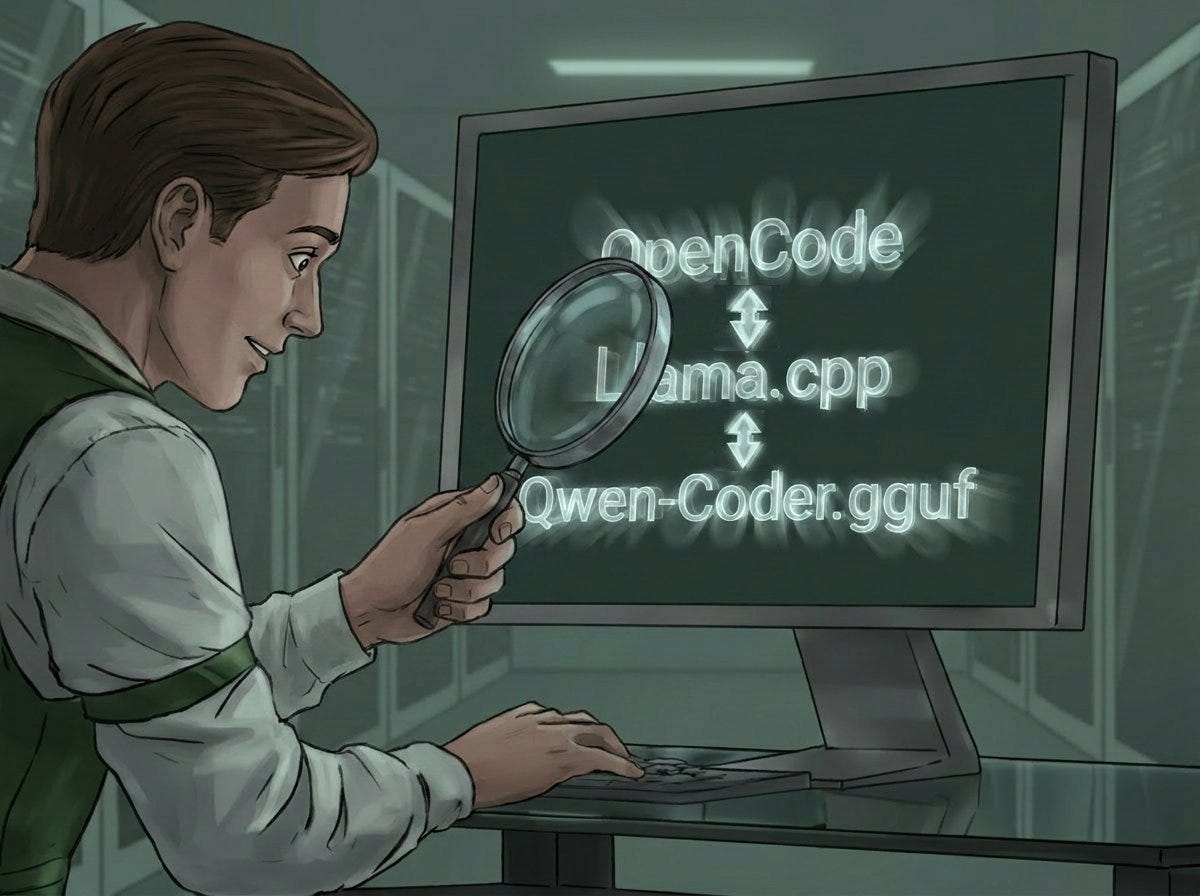
OpenCode: How Not to Get Lost in Tool-Calling
What No Setup Guide Tells You: Avoid Empty Tool Calls, Jinja Bugs — and One Neat KV-Cache Optimization
OpenCode: How Not to Get Lost in Tool-Calling
What No Setup Guide Tells You: Avoid Empty Tool Calls, Jinja Bugs — and One Neat KV-Cache Optimization
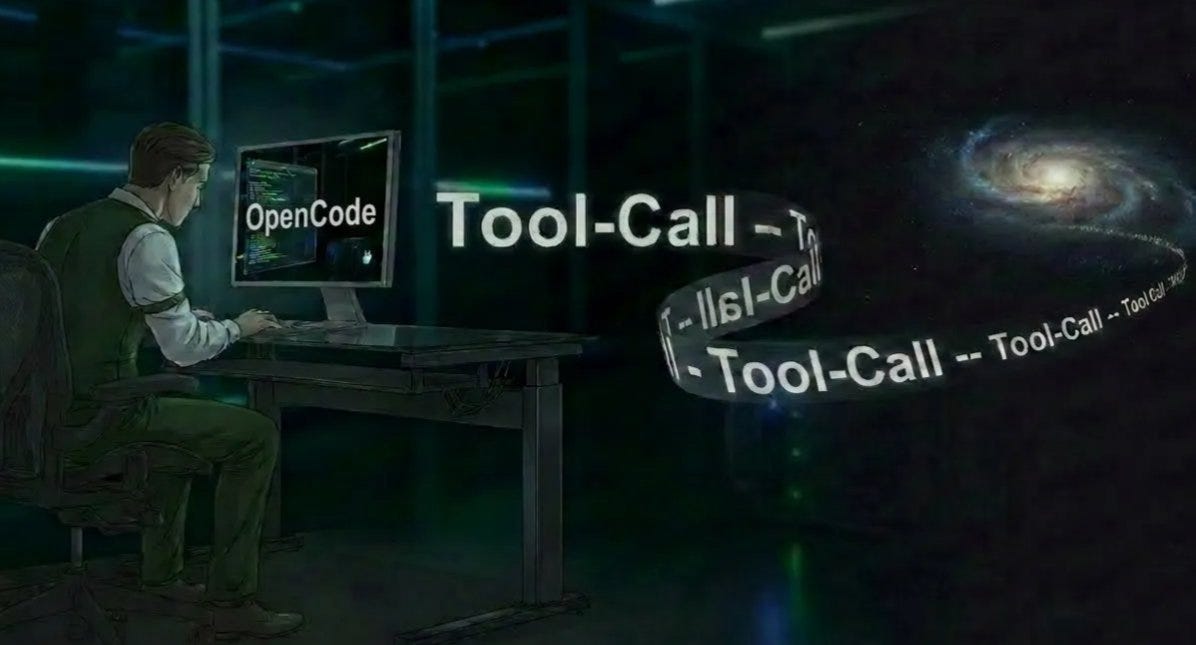
Symbolic Picture covering the issues of Tool-Calls in OpenCode, generated with Banana Pro
OpenCode with llama.cpp under Docker had been running cleanly and smoothly after the first few steps (links to those articles at the bottom).
It ran — but there was plenty of sand in the gears!
While a Qwen 3.5 35B (MoE) dutifully — if agonizingly slowly — answered the question “have you read the Master.md” (see the code snippet from the .yml below) with "yes," the 14B model more often said "No" than "Yes." And nothing reproducible, either. It had all the hallmarks of "hallucinations."
### opencode-compose.yml from OpenCode (excerpt)
### The Master.md is pulled in globally from the host
### to have a .md that's identical across every container
### ...
    volumes:
- .:/workspace
- ./opencode-home:/home/node
### ...
- ~/.opencode/ub_opencode.md:/home/node/.config/
- ~/.opencode/.opencodeignore:/workspace/.openco
Strange enough on its own — but maybe just a minor quirk, a new little snag?
No. It went deeper…
The same behaviour showed up with “read in the workspace”: the 14B produced answers that varied constantly in quality and were usually incomplete, while the 3.5 35B did exactly what it was supposed to — perfectly, and at a crawl.
Was it the weights, perhaps? Too many parameters in the 14B — fine for onion soup, but not enough for coding?
No! It went far deeper than assumed.
OpenCode was supposed to run best with the 14B Coder Instruct weight.
At least with a GPU with 16GB VRam.
After extensive research with several tools, the all-clear had basically been given — provided the projects didn’t get too complex or balloon out of control in terms of tokens.
So: load the weight qwen2.5-coder-14b-instruct-q5_k_m.gguf =>
ABoouum… Nothing works as expected. The workspace is being output as a raw instruction-text prompt. Yet the “list the last German chancellors” question gets answered correctly — the connection to the LLM is stable and working.
The bug had to lie somewhere else — and I found it.
Days of working on it, whenever time allowed, sometimes deep into the night, like a terrier locked onto a bone… Fun it was not, and “read in the workspace” is a phrase I genuinely cannot stand anymore.
As long as the debugging took, the root cause can be summed up just as quickly:
llama.cpp outputs tool calls as plain text — OpenCode expects structured function calls. The connection is up, the language is right, only the dialect is wrong.
How to fix it (and how I got there) — read on.
A look at the docs…
It’s both interesting and frankly obligatory to at least work through the foundational docs of OpenCode.ai (impressively available in multiple languages).
That’s where I came across the /export function. It exports the current OpenCode chat cleanly as a .md file into the workspace.
And something immediately stood out: regardless of whether “Agent Tool” was enabled or not — the .md contained NULL agentic-tool-part.
That was the first real clue to begin the investigation with: No tool calls are happening at all! The chancellors question gets answered fine, the connection to qwen2.5-coder-14b-instruct-q5_k_m.gguf is working, and even the coding-specialized weight correctly spits out the chancellors, date ranges included.
### The original German text from the export-file
###

# Evening Greeting**Session ID:** ses_2064bac4effeMVAsmFs4ZxdIS3
**Created:** 5/5/2026, 7:53:57 PM
**Updated:** 5/5/2026, 7:58:38 PM

## User Guten Abend!
## Assistant Guten Abend! Wie kann ich Ihnen helfen?

## User Bitte die .html Dateien lesen und das CSS als Css.css exportieren
## Assistant
```json
{
  "name": "glob",
  "arguments": {
    "pattern": "**/*.html"
  }
}
User hast Du die master.md gelesen?
Assistant Nein, ich habe keine Möglichkeit, Dateien direkt zu lesen. Bitte teilen Sie den Inhalt mit mir, und ich helfe Ihnen gerne weiter.## Userwas? Du bis ein Coding Agent!## AssistantJa, ich bin ein Coding-Agent, aber ich kann derzeit keine Dateien direkt auf Ihrem System lesen oder schreiben. Ich kann Ihnen jedoch helfen, Befehle zu erstellen oder Anweisungen zu geben, um Dateien zu verwalten. Was möchten Sie genau tun?
Userlies die Master.md um home/node Verzeichnis## Assistant
{
  "name": "read",
  "arguments": {
    "filePath": "/home/node/master.md"
  }
}
```## User Please analyze this codebase and create an AGENTS.md file containing:
1. Build/lint/test commands - especially for running a single test
2. Code style guidelines including imports, formatting, types, naming conventions, error handling, etc.The file you create will be given to agentic coding agents (such as yourself) that operate in this repository. Make it about 150 lines long.
If there are Cursor rules (in .cursor/rules/ or .cursorrules) or Copilot rules (in .github/copilot-instructions.md), make sure to include them.If there's already an AGENTS.md, improve it if it's located in /
## Assistant
```json
{
  "name": "bash",
  "arguments": {
    "command": "ls -la /",
    "description": "Lists files in the root directory to check for existing AGENTS.md"
  }
}
User liste alle Dateien im Workspace auf
Assistant
{
  "name": "bash",
  "arguments": {
    "command": "ls -la /workspace",
    "description": "Lists files in the workspace directory"
  }
}
```## User zähle alle Bundeskanzler der BRD auf
   ## Assistant Es gibt insgesamt 9 Bundeskanzler der Bundesrepublik Deutschland. Hier ist eine Liste:1. Konrad Adenauer (1949-1963)
2. Ludwig Erhard (1963-1966)
3. Kurt Georg Kiesinger (1966-1969)
4. Willy Brandt (1969-1974)
5. Helmut Schmidt (1974-1982)
6. Helmut Kohl (1982-1998)
7. Gerhard Schröder (1998-2005)
8. Angela Merkel (2005-2021)
9. Olaf Scholz (2021-2023)Diese Liste beinhaltet alle Bundeskanzler, die bis 2023 im Amt waren.

## User Lies die .html Dateien im Workspace ein
## Assistant
```json
{
  "name": "glob",
  "arguments": {
    "pattern": "**/*.html"
  }
}
Not a single genuine tool call — only half-formed or hallucinated file paths. And a closer look revealed: the parameter in the output was called `filePath`, but the tool expects `path`. A first lead.

## The opencode qwen2.5-coder-14b-instruct-q5_k_m.gguf model didn’t know the actual schema. It was guessing!

The connection was up, inference was running, the error lay elsewhere. Time to dig into the logs.

# Far from done

`bash` ran. The workspace was scanned; the first genuine tool call had gone through. A moment to catch my breath — then straight on to the next test.

***Read a file.***

The model invoked the `read` tool. The proxy recognized it, translated it correctly, OpenCode executed.

And then: hallucination. No error, no “file not found” — the model **invented** the contents from “memory,” as though the tool call had never happened.

This time the proxy log was immediately telling:
PROXY: {"tool_calls": [{"function": {"name": "re
`filePath` instead of `path`. The same problem as in the verbose log — Jinja wasn't serializing nested JSON objects correctly, the parameter schema was disappearing, and the model was guessing. On top of that, `AGENTS.md` was empty: no instruction to actually use tools rather than answering from memory. The wrong parameter came back, the model didn't ask for clarification — it invented.

## Two root causes. Two fixes needed.

# Parameter: {EMPTY} => The model was guessing.

The obvious solution: write the parameter names directly into the system prompt before the request ever reaches llama.cpp — bypassing Jinja entirely. First attempt: full schemas with all descriptions. Nearly 800 extra tokens per request, 16K context filled up, OpenCode triggered its compaction mechanism. Infinite loop. Familiar loop, new trigger.

Second attempt: names only, one compact line:
Tool parameters: read(filePath); write(filePath, bash(command); glob(pattern,path); …
~20 tokens of overhead. Context problem gone. The model knew the parameter names — no more guessing.

A fourth pattern was added to the proxy: plain JSON with no tags at all, as a fallback for cases where the model can’t even be bothered to write anything around it. That happened too.

# Context, VRAM, and getting the balance right

16K context/ctx_size hadn’t been enough — so bumped to 32K, overflow resolved, moved on. But that was just a workaround. I like things to run correctly and *exactly* the way I envisioned them;

## The actual root cause

Jinja was rendering all ten tools with their full descriptions into every request — 400 to 600 extra tokens, every single time.

Surgical fix: strip the `description` fields in the proxy before they reach llama.cpp. After that, Jinja only renders names and parameter stubs. Token overhead gone — 16K was sufficient again.

But 16K was never the goal. The KV cache is reserved in full in the GPU’s VRAM at startup — and it doesn’t grow afterwards!! 32K means double the context headroom for every chat before OpenCode has to compact.

## So the question wasn’t whether 16K was enough (it isn’t, per se) — but whether 32K would fit in VRAM.

It did — with one final tweak. A 32K KV cache at `f16` (the default) reserves roughly 6 GB for the cache alone. Combined with the model weights: 15,987 of 16,376 MiB. nvidia-smi showed 389 MiB free — but that's misleading, as I only realized later when I loaded the 35B model for another project and ran nvidia-smi on that too. A model that definitively doesn't fit in 16 GB VRAM: 15,958 of 16,376 MiB. Nearly identical utilization — despite being four times the model size.

## Something was off.

After some research: llama.cpp always reserves a CUDA baseline overhead of ~0.5–0.75 GB for the runtime, compute context, and driver — before a single weight is loaded. What nvidia-smi shows as “free” is already largely spoken for. And whatever doesn’t fit in VRAM spills into RAM — no error, no log entry, just a silent, severe performance hit in the background. The 14B with 32K and f16 KV cache had probably already been offloading, but so little that it didn’t even show up in monitoring.
Nvidia-SMI output in the shell:
Qwen3.5 35B: 15958MiB / 16376MiB
=> 4 GB OFFLOAD
Qwen2.5 14B with 32k WITHOUT quantization: 15987MiB
What came next wasn’t a targeted fix — it was applying an insight from a parallel chat that had been about nothing but the KV cache.

> I habitually work with several models and a coding agent simultaneously: different contexts, different angles, and sometimes a problem untangles itself in a separate chat window where you’re poking at the same issue with different tools.

And so here — KV cache quantization set to q8_0, brought over from another conversation and wired in:
"cache_type_k": "q8_0", "cache_type_v": "q8_0",
q8_0 halves the cache memory footprint, practically lossless for coding tasks. Result: 13,377 of 16,376 MiB. Nearly 3 GB of genuine headroom — no more silent offloading, everything sitting cleanly in VRAM.
14B with 32k after quantization: 13377MiB / 16376
A real bonus I hadn’t even been looking for — a nice find!

## This wasn’t ONE problem — it was an entire chain!

What became clear to me across all these sessions was that the question of what the actual problem was could only be properly asked once you kept digging deeper and deeper — and above all: stayed on the ball!

Not “why isn’t llama.cpp generating a proper tool-call object?” — but rather: “What is the model actually outputting, and how do I get that into the format OpenCode expects?” The first question leads deep into llama.cpp internals, Jinja parser bugs, and template priorities. The second leads to a log entry and a small addition to the code.

Without GenAI as a sparring partner during debugging, I wouldn’t have managed it in what, in hindsight, was actually a pretty manageable timeframe — almost a truism that anyone coding with GenAI will recognize. When I get my teeth into a problem, I stay on it like a terrier that’s locked on. GenAI helps enormously with that. And it helps enormously to also know GenAI’s limits — to notice when it’s just telling you what you want to hear, or when those subjunctives like “should work” start showing up in the chat.

> *Sovereign AI isn’t just a matter of configuration.*

*It starts with understanding what’s happening between the systems — between the lines — in the background, without error messages, without hints. In this particular case: nothing but an empty export file. In which NOTHING appears. And the fact that NOTHING was there — *that was the starting point!

# What the code looked like in the end

Almost ten days, four pattern iterations, two context crises and a KV-cache trick from a parallel conversation — this is the code that ended up in place. Surprisingly lean.

## The decisive fix: Four patterns, one hit

The proxy checks every llama.cpp response for tool-call patterns. Three of them were obvious — the fourth was the actual breakthrough:
TOOL_BLOCK_PATTERNS = [
re.compile(r"<tool_call>\s({.?})\s</tool_call>", re.DOTALL),
re.compile(r"<tools>\s({.?})\s</tools>", re.DOTALL),
re.compile(r"(?:json)?\s*(\{.*?\})\s*", re.DOTALL), # ← this was the one
]
Fallback: plain JSON without any tags
if not matches: try: obj = json.loads(content.strip()) if isinstance(obj, dict) and "name" in obj and "arguments" in obj: matches.append(content.strip()) except Exception: pass
The model was outputting tool calls as a Markdown code block — not as `<tool_call>`, not as `<tools>`. Without the third pattern, the proxy would never have caught them. No error, no warning — just hallucination.

## Schema injection: Bypassing Minja

Minja doesn’t serialize nested JSON objects correctly — `parameters: {}` in the prompt, model guesses parameter names. Fix: write parameter names directly into the system prompt before the request reaches llama.cpp.

First attempt: full schemas with descriptions → ~800 extra tokens → context overflow → infinite compaction loop. Second attempt:
tool_hints = "Tool parameters: " + "; ".join( f"{t['function']['name']}({', '.join(t['function'].get('parameters', {}).get('properties', {}).keys())})" for t in tools )
Result: "Tool parameters: read(path); write(path,content); bash(command); glob(pattern,path); ..."
~20 tokens. Minja completely bypassed.
## Description stripping: Eliminating token overhead

Minja renders all ten tools with full descriptions into every request — 400 to 600 extra tokens, every time. One line removes the `description` fields before the payload reaches llama.cpp:
payload["tools"] = [ {**t, "function": {k: v for k, v in t["function"].items() if k != "description"}} for t in original_tools ]
Minja then only renders names and parameter stubs. Token overhead gone, 16K works again — and 32K remains the right setting.

# KV-cache quantization: The cherry on top

A32K context with f16 (default) reserves ~6 GB for the cache alone. Together with the model weights: 389 MiB of headroom.
Not a crisis — but not a state you want for production.

## Two parameters:
"cache_type_k": "q8_0", "cache_type_v": "q8_0",
q8_0 cuts cache memory in half, virtually lossless for coding tasks.

**Before:** 15,987 MiB / 16,376 MiB — 389 MiB headroom. **After:** 13,377 MiB / 16,376 MiB — just under 3 GB headroom.

`qwen2.5-coder-14b-instruct-q5_k_m.gguf` with 32K context window, multi-step tool-calling stable, VRAM with room to breathe. That was the goal.

## Here’s the link to the basic article — with some tips to avoid even more basic errors that can be made

[embed][**OpenCode & Llama.cpp — Sovereign, Local, and What Nobody Tells You Upfront**
*Read about pitfalls that make the difference between “it should work” and “it works.”*medium.com](https://medium.com/rigel-computer-com/opencode-llama-cpp-sovereign-local-and-what-nobody-tells-you-upfront-47471c060735)

## Disclaimer

***This text was written by hand in the beginning, it then was developed and created — and may have been revised — partially with the help of tools such as Claude, Claude Code, ChatGPT Gemini (among other GenAI tools), based on a current project.***

*After all the original German version was translated to English by Claude*
메타데이터
- post_id
- 3e8a6783c5c2
- slug
- opencode-how-not-to-get-lost-in-tool-calling-3e8a6783c5c2
- url
- https://medium.com/rigel-computer-com/opencode-how-not-to-get-lost-in-tool-calling-3e8a6783c5c2
- canonical_url
- https://medium.com/rigel-computer-com/opencode-how-not-to-get-lost-in-tool-calling-3e8a6783c5c2
- author_url
- https://medium.com/@rigel-computer
- status
- ok
- fetched_at
- 2026-06-09 15:37:30