OverTheWire Bandit: Level 0 → Level 1 Walkthrough (2026 Guide)
How to Navigate Home Directories, Read Hidden Files, and Manage Credentials Like a Linux Pro.
OverTheWire Bandit: Level 0 → Level 1 Walkthrough (2026 Guide)
How to Navigate Home Directories, Read Hidden Files, and Manage Credentials Like a Linux Pro.

Welcome back to the journey of mastering the Linux command line through hands-on gamified security testing! If you successfully established your first remote connection in the initial stage, you are ready to take your next steps into the core mechanics of file system navigation.
In this guide, based on the recent follow-up tutorial by the cybersecurity channel **ZeroTrace, we will walk you through Level 0 → Level 1** of the popular OverTheWire Bandit wargame.
You’ll learn essential navigation syntax, how to display file content straight to your terminal screen, and how to safely store your progressive tokens to avoid repeating challenges from scratch.
The Challenge Objective
Before running commands blindly, it’s vital to understand the target environment. The platform provides us with the following description for our goal:
“The password for the next level is stored in a file called readme located in the home directory. Use this password to log into Bandit Level 1 using SSH.”
Step 1: Logging Back In
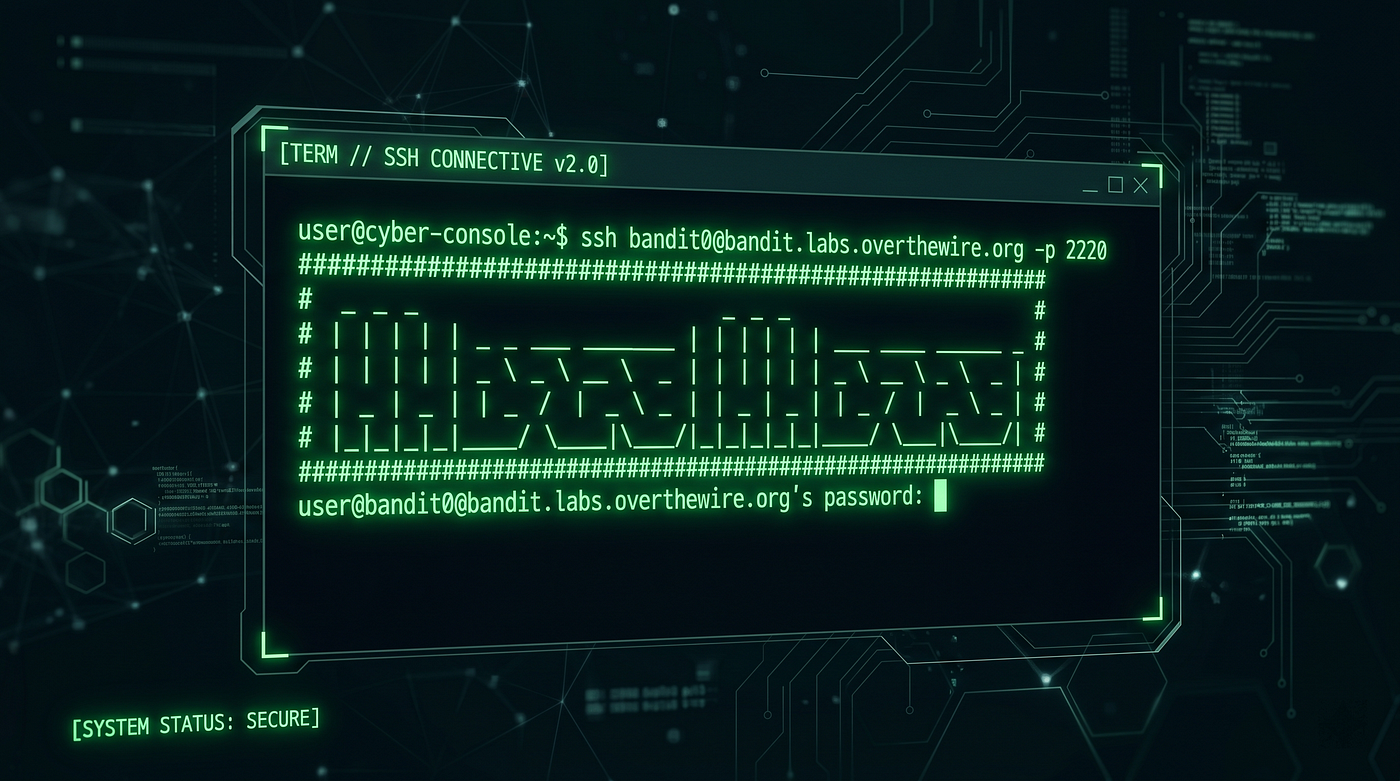
If you closed your terminal session after the previous level, you must first re-establish your SSH connection as the Level 0 user. Use the credentials tracked in the previous stage to re-verify your presence on the server:
ssh bandit0@bandit.labs.overthewire.org -p 2220Input the password bandit0 when prompted. When the welcome banner clears, you will find yourself back at the bandit0@bandit:~$ prompt.
Step 2: Finding Where You Are (pwd & ls)
Once inside a remote server, a professional must orient themselves before looking for target objectives.

First, check your exact location in the system hierarchy using the Print Working Directory command:
pwdRunning this command lets you verify that you are safely located inside the user’s home partition directory. Next, list all files and folders residing in this directory by running:
lsYour terminal output will populate with a file named readme. This matches the explicit target file defined by the challenge objective.
Step 3: Reading the Content (cat)
Now that we have successfully located the target file, we need to extract the data hidden inside it without modifying the system state.
In Linux, the cat command (short for concatenate) is the standard utility utilized to open, read, and output text file contents directly into the standard terminal screen.
Run the following command against the target file:
cat readmeThe terminal will instantly display a congratulatory message alongside a long, complex string of characters (e.g., numbers and letters mixed together). This alphanumeric string is your official password token for Level 1.
Step 4: Storing Your Progress Locally
A critical piece of professional advice emphasized in the video tutorial is the active management of local documentation. Bandit level passwords are not saved automatically by the game.
If your terminal session expires or crashes and you haven’t written down this token, you will be forced to start completely over from Level 0.
Open a secondary local terminal window or a text document on your host machine (like Kali Linux or Ubuntu) and update your password log:
# Example local tracking setup
Level 0 -> 1 : [Paste the password here for the next level]
Step 5: Escalating to Level 1
Now that you have securely captured your password token, close your current session or open a clean terminal to execute the connection command for the next level user:
ssh bandit1@bandit.labs.overthewire.org -p 2220When the terminal requests a password, copy the unique token you extracted from the readme file and paste it in.

Look at your terminal prompt: it should now read bandit1@bandit:~$. You have successfully navigated the file system, discovered the target token, and escalated your privileges to Level 1!
Want a Video Reference?
Seeing syntax typed out live helps reinforce muscle memory. If you want a quick visual companion to ensure your commands match perfectly, watch the full live execution by ZeroTrace on YouTube: **Watch: OverTheWire Bandit Level 0 → Level 1 Guide**.
Don’t forget to like the video, subscribe to their channel, and drop a comment to follow along with the rest of the wargame series!
메타데이터
- post_id
- 3ecfbf4b6e9d
- slug
- overthewire-bandit-level-0-level-1-walkthrough-2026-guide-3ecfbf4b6e9d
- url
- https://medium.com/@writer.blog03/overthewire-bandit-level-0-level-1-walkthrough-2026-guide-3ecfbf4b6e9d
- canonical_url
- https://medium.com/@writer.blog03/overthewire-bandit-level-0-level-1-walkthrough-2026-guide-3ecfbf4b6e9d
- author_url
- https://medium.com/@writer.blog03
- status
- ok
- fetched_at
- 2026-06-20 20:29:01