Food Ordering System Project in C++ with Source Code
The Food Ordering System in C++ is a consoled based application and created using C++ programming language.
Food Ordering System Project in C++ with Source Code
The Food Ordering System in C++ is a consoled based application and created using C++ programming language.
This system is a simple food order system mini project and compiled in Code::Blocks IDE using GCC compiler.
This ordering food items project is based on a concept of the fundamental idea of fast food ordering food items and creating complete food items and generating cost.

There’s no login system framework in this system.
At that point the client can make a request by choosing from the menu and concept of ordering food and items and generating total.
Before you start to click the download now first you must click the Run Quick Scan for secure Download.
Discussing the highlights of the Food Ordering System Project framework, the client needs to choose any of the things selecting from the main menu.
At that point he/she needs to choose its sorts and afterward enter food amount.
After this, the framework shows the complete bill of the client.
Anyway if you want level up your knowledge in programming especially C/C++ Programming Language, try this new article I’ve made for you Best C Projects with Source Code for Beginners Free Download.
How to create a Food Ordering System in C++? With Source Code
Here are the steps on how to create a Food Ordering System in C++ with Source Code.
- Step 1: Create a new project.
First open the code blocks IDE and click “create a new project”.
- Step 2: Choose console application.
Second click the “console application” and after that click “next”.
- Step 3: Choose C++ language.
Third choose “C++ language” and click “next”.
- Step 4: Name Your Project.
Fourth name the project you’ve created and click “next” after that click “finish”.
This function is for the option/choice for pizza
In the code given below, which is for the function for choosing the pizza.
In this code you will choose what kind of pizza you want to order and the calculation of generating total food cost of your order.
if(option==1)
{
cout<<"\n1) "<>pizzaoption;
if(pizzaoption>=1 && pizzaoption<=5) { cout<<"\n1) Small P250.00\n"<<"2) Regular P500.00\n"<<"3) Large P900.00\n"; cout<<"\nChoose Size Please:"; cin>>pizzaoption1;
if(pizzaoption1>=1 && pizzaoption1<=3) cout<<"\nPlease Enter Quantity: "; cin>>qty;
switch(pizzaoption1)
{
case 1: option = 250.00*qty;
break;
case 2: option = 500.00*qty; break; case 3: option = 900.00*qty; break; } system("cls"); switch (pizzaoption1) { case 1: cout<<"\t\t\t--------Your Order---------\n"; cout<<""<<qty<<" "<<piz1; cout<<"\nYour Total Bill is \nP"<<option<<"\nYour Order Will be delivered in 40 Minutes"; cout<<"\n\nThank you For Ordering From Adones Fast Food\n"; break; case 2: cout<<"\t\t--------Your Order---------\n"; cout<<""<<qty<<" "<<piz2; cout<<"\nYour Total Bill is \nP"<<option<<"\nYour Order Will be delivered in 40 Minutes"; cout<<"\nThank you For Ordering From Adones Fast Food\n"; break; case 3: cout<<"\t\t--------Your Order---------\n"; cout<<""<<qty<<" "<<piz3; cout<<"\nYour Total Bill is \nP"<<option<<"\nYour Order Will be delivered in 40 Minutes"; cout<<"\nThank you For Ordering From Adones Fast Food\n"; break; case 4: cout<<"\t\t--------Your Order---------\n"; cout<<""<<qty<<" "<<piz4; cout<<"\nYour Total Bill is \nP"<<option<<"\nYour Order Will be delivered in 40 Minutes"; cout<<"\nThank you For Ordering From Adones Fast Food\n"; break; } cout<<"Would you like to order anything else? Y / N:"; cin>>gotobeginning; if(gotobeginning=='Y' || gotobeginning=='y') { goto starting; //return 0; } } }
This function is for the option/choice for burger
In the code given below, which is for the function for choosing the burger.
In this code you will choose what kind of burger you want to order and also the calculation of total cost of your order.
else if(option==2)
{
cout<<"\n1 "<>pizzaoption1;
if(pizzaoption1>=1 && pizzaoption1<=3) { cout<<"\nPlease Enter Quantity: "; cin>>qty;
switch(pizzaoption1)
{
case 1: option = 180.00*qty;
break;
case 2: option = 150.00*qty; break; case 3: option = 160.00*qty; break; } system("cls"); switch (pizzaoption1) { case 1: cout<<"\t\t--------Your Order---------\n"; cout<<""<<qty<<" "<<burger_1; cout<<"\nYour Total Bill is \nP"<<option<<"\nYour Order Will be delivered in 40 Minutes"; cout<<"\nThank you For Ordering From Adones Fast Food \n"; break; case 2: cout<<"\t\t--------Your Order---------\n"; cout<<""<<qty<<" "<<burger_2; cout<<"\nYour Total Bill is \nP"<<option<<"\nYour Order Will be delivered in 40 Minutes"; cout<<"\nThank you For Ordering From Adones Pizza\n"; break; case 3: cout<<"\t\t--------Your Order---------\n"; cout<<""<<qty<<" "<<burger_3; cout<<"\nYour Total Bill is \nP"<<option<<"\nYour Order Will be delivered in 40 Minutes"; cout<<"\nThank you For Ordering From Adones Fast Food\n"; break; } cout<<"\nWould you like to order anything else? Y / N:"; cin>>gotobeginning; if(gotobeginning=='Y' || gotobeginning=='y') { goto starting; //return 0; }
}
}
📌 Download the Complete Source Code for Food Ordering System in C++here: ⬇️⬇️⬇️
Online Food Ordering System Project UML Diagrams
Here are the UML Diagrams that composes an Online Food Ordering System.
- **Online Food Ordering System Sequence Diagram**
- **Online Food Ordering System Activity Diagram**
- **Use Case Diagram for Online Food Ordering System**
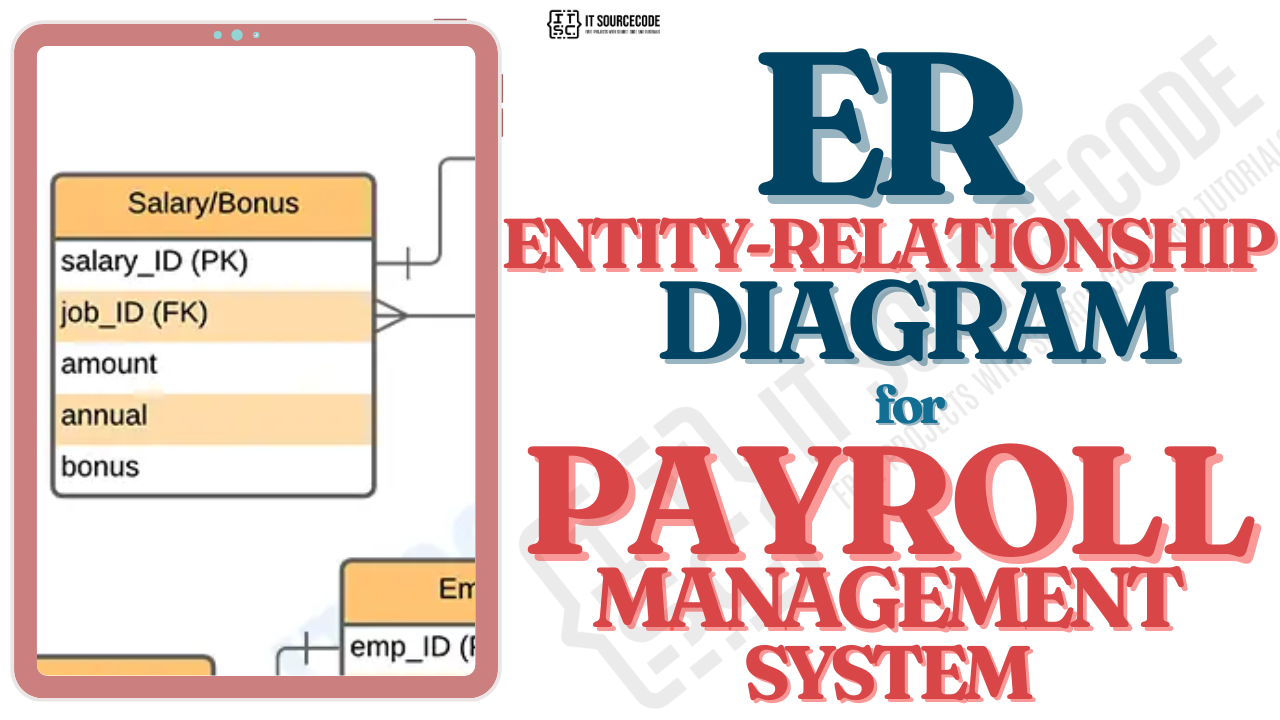
- **Online Food Ordering System ER Diagram**
- **Food Ordering System DFD — Data Flow Diagram**
- **Online Food Ordering System Deployment Diagram**
Online Food Ordering System in Different Programming Languages with Source Code
- **Online Food Ordering System in CodeIgniter with Source Code**
- **Online Food Ordering System in Python Django with Source Code**
- **Order Management System Project in Django with Source Code**
- **Python Code For Food Ordering System**
- **Pizza Ordering System Project in Django with Source Code**
💫Conclusion
The Online Food Ordering System in C++ is highly customizable and adaptable to meet specific requirements.
I have also included other UML diagrams.
These resources are intended to provide a comprehensive understanding of the system’s architecture and functionalities.
Additionally, you can check out the Online Food Ordering System in various programming languages.
If you find this article valuable, please consider leaving a comment below and sharing your thoughts.
Your feedback will not only help us improve our content but also benefit others in the community by providing diverse insights and experiences.
Itsourcecode.com🚀
Thank you for being a part of the Itsourcecode community!
Before you leave, please consider the following:
I would appreciate it if you could show your support by clapping 50 times and following the author.
Follow us on [**Pinterest**]
Follow us on [KO-FI]
Follow us on [**Facebook**]
메타데이터
- post_id
- 3efa3f790ce2
- slug
- food-ordering-system-project-in-c-with-source-code-3efa3f790ce2
- url
- https://medium.com/@pies052022/food-ordering-system-project-in-c-with-source-code-3efa3f790ce2
- canonical_url
- https://medium.com/@pies052022/food-ordering-system-project-in-c-with-source-code-3efa3f790ce2
- author_url
- https://medium.com/@pies052022
- status
- ok
- fetched_at
- 2026-08-23 08:46:30