Transform Your M365 Workflow with UniAI
Transform Your M365 Workflow with UniAI
Transform Your M365 Workflow with UniAI
In the modern business environment, the ability to process documents efficiently is crucial. Companies relying on Microsoft 365 (M365) face the challenge of dealing with an overwhelming number of documents, from invoices to contracts to resumes. Manually extracting data from these documents can be a huge time sink and it’s often fraught with errors.
That’s where **UniAI comes in. This cutting-edge tool offers AI-powered document data extraction that integrates seamlessly into your SharePoint, Power Automate, and Teams environments. With UniAI**, businesses can automate their document processing workflows, saving valuable time, reducing human error, and boosting productivity.
The Need for Automation in Document Processing
If you’re using M365 tools, you’re probably aware of how cumbersome document processing can be. Manually extracting data from documents like invoices or contracts isn’t just time-consuming it’s prone to mistakes.
Here’s the problem that traditional solutions require building custom parsers for each type of document. And while custom-built solutions might work, they take a long time to set up, are often hard to maintain, and are far from scalable.
This is where UniAI steps in. It’s designed to automatically extract data from documents like invoices, receipts, contracts, and more, within the M365 ecosystem. Say goodbye to building custom solutions from scratch and hello to faster, more efficient workflows.
How Does UniAI Work?
The beauty of UniAI lies in its simplicity. Here’s how it can streamline your M365 document processing:
- Easy Upload: Upload your document to UniAI, whether it’s an invoice, resume, or contract. It works with all kinds of documents, making it a versatile solution.
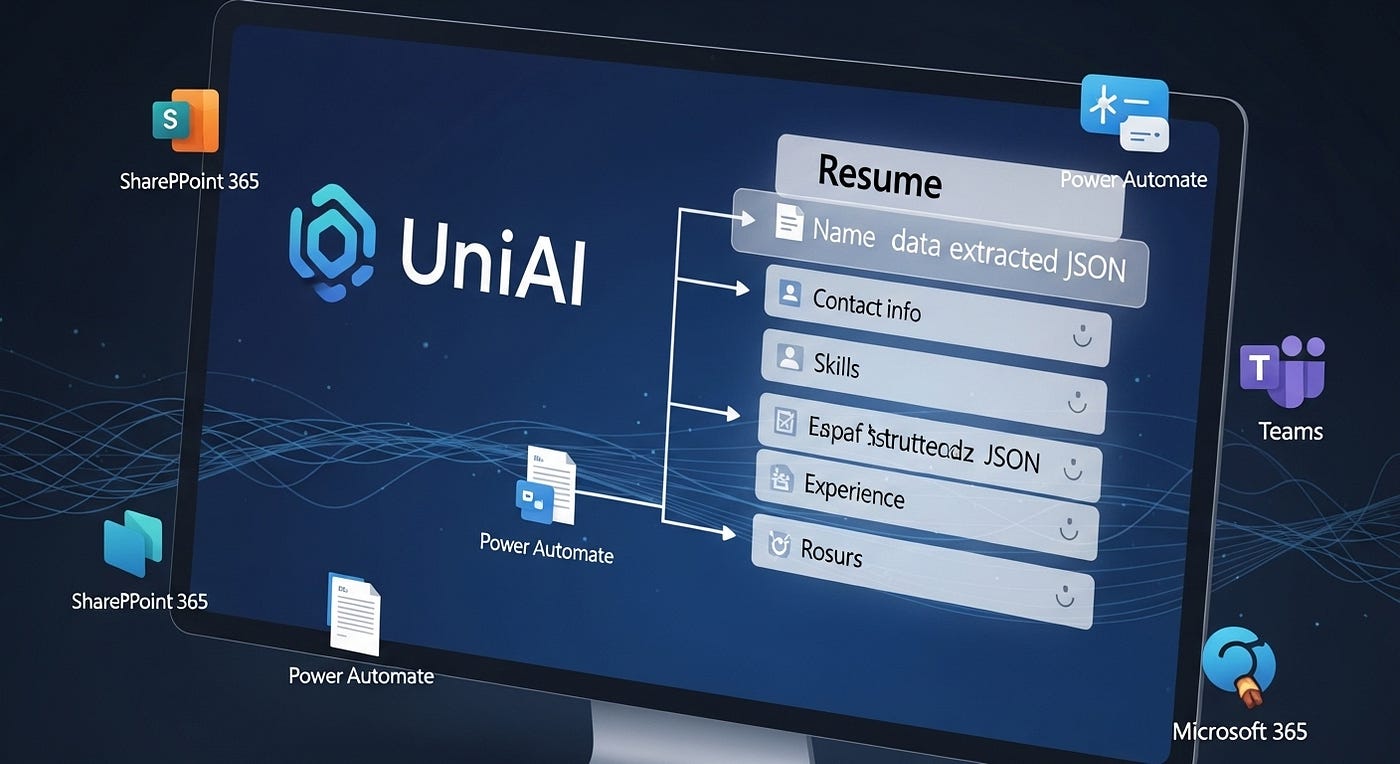
- Data Extraction: Once your document is uploaded, UniAI automatically scans and extracts the key data points. For invoices, this could mean extracting the total amount, invoice number, date, and vendor name. For resumes, it could pull out contact details, work experience, and skills.
- Structured Data: UniAI organizes the extracted data into a structured format like JSON, making it easy to integrate into your existing systems (e.g., CRM, ERP).
- Error Detection: UniAI doesn’t just extract data it ensures its accuracy. If it detects any discrepancies or errors, it flags them for your review, ensuring reliable data.
Why You Need UniAI for M365 Solutions
Businesses using Microsoft 365 solutions need a tool that works seamlessly within their existing ecosystem. Here’s why UniAI is the perfect solution for M365 users:
1. Time-Saving Efficiency
With UniAI, the time spent manually entering data is eliminated. Whether you’re dealing with hundreds or thousands of documents, UniAI extracts the necessary data in seconds. This means your team can focus on higher-priority work, increasing productivity across the board.
2. Error-Free Automation
One of the major benefits of automation is accuracy. Human error is inevitable in manual data entry. Even a small mistake can lead to costly issues. UniAI eliminates this problem by ensuring that data is consistently and accurately extracted, making it a trustworthy solution for businesses.
3. Cost Reduction
Manual document processing is not just slow it’s expensive. By automating the process with UniAI, businesses can save on labor costs and reallocate resources to more valuable tasks. The result? A reduction in overhead and a more efficient operation.
How Businesses Use UniAI
UniAI is an all-in-one tool that works across various industries, helping businesses automate document data extraction with ease. Here are some of the ways companies use it:
- Invoice Management: For businesses processing a high volume of invoices, UniAI can extract details such as vendor names, amounts, dates, and invoice numbers, reducing the time and effort spent on manual data entry.
- Resume Parsing: HR teams can leverage UniAI to extract key details from resumes, including qualifications, experience, and contact info, allowing them to screen applicants quickly and easily.
- Legal Document Review: Law firms use UniAI to extract critical information from contracts and legal agreements, making the document review process faster and more efficient.
- Survey Data Processing: Businesses that rely on forms or surveys for data collection can use UniAI to organize and analyze that data, providing valuable insights in a fraction of the time.
Seamless Integration with M365
The best part about UniAI is how easily it integrates into your existing M365 solutions. Whether you’re using SharePoint, Power Automate, or Teams, UniAI works flawlessly within your environment. This means you don’t need to spend time configuring complex systems or worrying about compatibility issues.
Simply upload your documents, let UniAI extract the data, and then integrate that data into your workflow whether it’s in your ERP system, CRM, or reporting tools.
Start Automating Document Processing with UniAI
Ready to transform your document processing workflow? Here’s how to get started with UniAI:
- Sign Up: Head over to UniDoc website to sign up for UniAI.
- Upload Your Documents: Once you’re signed up, upload the documents you want to process.
- Let UniAI Do the Work: UniAI will extract the data in seconds, freeing up your team’s time.
- Review and Use the Data: Once the data is extracted, you can use it right away or integrate it into your existing systems.
For a more detailed guide, check out our UniAI tutorial.
Conclusion
In conclusion, UniAI offers a smarter, faster, and more efficient way to handle document data extraction within M365. By automating this process, businesses can save time, reduce errors, and improve overall productivity.
Whether you’re processing invoices, resumes, contracts, or surveys, UniAI is the perfect solution to streamline your operations.
메타데이터
- post_id
- 406dc2e6eb97
- slug
- transform-your-m365-workflow-with-uniai-406dc2e6eb97
- url
- https://medium.com/@unidoclib/transform-your-m365-workflow-with-uniai-406dc2e6eb97
- canonical_url
- https://medium.com/@unidoclib/transform-your-m365-workflow-with-uniai-406dc2e6eb97
- author_url
- https://medium.com/@unidoclib
- status
- ok
- fetched_at
- 2026-07-13 06:23:13