How to Use a Teleprompter for YouTube Videos Without Looking Like a Robot
If you record video content, you know the nightmare: Your 3-minute video script suddenly takes 3 hours to record. You write a great script…
How to Use a Teleprompter for YouTube Videos Without Looking Like a Robot
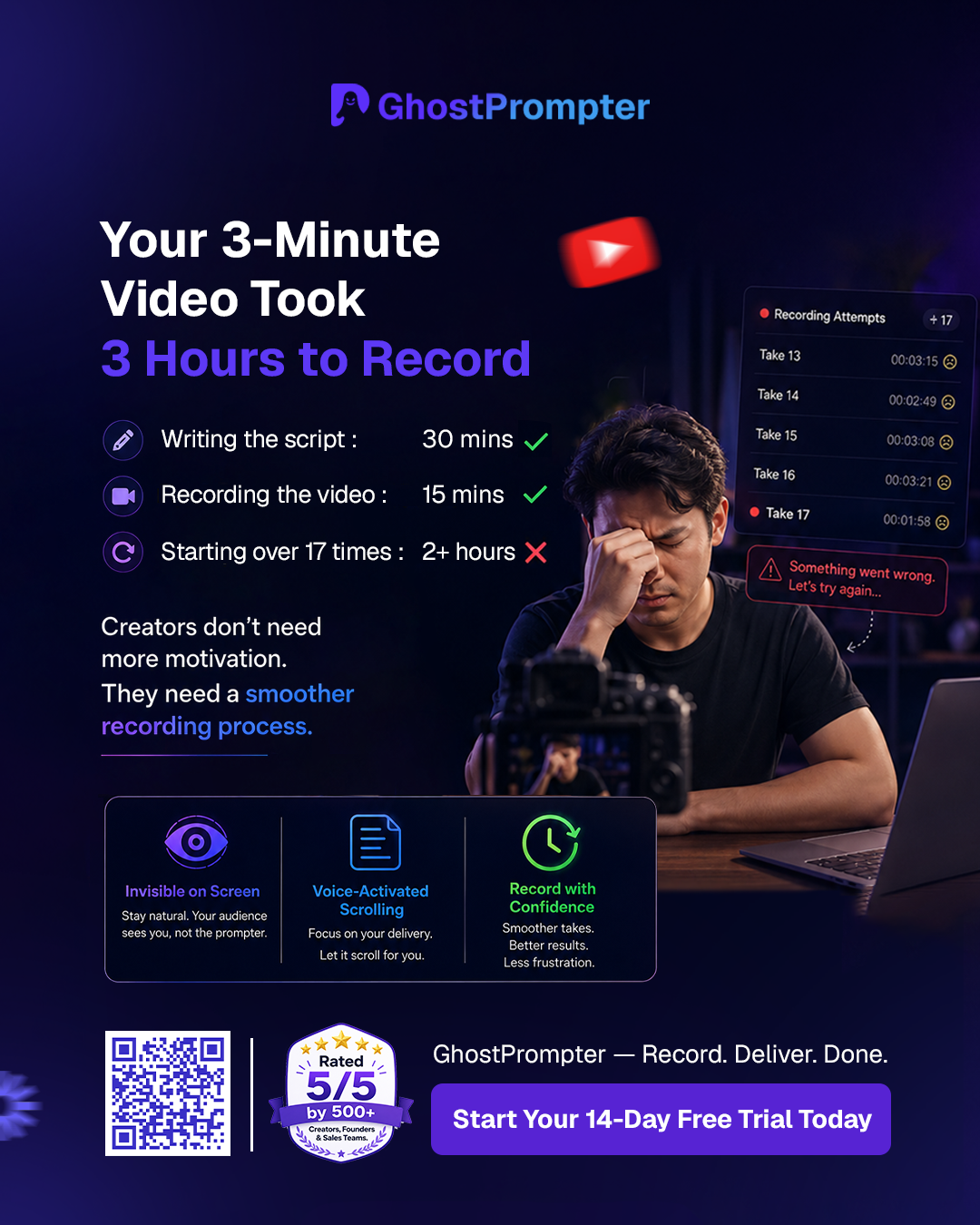
Stressed YouTube creator struggling with video script retakes.
If you record video content, you know the nightmare: Your 3-minute video script suddenly takes 3 hours to record. You write a great script, turn on the camera, and instantly freeze. You stumble over a sentence, get frustrated, and hit reset. Before you know it, you’ve started over 17 times, your energy is completely drained, and you haven’t even made it past the introduction.
Most creators think they need more motivation or better public speaking skills. But the reality is much simpler: You just need a smoother recording process.
Using a traditional software setup often forces a terrible trade-off. If you look at your script on a side monitor or laptop screen, your eyes dart away, immediately breaking eye contact with your audience. If you use a hardware glass rig, it takes forever to set up and configure.
The modern solution to this production bottleneck is utilizing an **invisible teleprompter** setup built specifically for desktop workflows.
Why Standard YouTube Teleprompter Workflows Fail
When people start looking into a youtube teleprompter option, they usually download a basic mobile app or an automated web scroller. These tools fail creators for two distinct reasons:
- The Static Speed Trap: Standard scrollers move at a fixed word-per-minute speed. If you pause to catch your breath, smile, or emphasize a point, the text keeps moving, leaving you stranded and rushing to catch up.
- The “Robotic Eye” Scan: If your text window is too wide or too far from your lens, your eyes visibly track back and forth across the screen. Your viewers can instantly tell you are reading, which destroys trust.
According to official **YouTube Help benchmarks on audience retention**, capturing and maintaining viewer attention relies heavily on establishing a direct, authentic connection right from the first few seconds of your video. If your eyes are visibly glued to a scrolling text box off-camera instead of maintaining steady eye contact with the lens, your audience clicks away.
Mastering the Seamless Scroll
To maintain absolute authenticity, your digital script needs to float directly over or immediately adjacent to your camera lens frame. More importantly, it needs to adjust dynamically to your natural voice.
This is exactly why we built GhostPrompter. It runs as a completely transparent overlay on your Windows or Mac desktop. Because the background is invisible, you can place your script directly over your recording window or presentation preview.
By leveraging voice-activated scrolling, the application listens to your microphone and advances the script only as you speak the words aloud. If you stop to take a sip of water or ad-lib a quick joke, the text pauses with you.
Step-Up Your Production Speed
You shouldn’t have to choose between saving time and staying natural. By placing an invisible overlay right in line with your camera viewpoint, you keep flawless eye contact with your audience while executing complex scripts perfectly on the very first take.
We regularly share real, behind-the-scenes recording workflows, setup deep-dives, and production shortcuts directly on our **GhostPrompter YouTube Channel** to show you exactly how to streamline your video creation process.
Stop letting the recording process slow down your channel’s growth. Say goodbye to endless retakes, step up to a professional **teleprompter for youtube videos**, and spend your hours creating instead of restarting.
What’s next for your setup? If you’re weighing your options before downloading, read through our ultimate breakdown of the **best teleprompter apps of 2026** to see which overlay tools give you the cleanest workflow for your specific monitor or laptop size.
메타데이터
- post_id
- 407b889e79d3
- slug
- invisible-youtube-teleprompter-407b889e79d3
- url
- https://medium.com/@GhostPrompter/invisible-youtube-teleprompter-407b889e79d3
- canonical_url
- https://medium.com/@GhostPrompter/invisible-youtube-teleprompter-407b889e79d3
- author_url
- https://medium.com/@GhostPrompter
- status
- ok
- fetched_at
- 2026-06-20 20:29:01