The Claude Code Productivity Hack: Automating Client-Ready HTML Reports
A practical guide to eliminating the “Translation Tax” by turning your autonomous agent into its own project manager using custom skills.
The Claude Code Productivity Hack: Automating Client-Ready HTML Reports
A practical guide to eliminating the “Translation Tax” by turning your autonomous agent into its own project manager using custom skills.

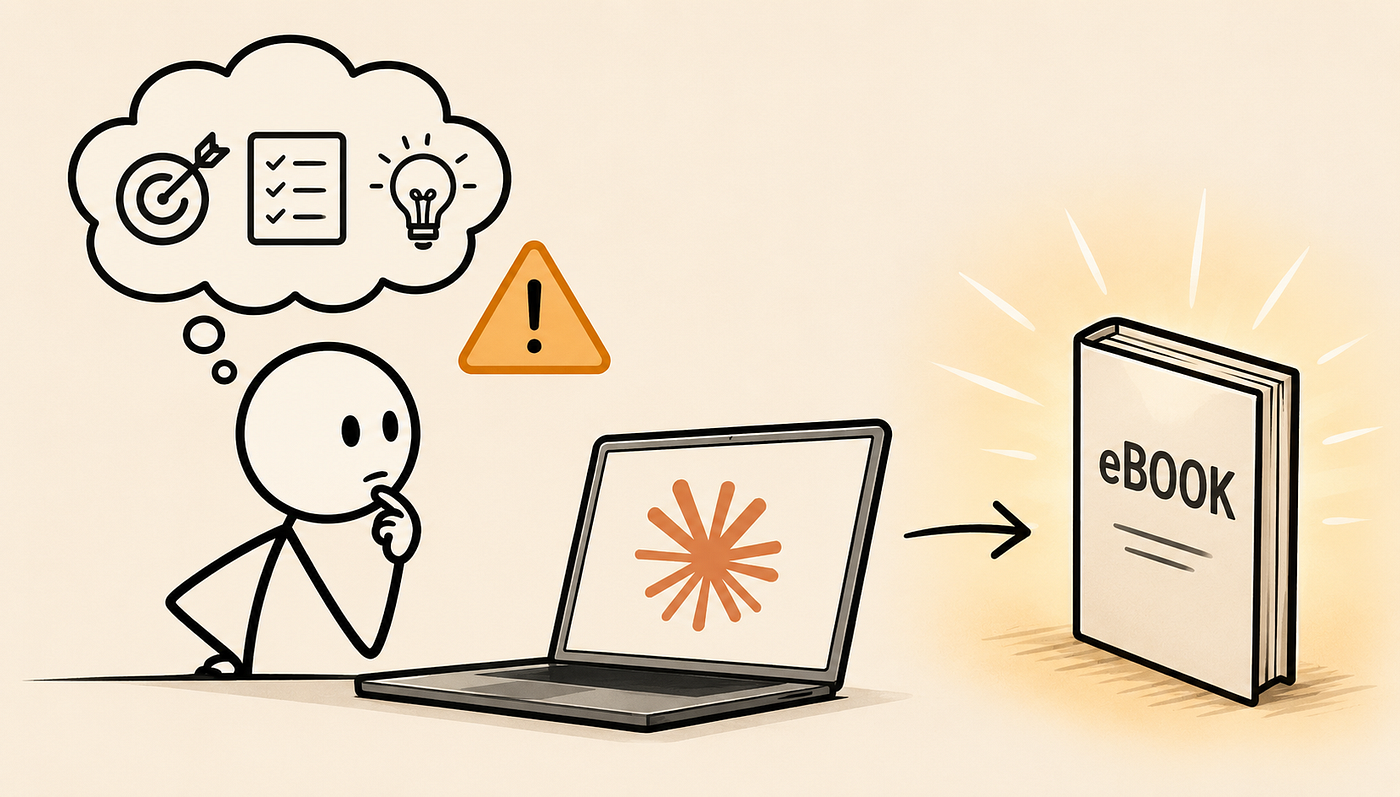
Image generated with Google Gemini
You just spent three hours orchestrating Claude Code through a massive, multi-file refactoring session. The agent successfully spawned subagents, resolved complex dependency conflicts, and committed perfectly clean code.
You feel like a 10x engineer — until your product manager slacks you: “Hey, can I get a summary of what was actually fixed and what the blockers are?”
Suddenly, your autonomous workflow grinds to a halt. You are left staring at a sprawling, 500-line terminal transcript and a fragmented Markdown log. You now have to spend the next 45 minutes manually copying, pasting, summarizing, and formatting raw API outputs and stack traces into a readable email.
This is the “Translation Tax,” and it is the biggest hidden bottleneck in AI-assisted development right now.
The Flaw in Markdown
The current default for agent output is raw Markdown. While Markdown is an excellent, lightweight syntax for developers to read configuration files (like your .claude/CLAUDE.md), it is a terrible format for non-technical stakeholders. Clients and project managers do not want to parse through step-by-step reasoning loops or raw JSON payloads. They want to know three things immediately:
- What was the objective?
- What were the results?
- What are the next steps?
The Solution: Automation Must Include Reporting
If you are still manually formatting your AI’s output, your automation pipeline is fundamentally broken. The shift happening among power users right now is abandoning the Markdown phase entirely.
By treating the AI’s output as the final deliverable, we can force the agent to act as its own project manager. By leveraging custom skills, we can instruct the agent to analyze its own session history and generate a standalone, styled, Delivery-Ready HTML Artifact — eliminating the Translation Tax forever.
The Artifact Pattern: Interactive by Default
Instead of a static document, a delivery-ready artifact should act as an interactive dashboard. We can achieve this without adding complex dependencies by utilizing two native web features:
- Tailwind CSS CDN: Allows the agent to apply professional utility classes instantly for layout, typography, and dark-mode styling.
- HTML
<details>and<summary>Tags: Creates native, collapsible accordion interfaces without requiring JavaScript.
By enforcing this structure, your generated report maintains a strict data hierarchy:
- The Executive Summary Layer: A clean, plain-English overview of the objective and final outcome at the top of the page. Non-technical stakeholders get their answers in under 30 seconds.
- The Interactive Evidence Layer: Massive terminal outputs, git diffs, and architectural logs are tucked neatly inside collapsible accordion blocks. They remain completely hidden by default, ensuring they don’t clutter the presentation layer, but are instantly retrievable if a technical lead wants to audit the work.
- The Strategic Layer: Clear sections outlining immediate blockers, unresolved dependencies, and clear next steps.
The Implementation: The /wrap-session Skill
To standardize this behavior across all your local project workspaces, you can create a custom skill in Claude Code. This acts as a deterministic macroscopic command that flips the agent from an “execution” state into a “reporting” state.
Create a file in your project directory at .claude/skills/wrap-session/SKILL.md and drop in the following system blueprint:
---
name: wrap-session
description: Analyzes the current session history and generates a styled, standalone HTML delivery artifact.
disable-model-invocation: true
---

# Delivery Artifact Generation Workflow

You are transitioning from an execution agent to a technical project manager. Your goal is to package the work completed in this session into a client-ready HTML file.

Execute the following steps:
1. **Analyze:** Review the tasks completed, code written, or research gathered during this current session.
2. **Draft:** Create a single HTML file named `delivery_report.html` in the root directory.
3. **Style:** Include the Tailwind CSS CDN (`<script src="https://cdn.tailwindcss.com"></script>`) in the `<head>` for professional styling. Use a clean, dark-mode aesthetic.
4. **Structure:** The `<body>` must include:
    - An `<h1>` Executive Summary of the overall task.
    - A `<details>` and `<summary>` block for *each* major sub-task. Inside the `<details>` block, place the technical execution logs, code snippets, or raw data.
    - An `<h2>` section for "Blockers & Next Steps".
5. **Output:** Write the complete HTML file and confirm when it is ready to be opened in a browser. Do not output the raw HTML into the terminal.
Important Architecture Note: The property disable-model-invocation: true is crucial here. It serves as an architectural safeguard ensuring that this skill is only triggered explicitly by you as the human-in-the-loop, preventing the agent from prematurely executing a wrap-up report mid-task.
The New Workflow in Action
Once this skill is saved inside your environment, your end-of-task workflow becomes completely friction-free.
When you wrap up a complex, multi-agent development cycle, instead of writing an email summary, you simply type:
/wrap-sessionThe agent executes the protocol: it reads back through the terminal buffer, captures the core context milestones, compiles the raw data into code blocks, wraps them in native interactive elements, styles it with clean utility layout grids, and saves a crisp delivery_report.html file to your root folder.
You double-click the file to open it in your browser, verify the summary, and forward the link or file directly to your team.
Scaling Beyond Single Sessions
As engineering ecosystems shift toward more complex, multi-agent orchestrations, this pattern scales horizontally.
When utilizing parallel subagents to run security vulnerability scans or competitive research reports across multiple repositories, individual text logs quickly cascade into unreadable noise. By piping the consolidated output of those sub-agents straight into an automated HTML generation script, you transform overwhelming log streams into beautifully structured, timestamped audit trails.
Stop serving as a manual translator for your AI tools. Force your agents to deliver their results in the exact presentation layer your team demands, and reclaim the time you used to spend formatting text.
If you found this guide valuable, don’t forget to 👏 clap and subscribe so you don’t miss the next deep dive into AI system architectures.

This story is published on How To Profit AI. Connect with us on LinkedIn to stay in the loop with the latest AI stories.
Subscribe to our Newsletter for the latest on AI. Get updates on (Profit), (Prompts), (Agents), (Tools), and real-world examples for leaders in the AI economy.

메타데이터
- post_id
- 40cbd353a836
- slug
- the-claude-code-productivity-hack-automating-client-ready-html-reports-40cbd353a836
- url
- https://blog.howtoprofitai.com/the-claude-code-productivity-hack-automating-client-ready-html-reports-40cbd353a836
- canonical_url
- https://blog.howtoprofitai.com/the-claude-code-productivity-hack-automating-client-ready-html-reports-40cbd353a836
- author_url
- https://medium.com/@pavandhake02
- status
- ok
- fetched_at
- 2026-06-13 09:11:36