Your INFO Logs Are Gone and Glue Didn’t Tell You
On the Python logging trap that Spark sets before your code runs.
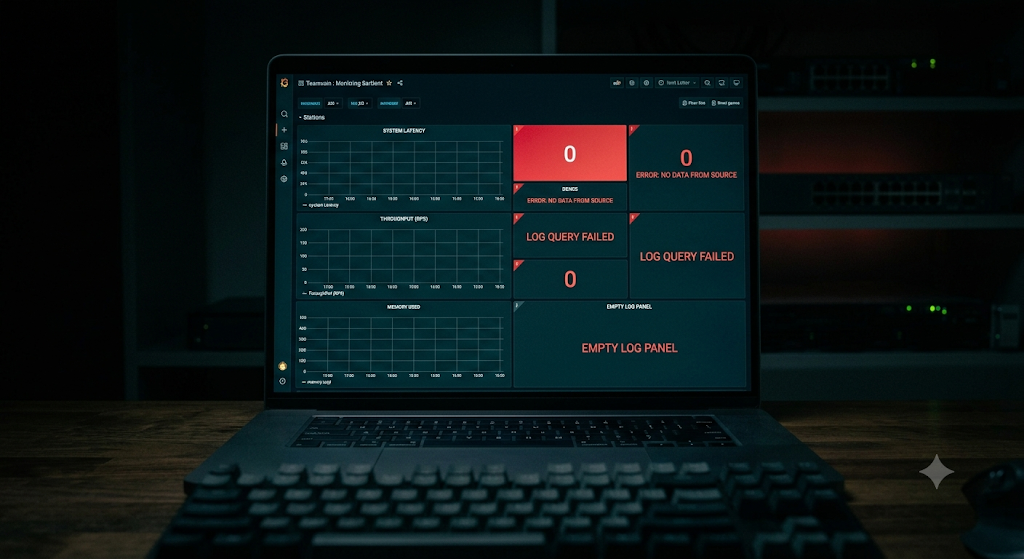
The job completed successfully. There were no logs. (Image generated by AI)
Your INFO Logs Are Gone and Glue Didn’t Tell You
On the Python logging trap that Spark sets before your code runs.
The job had run. The records had been processed. CloudWatch had nothing.
Not in the wrong log group, not filtered out. Just gone. I spent the first hour of an on-call incident looking for log entries that simply didn’t exist. The fix was two lines. The problem had been running in production for weeks.
The Root Logger Trap
When the Spark context initializes, it takes control of the Python root logger and sets its level to WARN. Spark generates a large volume of INFO messages internally, and this prevents them from flooding your logs. This happens before your code runs.
Any logger you create with logging.getLogger(name) inherits from root by default. WARN filtering at the root silently drops everything at INFO and below.

Your logger is fine. The root logger isn’t.
You set your logger to INFO. Spark set the root to WARN. The root wins. And the job runs to completion without a single complaint.
This isn’t a Glue or AWS behavior. It happens in any PySpark environment: Databricks, EMR, local Spark. If your code runs on Spark, your INFO logs are at risk.
Two Lines, Not a Configuration File
The fix has nothing to do with Spark’s log4j configuration, Glue job parameters, or CloudWatch agent settings. Yes, I checked all of them and none of it mattered. Two things:
- Add a StreamHandler(sys.stdout) directly to your logger, not to the root
- Set propagate = False so the record never reaches the root logger

The record goes directly to stdout. Spark never sees it.
def get_logger(name, level=logging.INFO, **static_fields):
    logger = logging.getLogger(name)
    if not logger.handlers:
        handler = logging.StreamHandler(sys.stdout)
        handler.setFormatter(_JsonFormatter(static_fields))
        logger.addHandler(handler)
    logger.setLevel(level)
    logger.propagate = False  # bypass Spark's root logger
    return logger
The if not logger.handlers guard prevents duplicate entries when the module is imported more than once, which happens in test environments.
Why JSON, Not Text
Plain text logs are fine until you need to query them. JSON-structured entries turn CloudWatch Logs Insights into something actually useful.
Each entry looks like:
{
  "timestamp": "2024-01-15 10:23:45",
  "level": "INFO",
  "message": "Job starting",
  "job_name": "my-etl-job",
  "environment": "production",
  "version": "1.2.0",
  "record_count": 500
}
The **static_fields in get_logger() embed job-level context into every entry automatically:
log = get_logger(
    "my-job",
    job_name=args["JOB_NAME"],
    environment=args["APP_ENV"],
    version=__version__,
)
You write log.info(“Processing started”) once. Every entry carries them automatically, without repeating the same context at every call site.
What You Can Actually Query
# Which version was running during this incident?
fields @timestamp, version, environment
| filter message = "Job starting"
| filter @timestamp between <start> and <end>

# All errors in the last 24h
fields @timestamp, message, device_id
| filter level = "ERROR"
| sort @timestamp desc

# Filter smoke test runs
fields @timestamp, message
| filter message like /TEST/
You can’t do any of that with plain-text logs. Not reliably.
Conclusion: Logs That Are There When You Need Them
The Root Logger Trap is subtle because it looks like success. The code runs. No exceptions. The job completes. You only find out there are no logs when you actually need them, which is exactly when you can’t afford to debug your logging setup.
propagate = False and a handler on stdout. Two lines. That’s the whole thing.
The JSON structure is worth it. On-call at 2 AM is not the time to grep through free-text hoping the format is consistent. A structured entry with job name, version, and environment already embedded means the first query answers the first question.
If the way systems are built interests you as much as what they build, I also write about Agile and program management:
- *Your “Agile Process” is Just a Tech Stack*
- *The Agile Swordsman and the Shield Wall*
- *Your Roadmap is a GPS, Not a Train Schedule*
More on the data engineering side:
- *Your AWS Glue Job Doesn’t Need AWS*
- *The Tests Were Green. The Job Was Broken*
- *From 2+ Hours to 5 Minutes: Two Rounds of ETL Optimization*
- *Your Glue Job Is Slow. Where Do You Look?*
Former developer, former Senior PM, current Data Engineer. The job title changed. The obsession with how things actually work didn’t.
메타데이터
- post_id
- 41865cbb976a
- slug
- your-info-logs-are-gone-and-glue-didnt-tell-you-41865cbb976a
- url
- https://medium.com/@vp.vinicius.pereira/your-info-logs-are-gone-and-glue-didnt-tell-you-41865cbb976a
- canonical_url
- https://medium.com/@vp.vinicius.pereira/your-info-logs-are-gone-and-glue-didnt-tell-you-41865cbb976a
- author_url
- https://medium.com/@vp.vinicius.pereira
- status
- ok
- fetched_at
- 2026-07-29 00:50:04